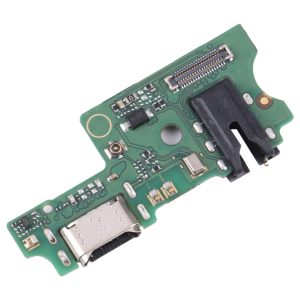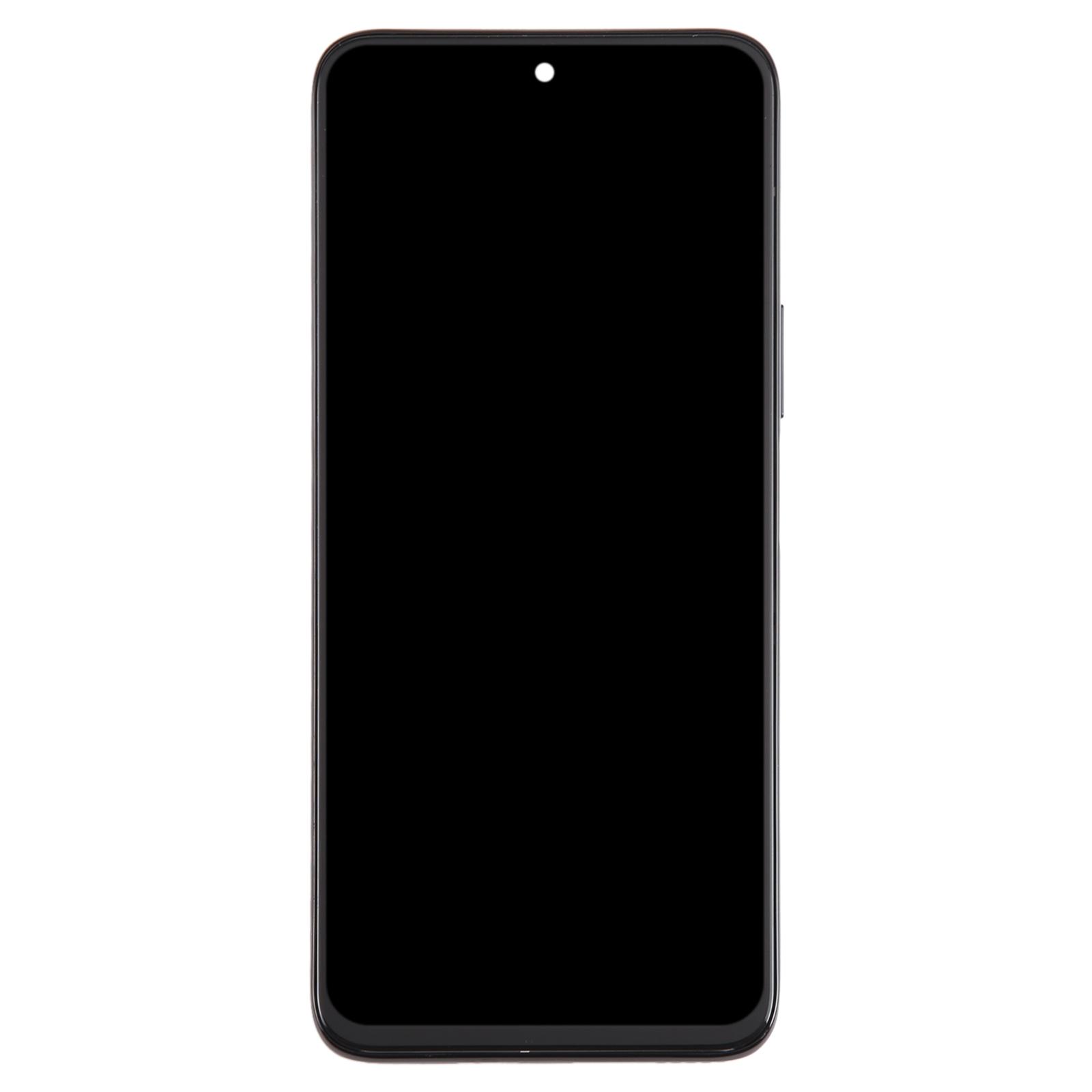
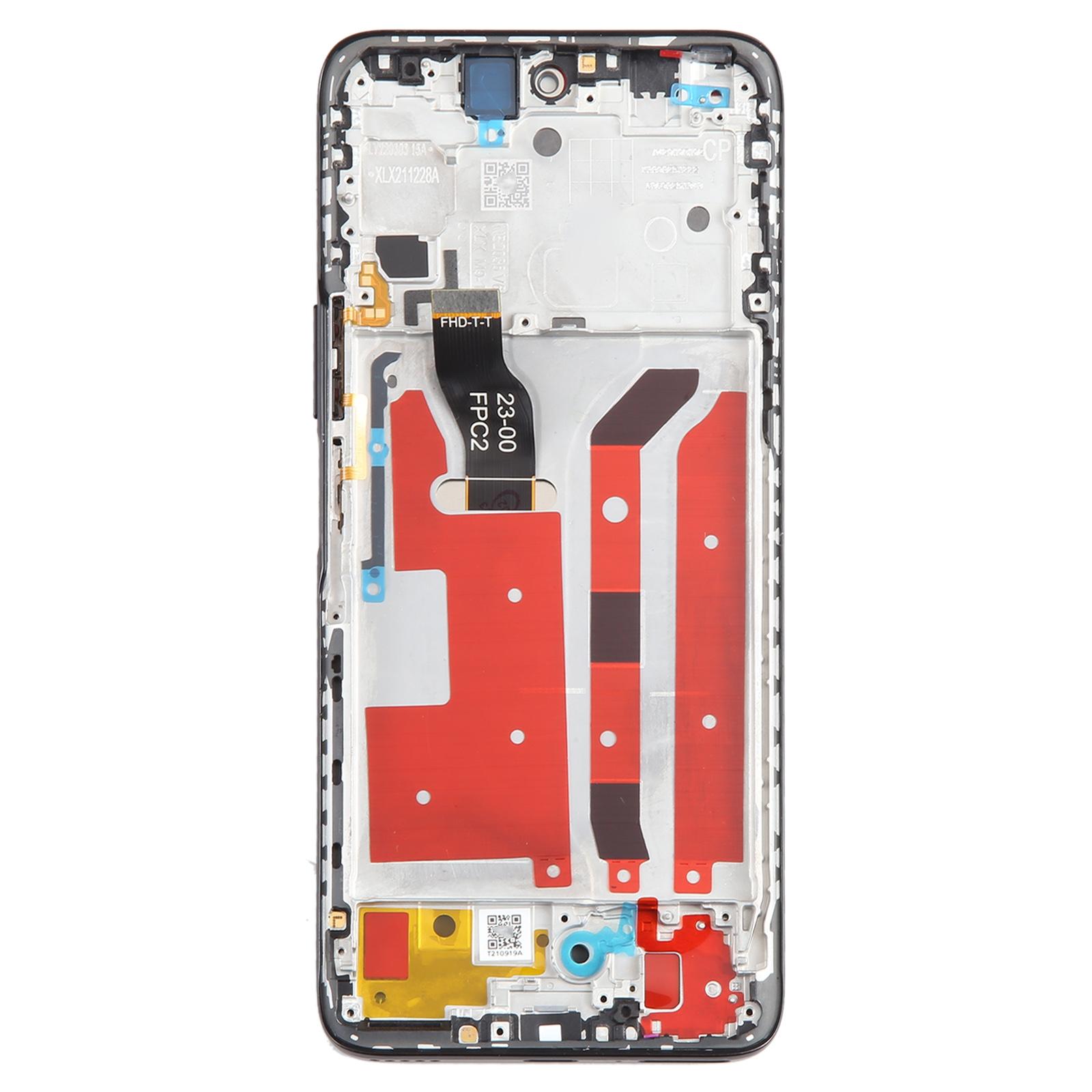
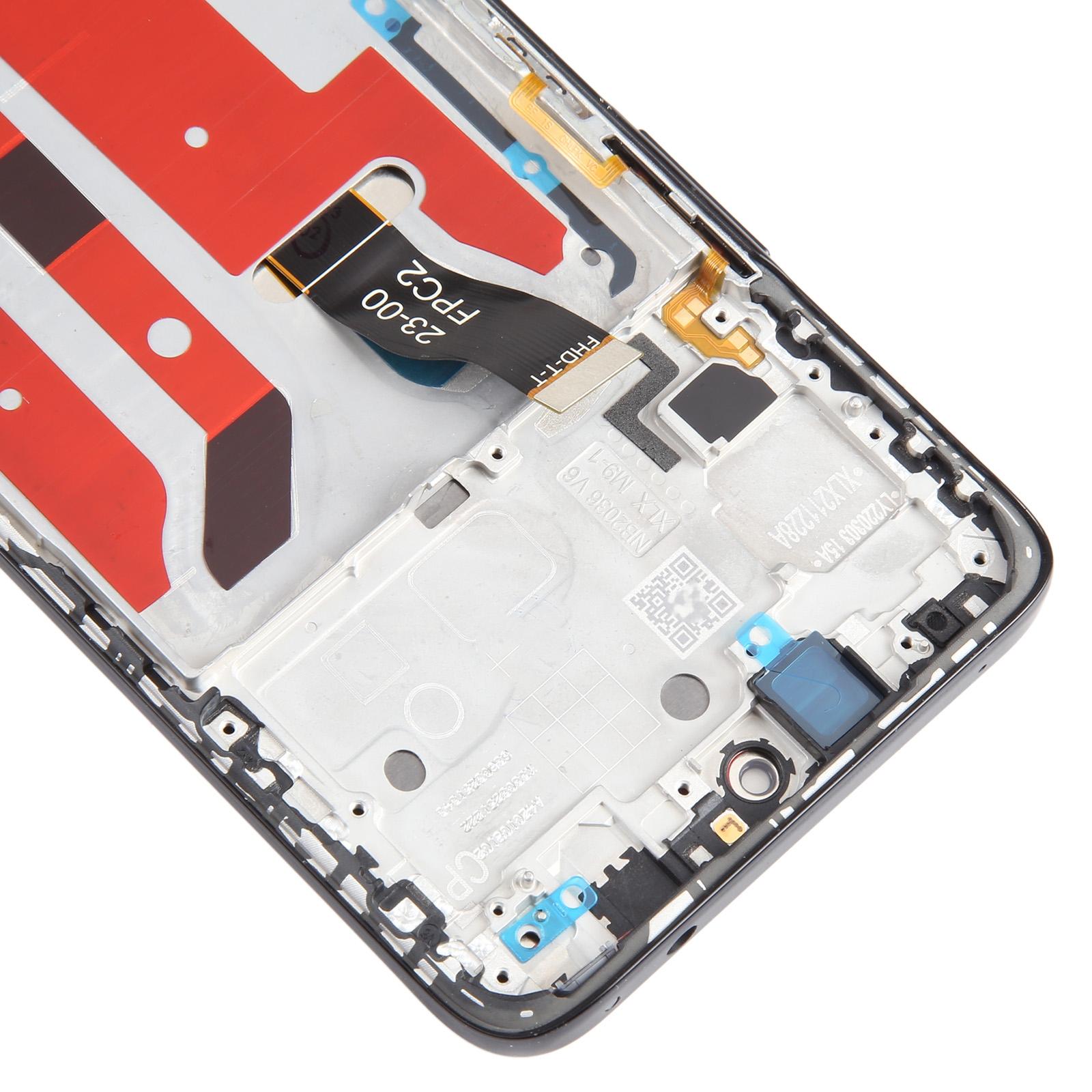
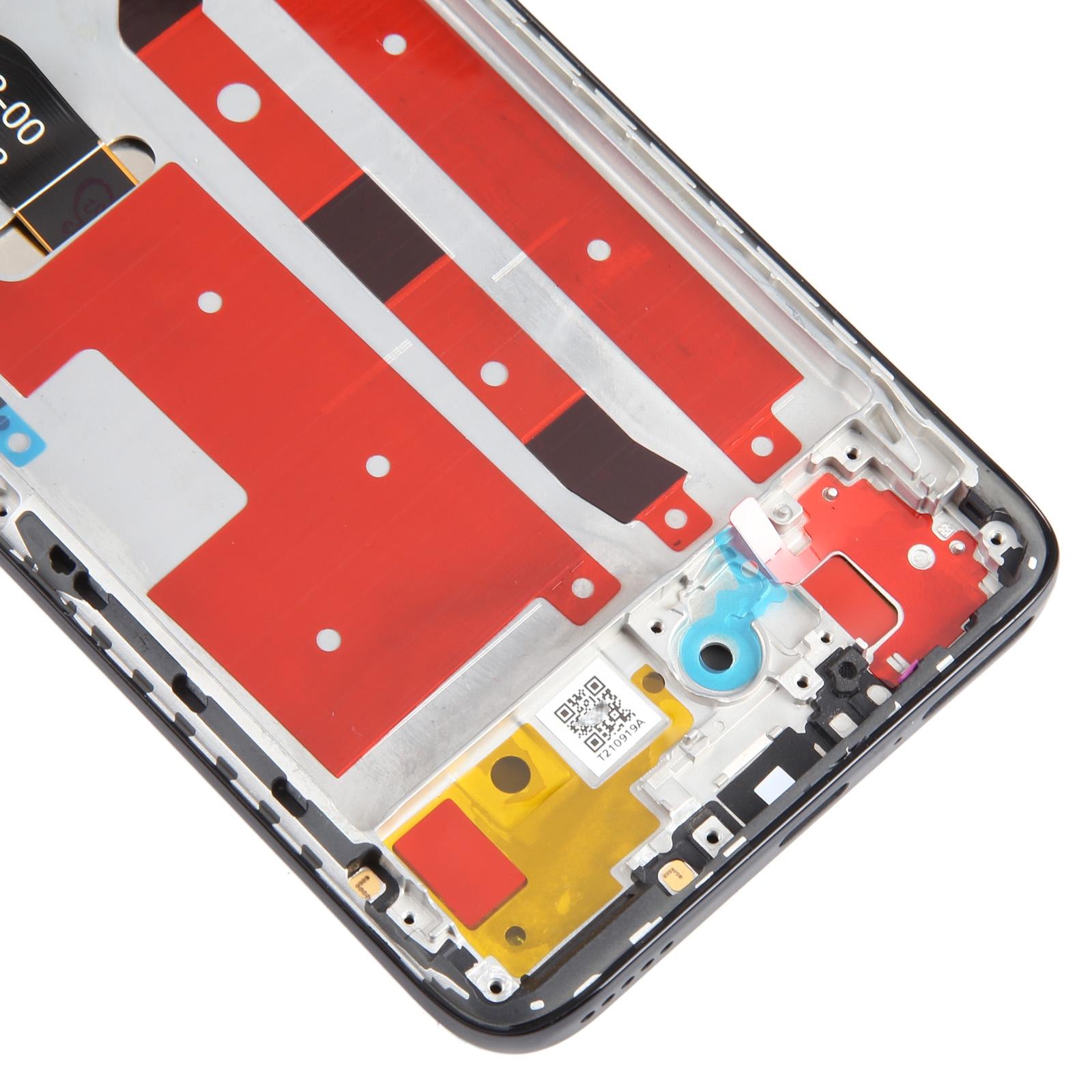


Cracked glass making your Nova 10z hard to use? Touch that skips, lines across the picture, or a screen that stays dark can turn a normal day into a frustrating one. This black LCD and touch digitizer assembly is built to bring your phone’s display back to life.
What You’re Getting
This is a complete unit. The LCD panel and touch digitizer come already joined to the frame, so you won’t need to transfer small parts from your old screen. It’s listed as an original-style replacement for the Huawei Nova 10z and comes in black.
Once fitted, the new panel handles taps, swipes, and photo viewing the way the original did. Calls, navigation, and camera previews all depend on that glass working properly.
Compatibility
Check that your handset is the Nova 10z before ordering. The part is designed for that model, so a close-but-different Huawei model won’t line up with the frame or cable.
Installation Notes
Before you start, test the assembly. Connect the display cable to the motherboard with the phone open, power it on, and confirm the picture and touch respond. If it works, go ahead and install it. Don’t force it into place if it doesn’t fit.
Wear an ESD strap to protect the internal chips from static discharge. Keep the LCD cable under 90 degrees when routing it, since sharper bends can cause a black display. Wear eye protection in case of glass splinters.