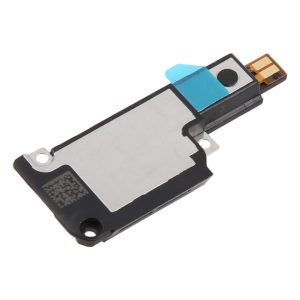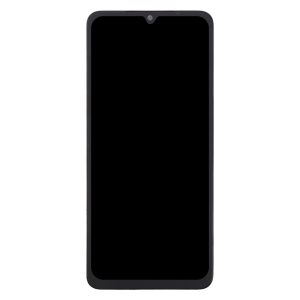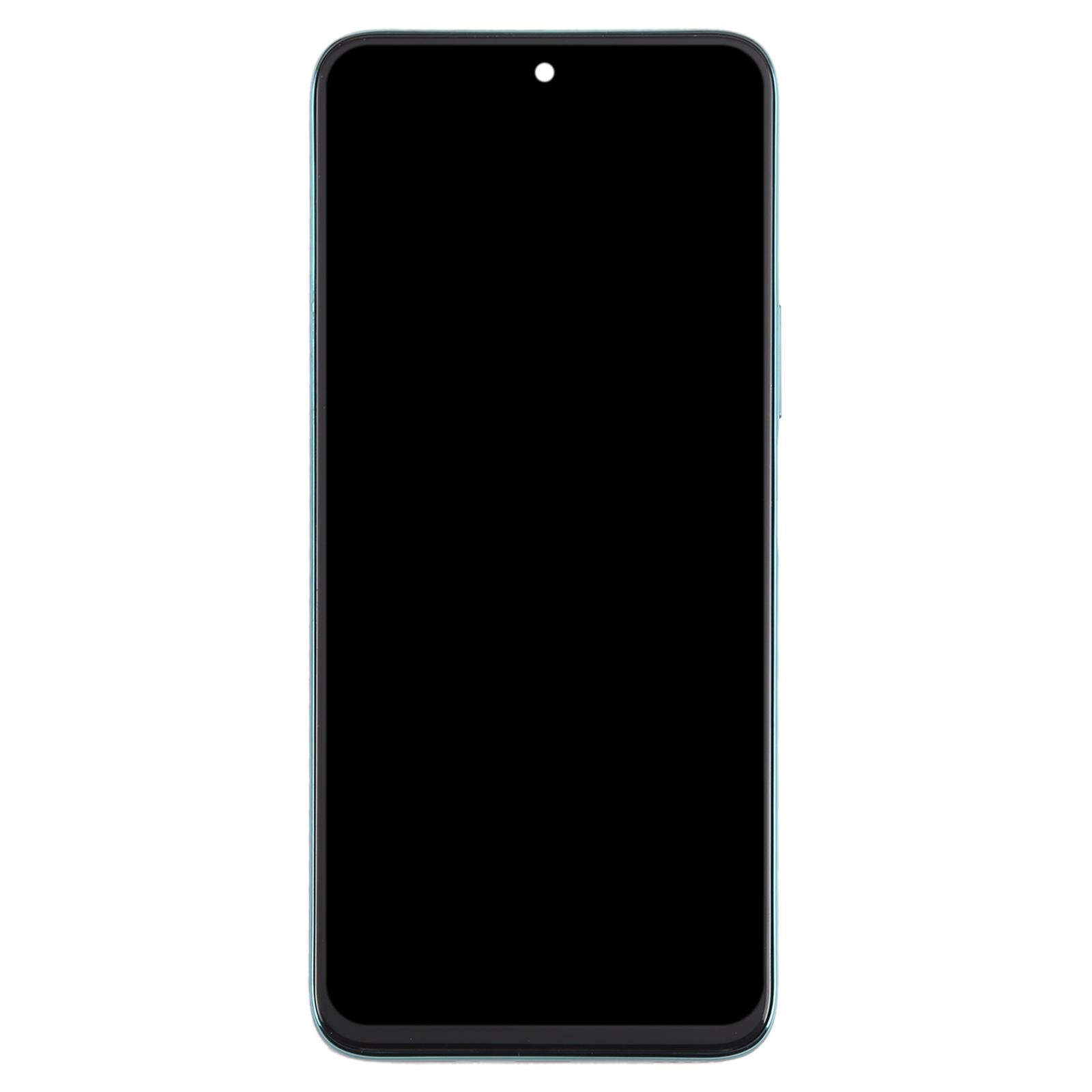
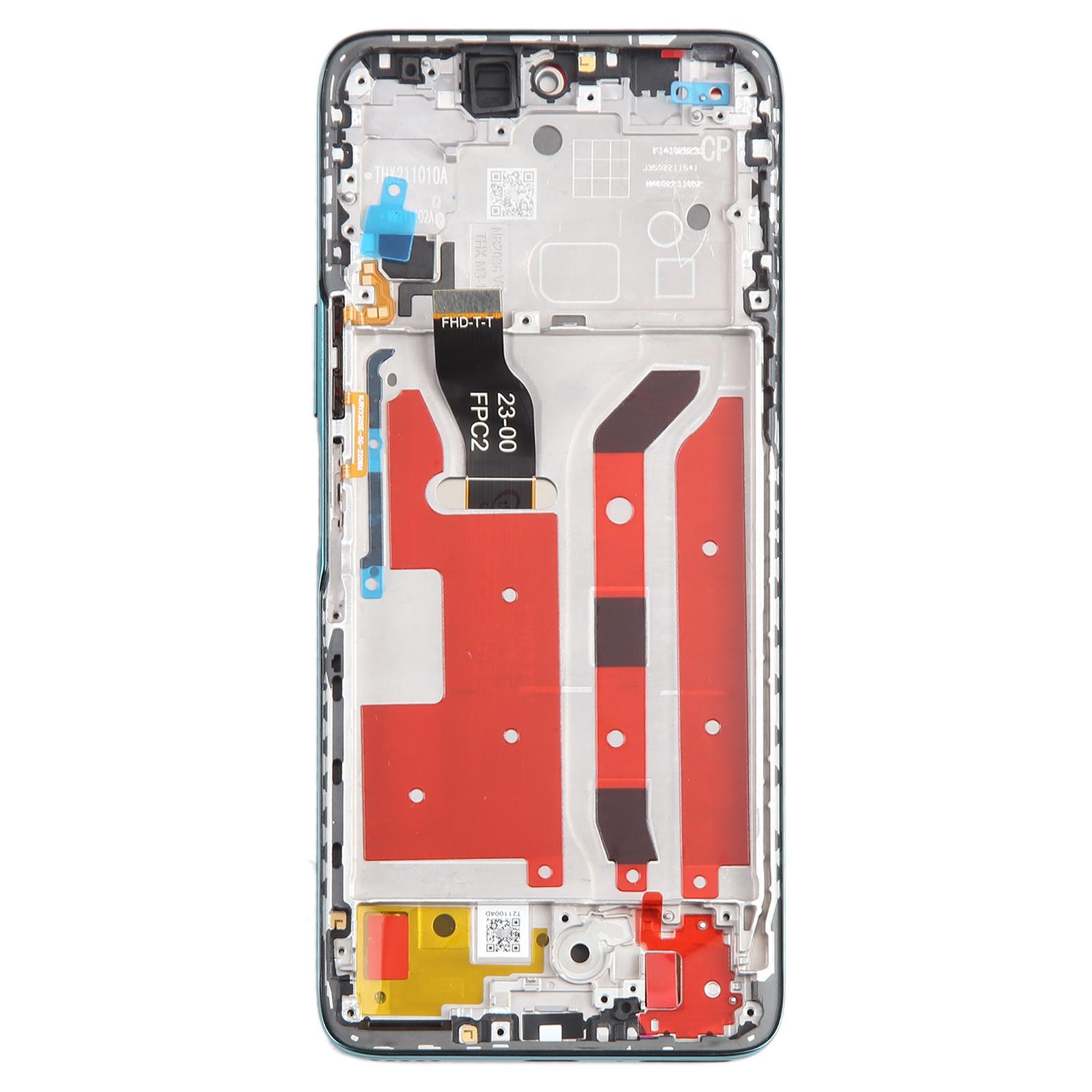
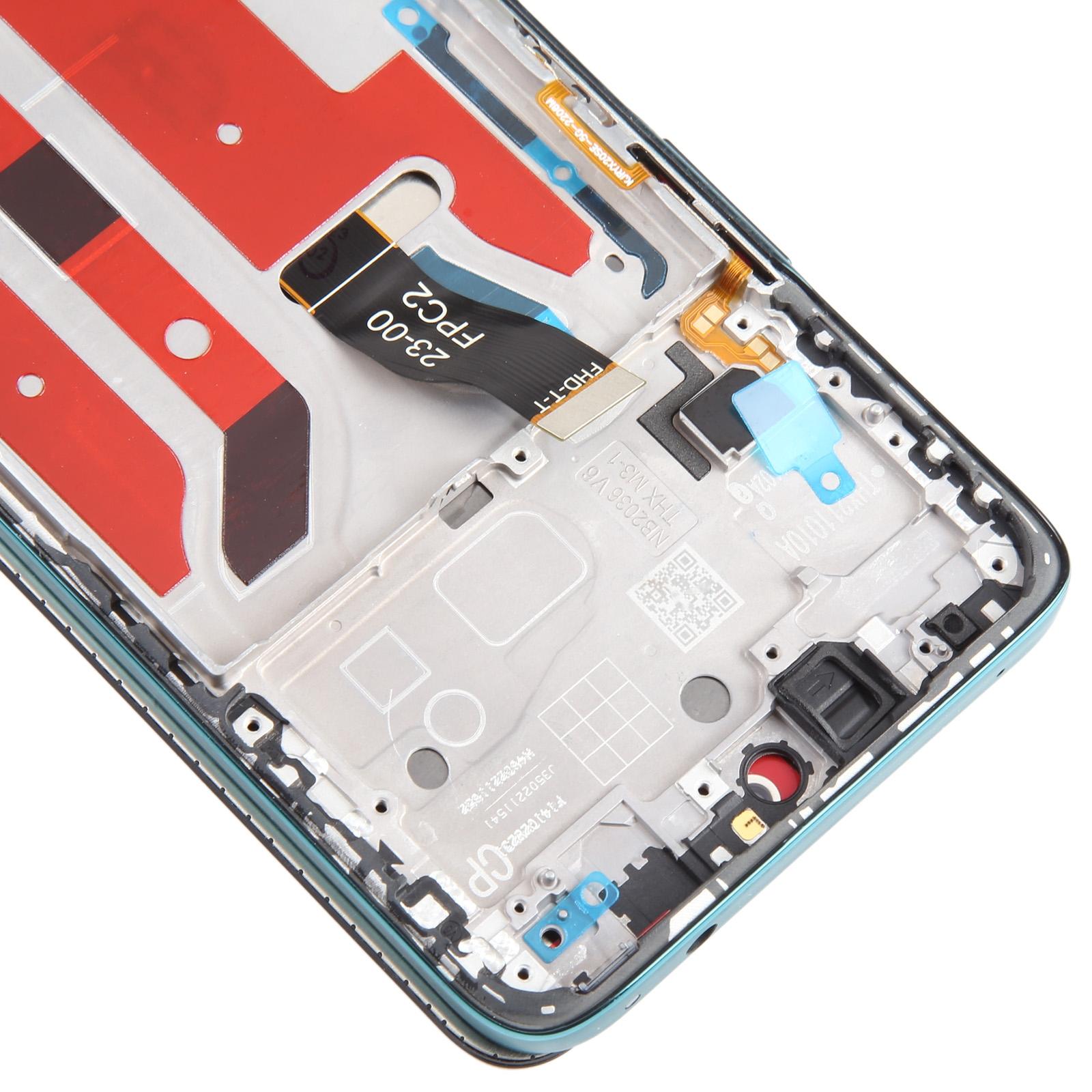
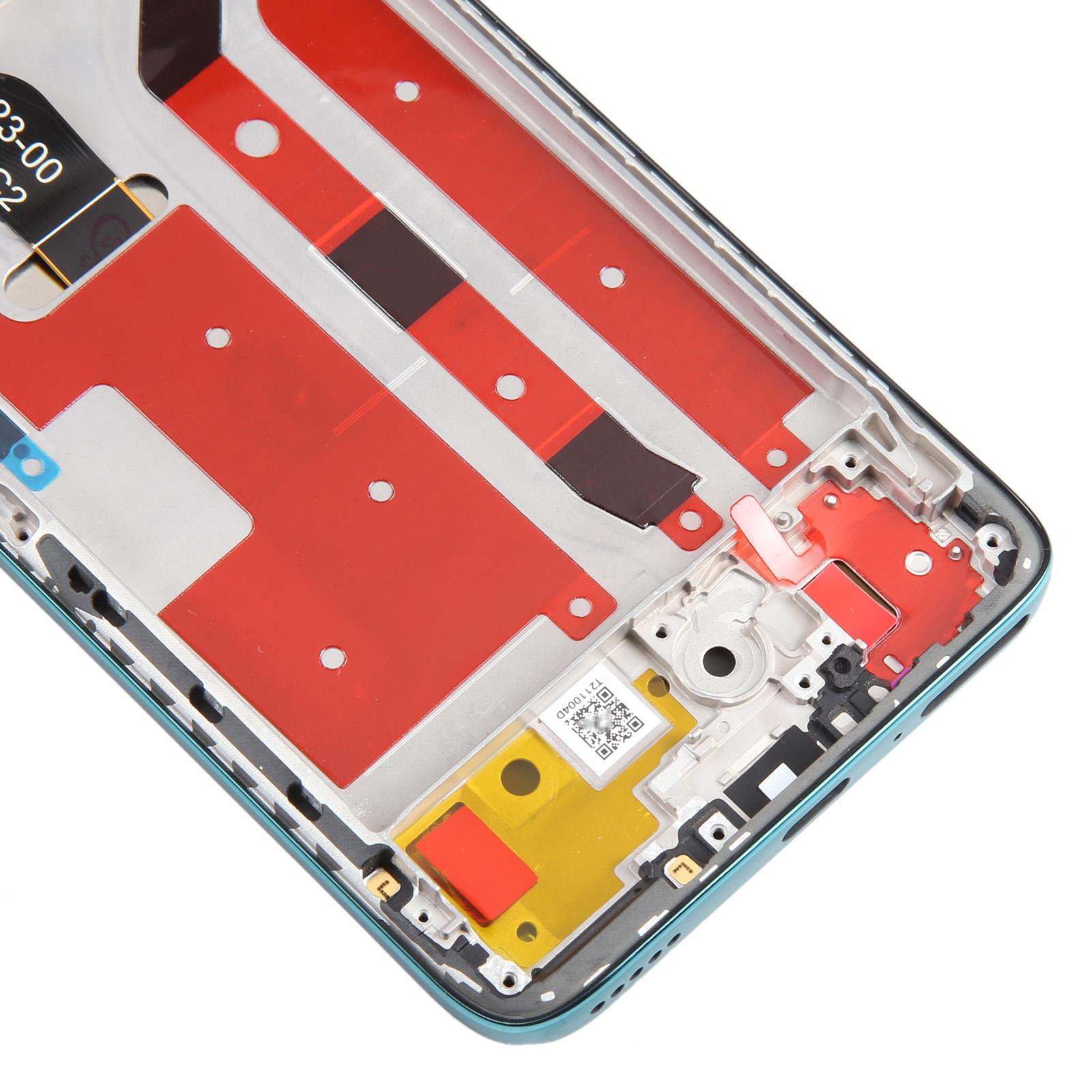


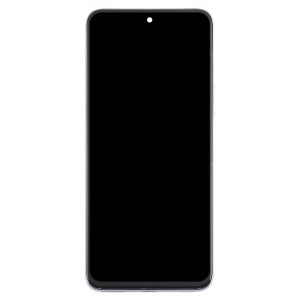
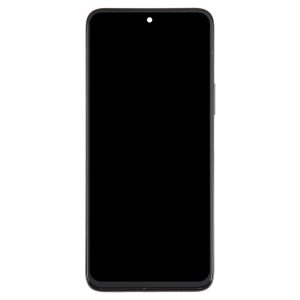
Tested replacement built for repair benches. This green LCD and touch digitizer assembly arrives already joined to its frame, so you skip the fiddly step of transferring parts from the old panel.
What You’re Getting
You get a complete LCD display and touch screen digitizer assembly with the frame attached. It’s meant to swap out a screen that’s broken, cracked, or no longer responding to touch. The finish is green, matching the colour option listed for this model.
Why This Part Works
Your Nova 10z’s display handles everything from calls to navigation, so a dead panel makes the whole phone frustrating. This assembly is sold as an original-style part that’s been checked before dispatch. Once it’s in, the screen should look fresh and respond like it did on day one.
Installation Notes
Test the panel before you commit. Connect the screen to the motherboard with the audio cable, power on, and confirm the picture and touch work. Only then should you seat it in the frame. Wear an ESD strap to protect the internal chips from static, and keep eye protection on since glass edges can splinter. Keep the LCD cable under 90 degrees, because sharper bends can cause a black screen. Don’t force the assembly into place.