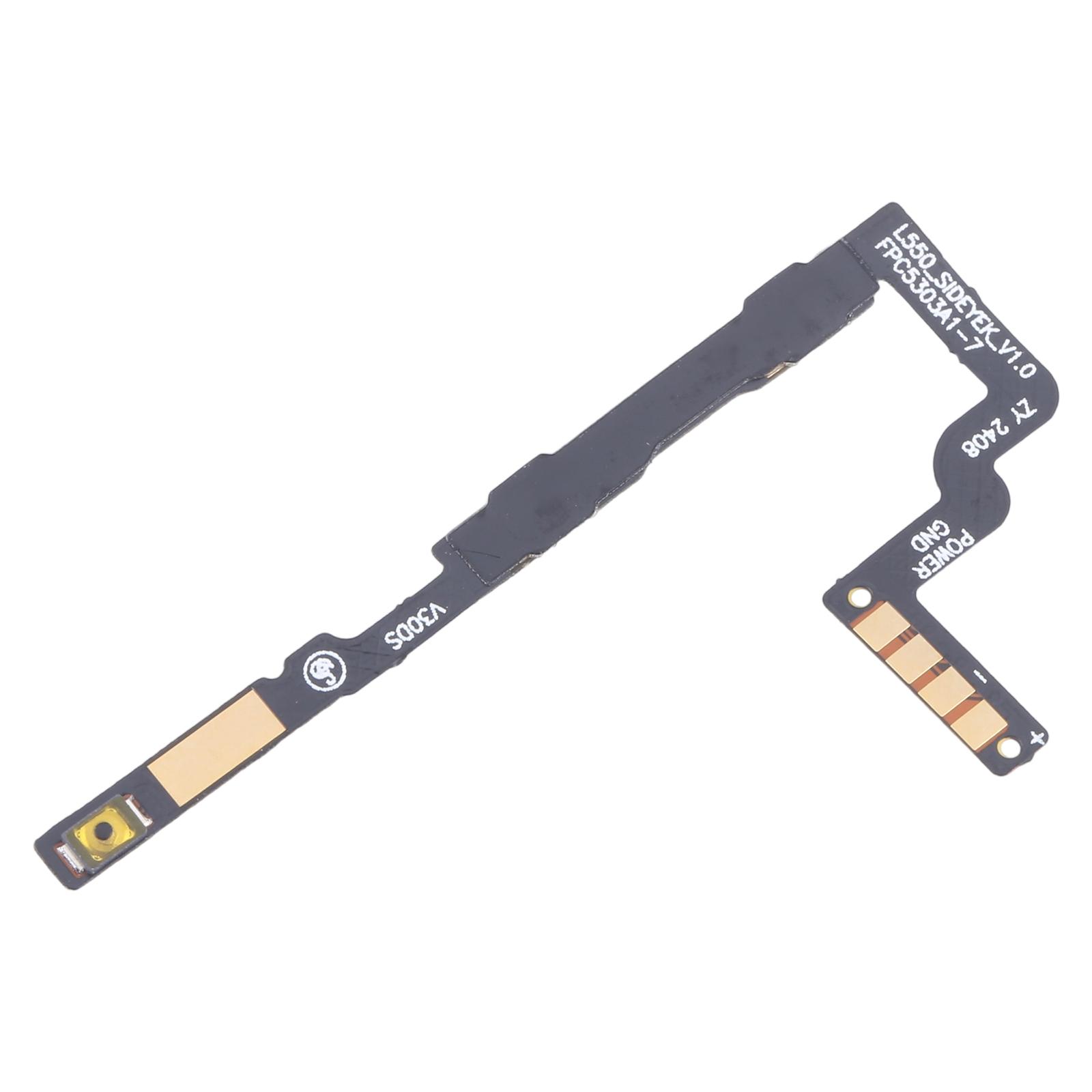
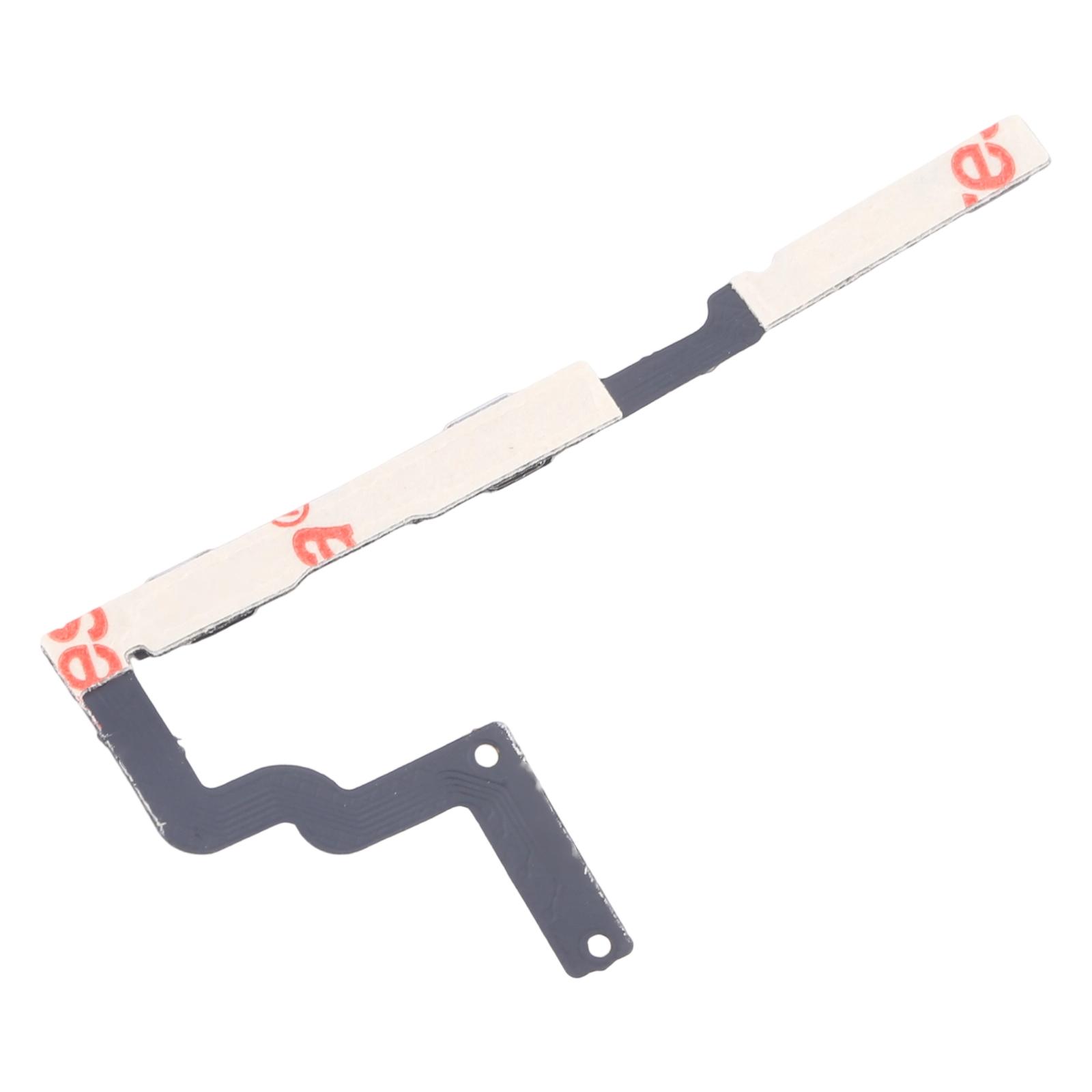
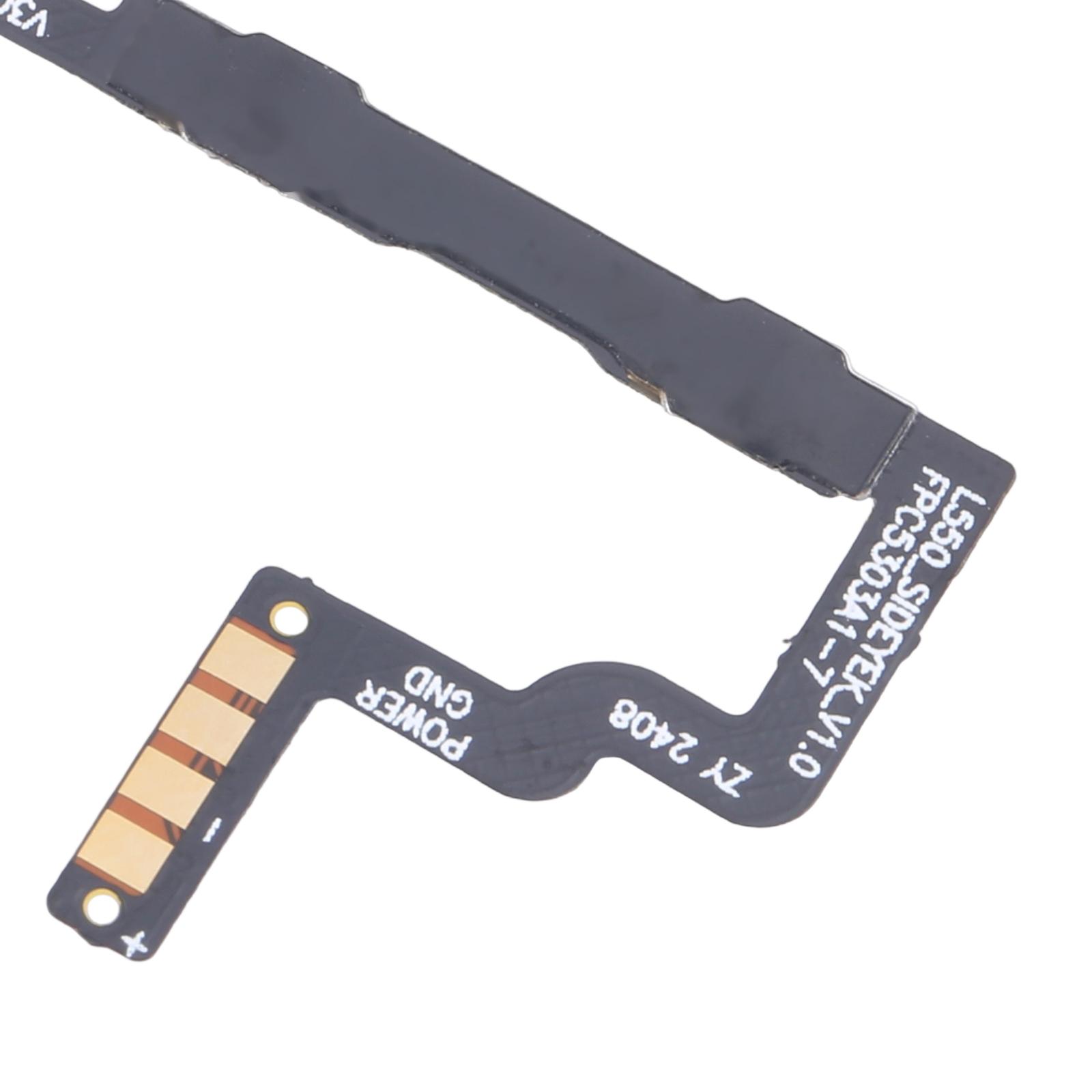


This flex cable carries the power button and volume button signals for the ZTE Blade V60 Design. If the side keys have stopped responding, or only work some of the time, this part is the one to check first.
Make sure it matches your phone before you order. It is listed for the following model:
- ZTE Blade V60 Design
How to Confirm This Flex Fits Your ZTE Blade V60 Design
The cable combines both side keys on one strip, so you get the power and volume buttons together. Check that your phone is the Blade V60 Design and not another Blade model before you buy, since the keys sit in different places across the range.
When the flex arrives, lay it beside your old cable. The connector and button positions should line up. Once it is in place, press each key and confirm that the screen wakes, the volume changes, and the power menu appears.
Keys that stop working after a drop or a knock are often caused by a torn or loose flex rather than a dead button. Replacing the cable is the quickest way to find out.