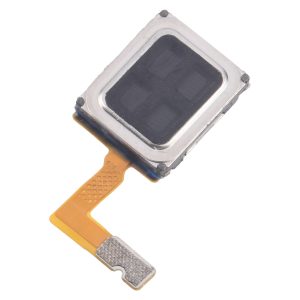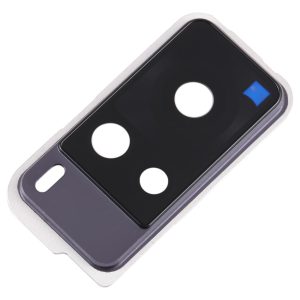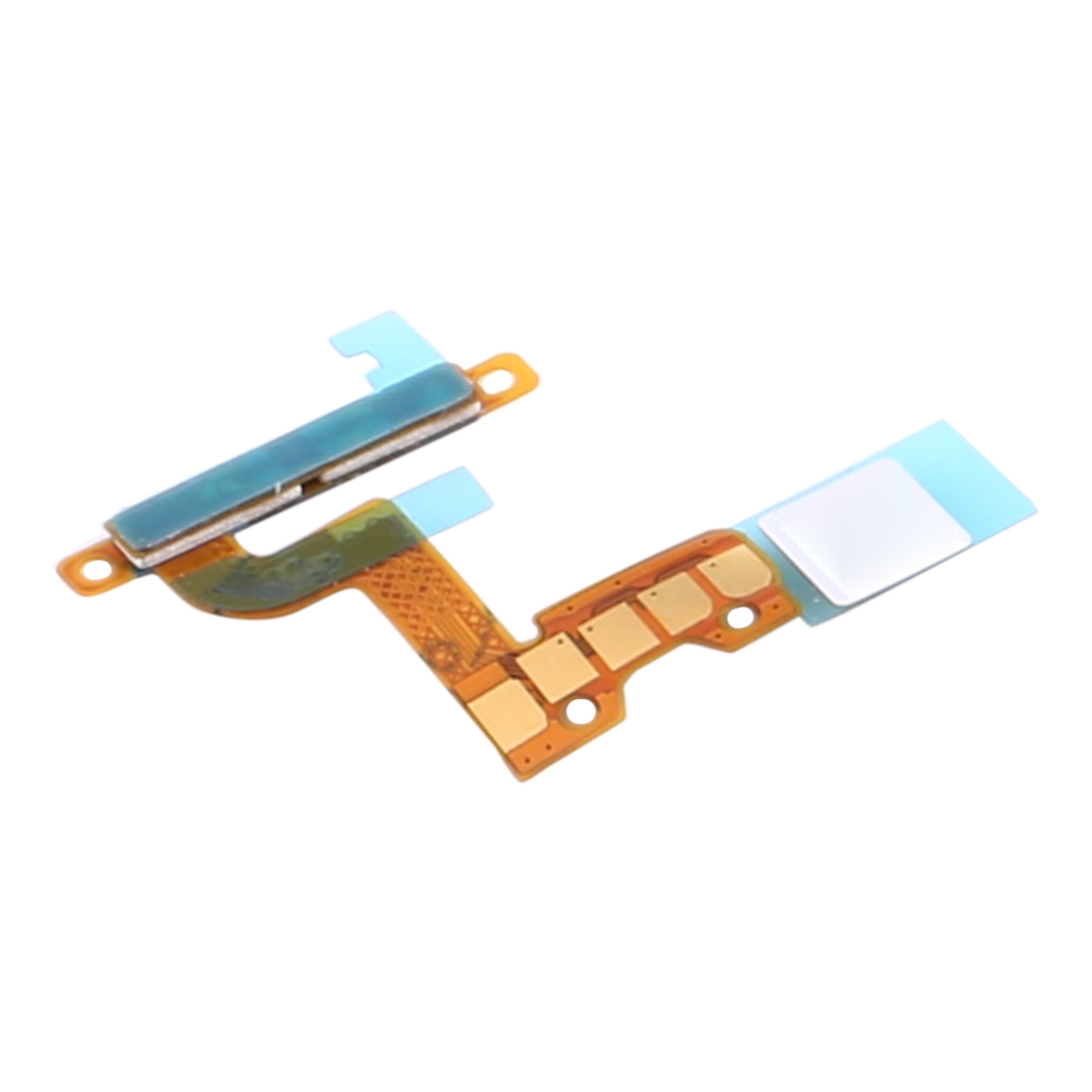
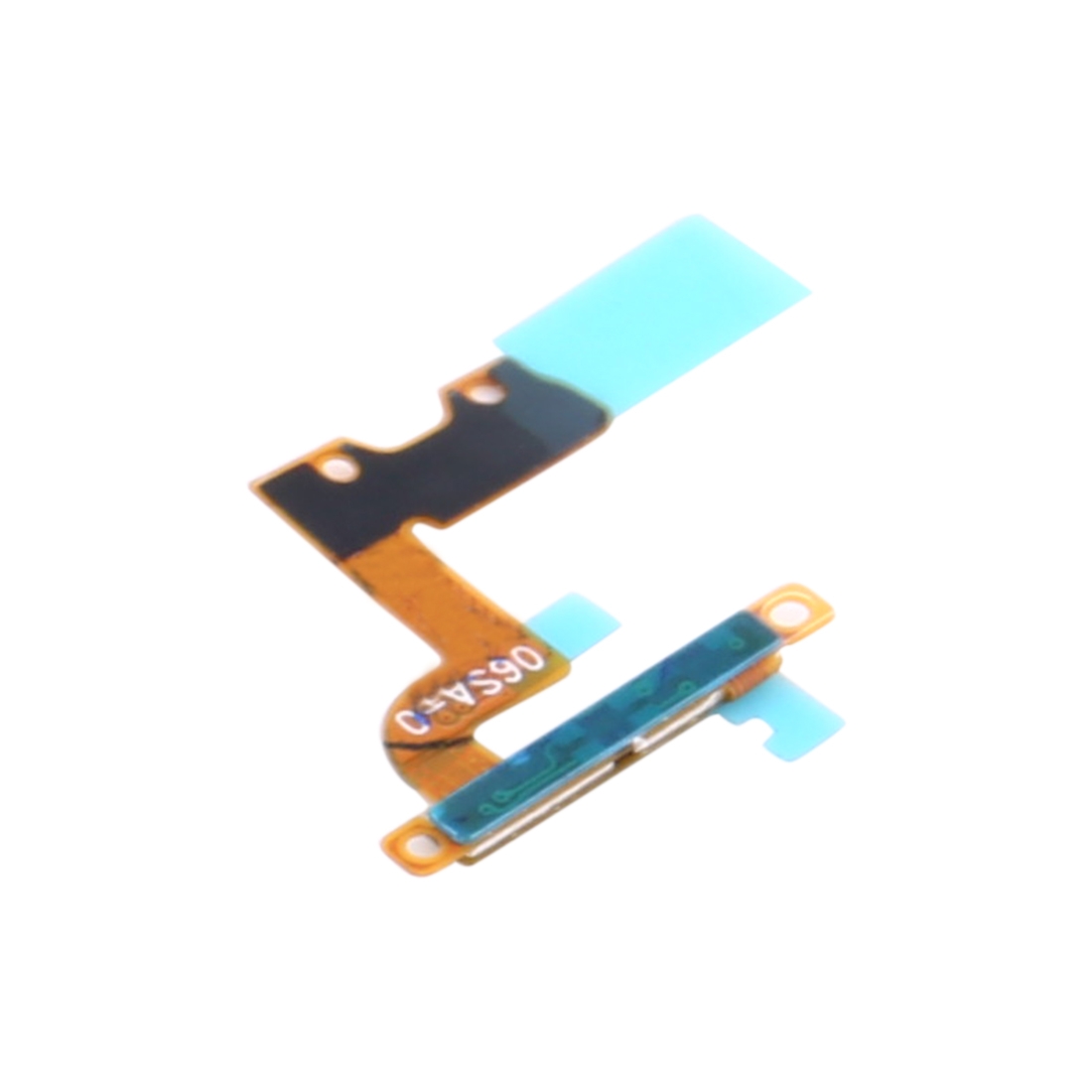


The left force touch sensor flex is the thin ribbon that lets your Vivo iQOO Pro feel how hard you press on the left side of the phone. When it stops working, presses on that edge may go unnoticed, and shortcuts tied to pressure won’t respond the way they should.
This flex fits the Vivo iQOO Pro and is sold as a single left-side sensor cable. It is a flex cable part, so you get the ribbon itself and nothing else in the pack.
What the Vivo iQOO Pro left force touch sensor flex does
The sensor reads pressure in the left edge area and sends that signal to the motherboard. Swapping in a new flex is the fix when pressure presses on that side stop registering. Because the ribbon runs close to the frame and other connectors, it needs to sit flat and seat fully in its clip to work.
Check that you have the left-side version before you start, since the right side uses its own sensor flex. Once the new cable is seated and the phone is closed up, test a few firm presses along the left edge to confirm the response is back.
The flex is a small, delicate part. Lift the connector gently and avoid forcing the ribbon under any shield or bracket.