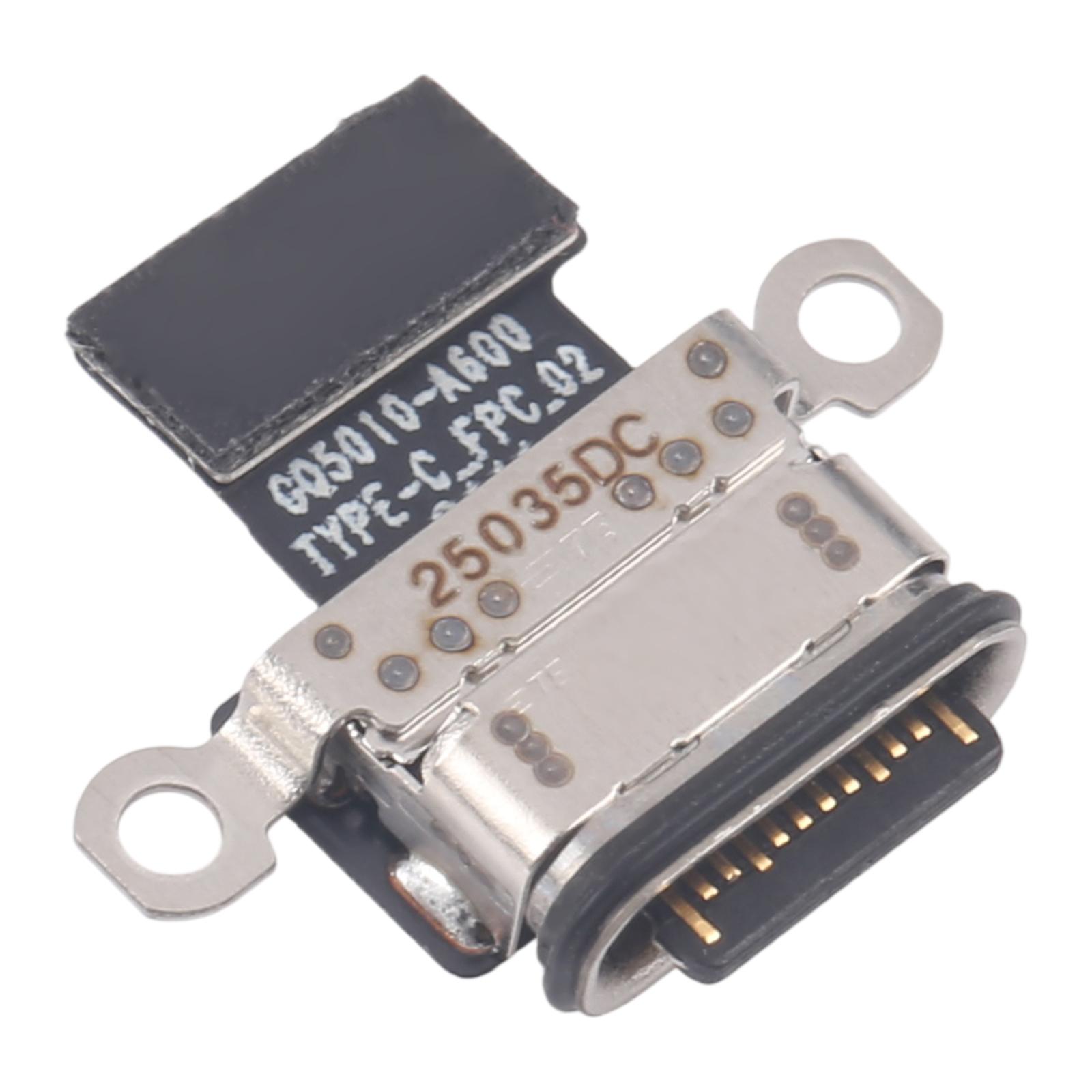
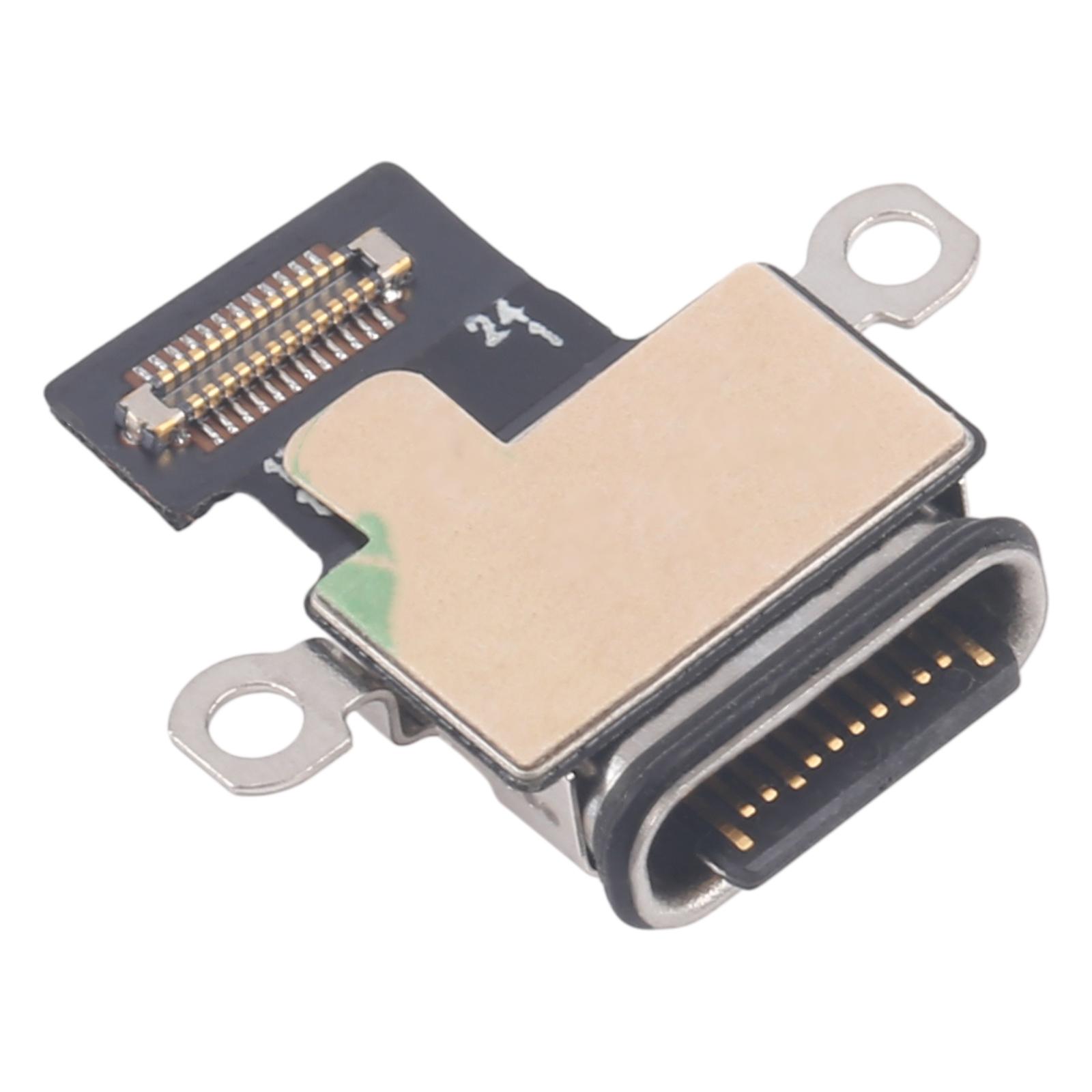
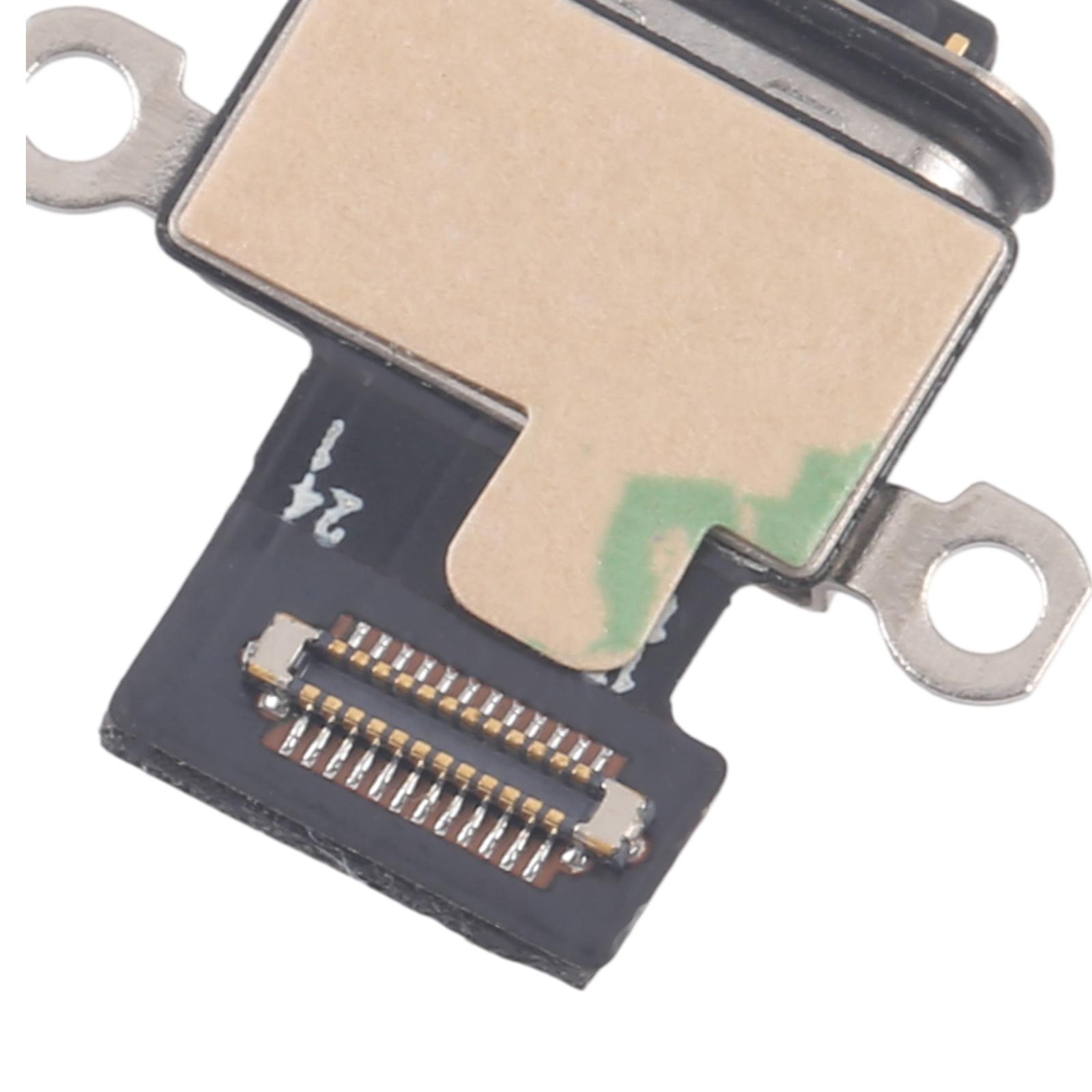


The charging port board is the small circuit that takes power from your cable and passes it into the phone. When it wears out or gets damaged, your Ulefone Armor Mini 20 Pro may charge slowly, stop charging, or only work when the cable is held at a certain angle.
Fixing a Charging Problem on the Ulefone Armor Mini 20 Pro
This replacement board is made for the Ulefone Armor Mini 20 Pro. Swapping in a new board gives the phone a clean connection point again, so the cable seats properly and power flows the way it should.
- Ulefone Armor Mini 20 Pro
- Charging port board (one board per pack)
The board is a direct replacement for a damaged or unworkable port. It is a plug-in part, so you do not need to solder anything new on the phone once the old board is removed. Check that the connector matches the one on your current board before you start.
Because the charging port sits close to the battery and motherboard connectors, take care when you lift the old board out. Keep the screws and small clips in order so the phone closes up neatly.