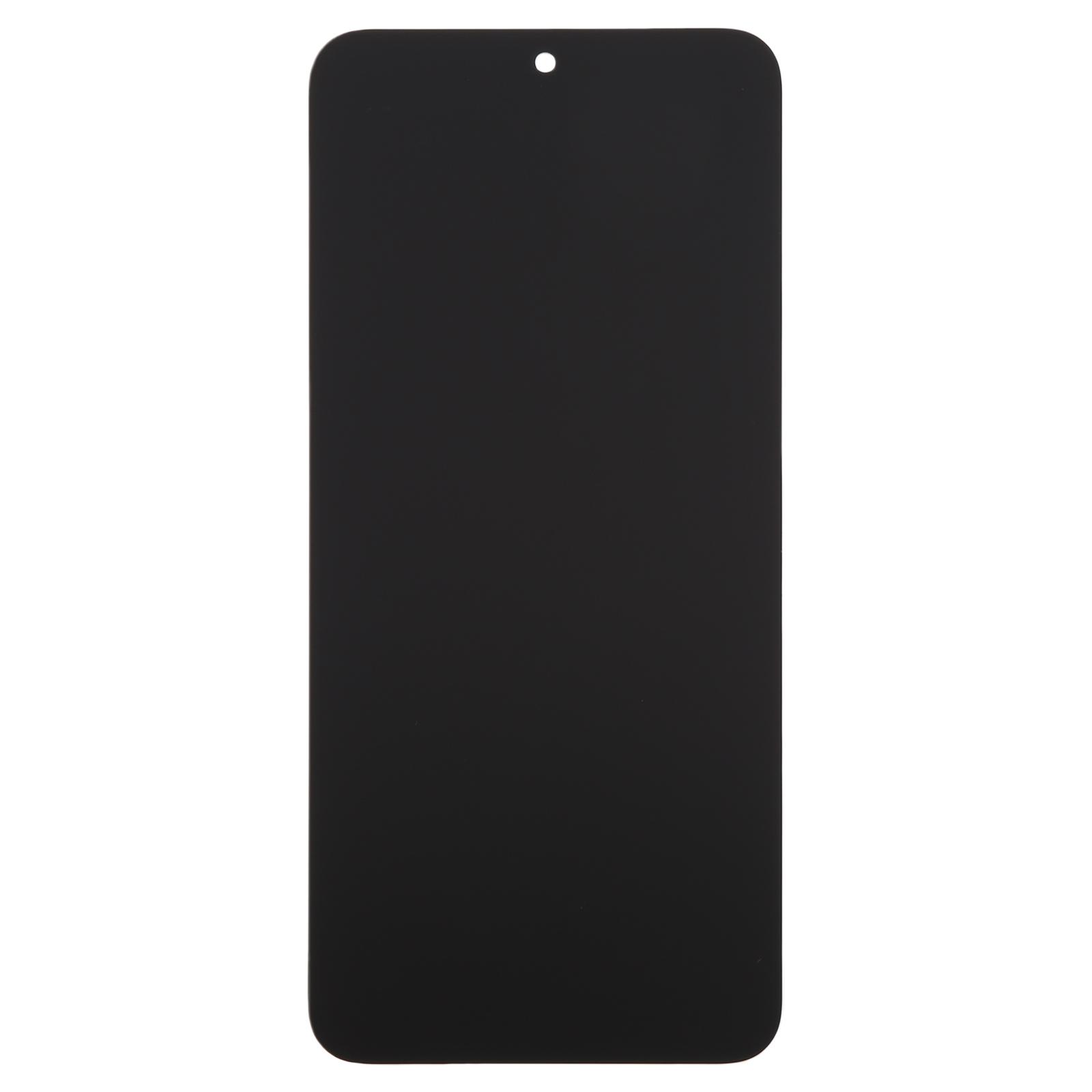
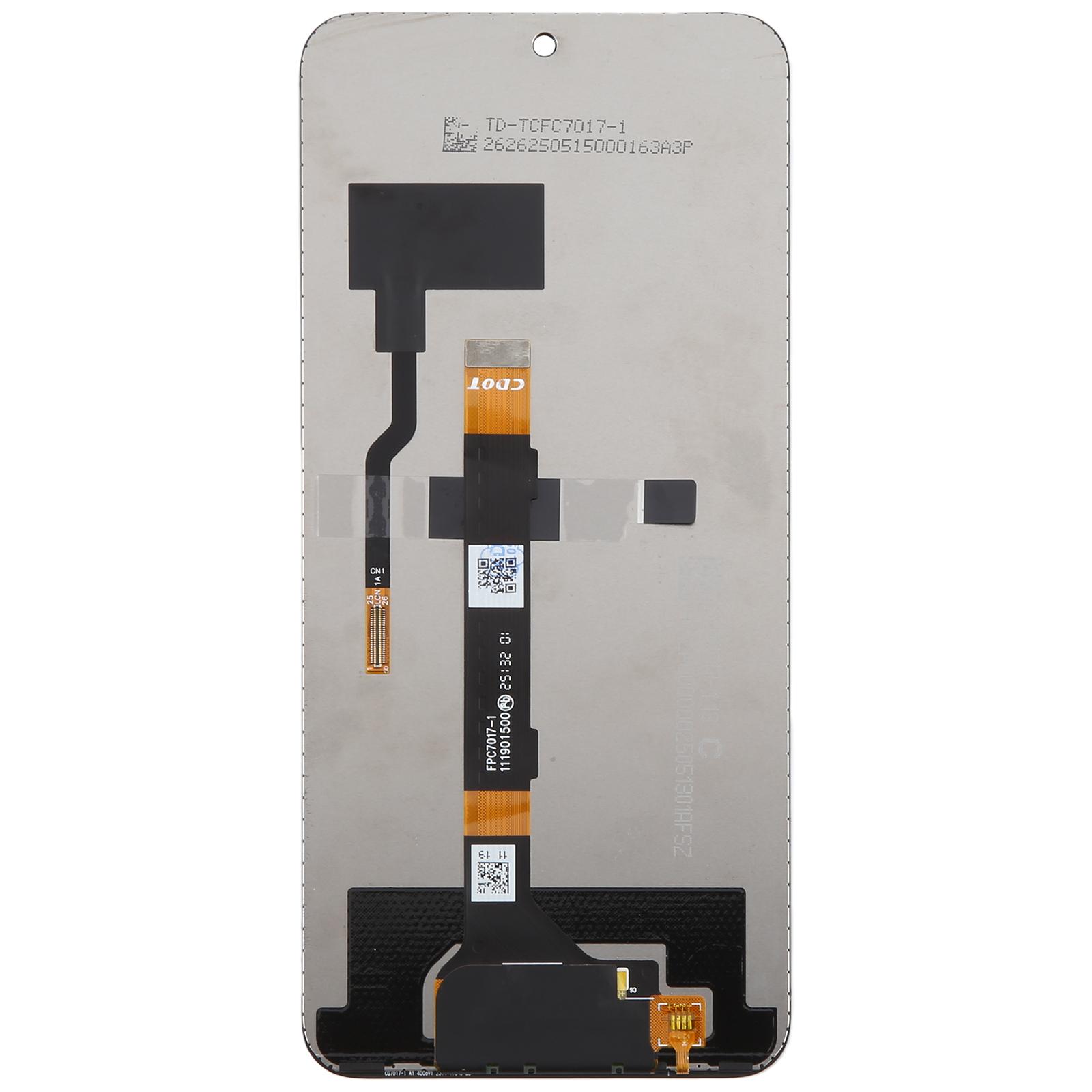
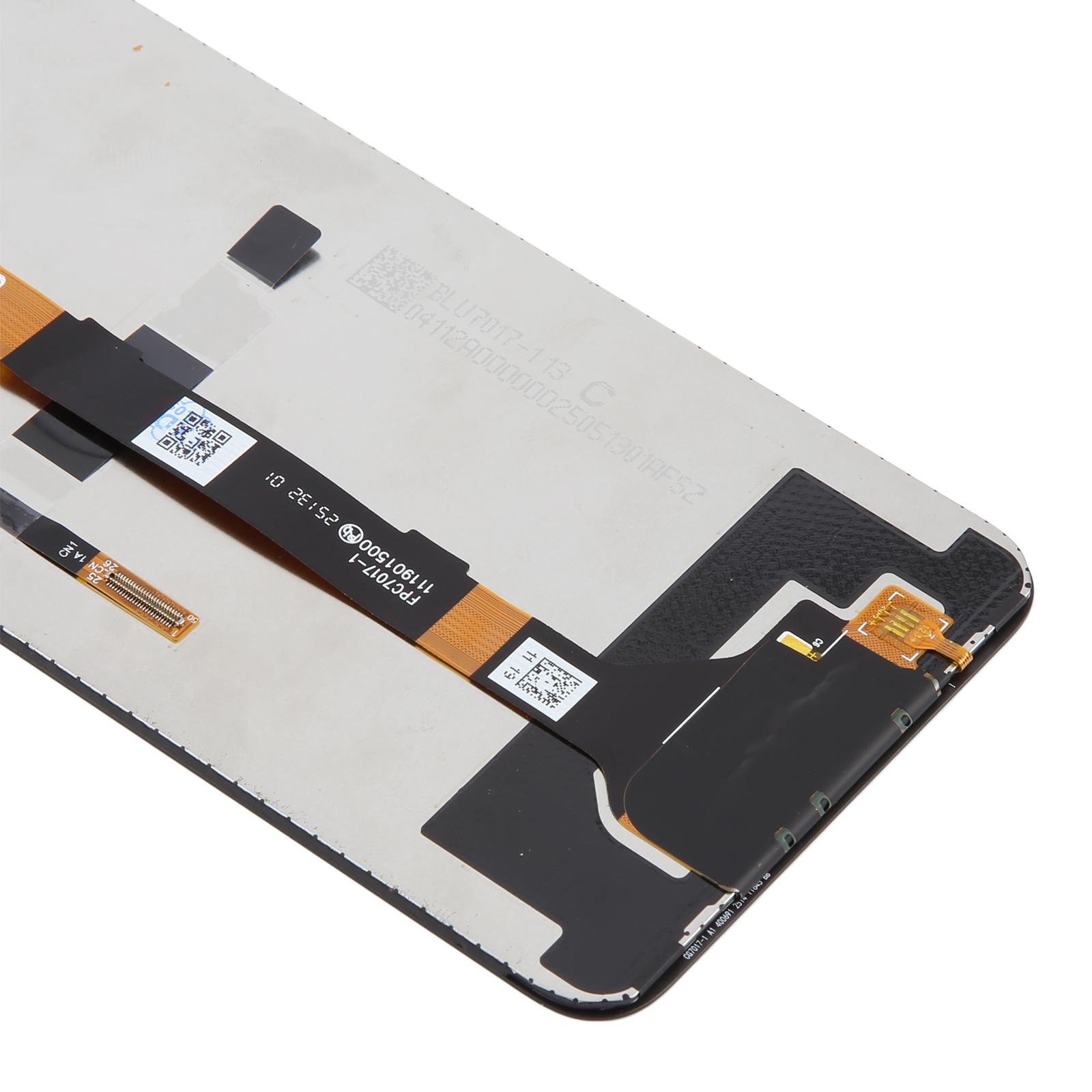
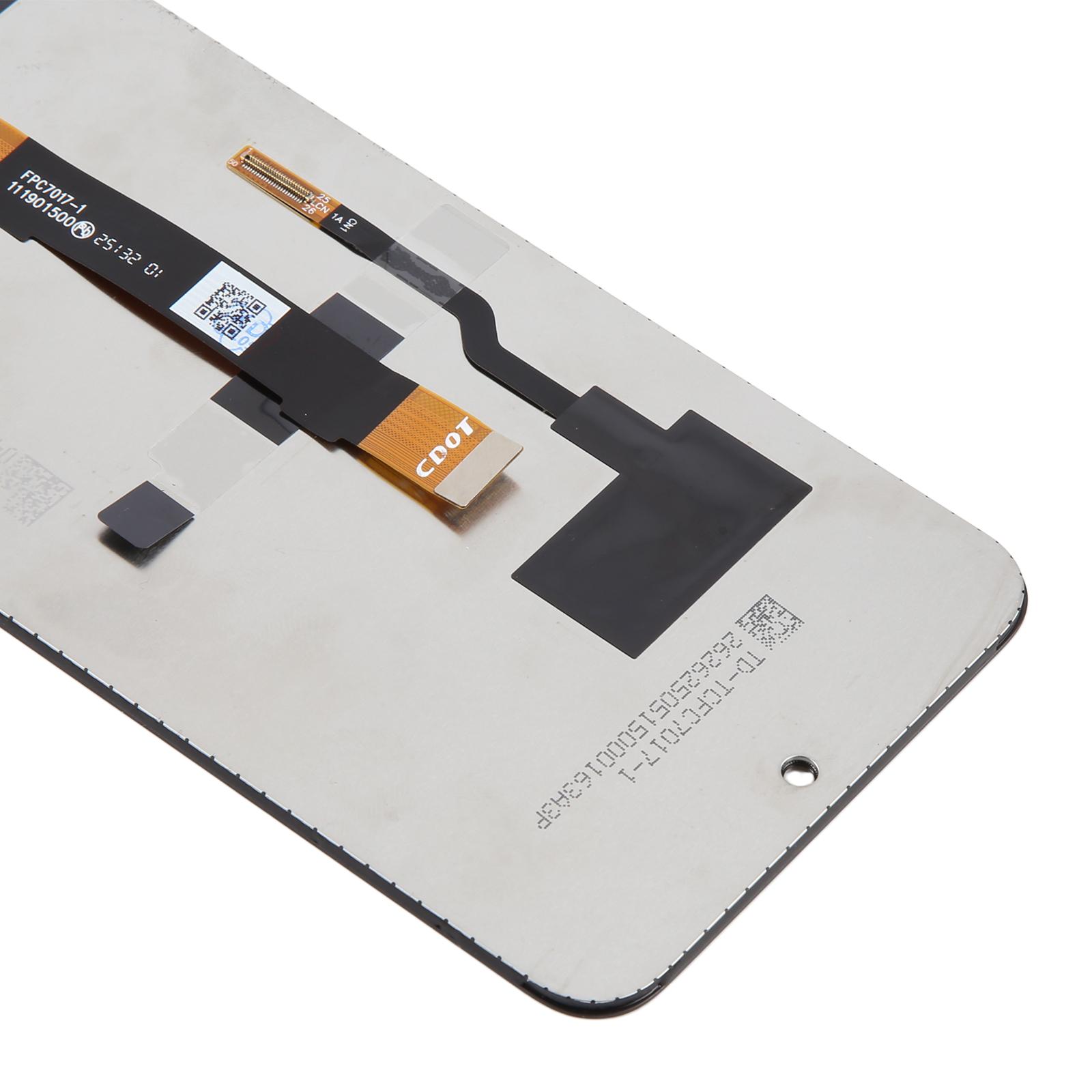
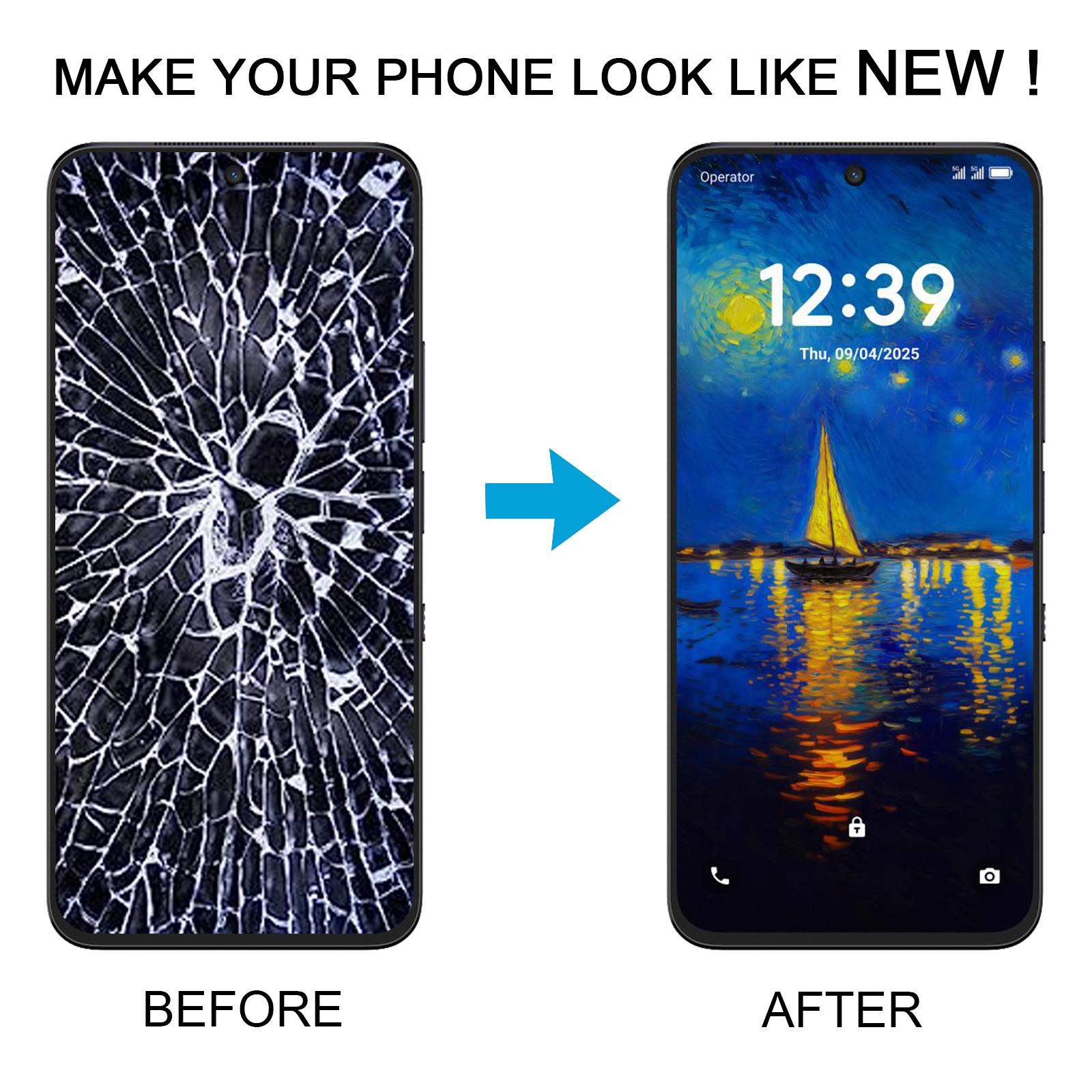


Restore your display to perfect condition with this LCD and touch digitizer assembly built for the TCL NxtPaper 60 Ultra. Cracked glass or a dead screen no longer has to hold your phone back.
What You’re Getting
This is a full assembly, so the LCD panel and touch digitizer arrive already joined. You won’t need to transfer parts from your old screen. The matte version suits anyone who prefers a softer, glare-reduced surface for reading and browsing.
Each unit is checked for good condition before it leaves our shelves. The panel is meant to replace a screen that is broken, cracked, or damaged, and it should look fresh once fitted.
Compatibility
Check that your handset is the NxtPaper 60 Ultra in the matte finish before ordering. This assembly is sold for that specific model, so a different TCL variant may not line up with the connectors or frame.
Installation Notes
Test the new screen before you fix it into the frame. Connect the motherboard, the LCD and the audio cable outside the housing, power on, and confirm the display and touch respond. Do not force the panel into the chassis if the test fails.
Wear an ESD strap and ground yourself before you start. Static can quietly damage the internal components. Keep the protective film on until testing is complete, and wear eye protection because glass splinters are sharp.
Take care with the LCD flex cable. Bending it past 90 degrees can cause a black screen, so route it gently and avoid sharp creases.