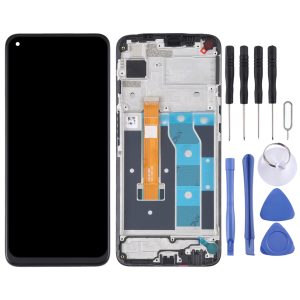
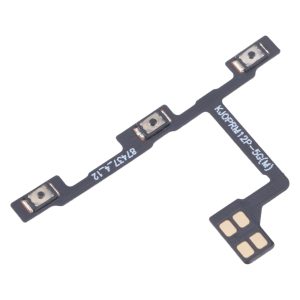
Stuck volume keys or a power button that won’t respond can turn a simple task into a daily annoyance. This set gives your Galaxy S26 a fresh pair of side buttons so you can lock the screen and adjust sound without fighting the hardware.
What You’re Getting
The kit includes a power button and a volume control button, both in black, made to suit the Samsung Galaxy S26 SM-S942B. Each piece is checked and in good condition before it leaves our warehouse, so you’re not gambling on a dud part.
Compatibility
These buttons are designed specifically for the SM-S942B model. Check your model number under Settings, then About phone, before you order. A match means the buttons line up with the original openings and feel the same under your thumb.
Installation Notes
Swapping side buttons involves opening the frame, so this job suits someone comfortable with small tools. Professional installation is highly recommended. Before you start, power the phone down and work on a clean, flat surface. Wear an ESD strap to protect the internal circuits from static. Handle the flex cable gently and never bend it past 90 degrees, or you could tear the connector.