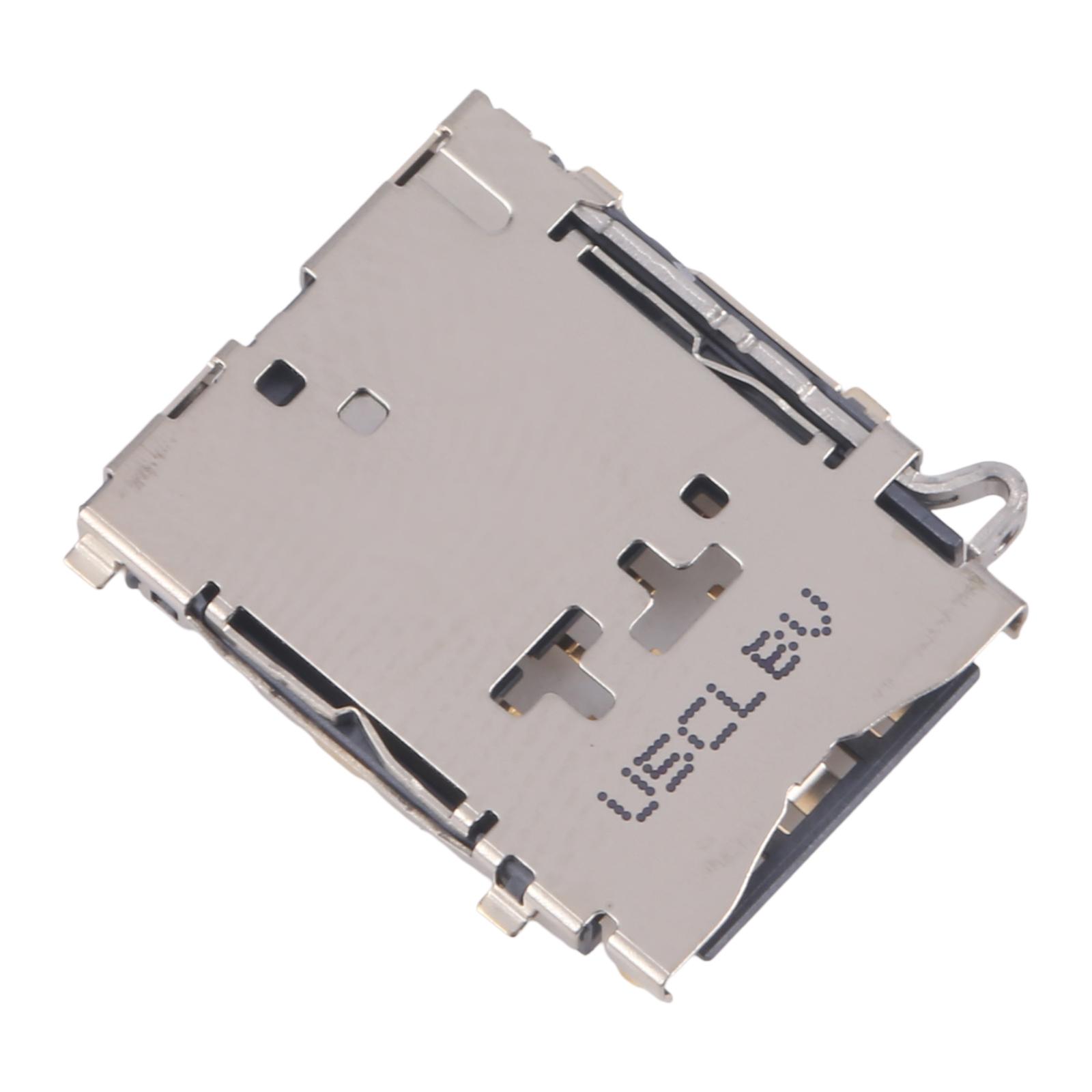


Tray won’t read your SIM anymore? Calls drop, data vanishes, and the phone keeps saying “No SIM.” A new SIM card reader for the Galaxy A3 SM-A300 fixes that without replacing the whole handset.
What You’re Getting
This listing covers an original-style SIM card reader built for the SM-A300 model. Each unit is checked for good condition before it leaves our shelves, so you start with a part that already works. Pack of 10 pieces, so it’s handy for repair shops or anyone keeping spares.
Why This Part Works
The reader sits in the SIM slot and holds the contacts that talk to your SIM. When those contacts wear out or bend, the phone loses its connection. Swapping in a fresh reader restores the link and gets your network back on track. It’s a straightforward fix that brings back the performance you had before.
Installation Notes
Before you open anything, power the phone off and remove the SIM tray. Wear an ESD strap so static doesn’t damage the board. Take care with flex cables and never bend them past 90 degrees, or you may crack the connector. Working with small screws and delicate parts is easier with the right tools, so a professional fitting is a smart choice if you’re unsure. We also suggest testing the reader with a SIM before closing the device back up.