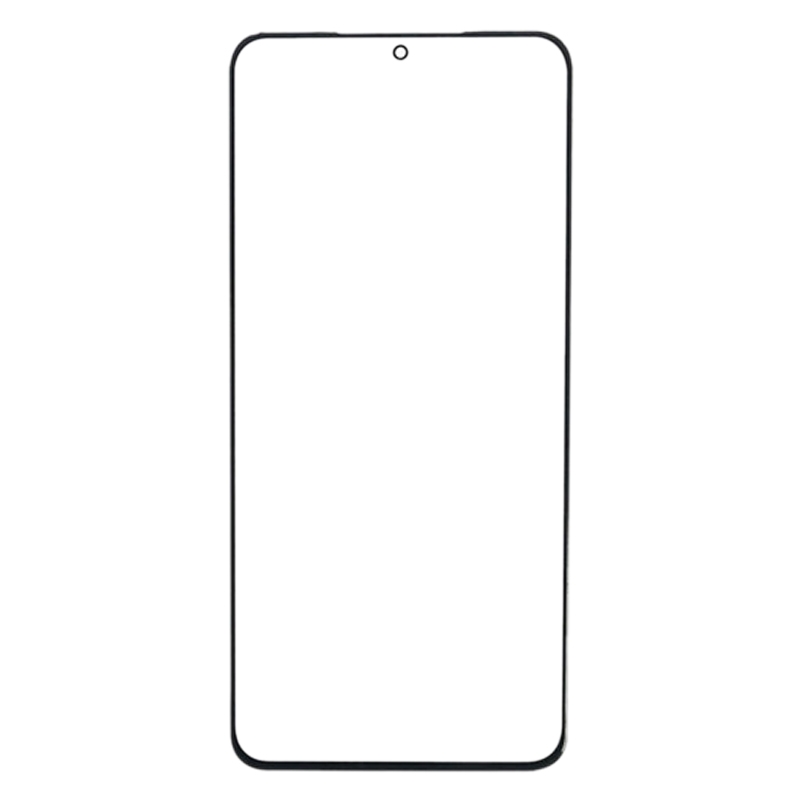
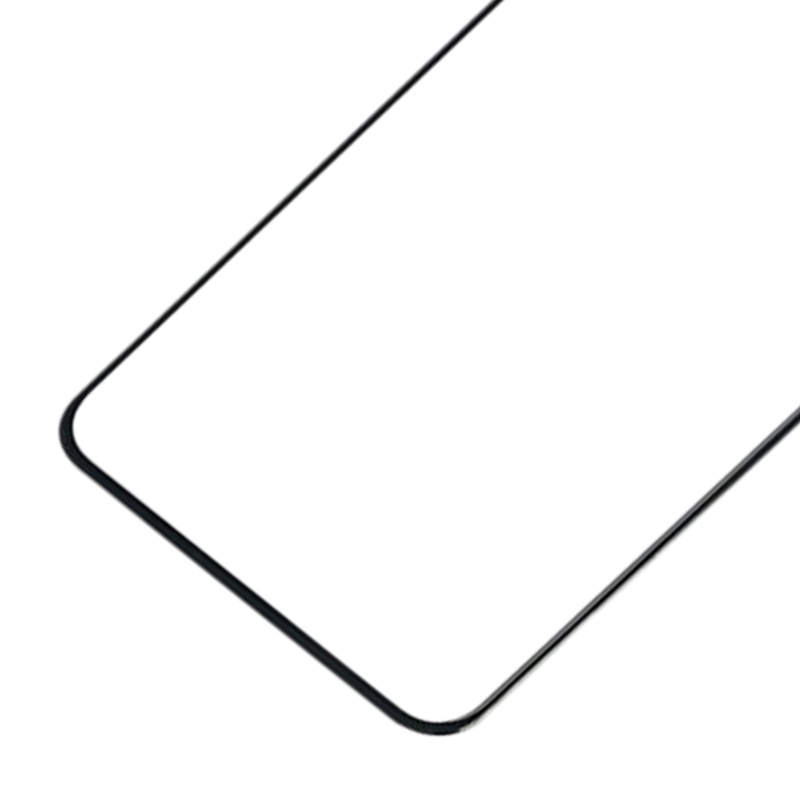


A cracked or chipped front glass on your OnePlus Ace PGKM10 can make the screen hard to read and tough to touch. This replacement outer glass lens sits on top of the display and takes the knocks, so the screen underneath stays protected.
What the OnePlus Ace PGKM10 front glass protects
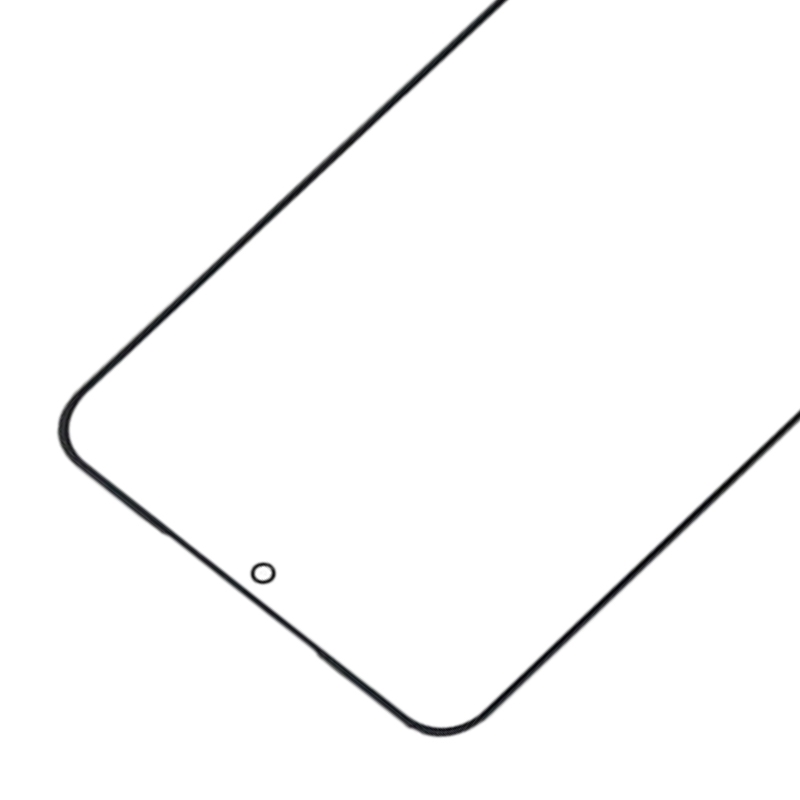
This part is the front outer glass lens for the OnePlus Ace PGKM10. It covers the display and carries your touch input to the screen. Replacing it restores a smooth, clear surface when the old glass is cracked or splintered.
The lens comes with OCA (optically clear adhesive) already applied. That adhesive is what bonds the glass to the screen, so you do not need to buy a separate adhesive strip.
Before you start, check the model number on your phone matches PGKM10. Work on a clean, flat surface and keep the protective film in place until the fitting step.
Fitting tip: the screen cable is delicate. Keep it gently curved and never fold it sharply, or the display can go black.