

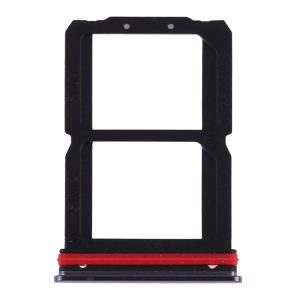

What You’re Getting
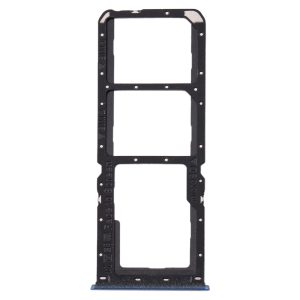
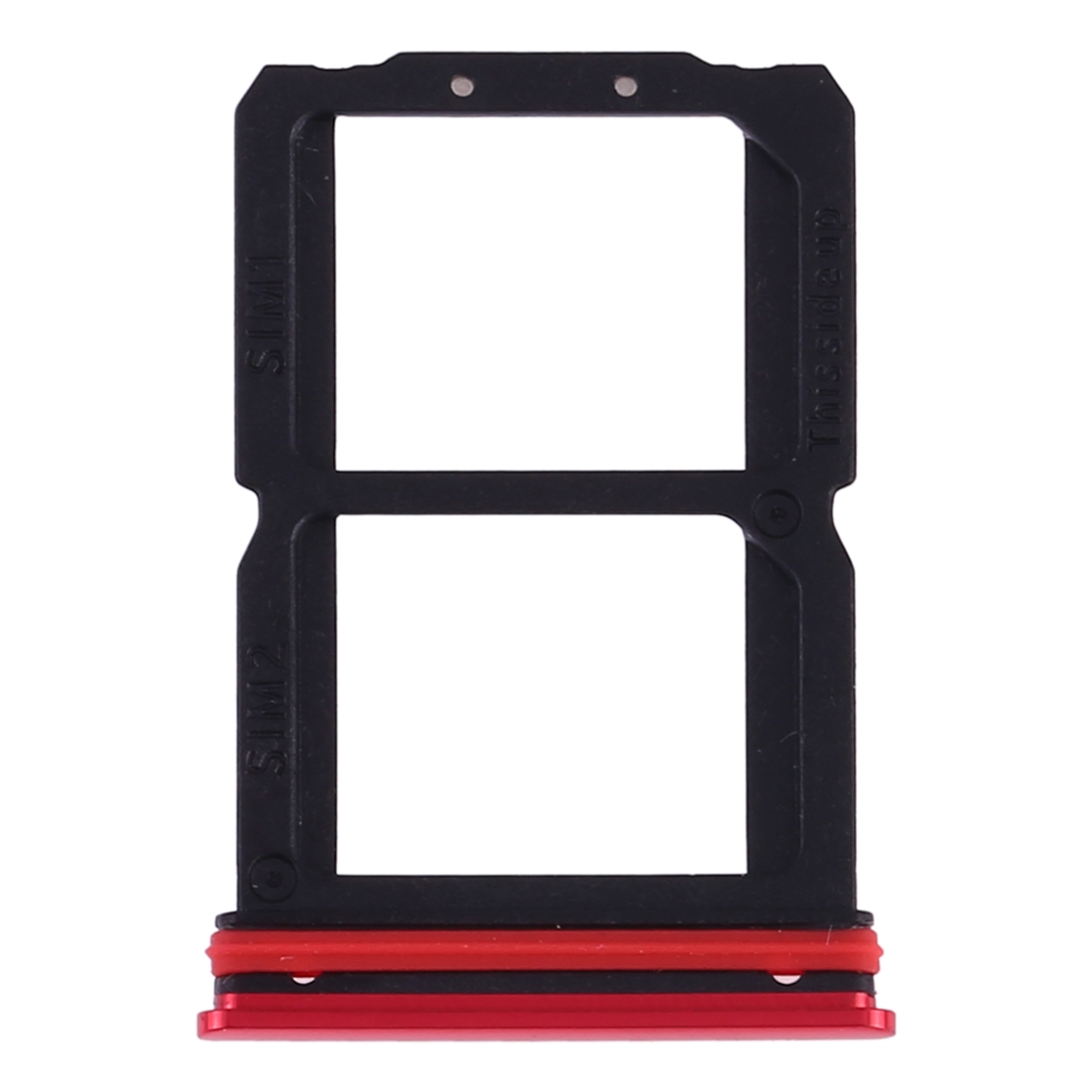
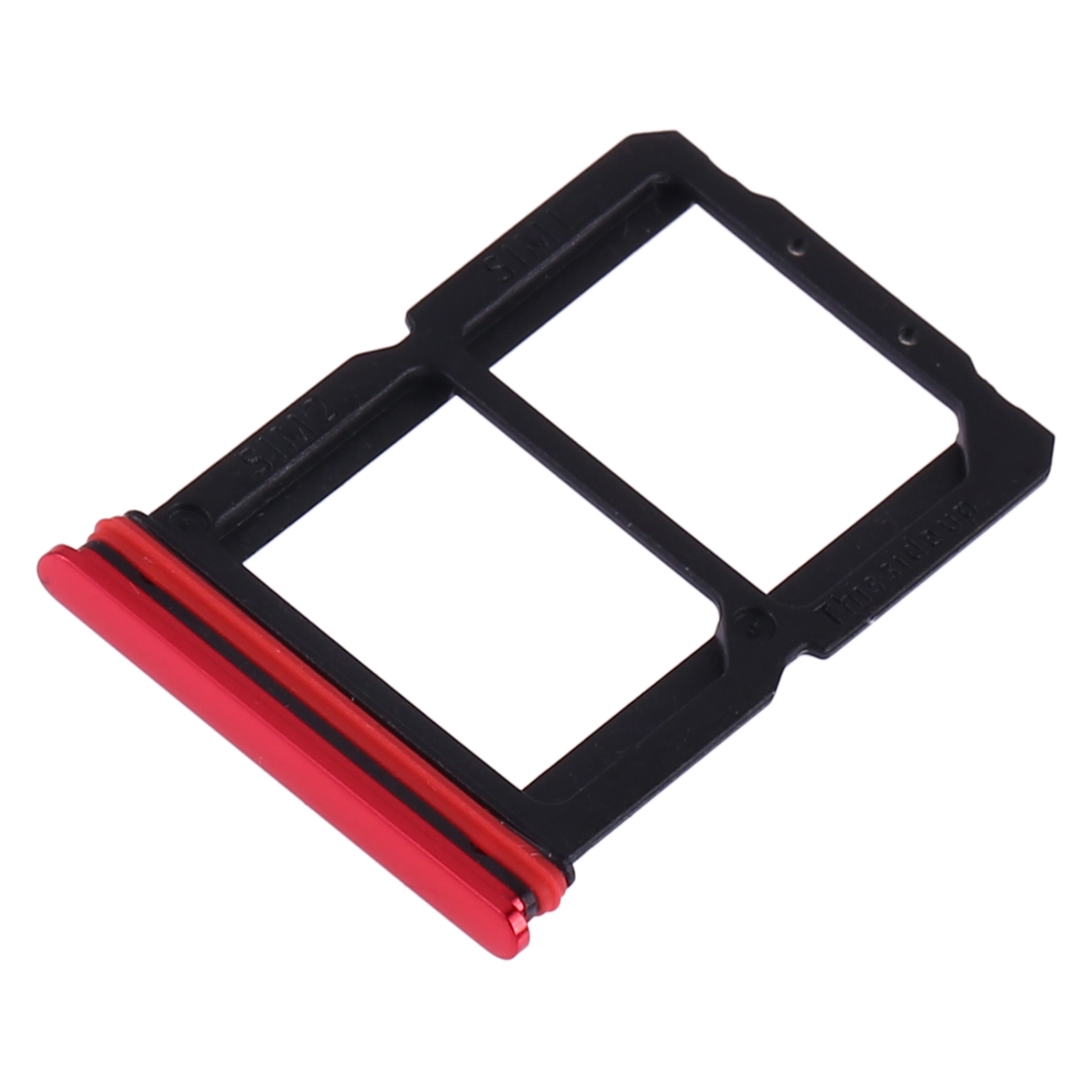
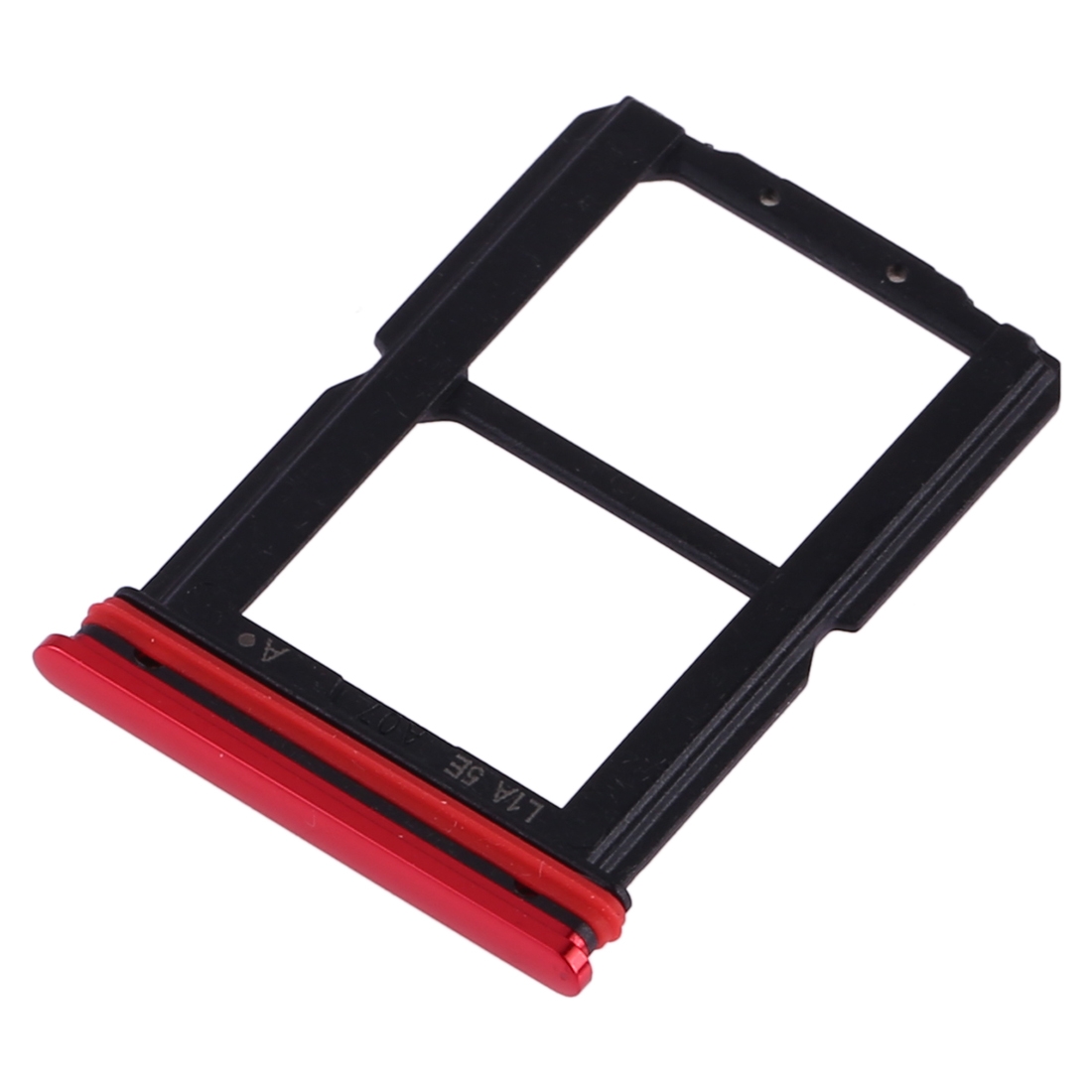
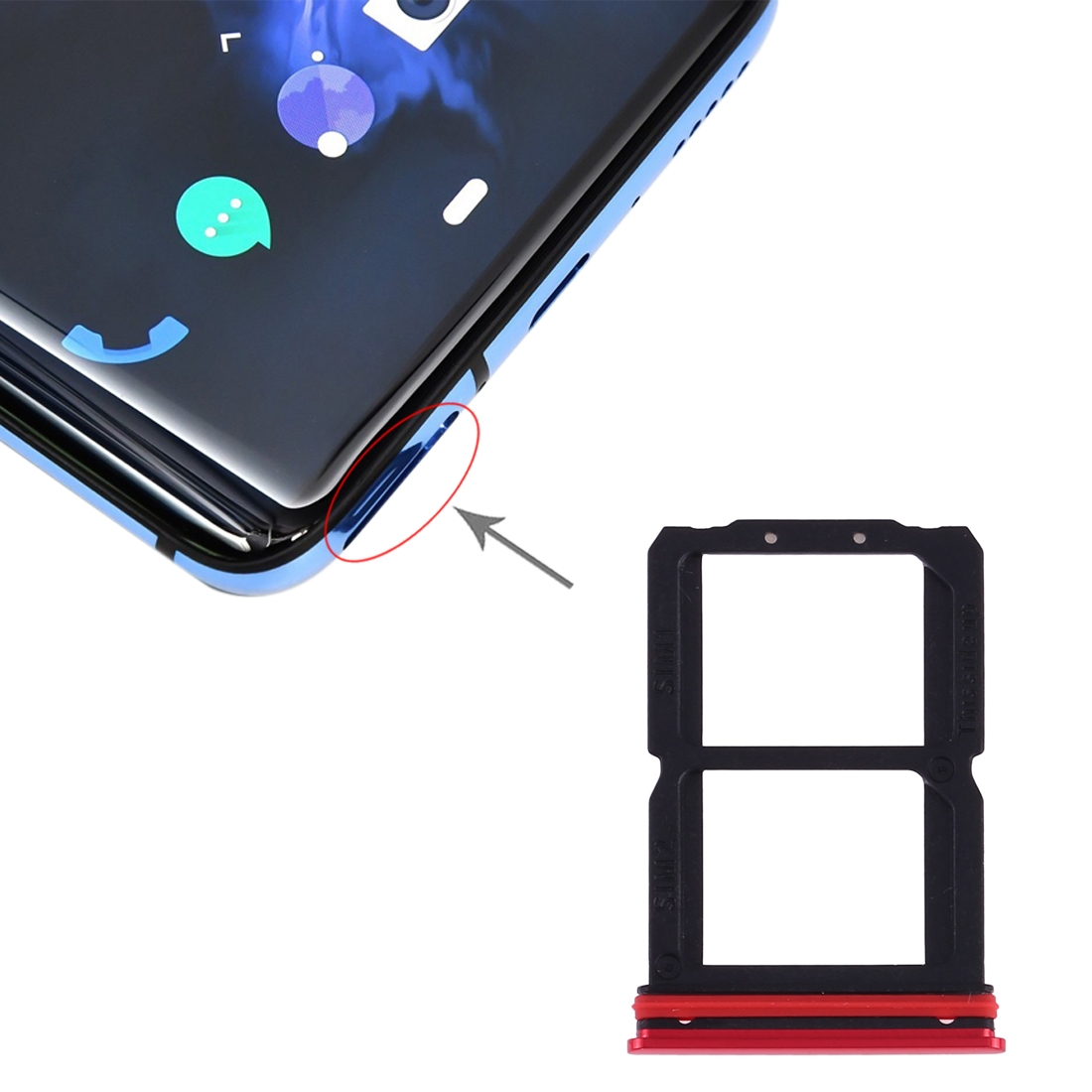
Lost your OnePlus 7’s SIM card tray? Or maybe it’s damaged and won’t hold your SIM properly anymore? This is the exact red replacement tray you need. It’s made specifically for the OnePlus 7, so it fits perfectly and matches your phone’s color.
Why This Part Works
Without a proper tray, your SIM card won’t stay in place, and you’ll lose signal constantly. This red tray snaps right into your OnePlus 7’s slot, securing your SIM so your phone works like it should. Repair technicians across South Africa choose parts like this for their customers’ phones.
Installation Notes
Installing a SIM tray is pretty straightforward. Just slide it into the slot on your OnePlus 7 until it clicks. If you’re doing any other work on your phone, use an anti-static strap to protect the components. Don’t force anything – if it doesn’t slide in easily, check the orientation.
Warranty Coverage
You’re covered for six months with this purchase. If anything goes wrong, we’ll sort it out. Your order ships at no extra cost anywhere in South Africa. Need help? Message us at support@phoneparts.co.za or WhatsApp 063 193 2306. More than six hundred repair shops rely on our phone parts.