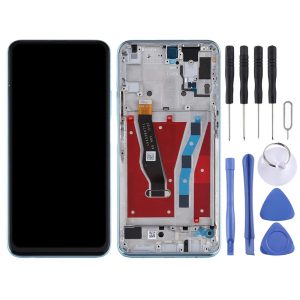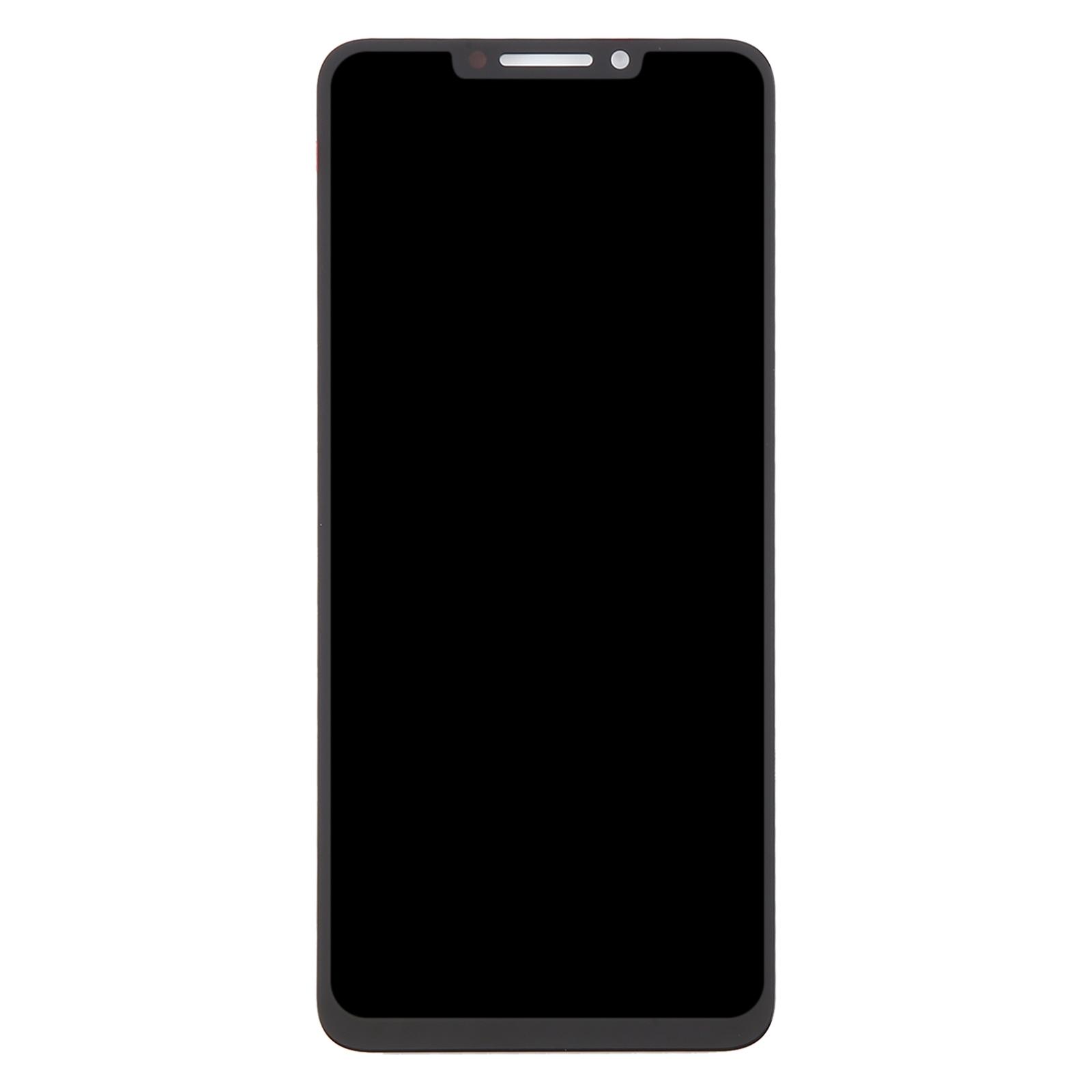
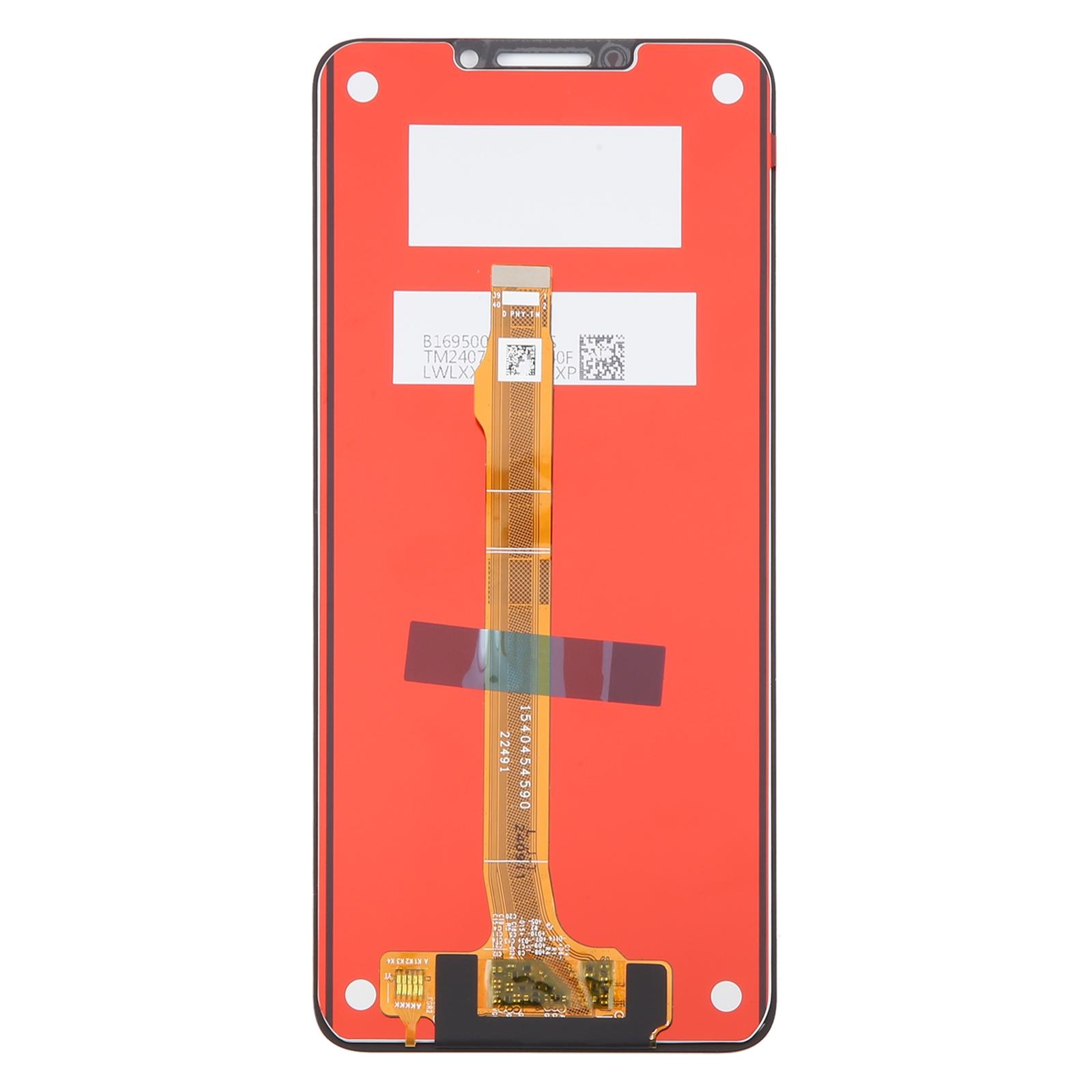
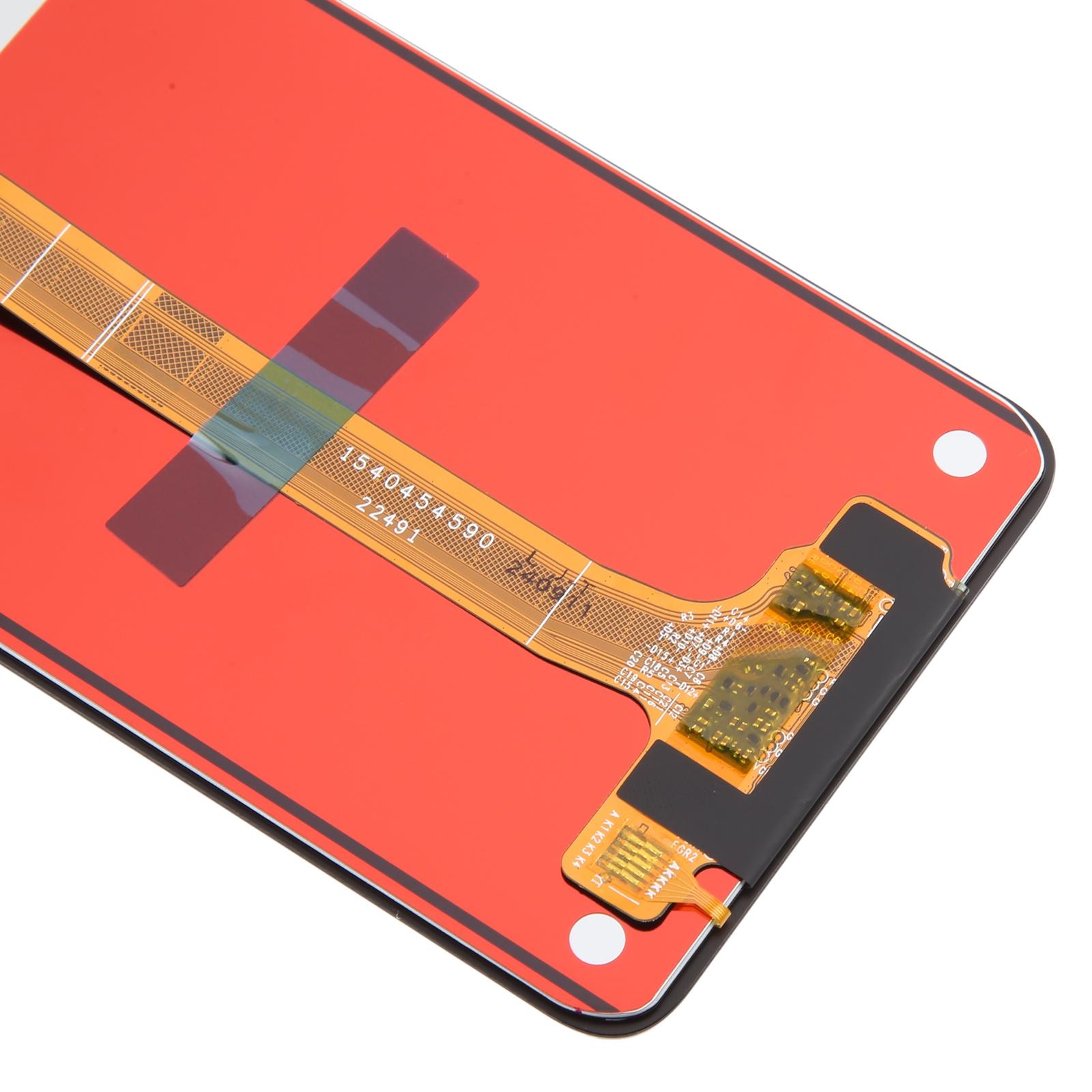
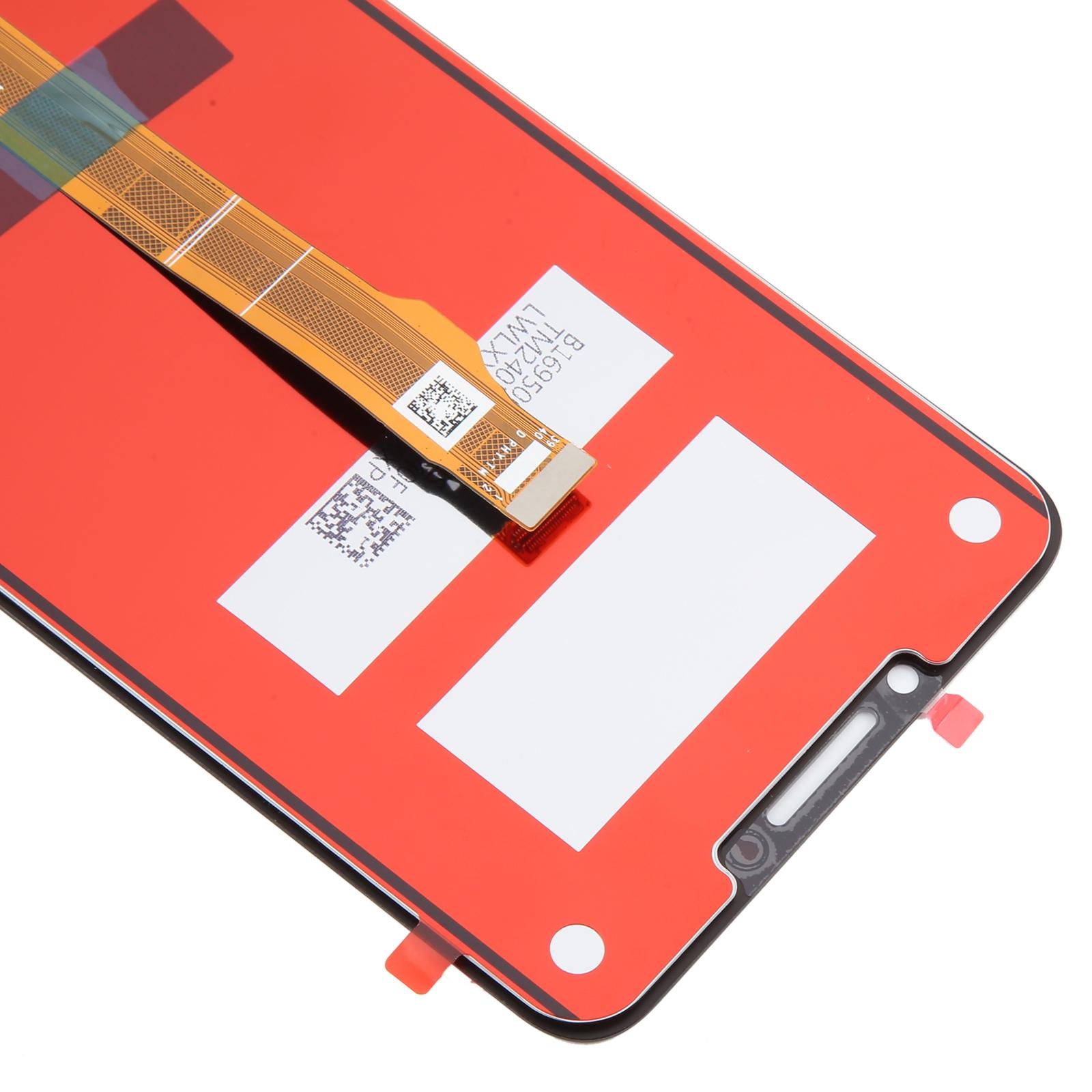
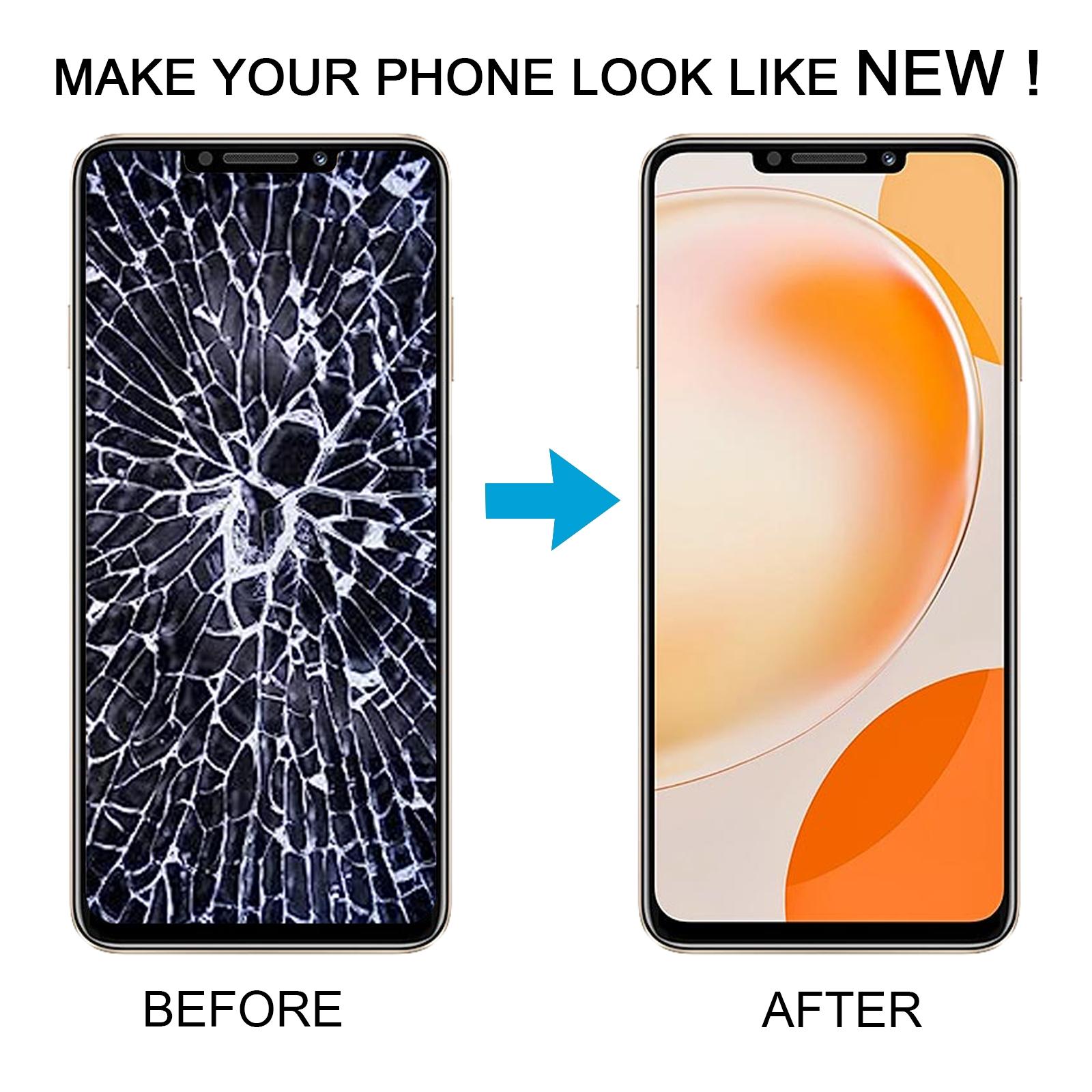


Cracked glass or a touch screen that ignores your taps can make your nova Y91 frustrating to use. This LCD display and touch digitizer assembly is built to bring the screen back to life.
What You’re Getting
You receive a complete LCD and digitizer assembly, so the display panel and touch layer arrive as one unit. Each assembly is checked for good condition before it leaves our warehouse. Swapping it in should leave your phone looking fresh and responding the way it used to.
Why This Part Works
Because the touch layer and panel come pre-joined, you avoid the fiddly job of aligning separate pieces. The assembly is designed to fit the nova Y91 properly, so you can focus on the swap itself. Keep the protective film on during testing to avoid scratches.
Installation Notes
Screens are delicate, so test before you commit. Reconnect the motherboard, the LCD, and the audio cable outside the case, power on, and confirm the display and touch work. If the test passes, go ahead and fit it. Ground yourself with an ESD strap first, and wear eye protection since glass splinters are sharp. Avoid bending the LCD cable past 90 degrees, as that can cause a black screen. Professional fitting is the safest route if you are unsure.