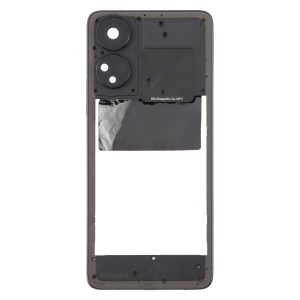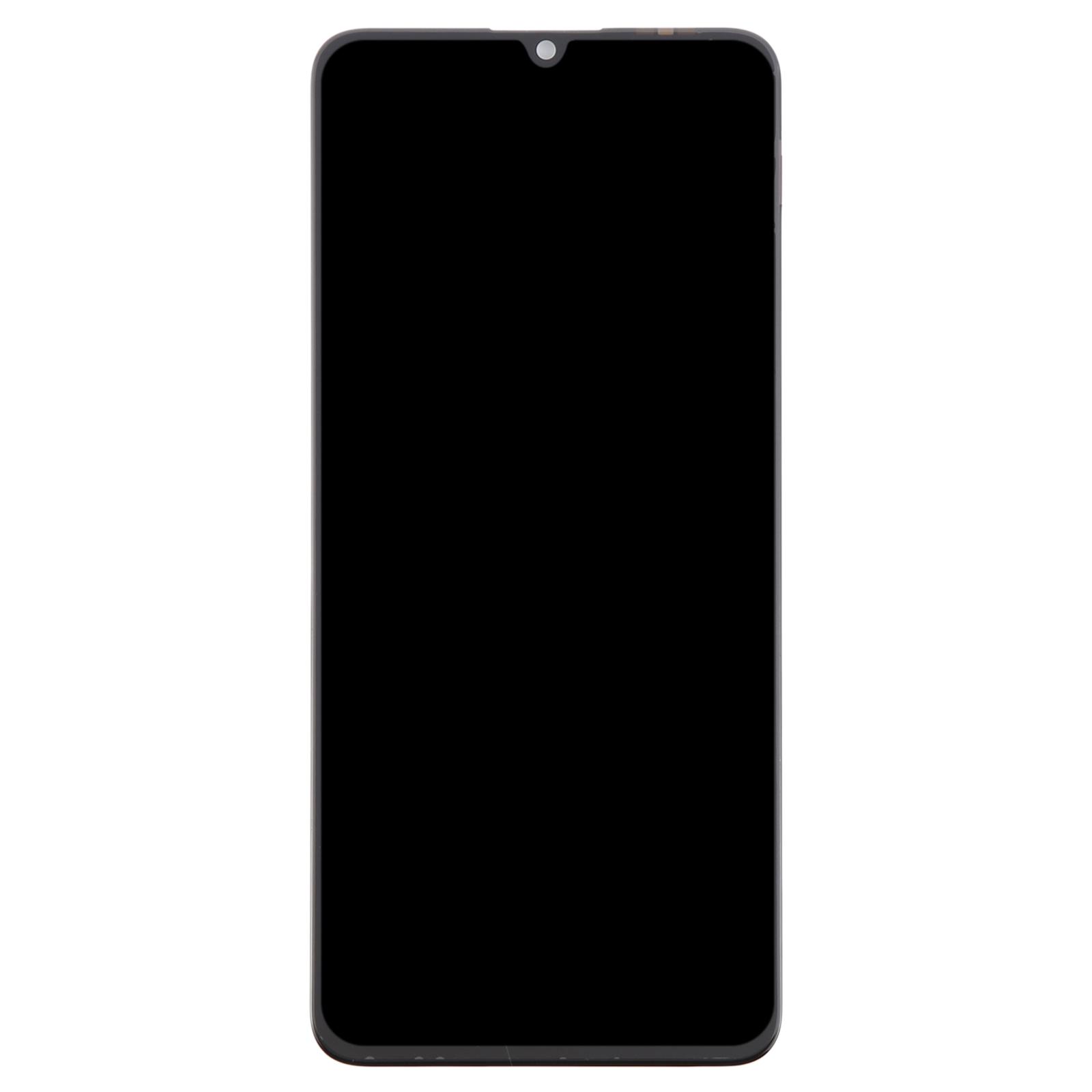
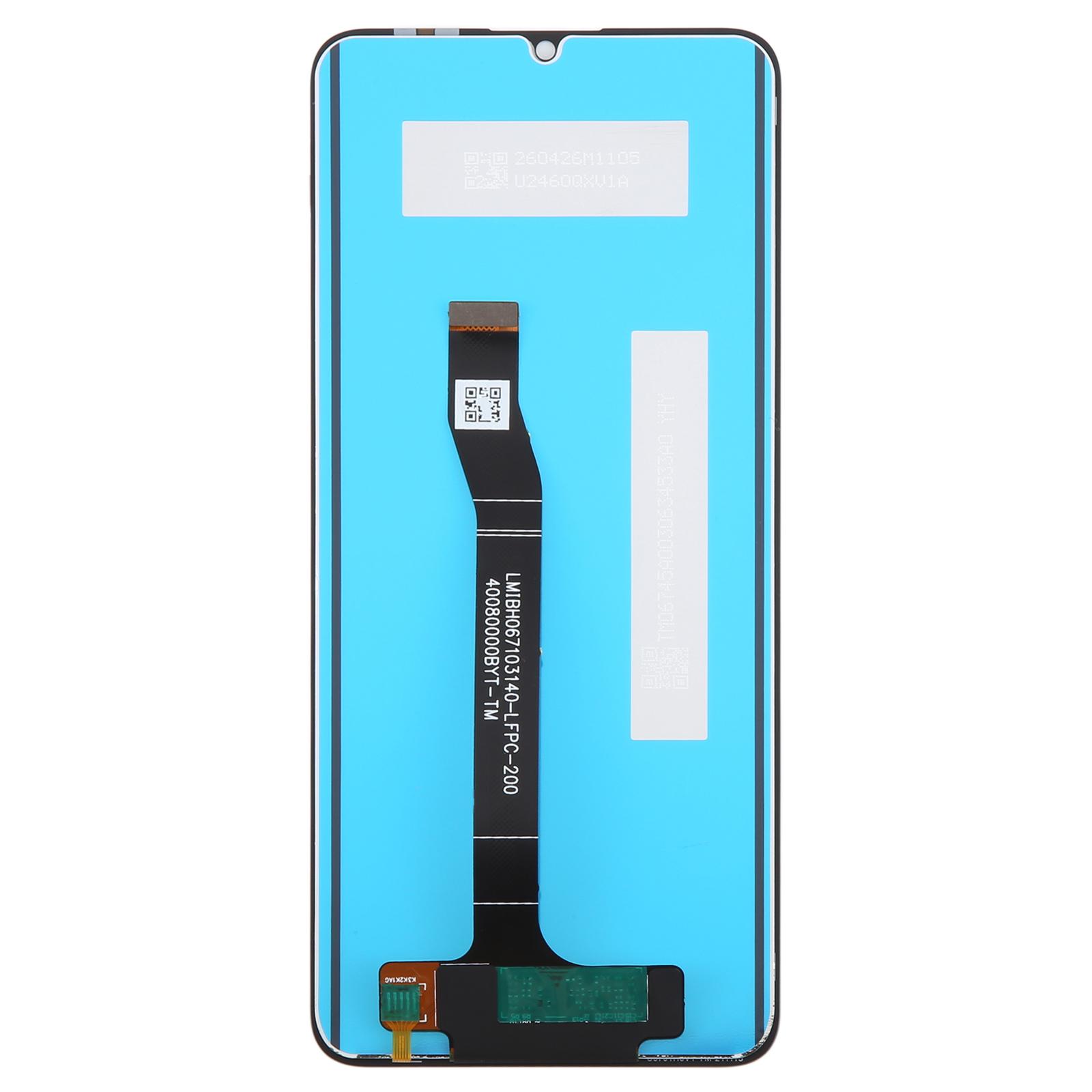
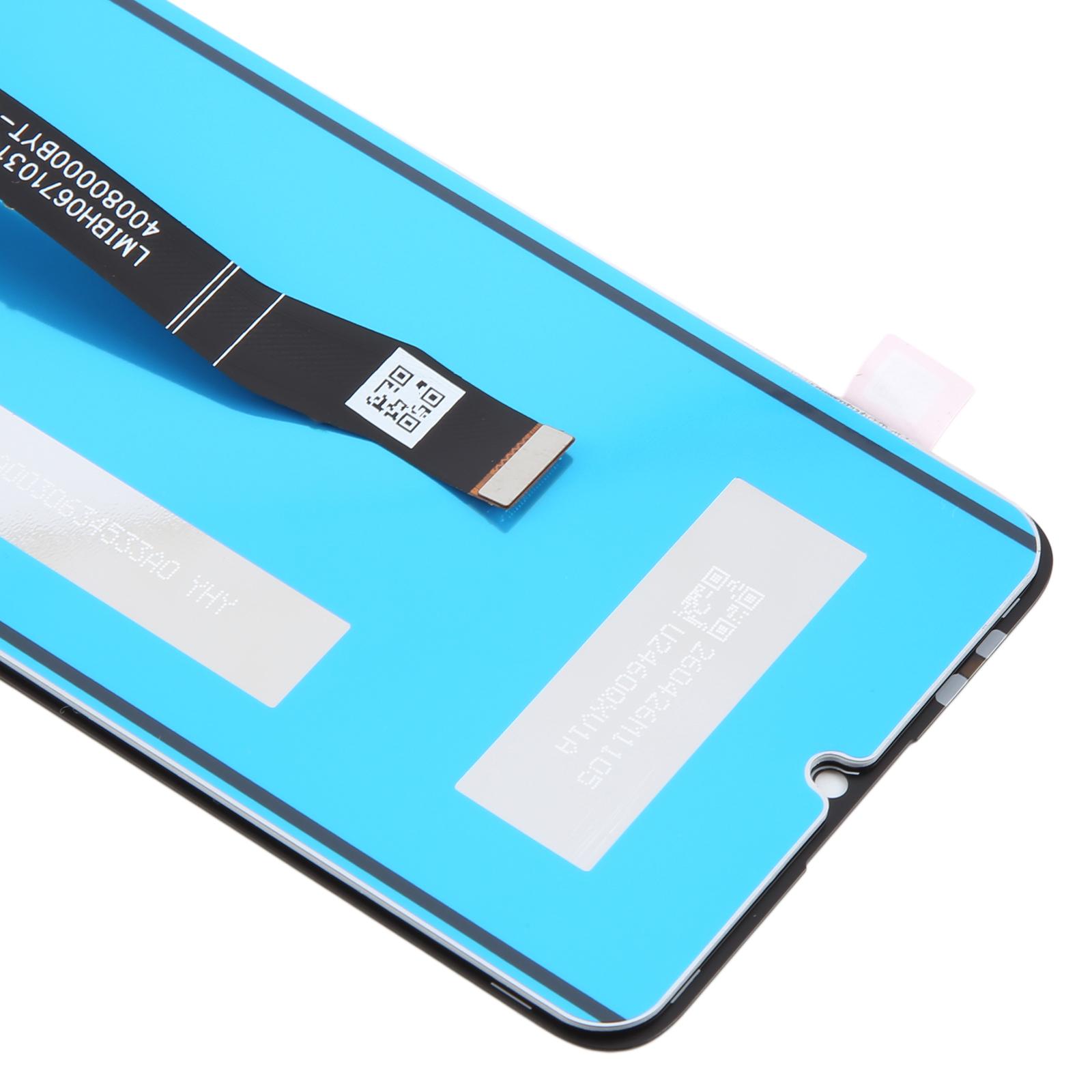
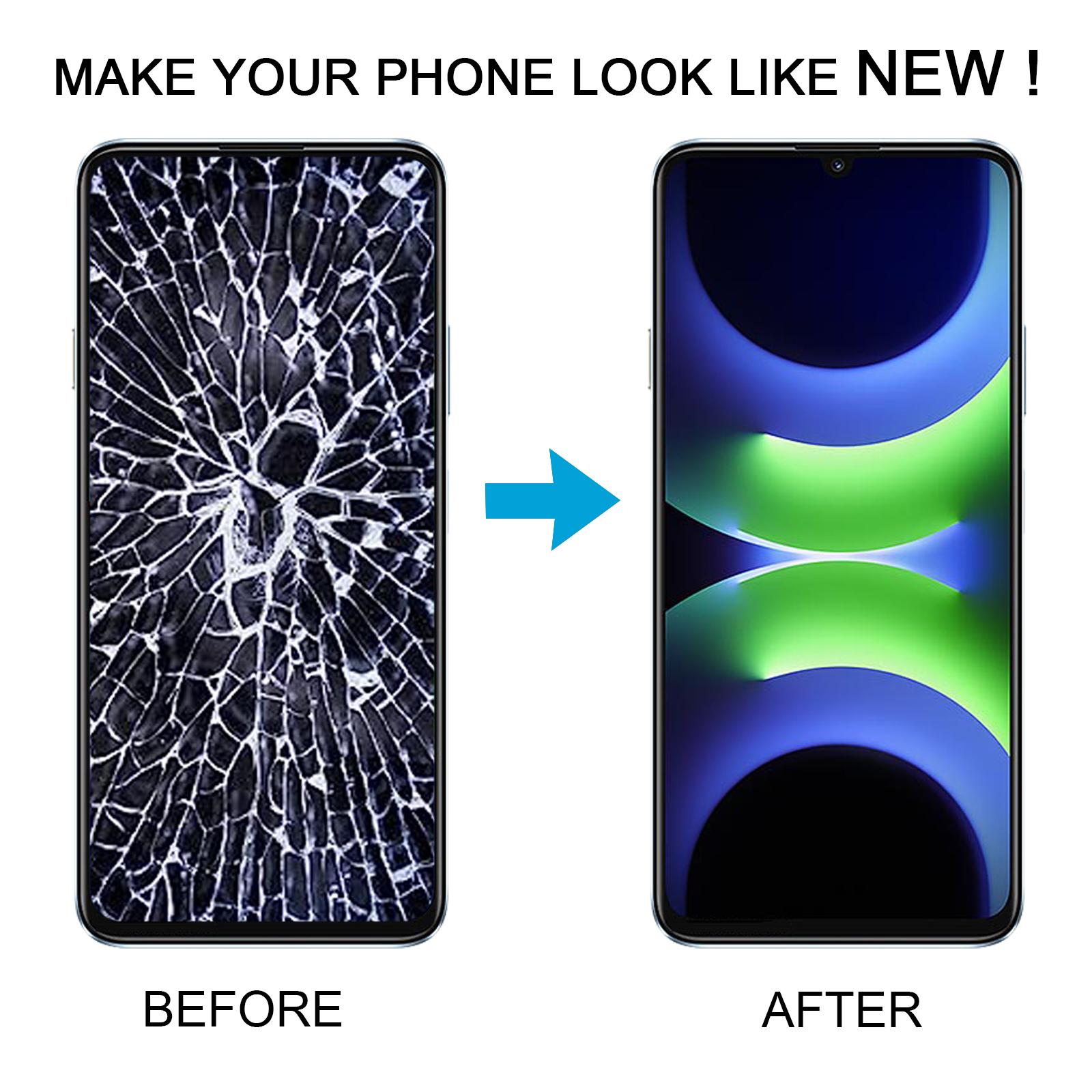


Cracked glass ruining your day? A dead or unresponsive display can make your Nova Y72S feel like a brick, and this full assembly puts it back in your hand.
What You’re Getting
This is a complete LCD display paired with its touch screen digitizer, sold as one ready-to-fit unit. You won’t need to source the glass and panel separately. Each unit is checked for good condition before it leaves our warehouse, so you start with a working part.
Why This Part Works
Because the LCD and digitizer arrive already bonded, you avoid the fiddly job of aligning two layers yourself. The result is a screen that looks fresh and responds the way the original did. It’s built as an OEM-grade replacement, so it aims to match the factory fit for your Nova Y72S.
Installation Notes
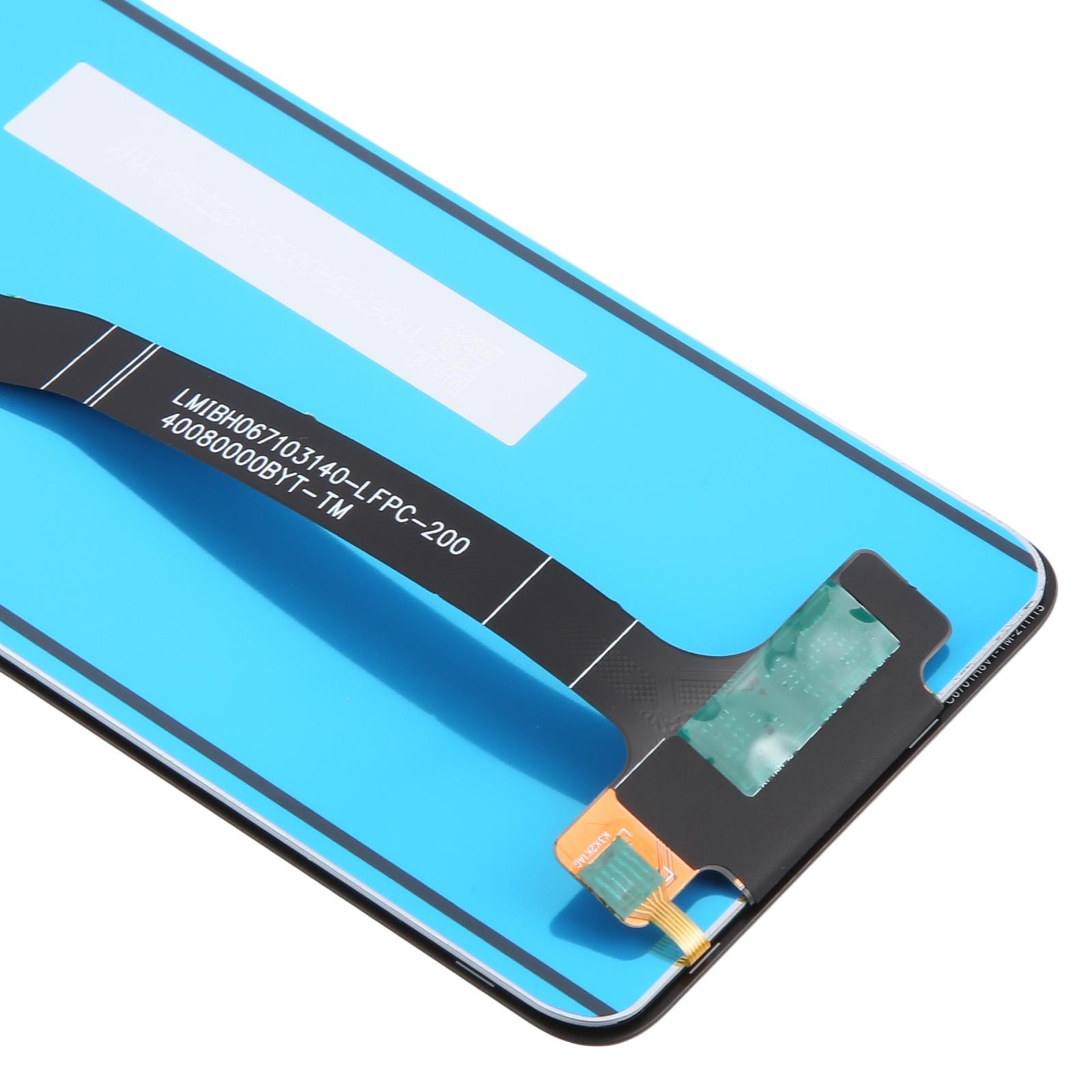
Test the screen before you fit it. Connect the display cable to the motherboard with the phone opened up, power it on, and check that the picture and touch both work. If something’s off, don’t force the part into the frame. Wear an ESD strap to protect the internal chips from static, and keep eye protection on, since glass splinters can slice fingers. Also, bend the display cable no more than 90 degrees, because a sharper bend can cause a black screen.