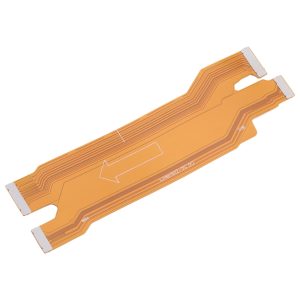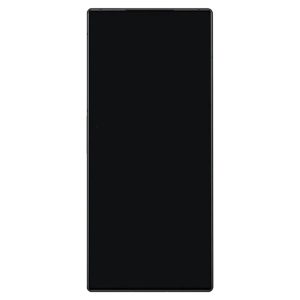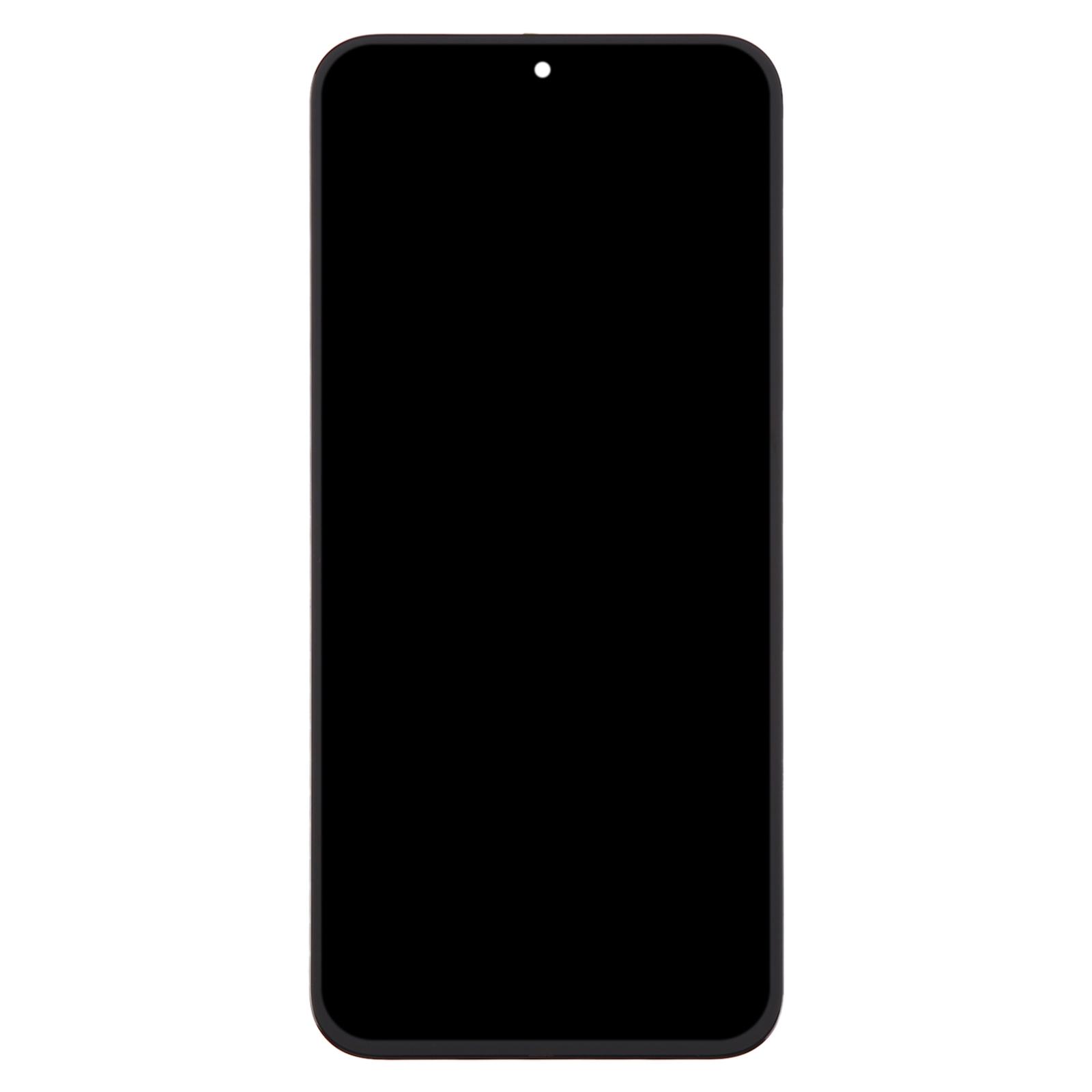
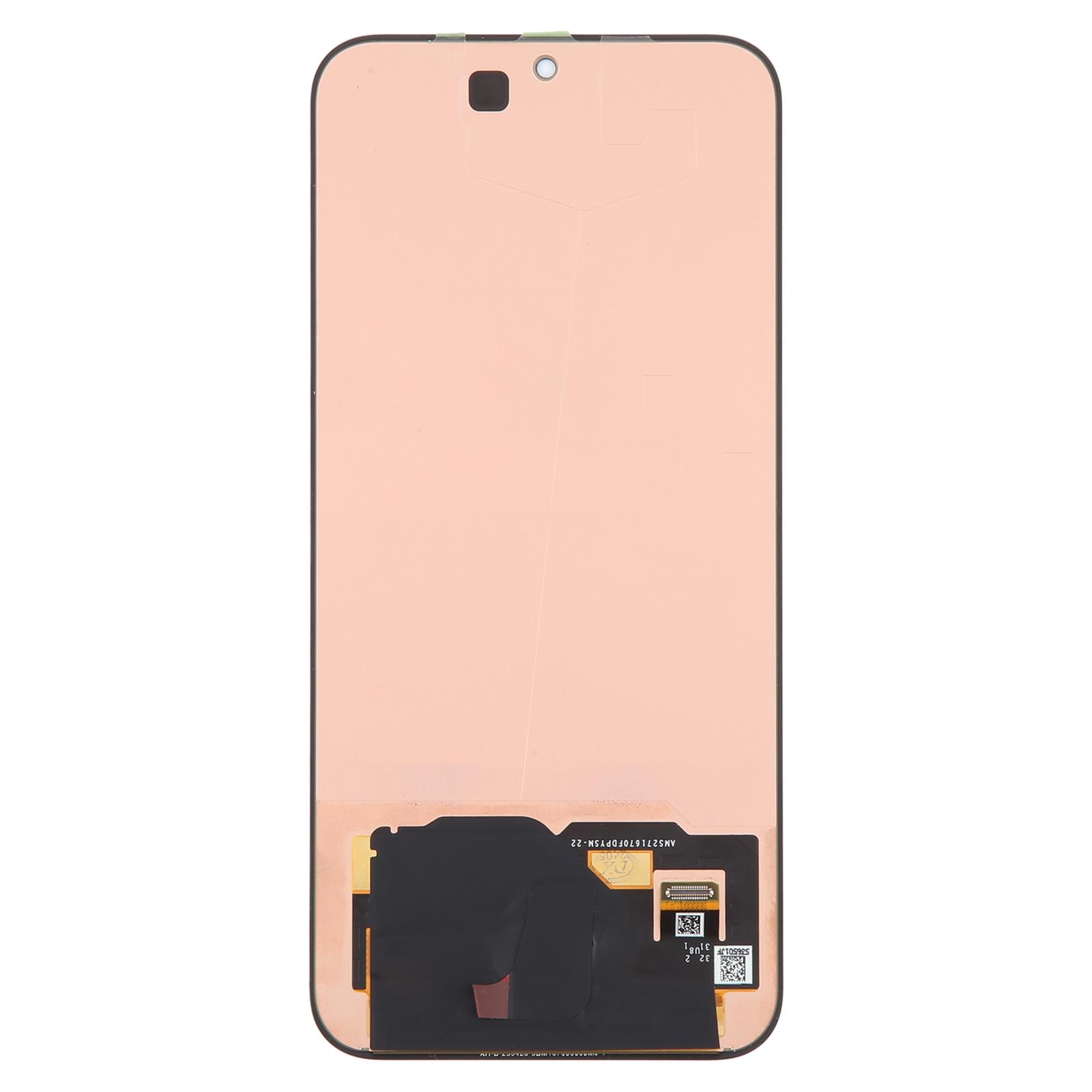
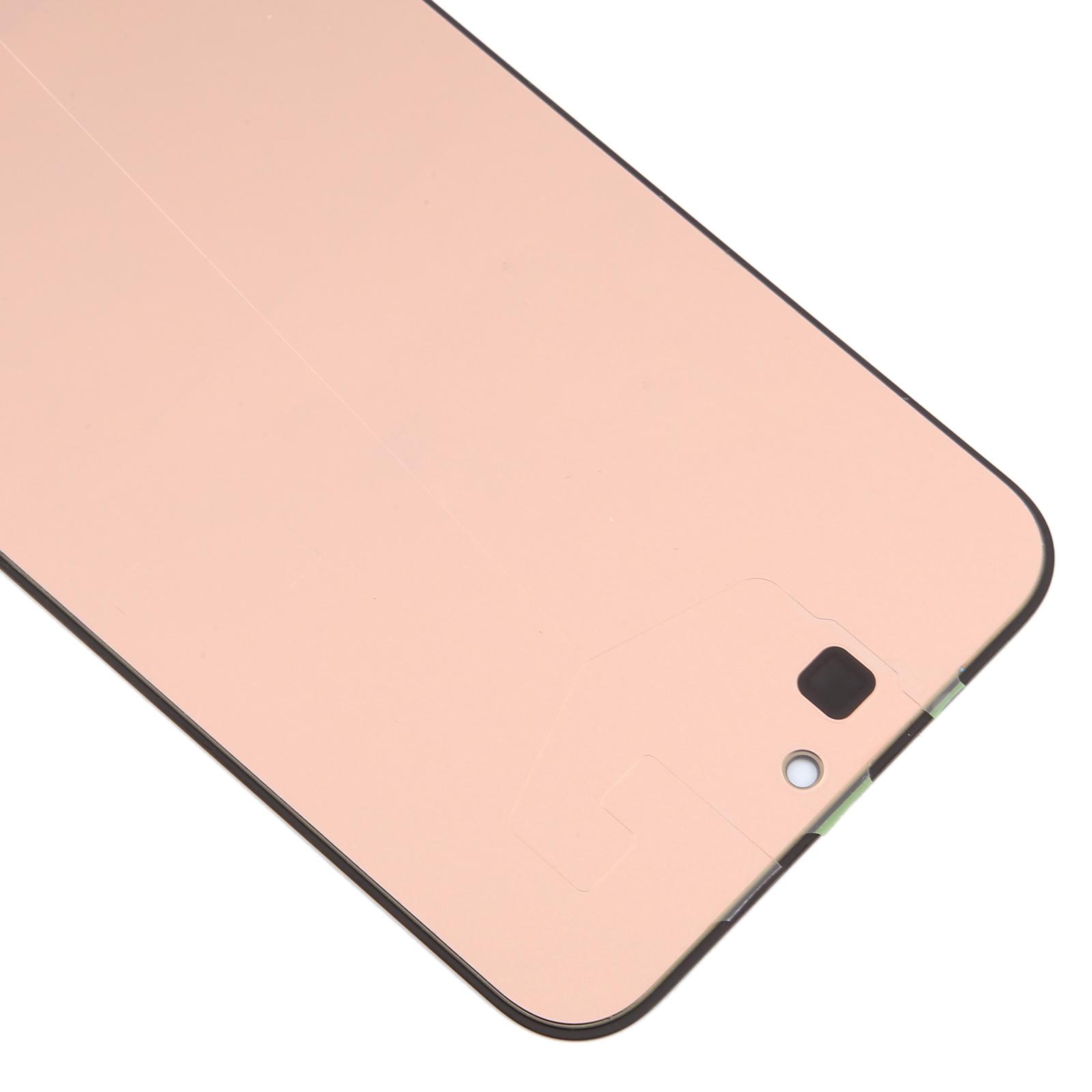
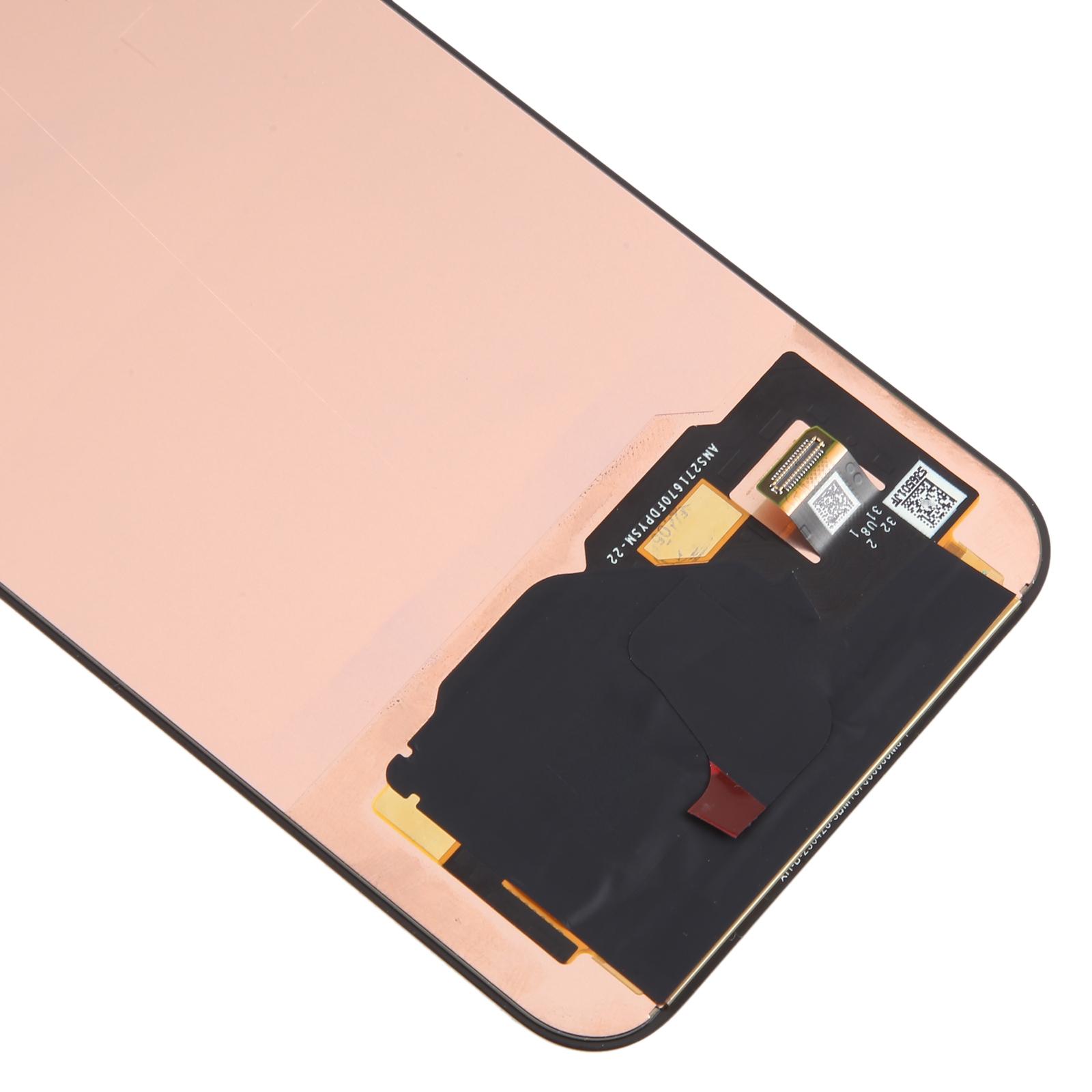
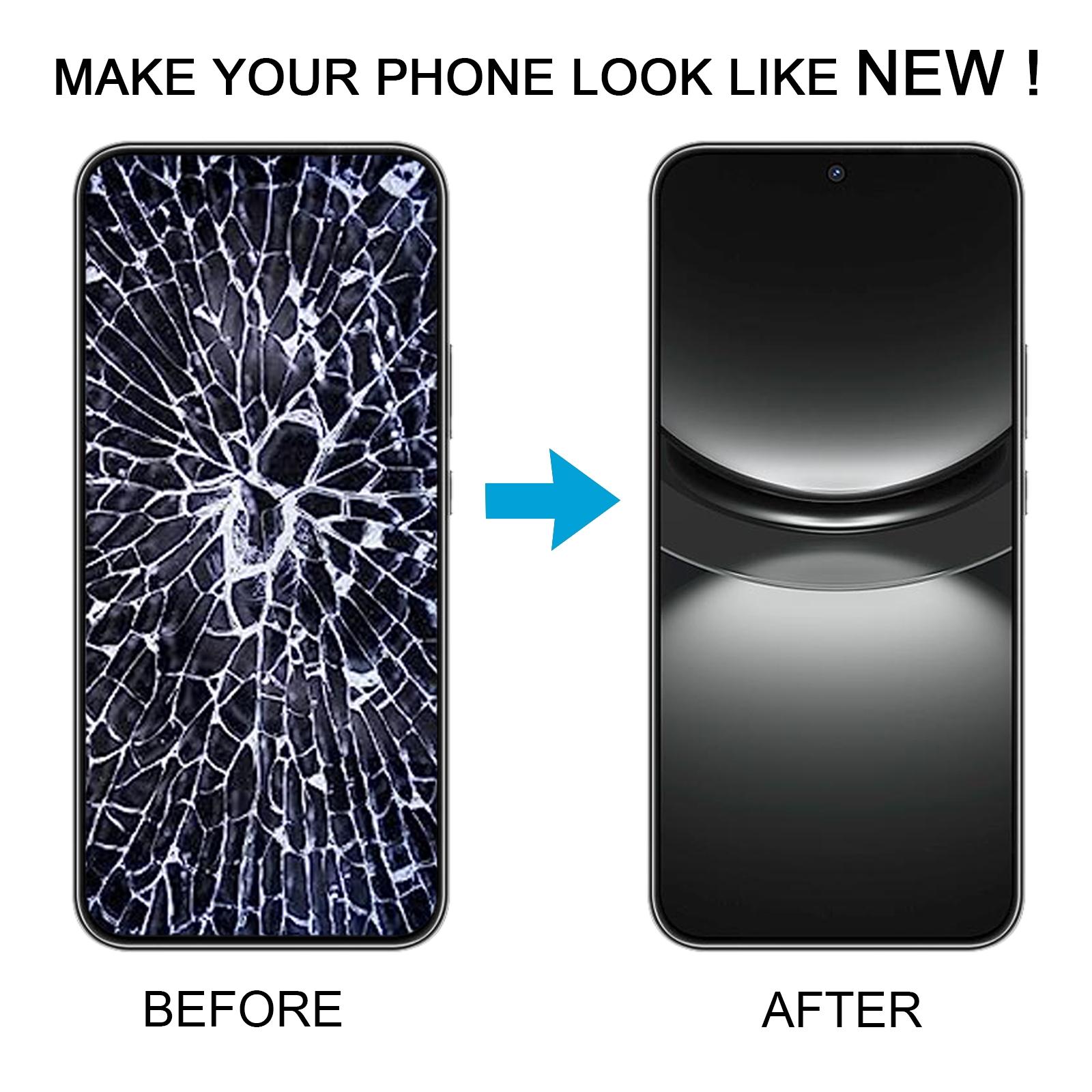


Cracked glass or a touch screen that ignores your taps? That kind of problem makes the Nova 12 hard to use for calls, photos, and everything in between. This full assembly gives you a fresh display to swap in.
What You’re Getting
You receive a complete LCD display with the touch screen digitizer already bonded together. There’s no need to pair separate parts during the repair. The unit is a direct replacement for the broken screen on the Nova 12, and each piece is checked for good condition before it leaves the warehouse.
Why This Part Works
Because the LCD and digitizer come as one assembly, the touch response and picture quality should match the original layout. Your phone looks fresh again, with sharp visuals and responsive taps. It’s a practical fix that keeps your Nova 12 in daily use without a full handset upgrade.
Installation Notes
Test the new screen before you fully install it. Connect the motherboard, LCD, and audio cable, power on, and check that the display and touch work. Only then should you seal the phone back together. Wear an ESD strap to protect the internal chips from static, and keep the protective film on until testing is done. Avoid bending the LCD cable past 90 degrees, since a sharp bend can cause a black screen. Take care with glass splinters and wear eye protection while you work.