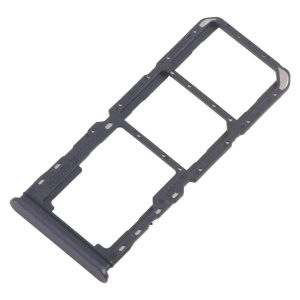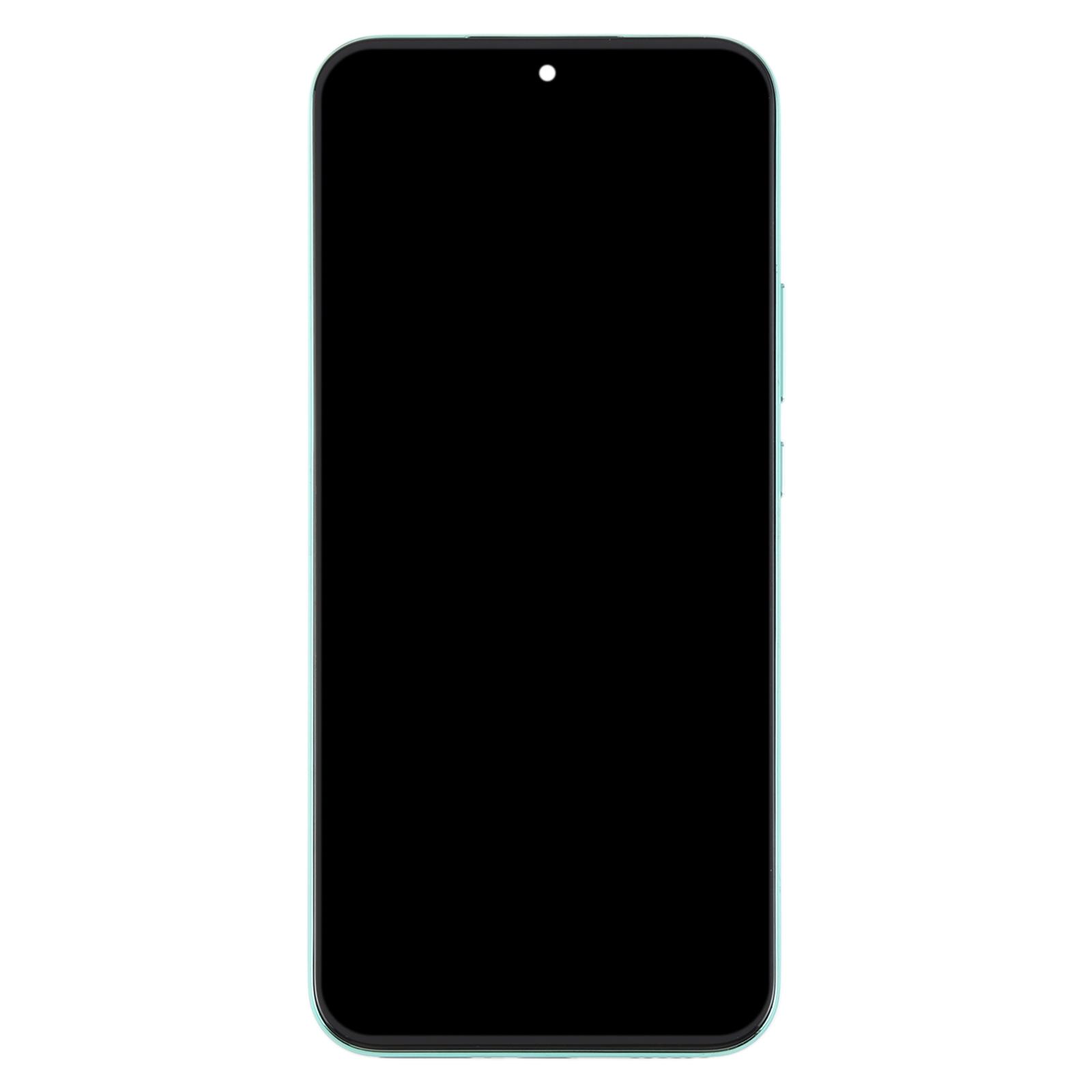
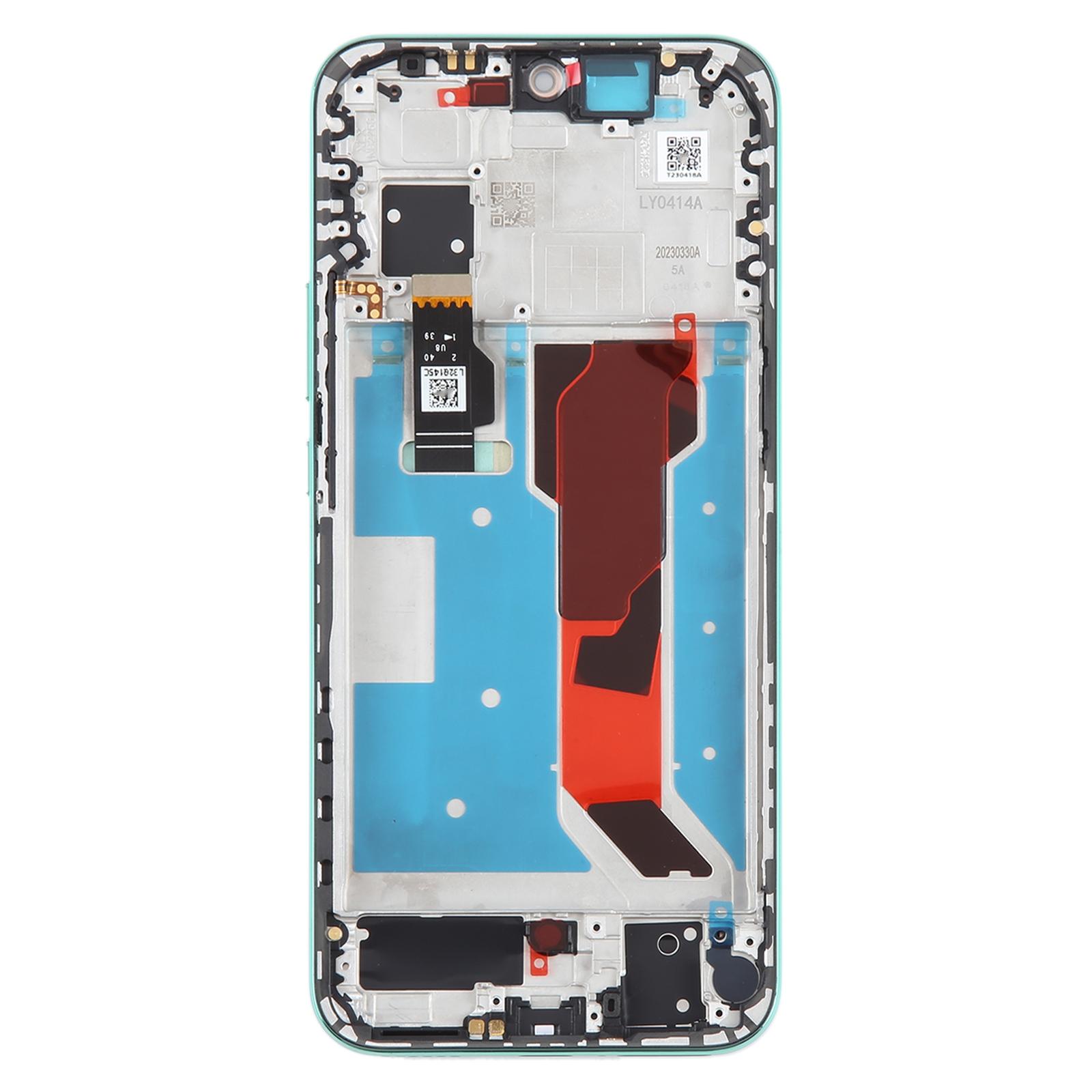
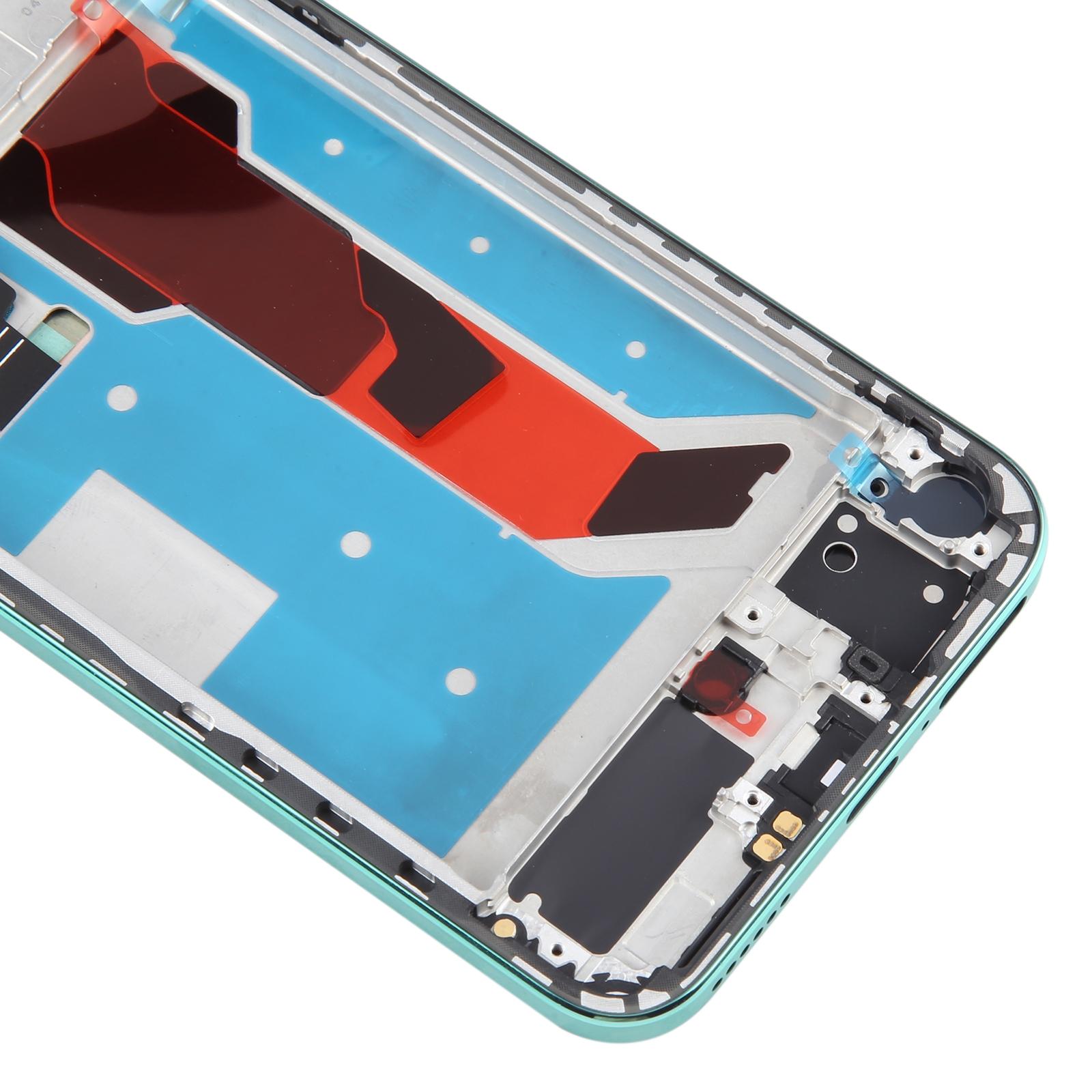
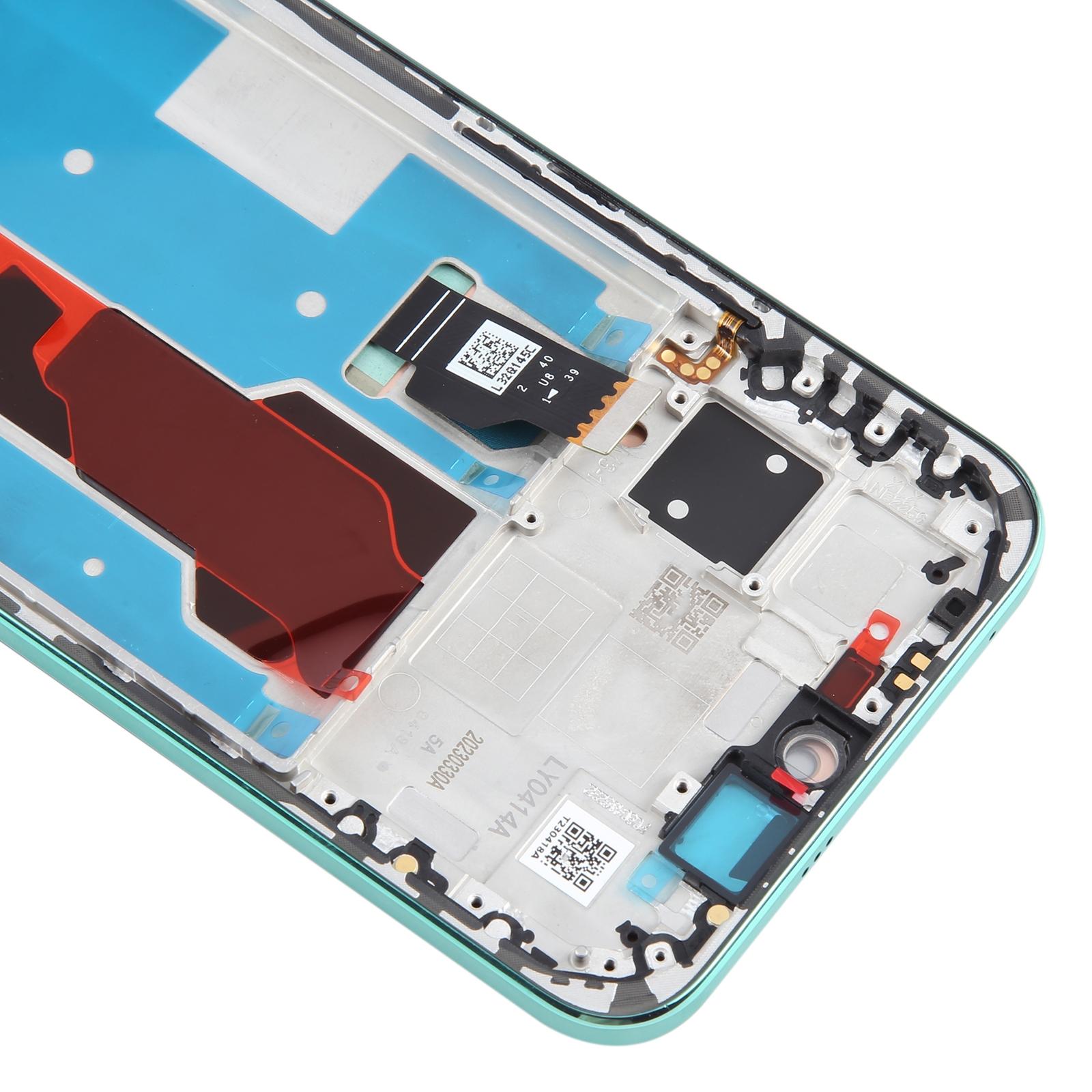


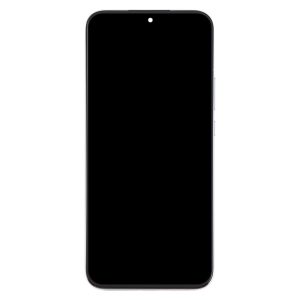
Tested replacement built for repair benches, this LCD and touch digitizer assembly arrives already mounted in its frame for the Huawei nova 11. The green colourway matches the original housing, so the swap looks clean once the phone is back together.
What You’re Getting
You receive one complete unit: the LCD display bonded to the touch digitizer, sitting inside a frame. That means no separate parts to transfer, just remove the old assembly and fit the new one. The part replaces screens that are cracked, damaged, or no longer responding to touch.
Why This Part Works
Screen faults affect almost everything you do on the phone, from calls to navigation. Getting the display back to full function brings the nova 11 back to daily use. Each unit is checked for good condition before it leaves our warehouse, so you start with a sound part.
Installation Notes
Run a quick simulated test before you fully seat the screen. Connect the display cable to the motherboard, power on, and confirm the picture and touch respond. If it fails to show, stop and reach out before forcing anything into the housing. Keep the LCD cable bent under 90 degrees, because a sharper fold can cause a black display.
Work with an ESD strap on your wrist, since static can quietly kill the components inside. Wear eye protection and handle the glass edges carefully, as splinters are easy to miss. Keep the protective film on until the test passes.