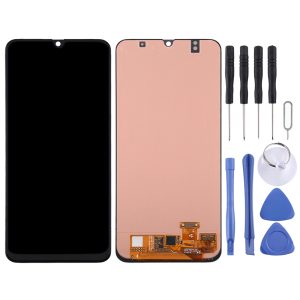
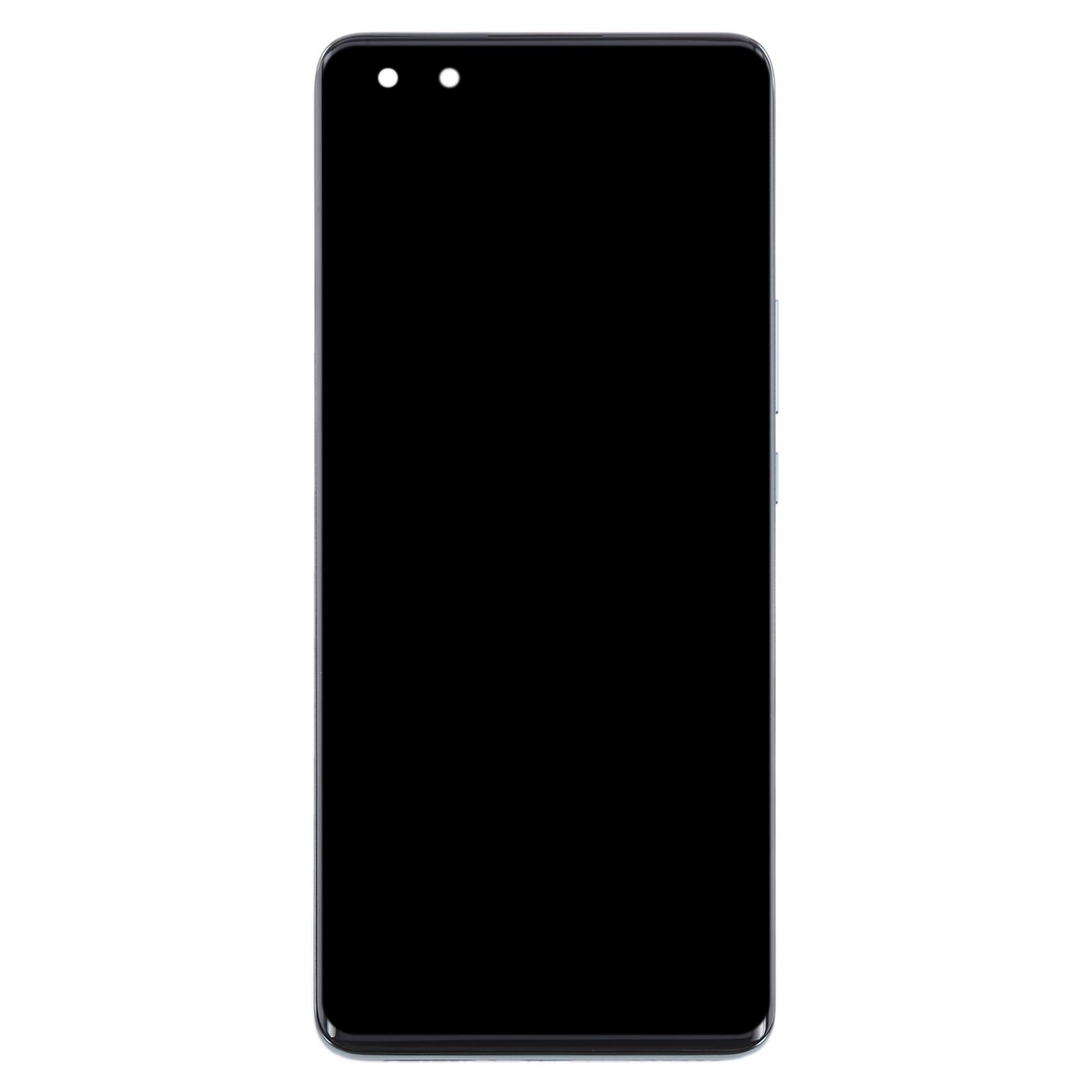
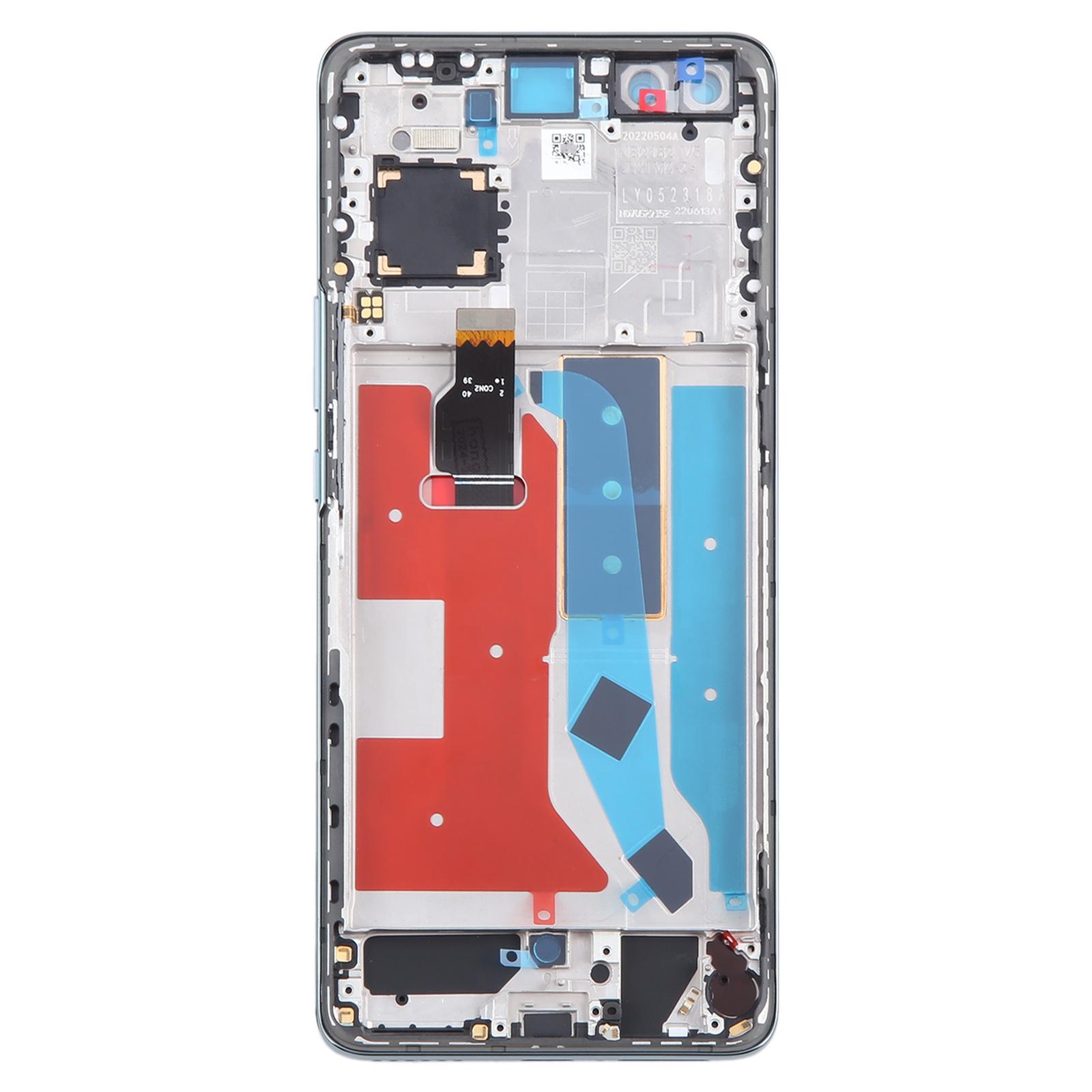
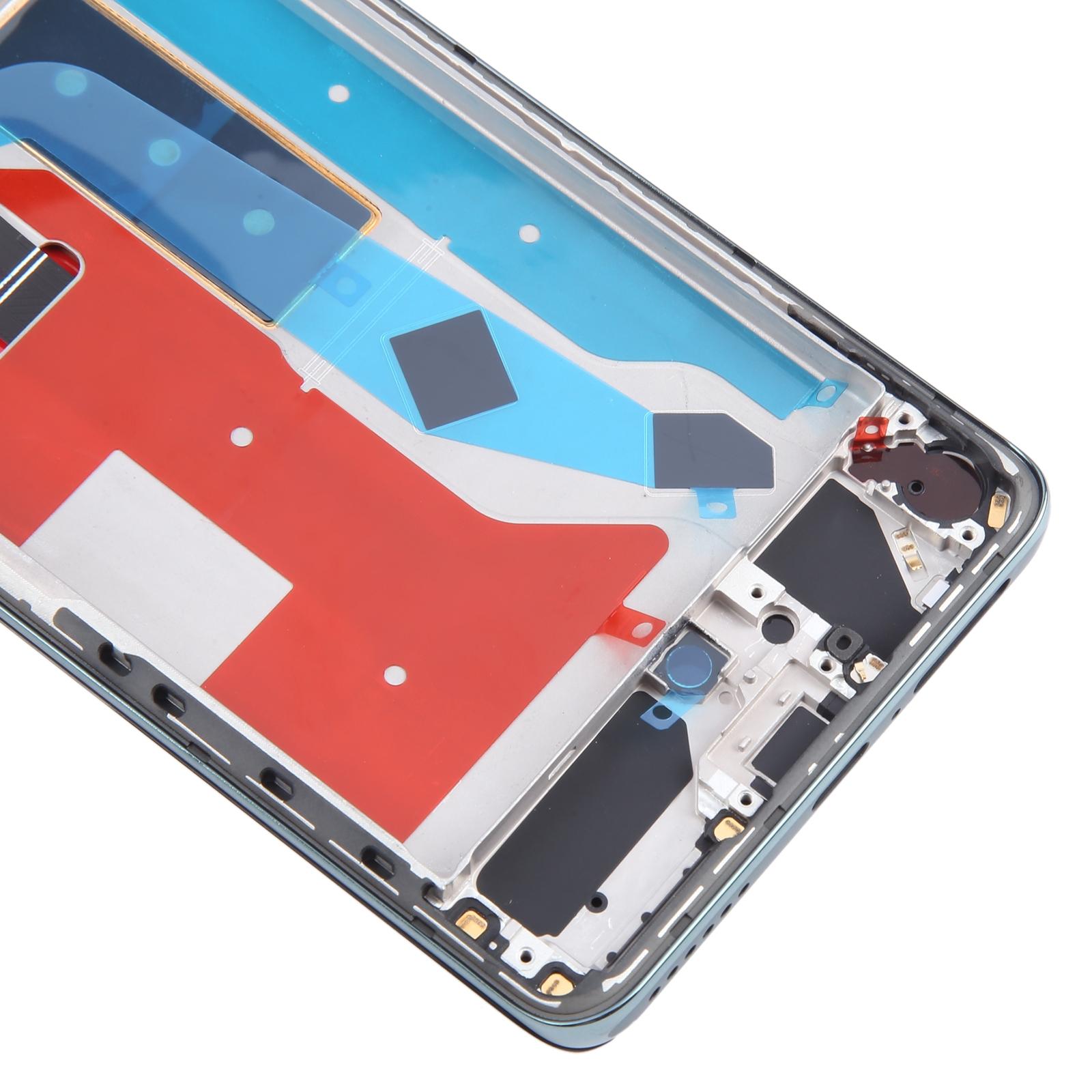
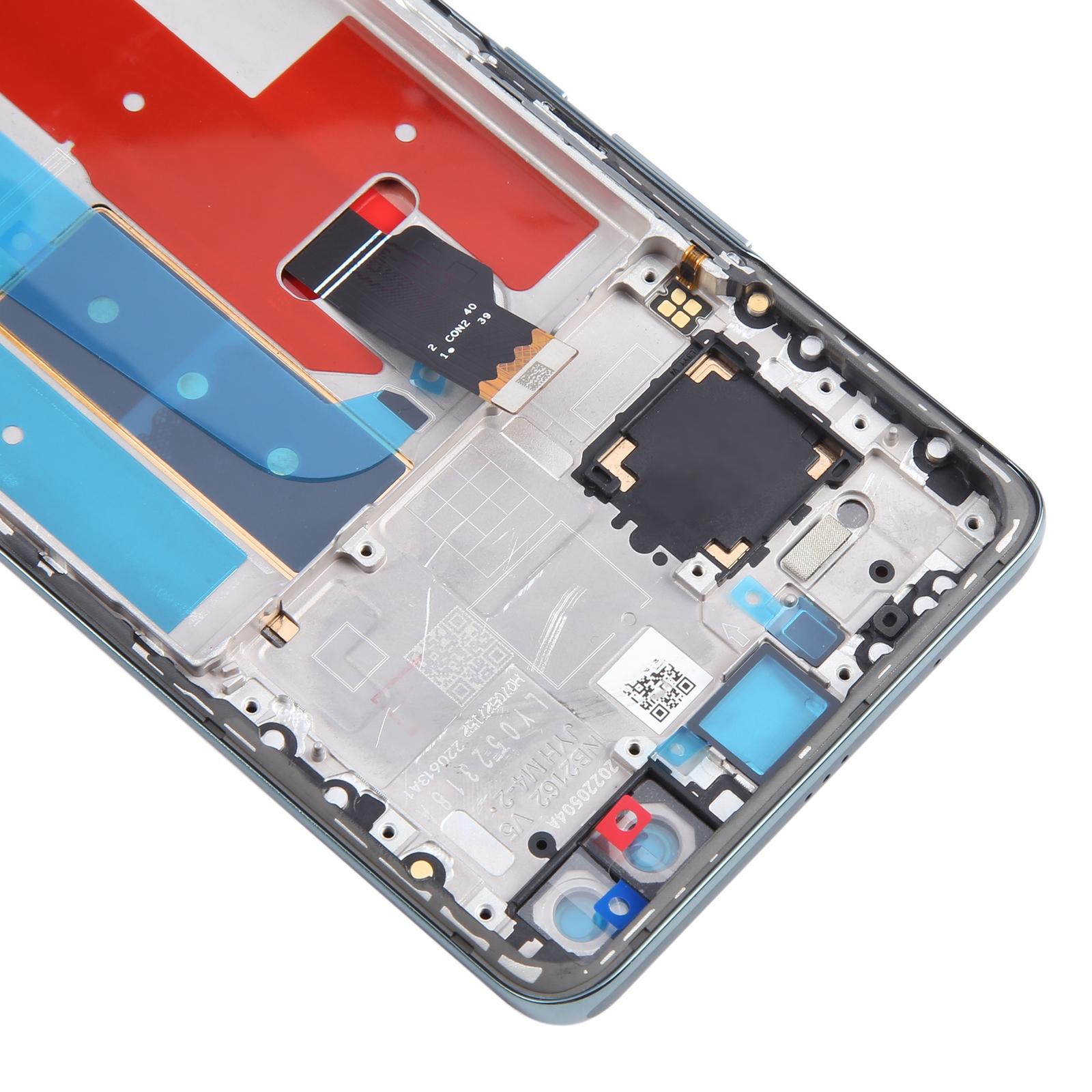


Is your Nova 10 Pro showing a spiderweb of cracks or a display that won’t respond to touch? This green LCD and touch digitizer assembly comes with the frame already attached, so you swap one complete unit instead of juggling loose parts.
What You’re Getting
You receive a single assembly that combines the LCD display and the touch screen digitizer, mounted in its frame. It’s meant to replace a broken, cracked, or damaged screen. The supplier checked each unit for condition before dispatch, so you start with a clean, working panel.
Why This Part Works
Because the digitizer and LCD arrive pre-joined, you avoid the fiddly step of aligning separate layers. The green finish matches the original colour, so the phone keeps its look. Your calls, photos, and navigation all run through this panel, so a solid fit matters.
Installation Notes
Before you open the phone, test the new panel. Connect the screen to the motherboard with the audio cable, power on, and check that the display and touch respond. If it passes, install it. If it doesn’t, don’t force it into the frame.
Wear an ESD strap to protect the internal chips from static discharge. Wear eye protection, since glass splinters can cut fingers. Keep the LCD ribbon cable bent under 90 degrees, because a sharper bend can cause a black screen.