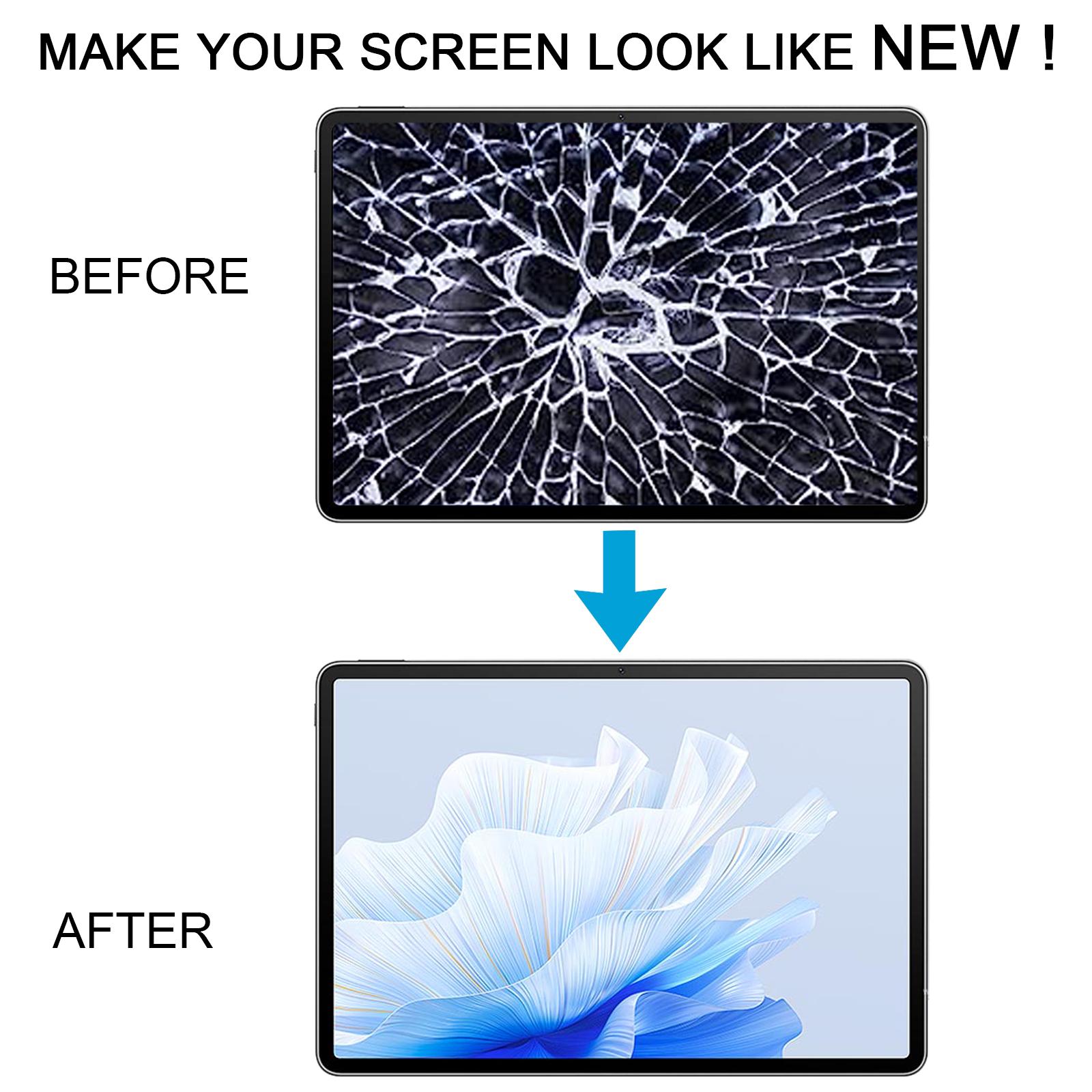


Cracked glass or a display that stopped responding to touch? That kind of damage can turn your MatePad Air into a paperweight fast.
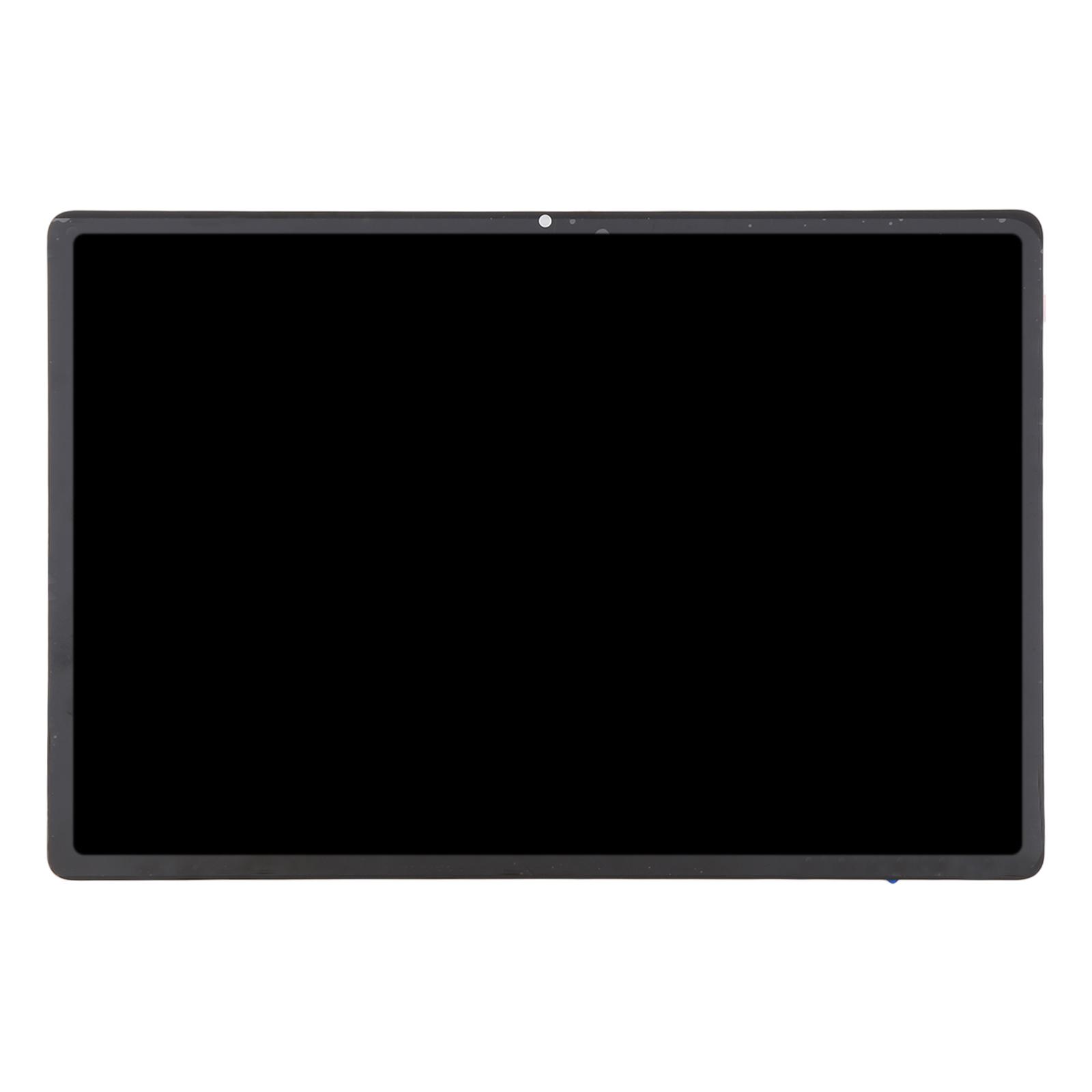
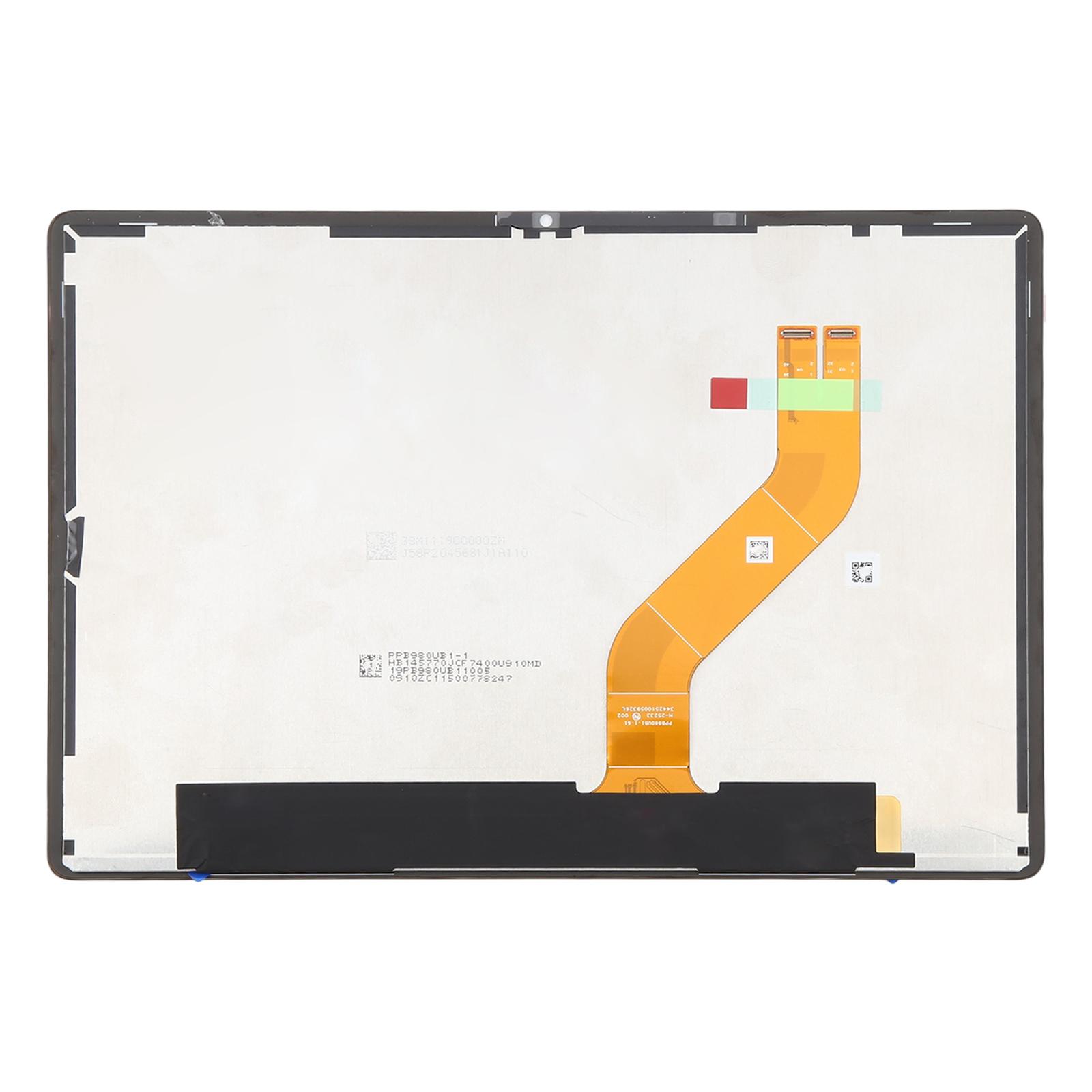
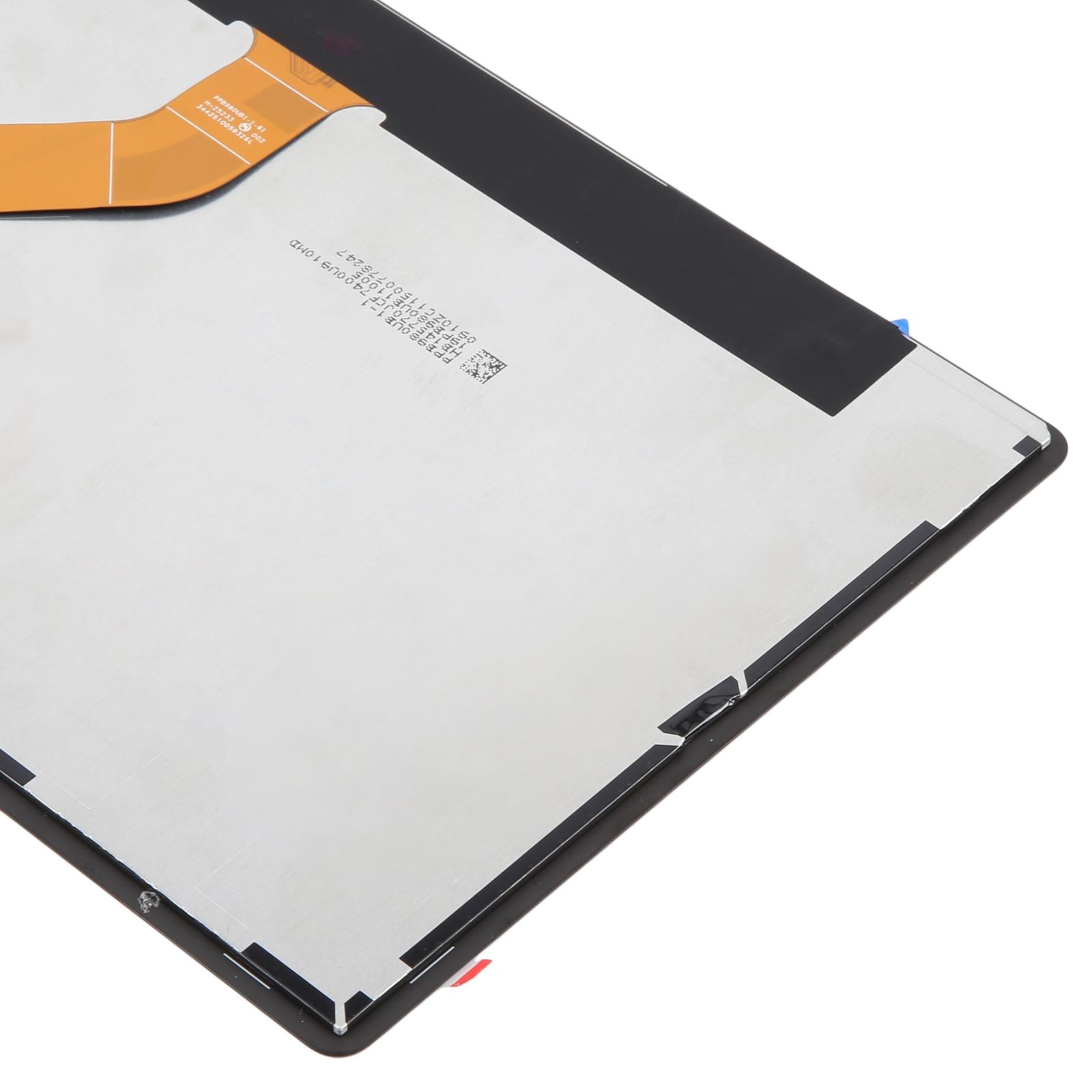
This full assembly bundles the LCD panel and touch digitizer into one part, so you swap a single unit instead of fiddling with separate pieces. Each unit is checked for good condition before it leaves our shelves, which means you start with a working panel rather than a gamble.
What You’re Getting
You receive a complete LCD and touch screen digitizer assembly for the LRT-W00 Standard Edition. There’s no need to source a bezel or glue strips separately from another listing. The part is designed to match the original tablet’s footprint and touch behaviour.
Compatibility
This assembly is made for the Huawei MatePad Air LRT-W00 Standard Edition. Check your model number on the back of the tablet or in the settings before ordering, since other MatePad variants use different panels.
Installation Notes
Test the new panel before you commit. Connect the screen to the motherboard outside the case, power it on, and confirm the display and touch both work. If the test passes, go ahead and install it. If nothing shows up, contact us right away rather than forcing the part into the housing.
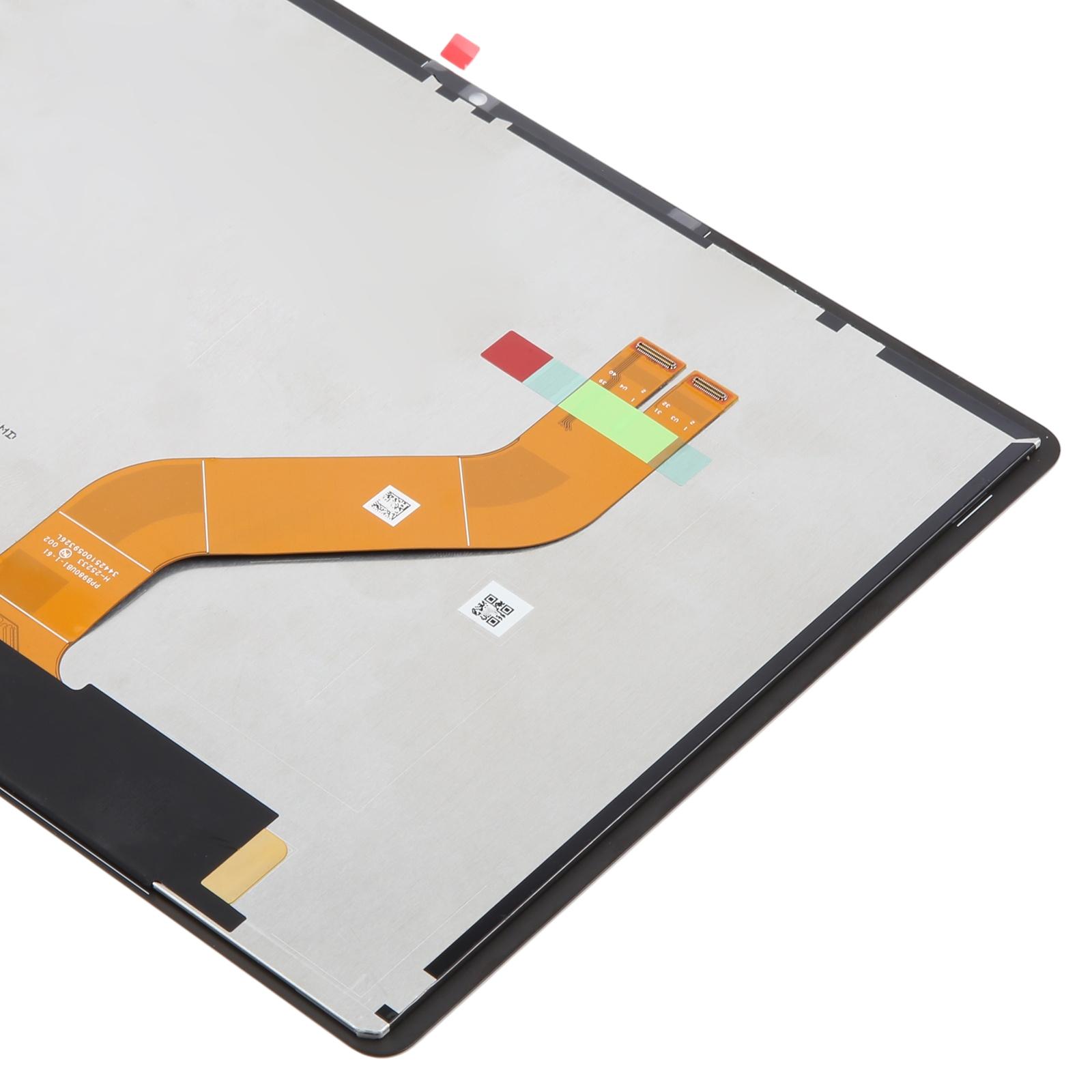
Wear an ESD strap to protect the internal components from static, and keep your eyes covered because glass splinters can fly. Avoid bending the LCD cable past 90 degrees, since sharp bends can cause a black screen. If you’re not comfortable with tablet repairs, a professional fitter is the safer route.