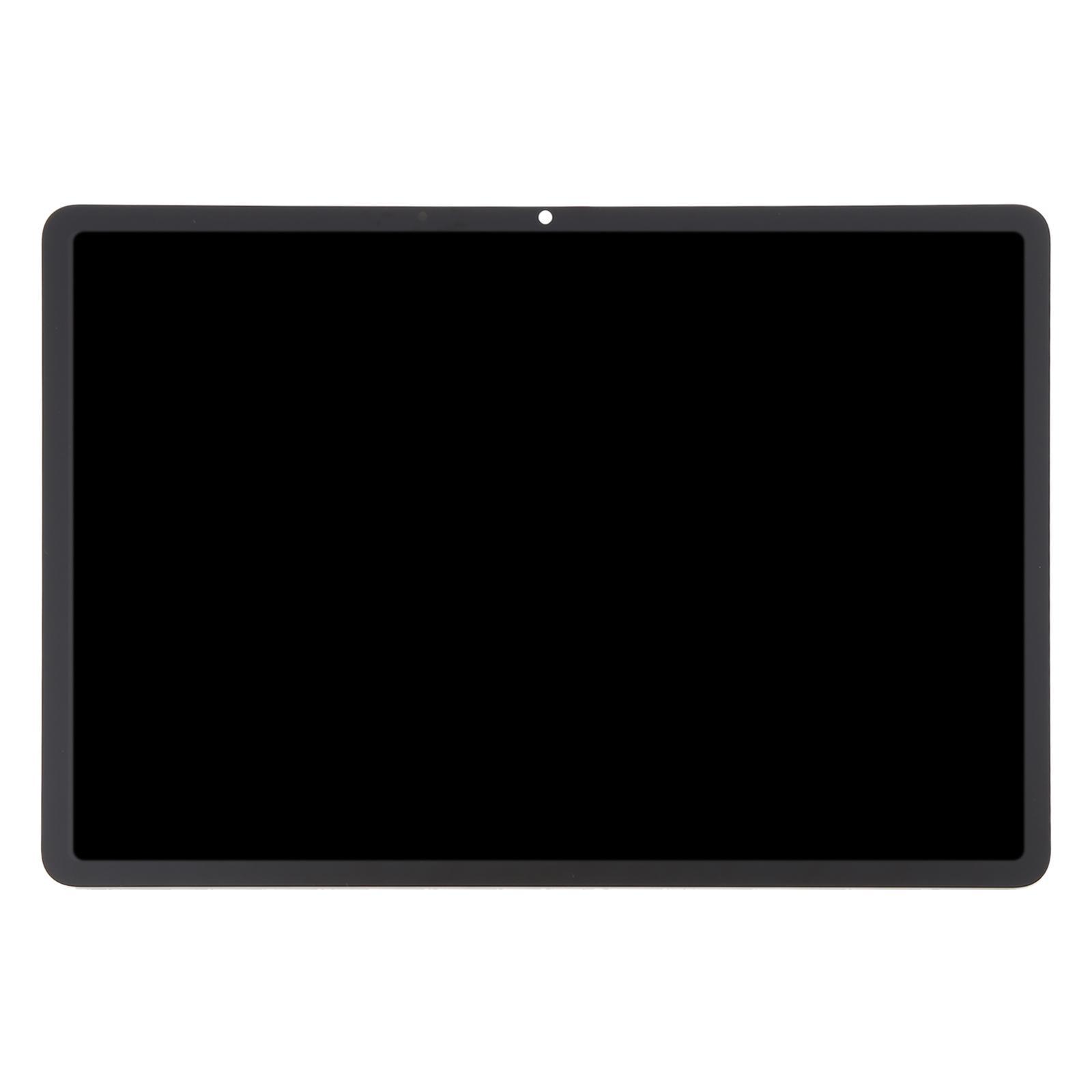
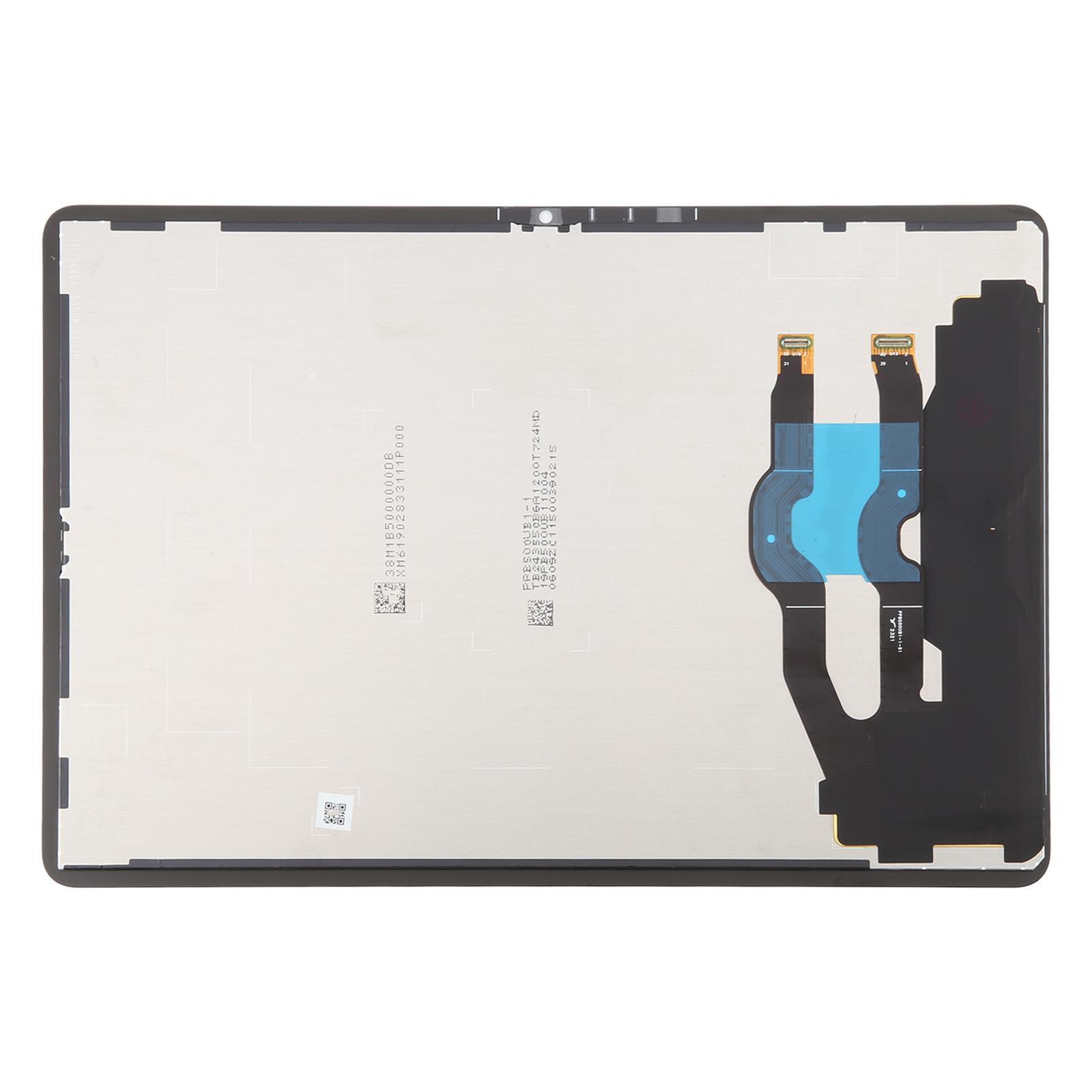
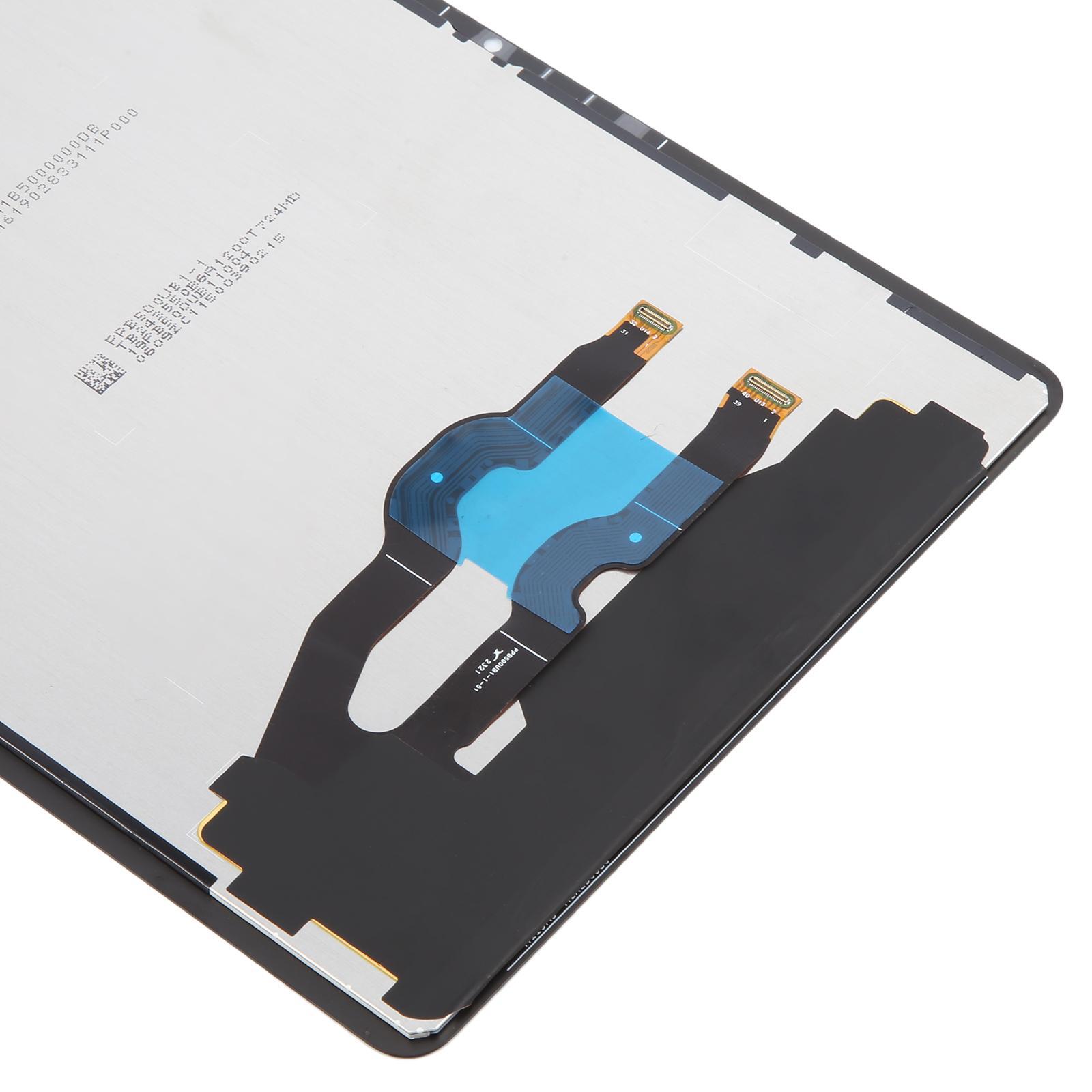
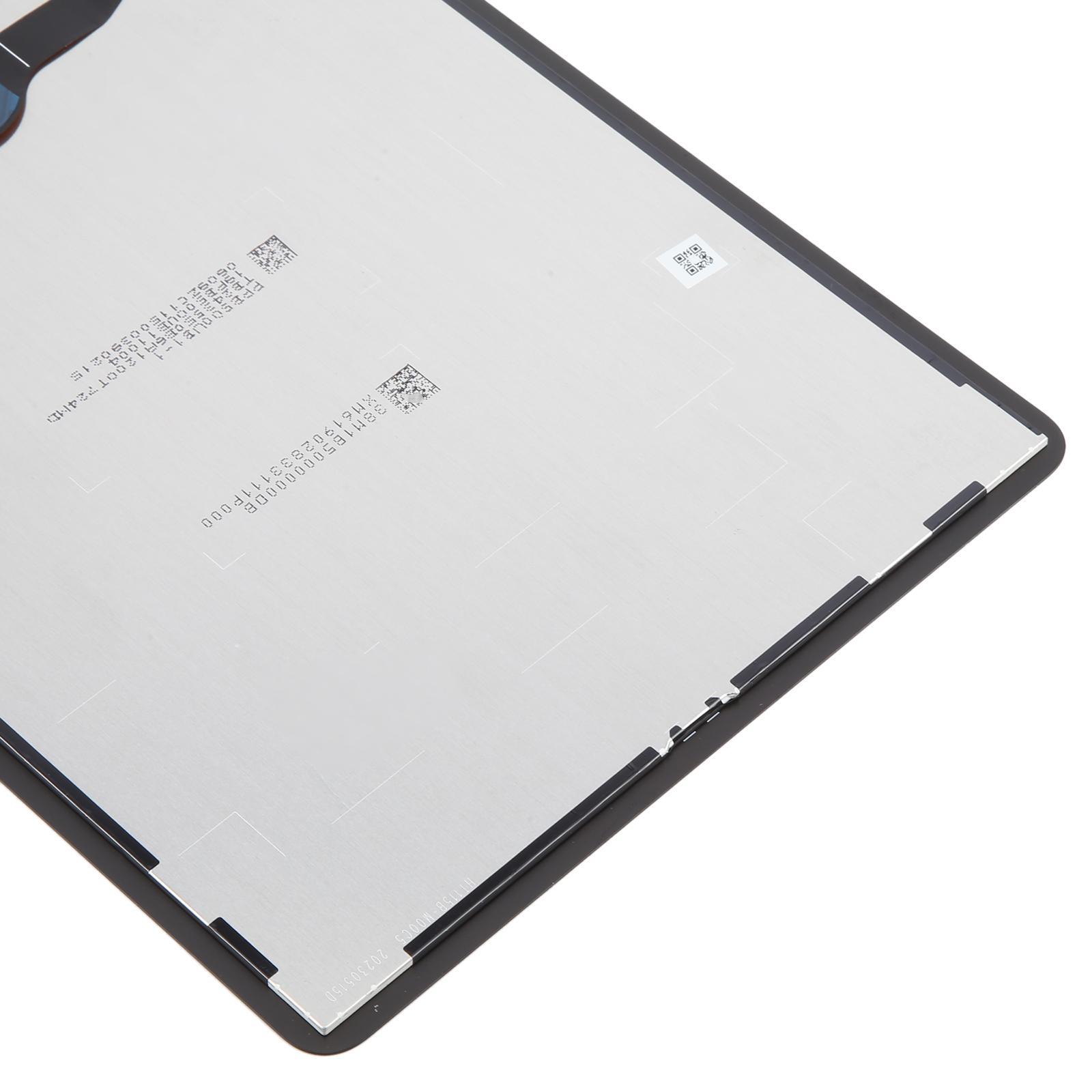


Restore your tablet’s display to perfect condition with this LCD and touch digitizer assembly built for the Huawei MatePad Air DBY2-W00 Bright Version.
What You’re Getting
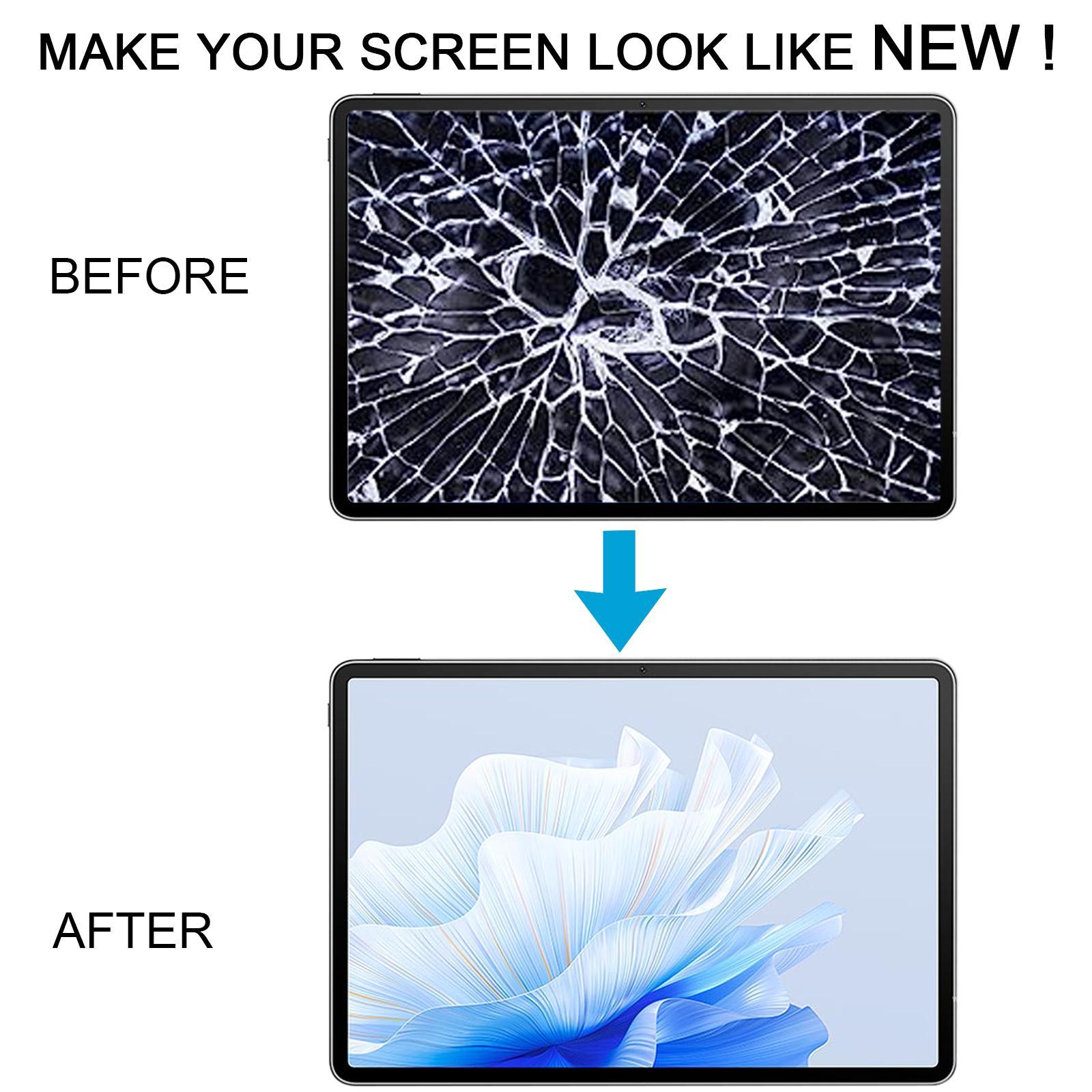
This is a complete front assembly. The LCD panel and touch digitizer arrive already joined, so you don’t have to line up two separate pieces. It’s a straight swap for a cracked, dead, or unresponsive screen, and each unit is checked for good condition before it leaves our warehouse.
Why This Part Works
The bright-version panel is designed to swap cleanly into the tablet’s original frame. Touch response and picture quality should feel like they did the day you unboxed your MatePad Air. Your reading, streaming, and note-taking all depend on this layer, so it’s worth getting right the first time.
Installation Notes
Before you open anything, test the screen. Connect the motherboard and new panel with an audio cable, power on, and confirm the display and touch work. Only then should you seat it in the housing. Wear an ESD strap to protect the internal chips, and keep eye protection on since glass splinters are sharp. Also, don’t bend the LCD cable past 90 degrees, because an over-bent cable can cause a black screen. If the panel won’t show an image during testing, stop and reach out to us right away instead of forcing it in.