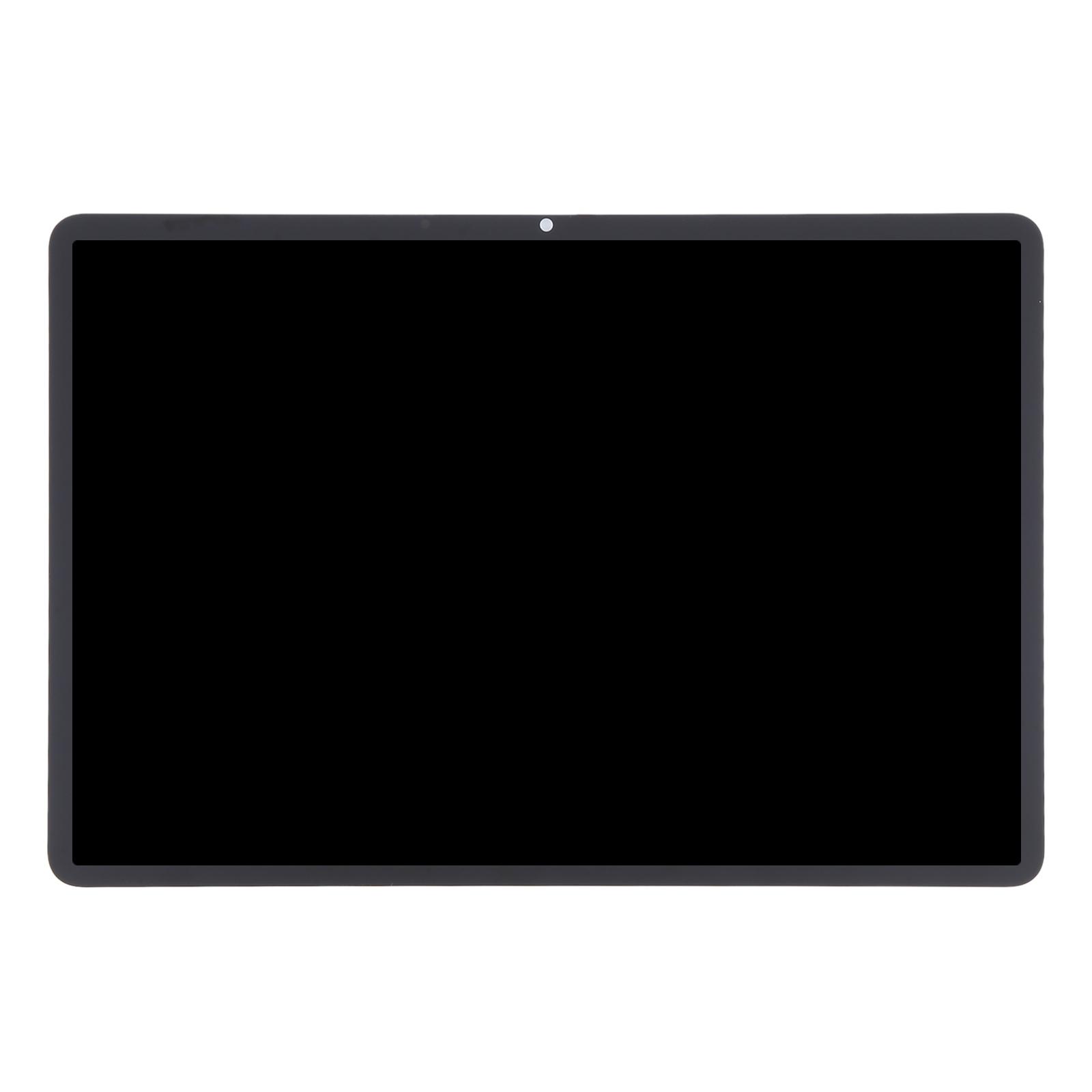
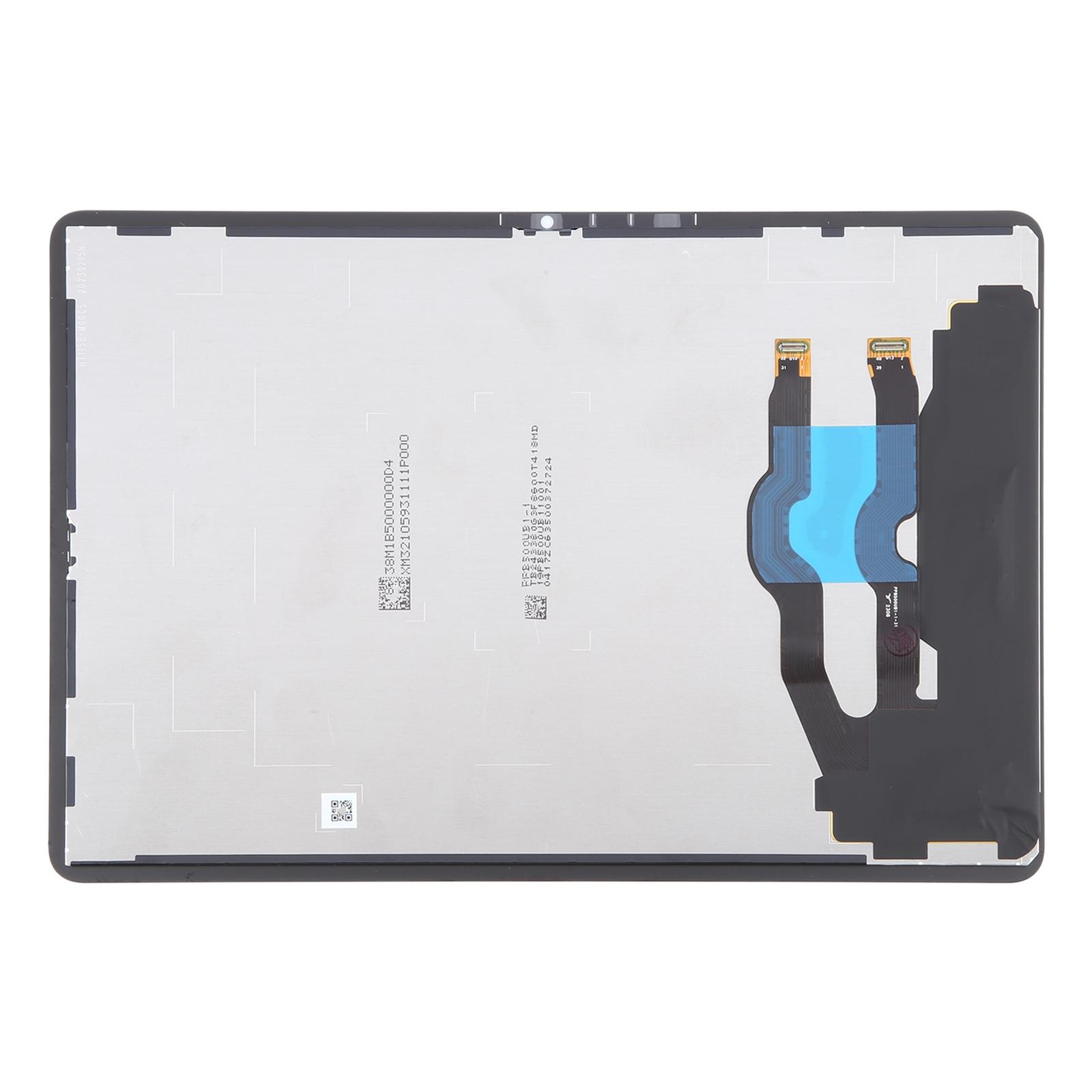
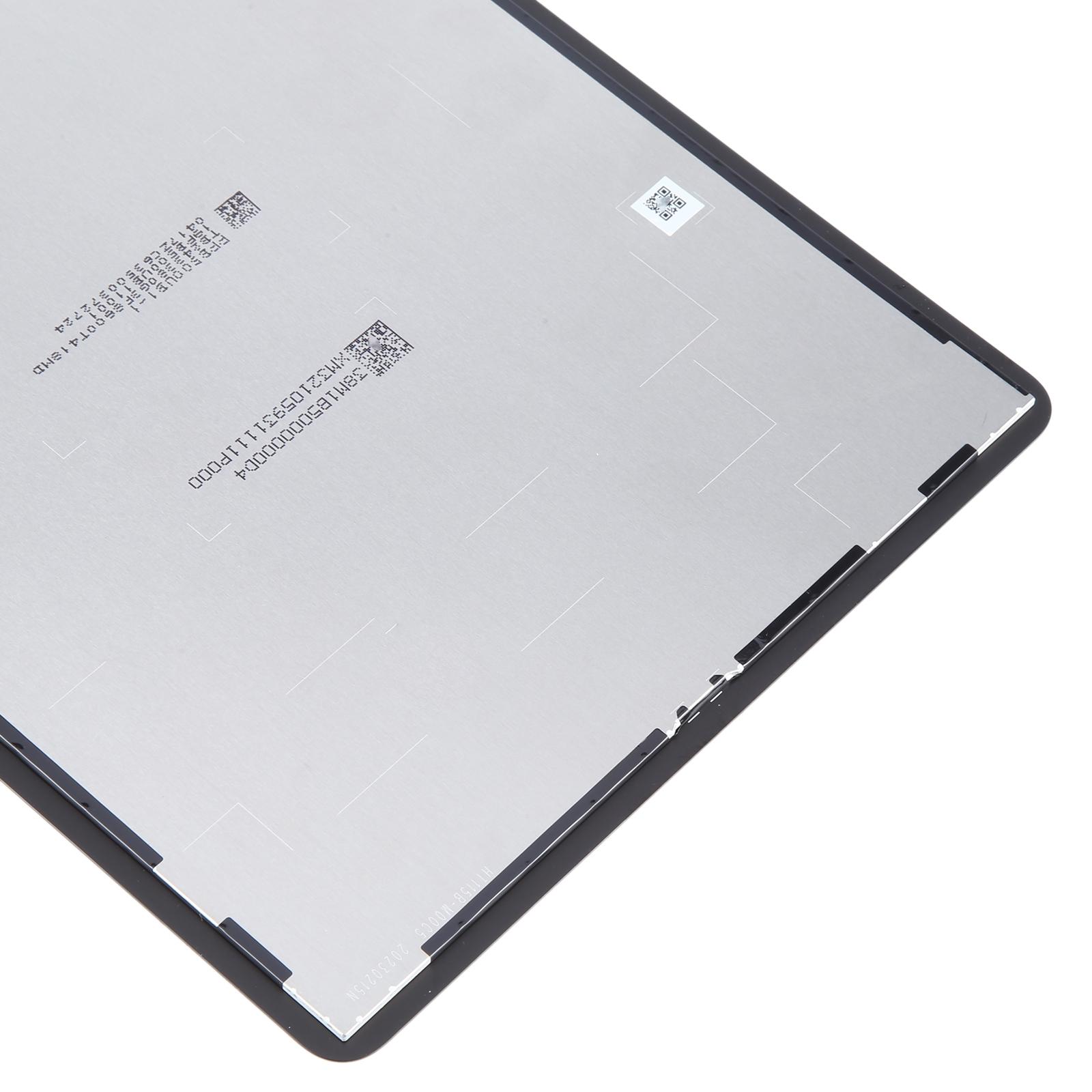
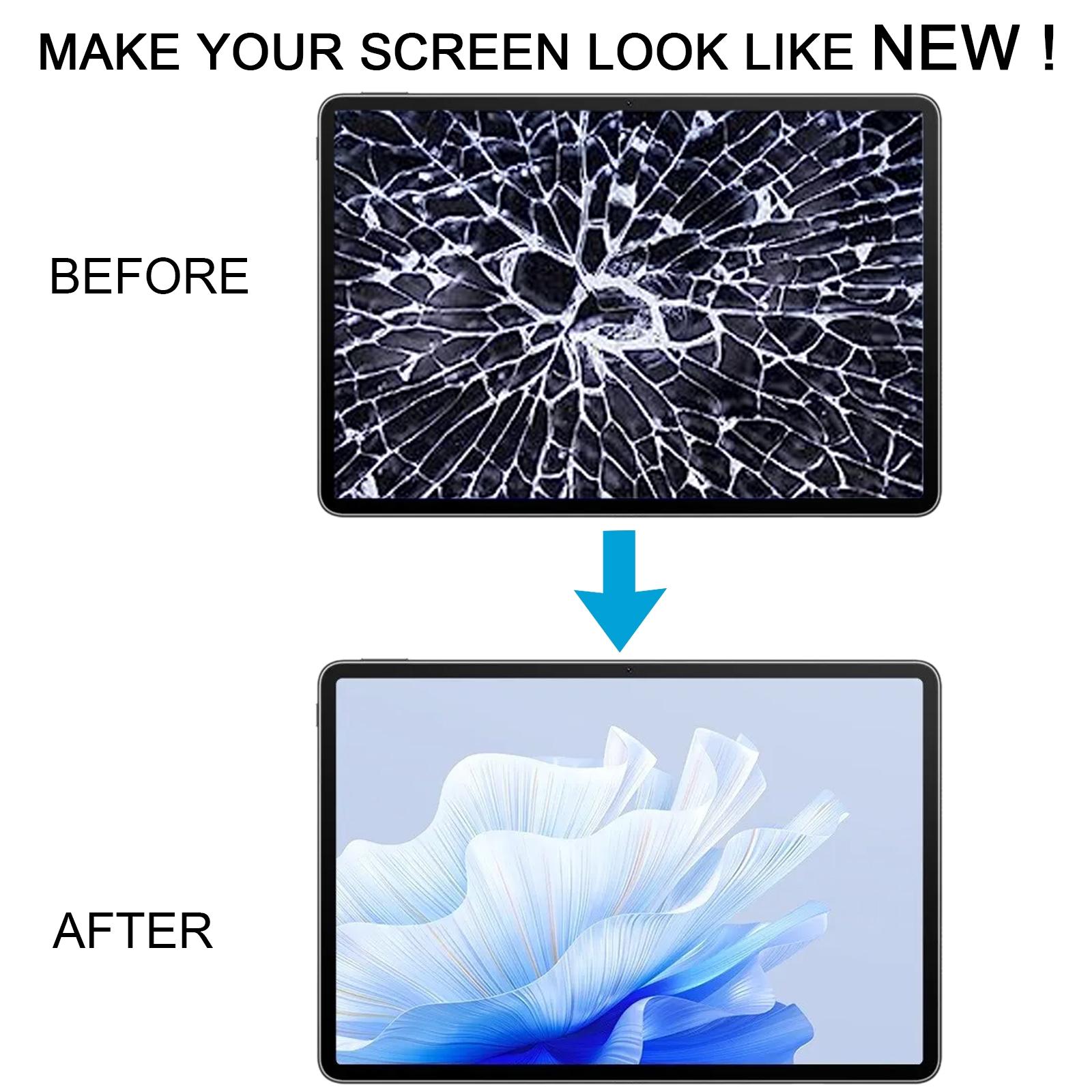



Restore your MatePad Air’s display to full working order with this complete LCD and touch digitizer assembly. Cracked glass or a dead screen stops you from reading, streaming, and taking notes, and this replacement gets you back to using your tablet.
What You’re Getting
This is a single full assembly, so the LCD panel and the touch digitizer arrive already joined together. You don’t have to separate two layers or line up a loose touch panel. Each unit is checked and in good condition before it leaves our warehouse, so you’re not gambling on a faulty panel.
Why This Part Works
The assembly is built as a direct swap for the original screen. It gives your tablet a fresh, bright look again, with touch response that tracks your fingers the way it should. The package is designed to fit the DBY2-L09CK model without modification.
Installation Notes
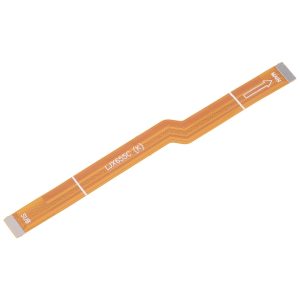
Before you open anything, test the new panel. Connect the screen and motherboard with the audio cable, power on, and check the display and touch. If it works, go ahead and install it. If it doesn’t show anything, get in touch with us right away instead of forcing it into the frame.
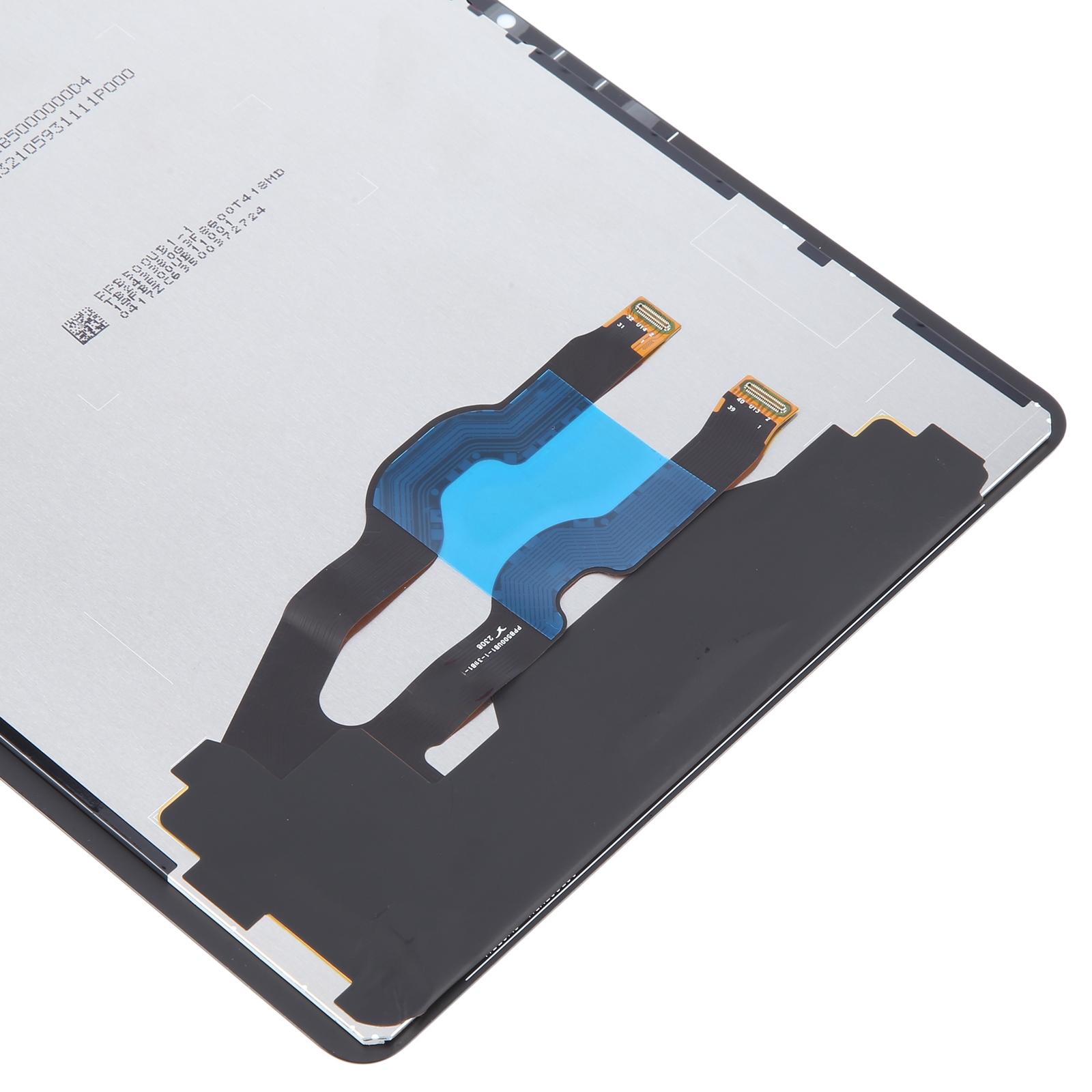
Ground yourself with an ESD strap before you start, since static can quietly kill the internal components. Keep the protective film on until the final step, and wear eye protection because the glass edges are sharp. Also keep the display flex cable bend under 90 degrees, because a sharper bend can cause a black screen.