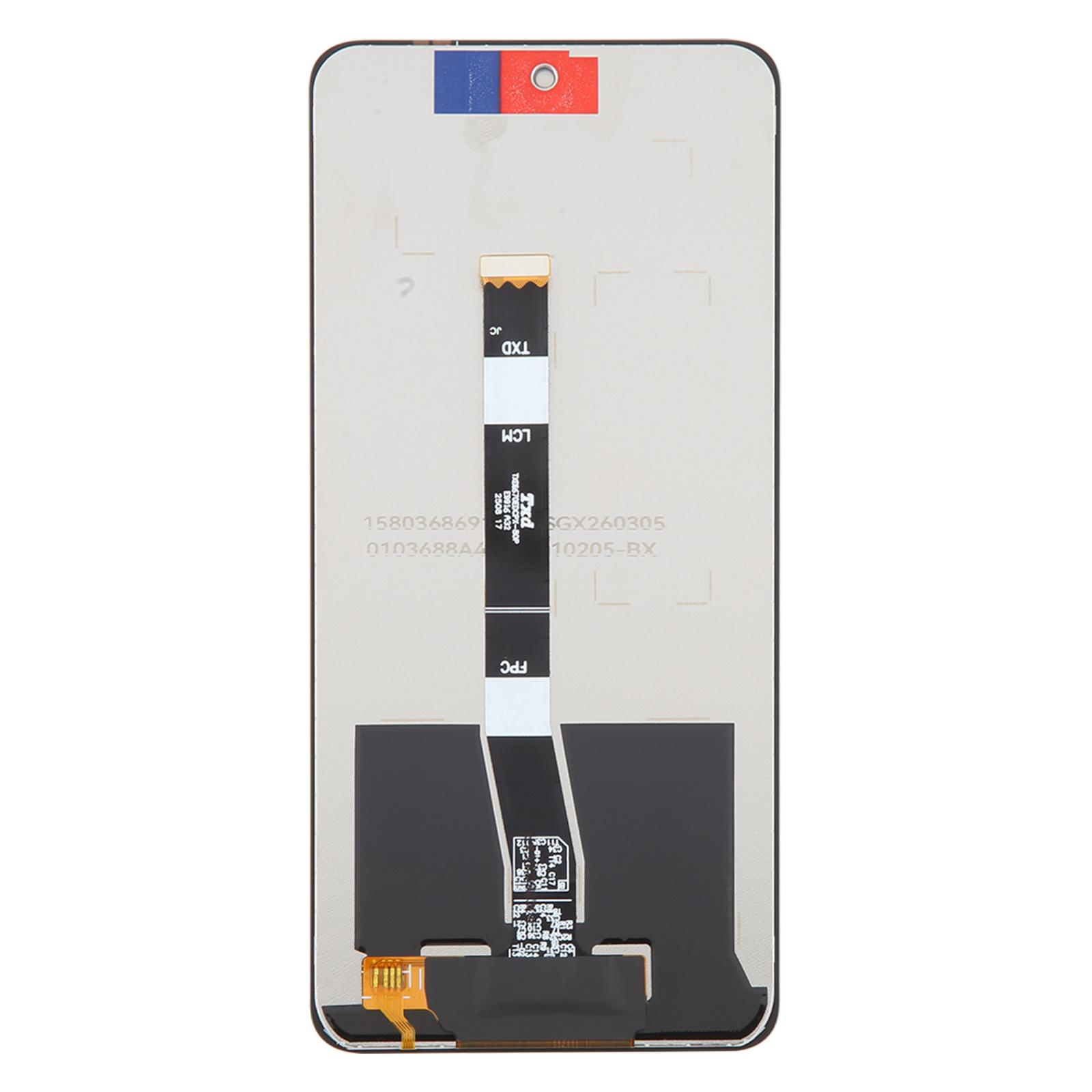
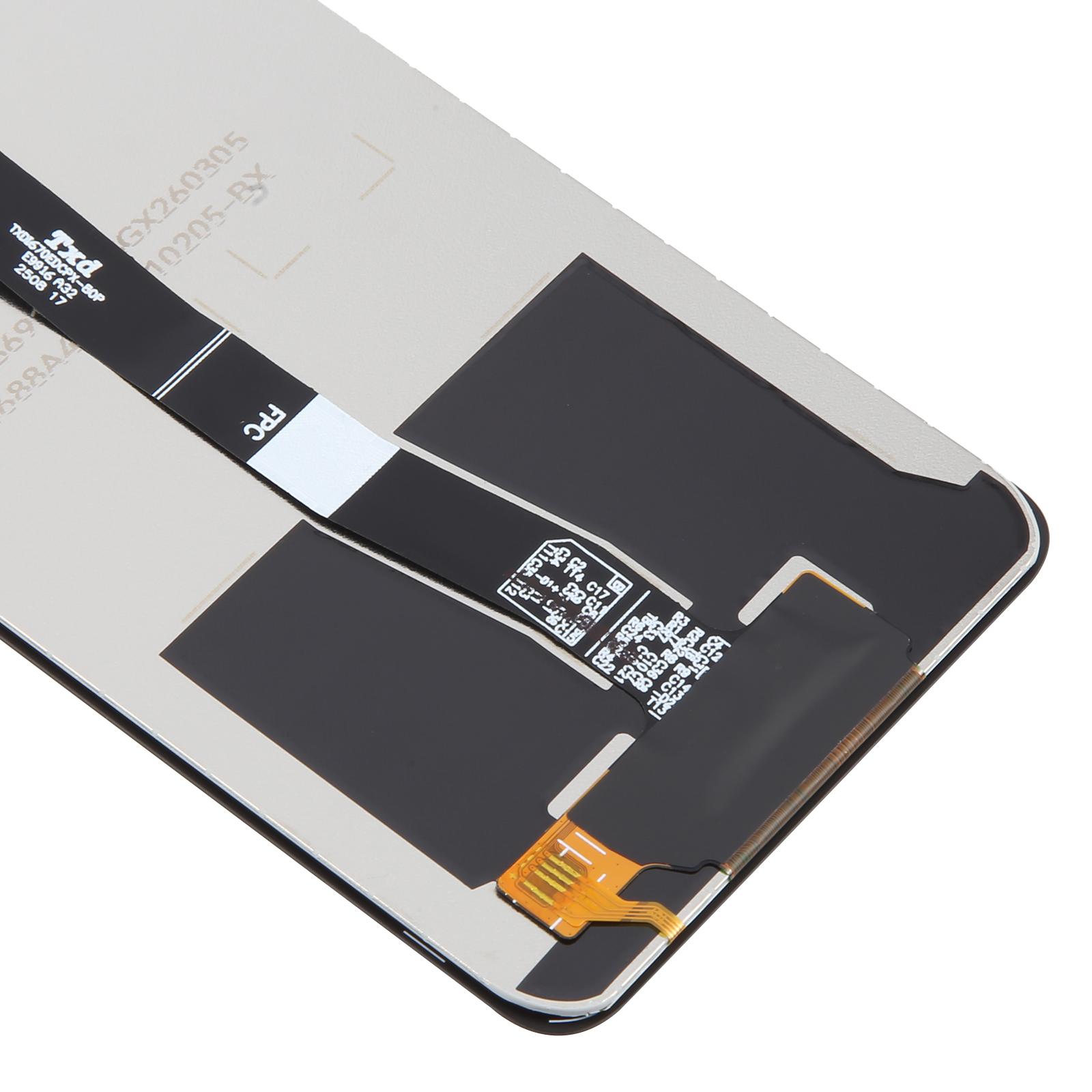
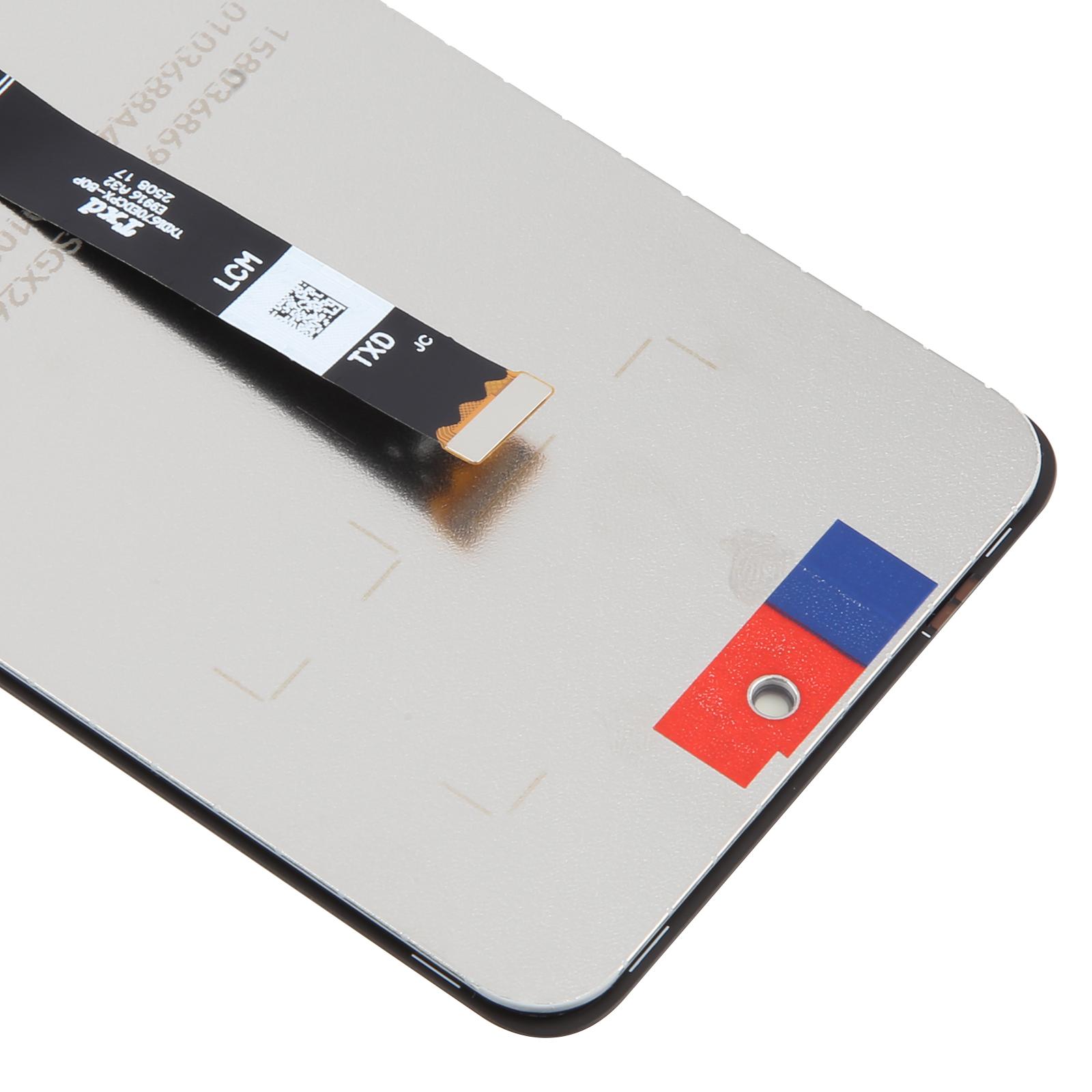
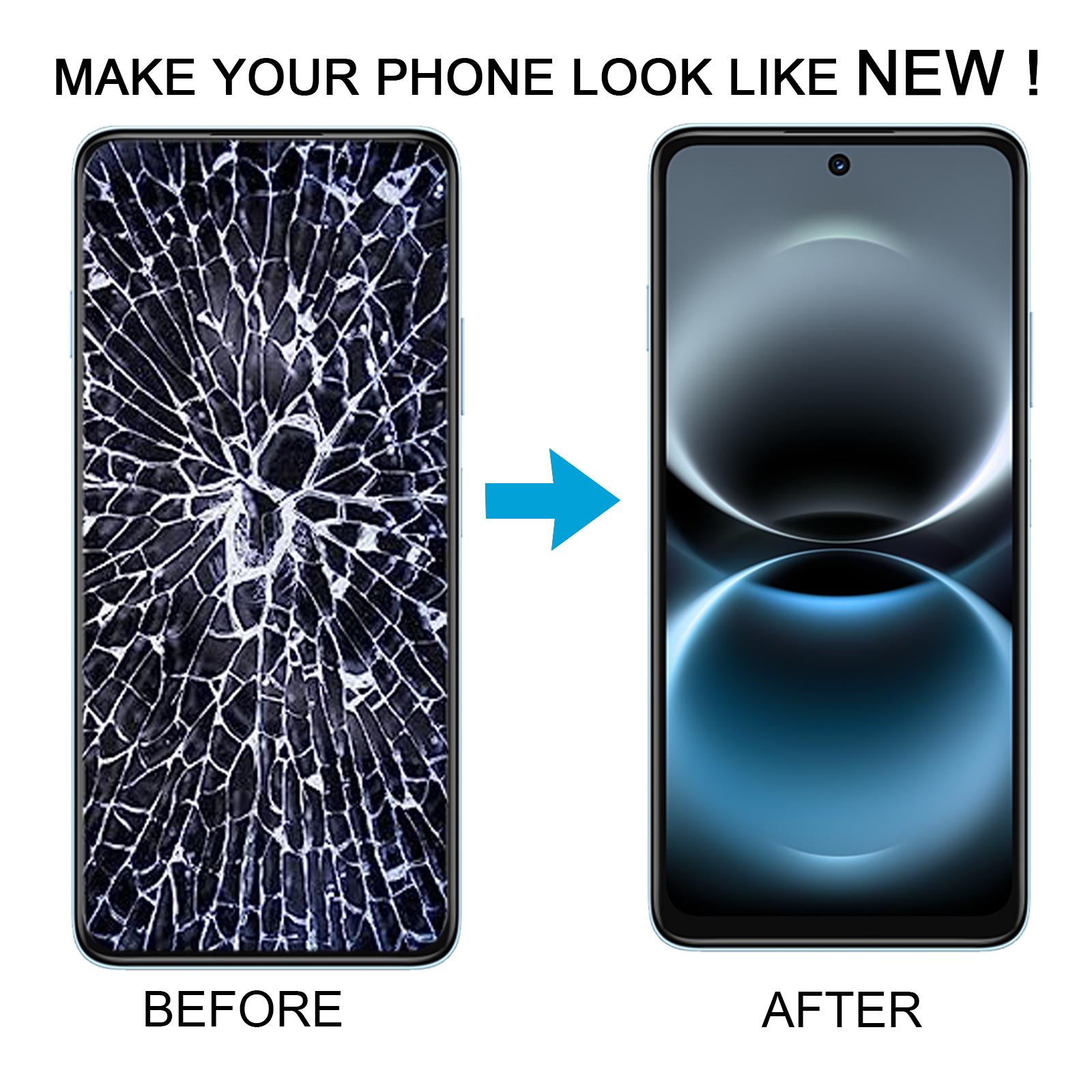


Cracked glass or a screen that stopped responding to touch? Your Enjoy 90 Plus deserves a fix that doesn’t drag on for weeks.
What You’re Getting
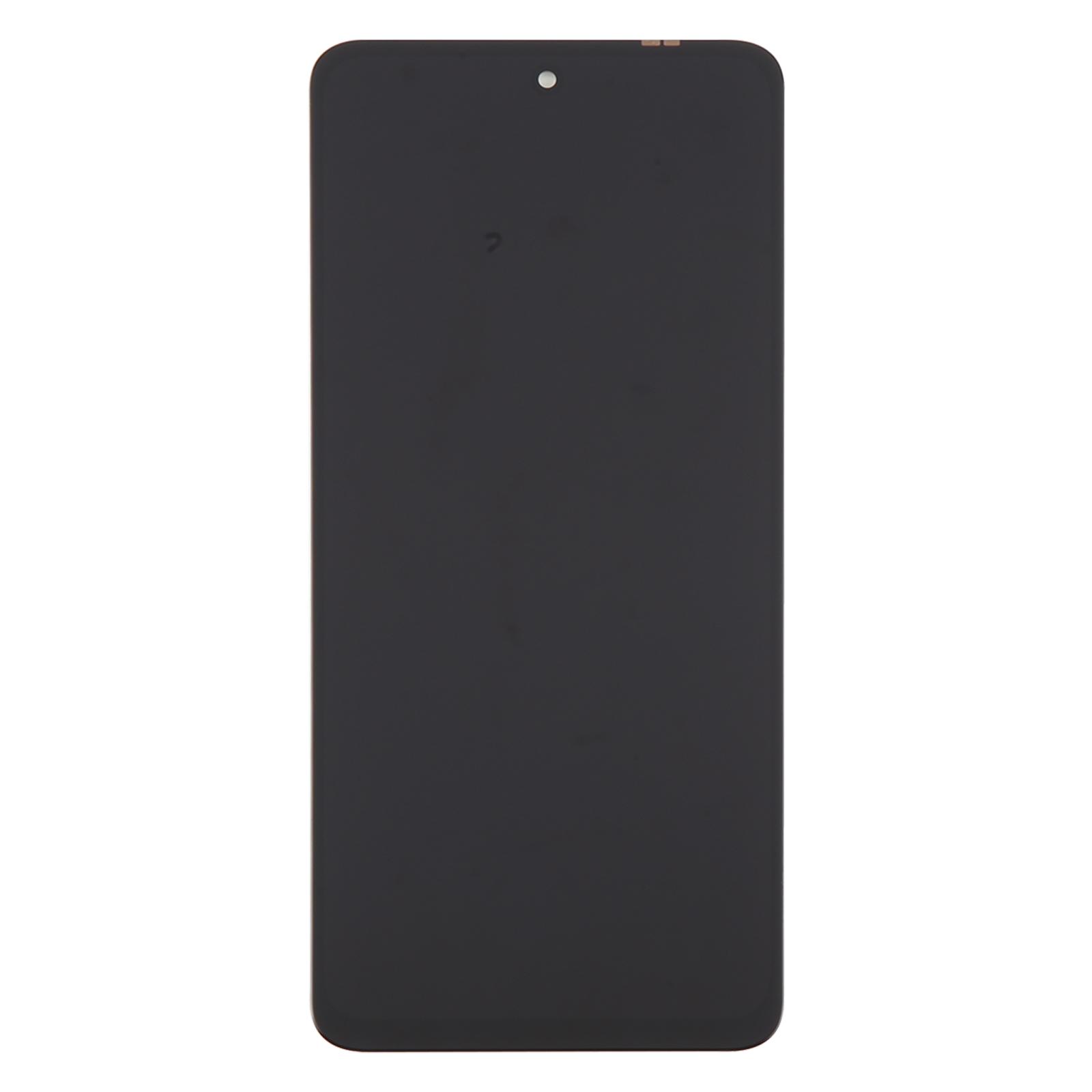
This is a complete LCD display and touch digitizer assembly, so the glass and the display panel arrive together as one unit. You don’t need to source the two parts separately. Each unit is checked for good condition before it leaves our warehouse, which means you start the job with a working panel rather than a gamble.
Why This Part Works
The display drives almost everything you do on the phone, from calls and photos to navigation and banking apps. A fresh LCD and digitizer brings back sharp visuals and accurate touch input. Your handset should look and respond the way it did on day one.
Installation Notes
Test the panel before you commit to installation. Reconnect the audio cable, power the phone on with the new screen, and confirm the image and touch both work. If the display stays blank, stop there and reach out to us before forcing anything into the chassis. Ground yourself with an ESD strap first, since static can quietly damage the board. Keep the display cable bent no more than 90 degrees, because sharper bends can cause a black screen. Wear eye protection and handle the glass carefully to avoid cuts from splinters.