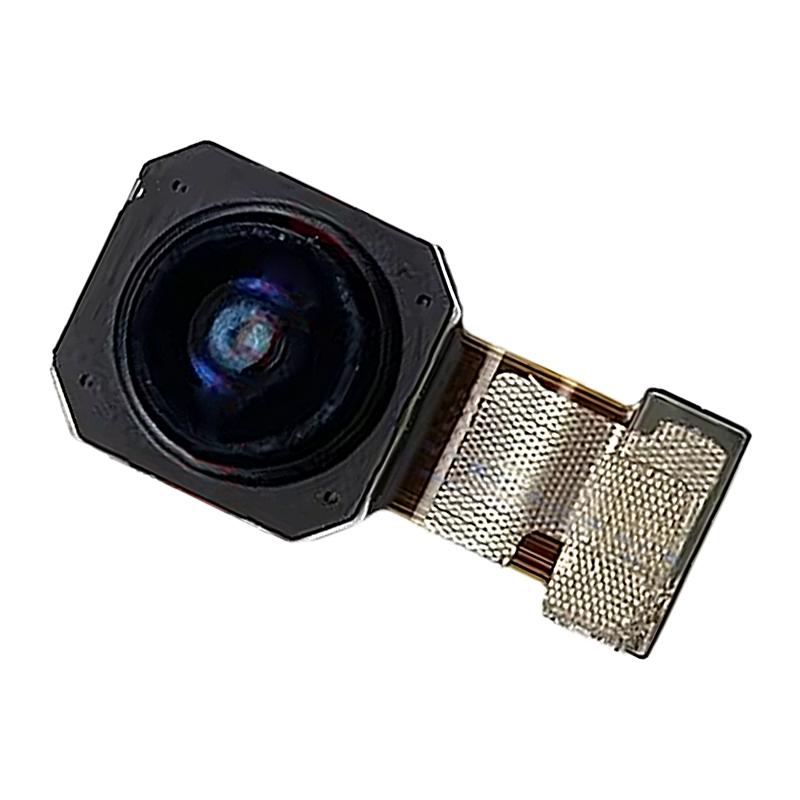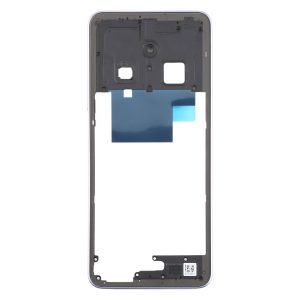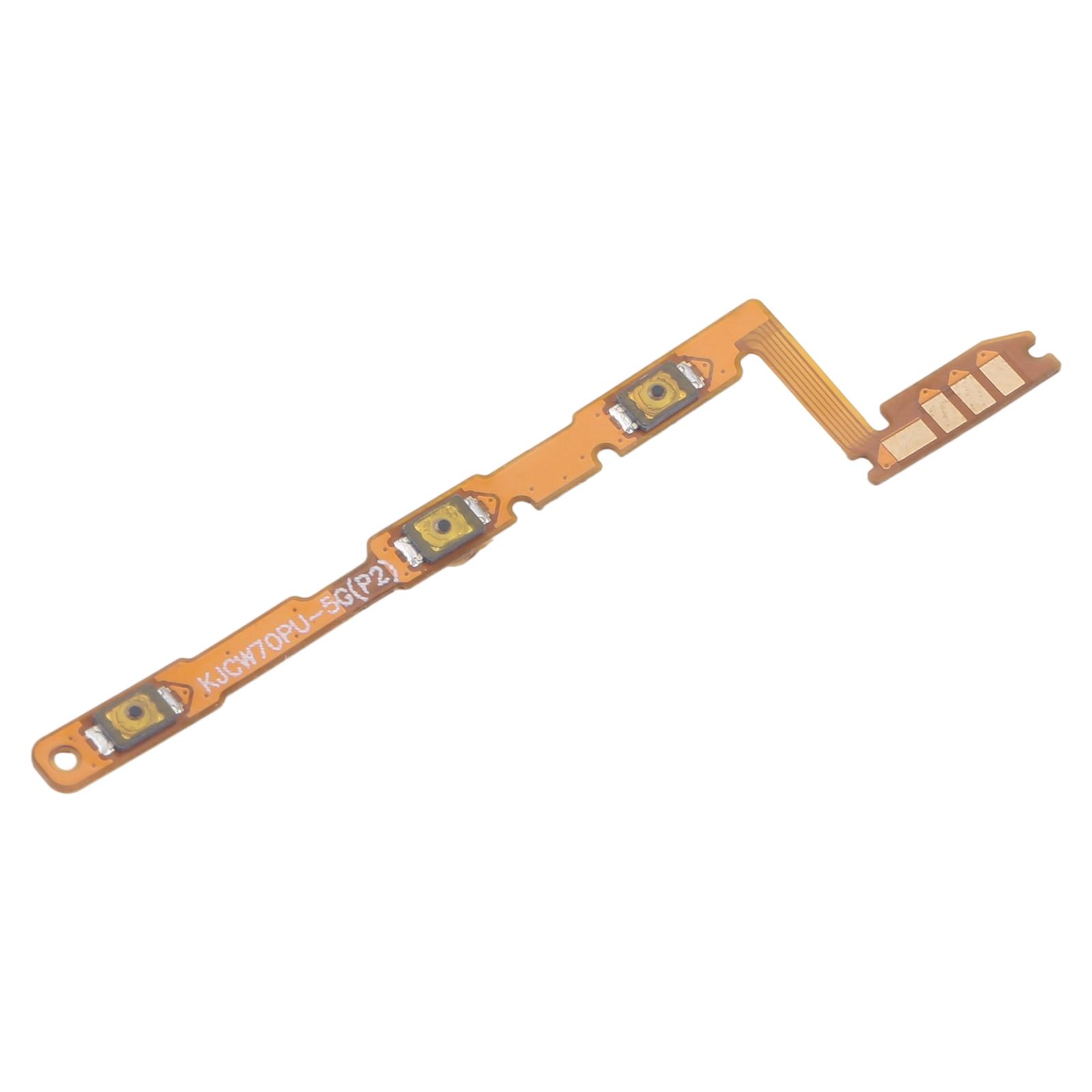
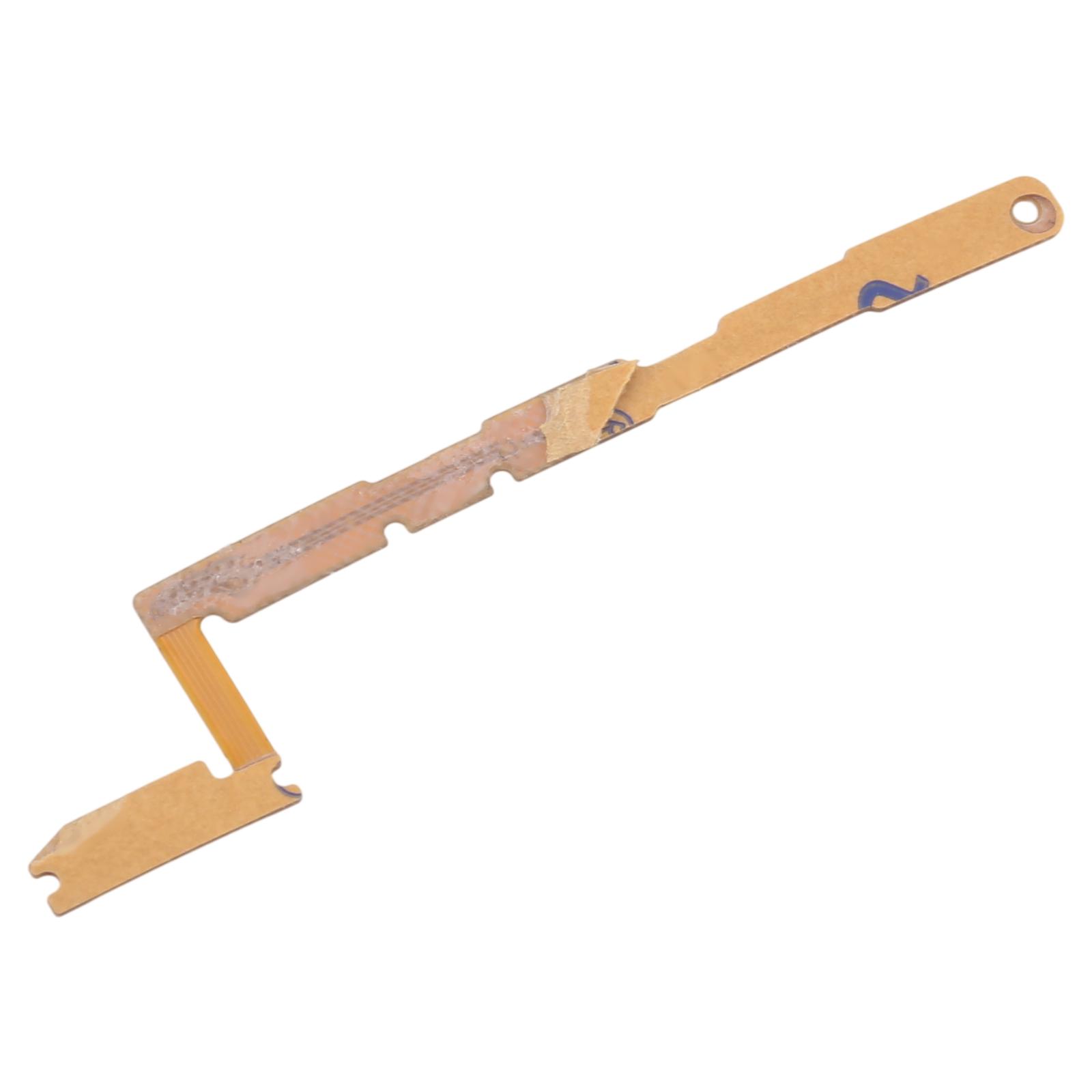
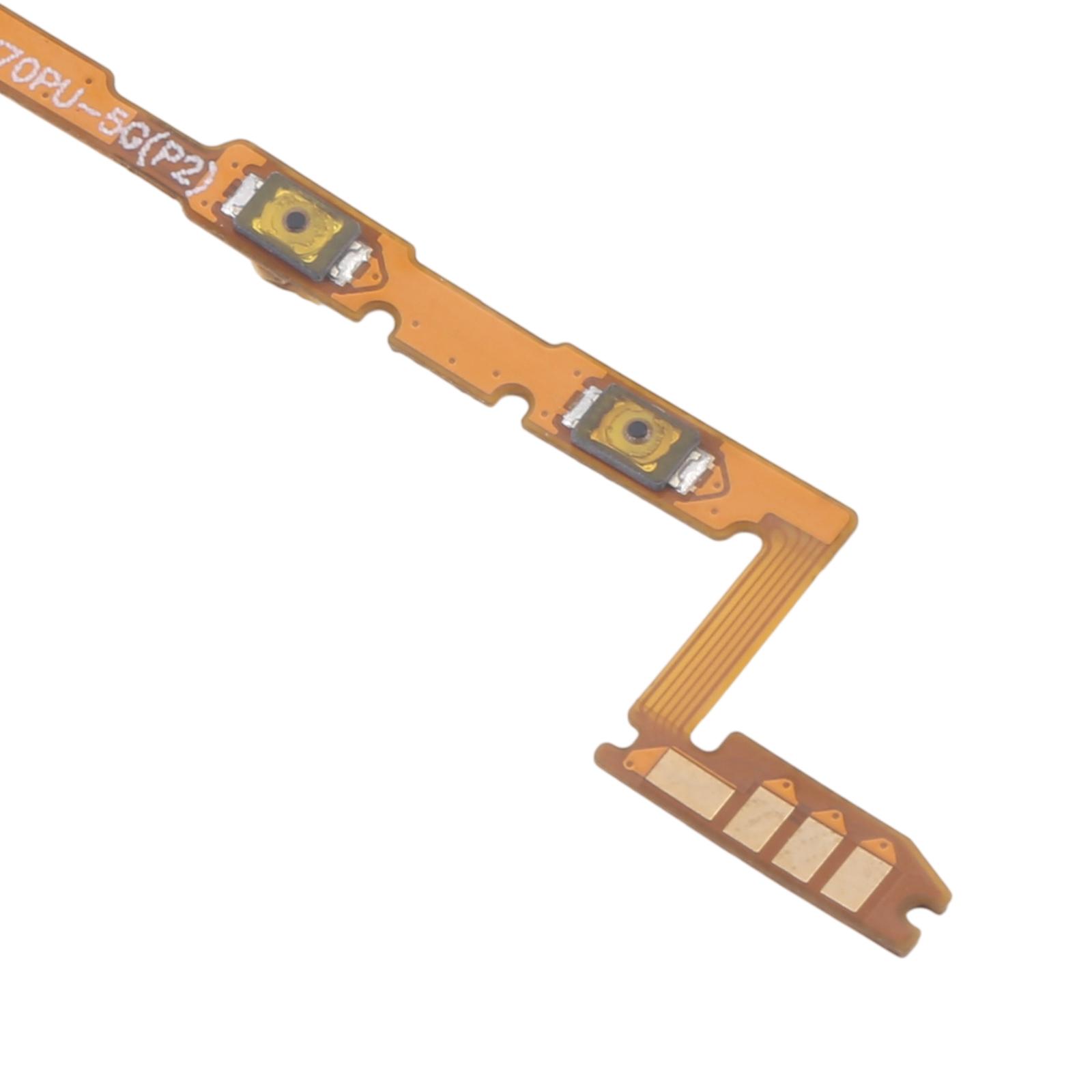


Dead side buttons making your Honor X7d frustrating to use? Power and volume presses that do nothing usually mean the flex cable underneath has worn out or come loose.
This replacement flex cable carries both the power and volume button signals on one strip. Swap it in and those side keys respond again, so locking the screen or adjusting volume stops being a guessing game.
What You’re Getting
You receive one OEM-style flex cable that combines the power button and volume button circuitry. Each unit is checked for good condition before it leaves our shelves, so you aren’t starting with a faulty part.
Compatibility
This flex is listed for the Honor X7d in both 4G and 5G variants. Confirm your model number in Settings before ordering to make sure the match is right.
Installation Notes
Power down the phone and disconnect the battery before you start. Wear an ESD strap so static doesn’t damage the motherboard. Lift the cable gently and never bend it past 90 degrees, since the thin traces inside break easily. Professional installation is the safest route, especially if you haven’t opened a phone before.