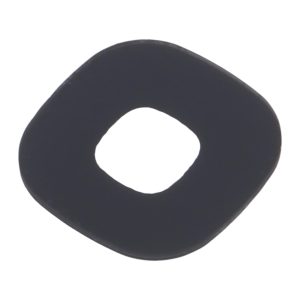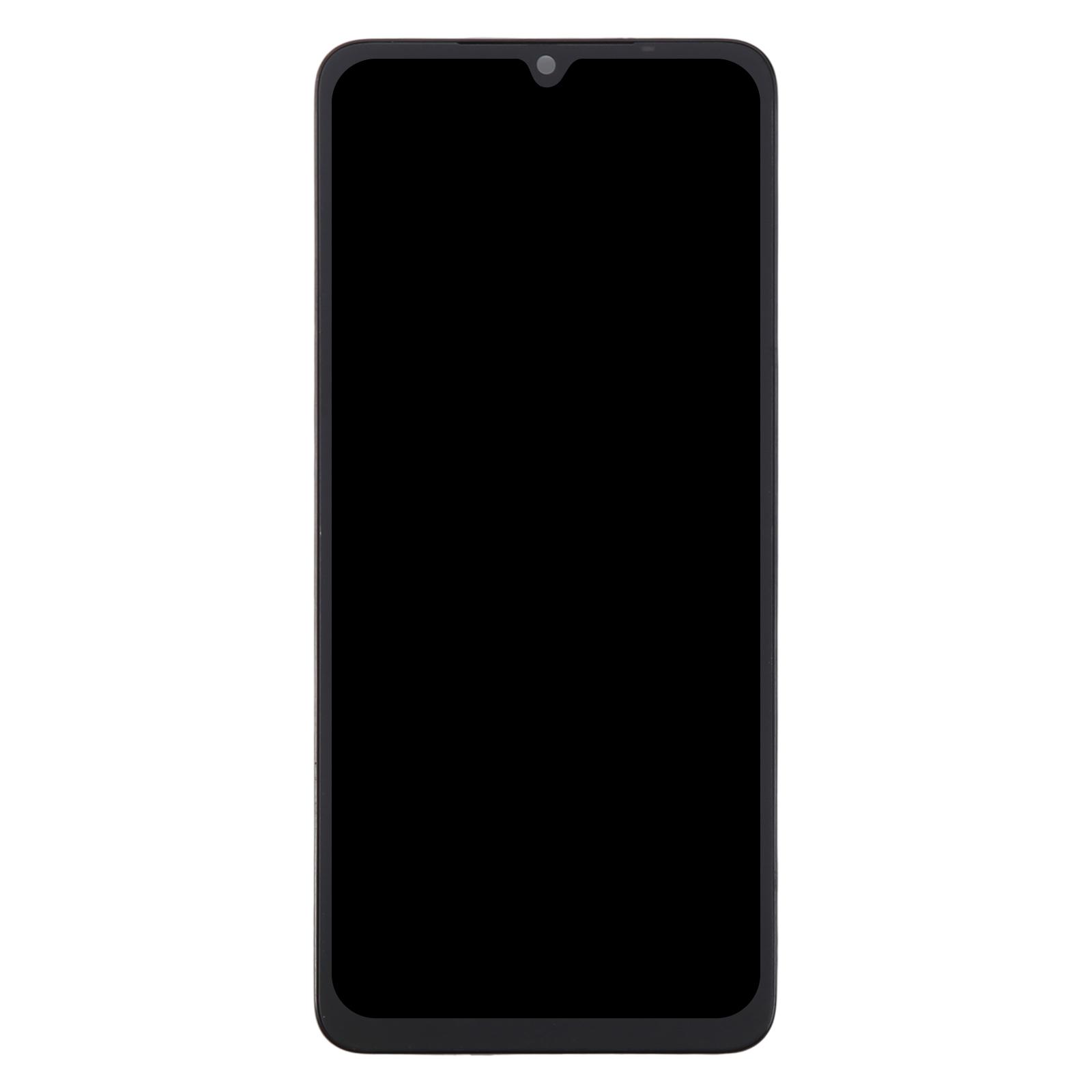
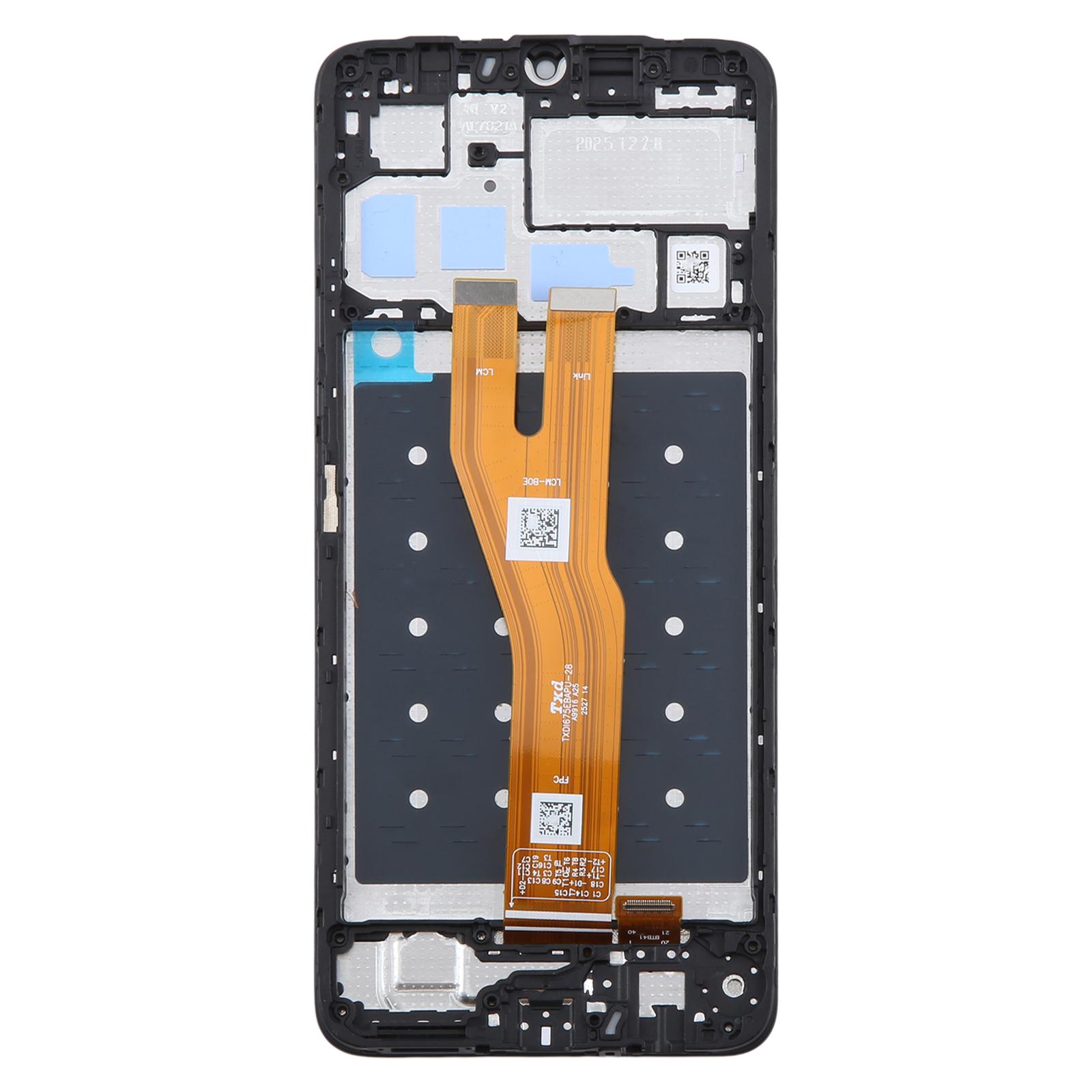
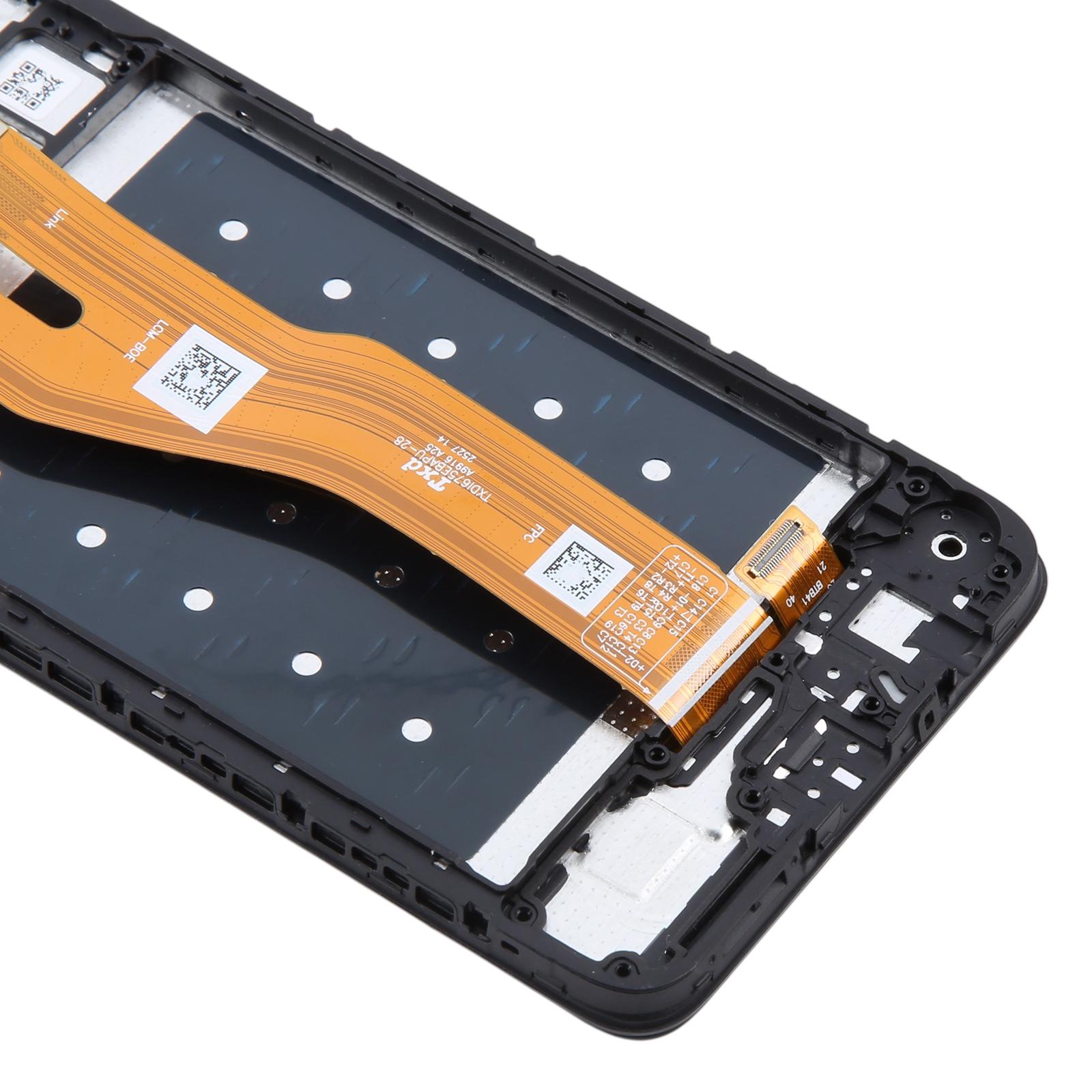


What You’re Getting
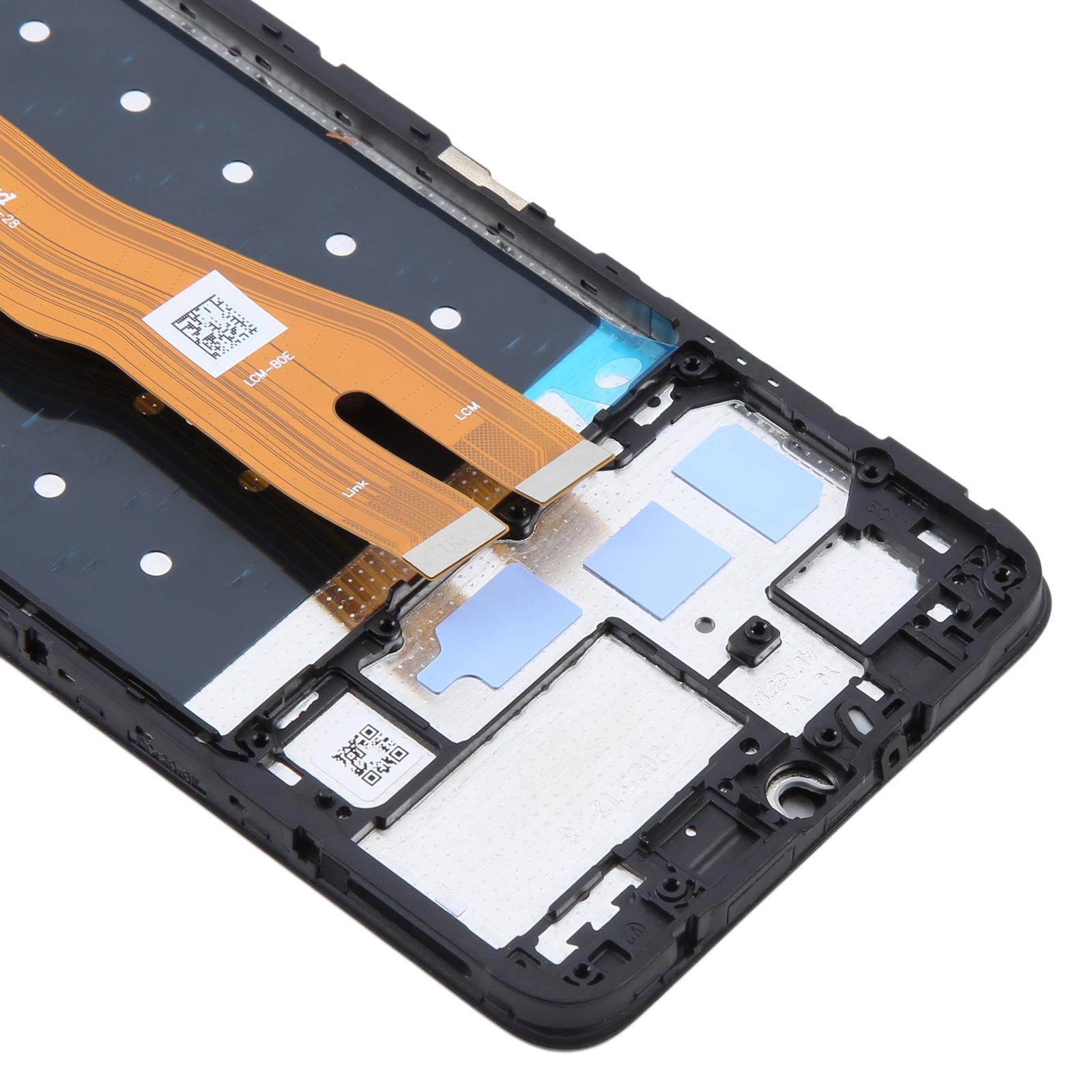
Tested replacement built for repair benches, this assembly combines the LCD panel and touch digitizer into one unit with the frame already attached. You won’t need to transfer parts from the old screen, which saves time and keeps things simple.
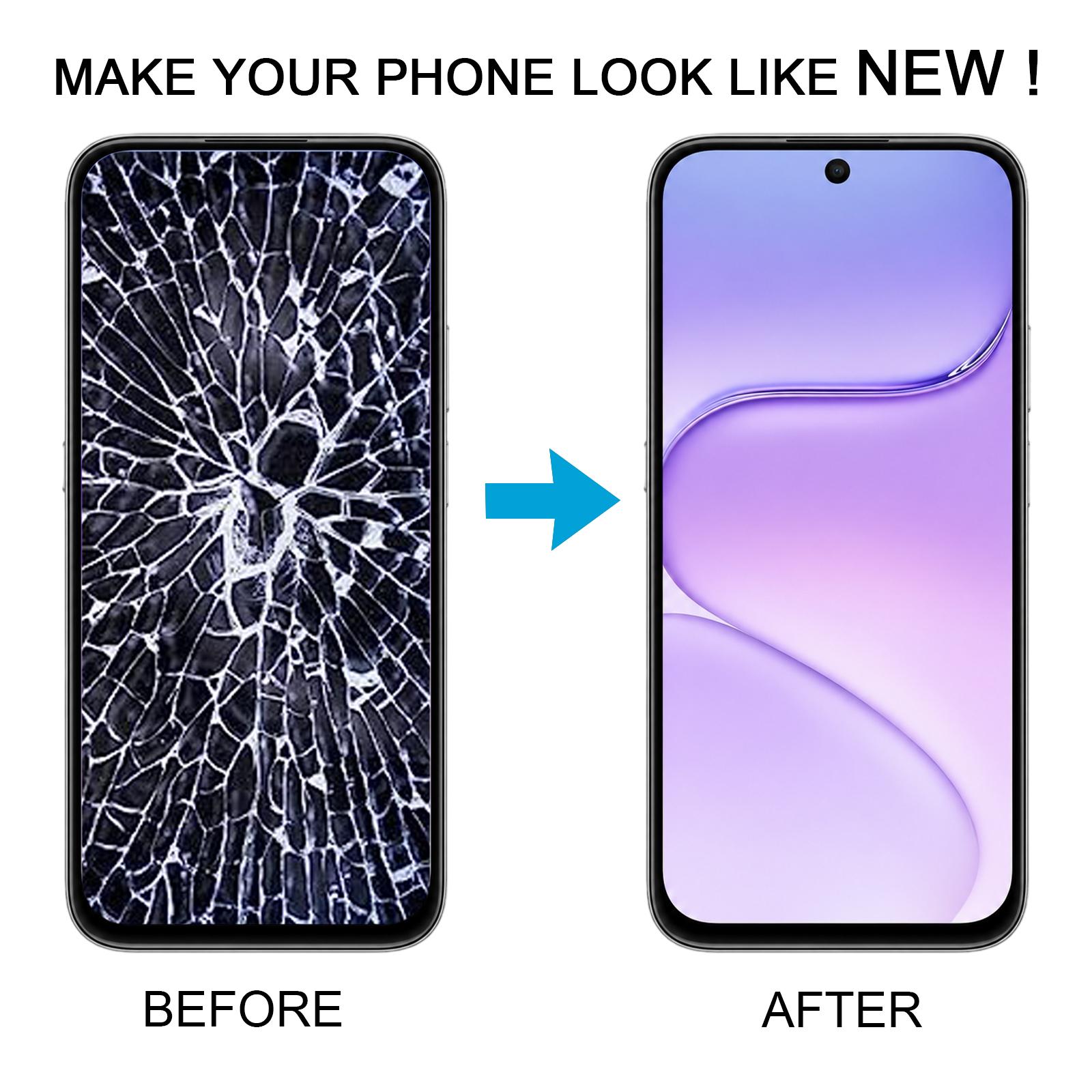
It’s an original-quality part designed to swap out a screen that’s cracked, damaged, or no longer responding to touch. Each unit is checked for good condition before it leaves our shelves.
Why This Part Works
Because the LCD and digitizer arrive as one piece, alignment is handled for you. The result is a display that looks fresh and responds to taps across the whole surface.
Your Honor 500 Smart depends on its screen for calls, photos, and navigation. A properly fitted panel brings all of that back to normal.
Installation Notes
Before you start, test the assembly outside the phone. Connect the display cable to the motherboard, power on, and confirm the picture and touch work. If anything is off, stop and contact us before forcing it into the housing.
Wear an ESD strap to protect the internal components from static. Keep the LCD cable bent no more than 90 degrees, because sharper bends can cause a black display. Wear eye protection, since glass splinters can cut fingers during removal.