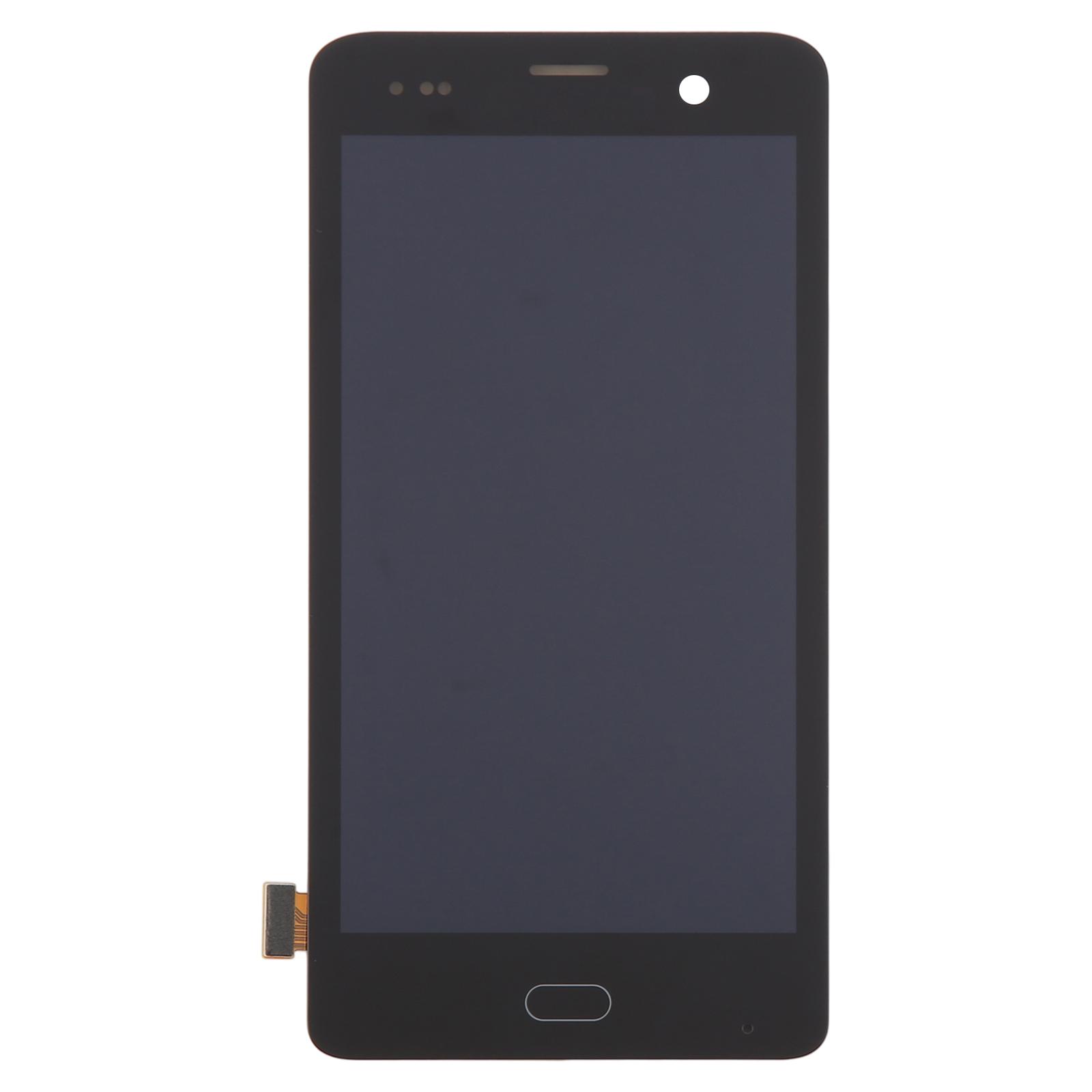
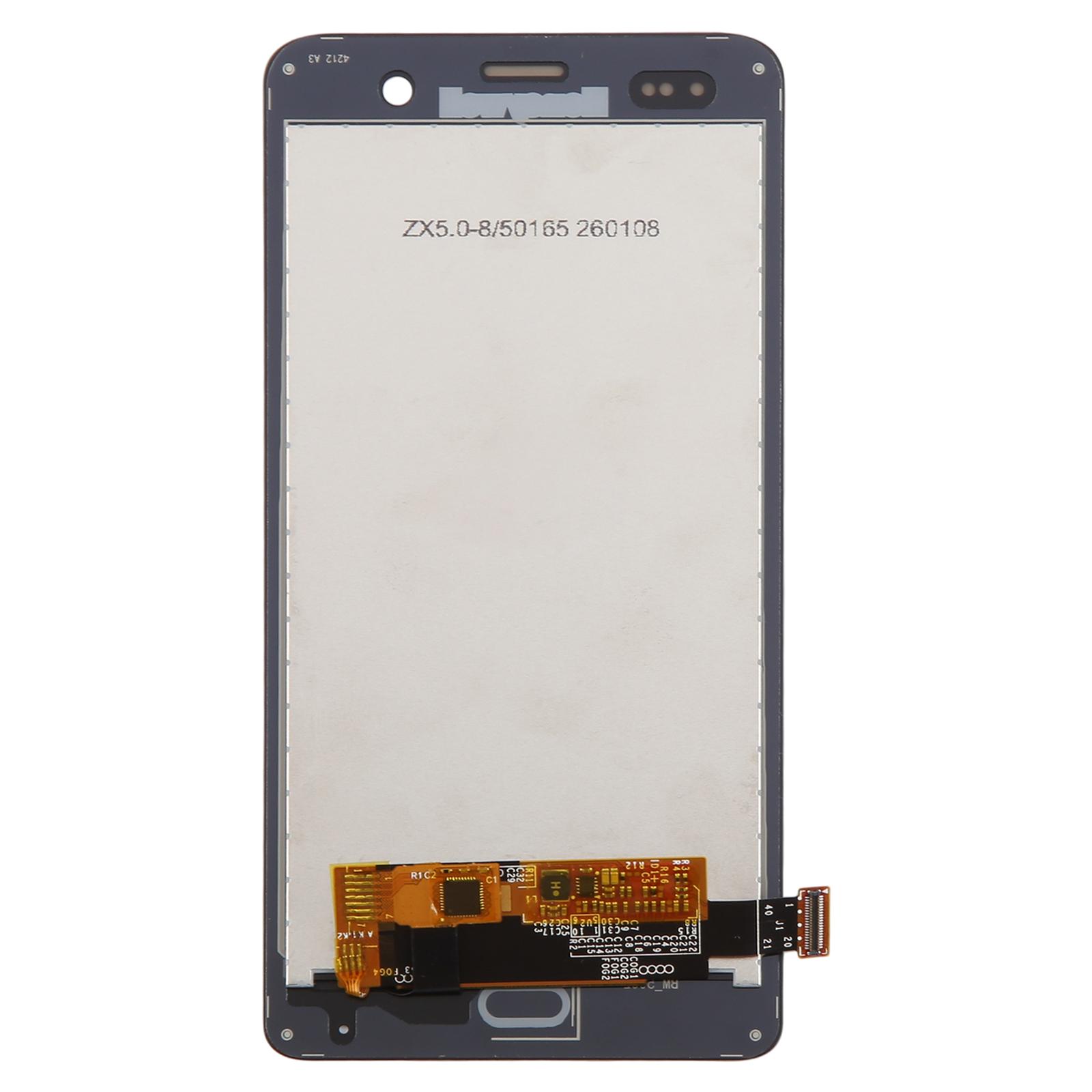
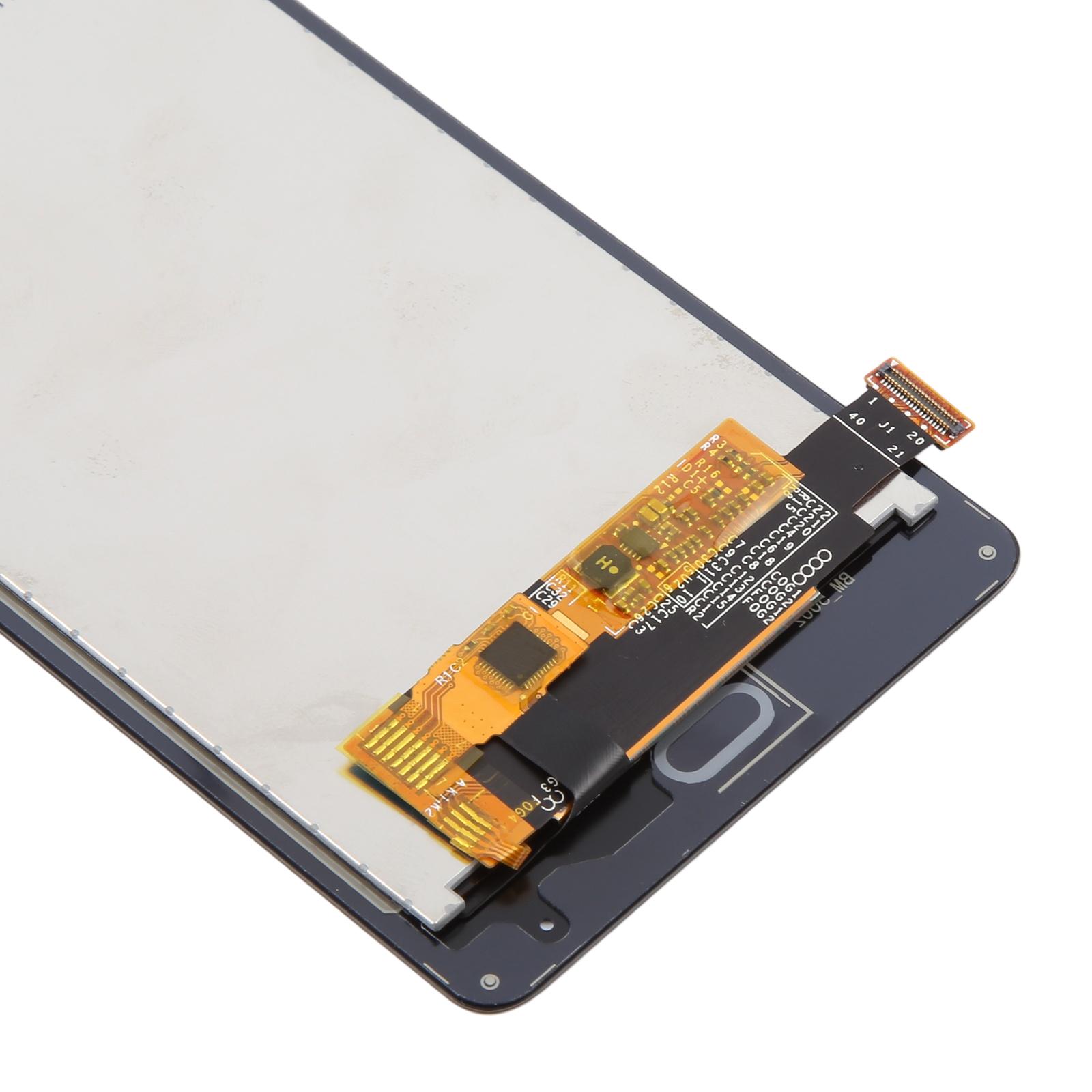
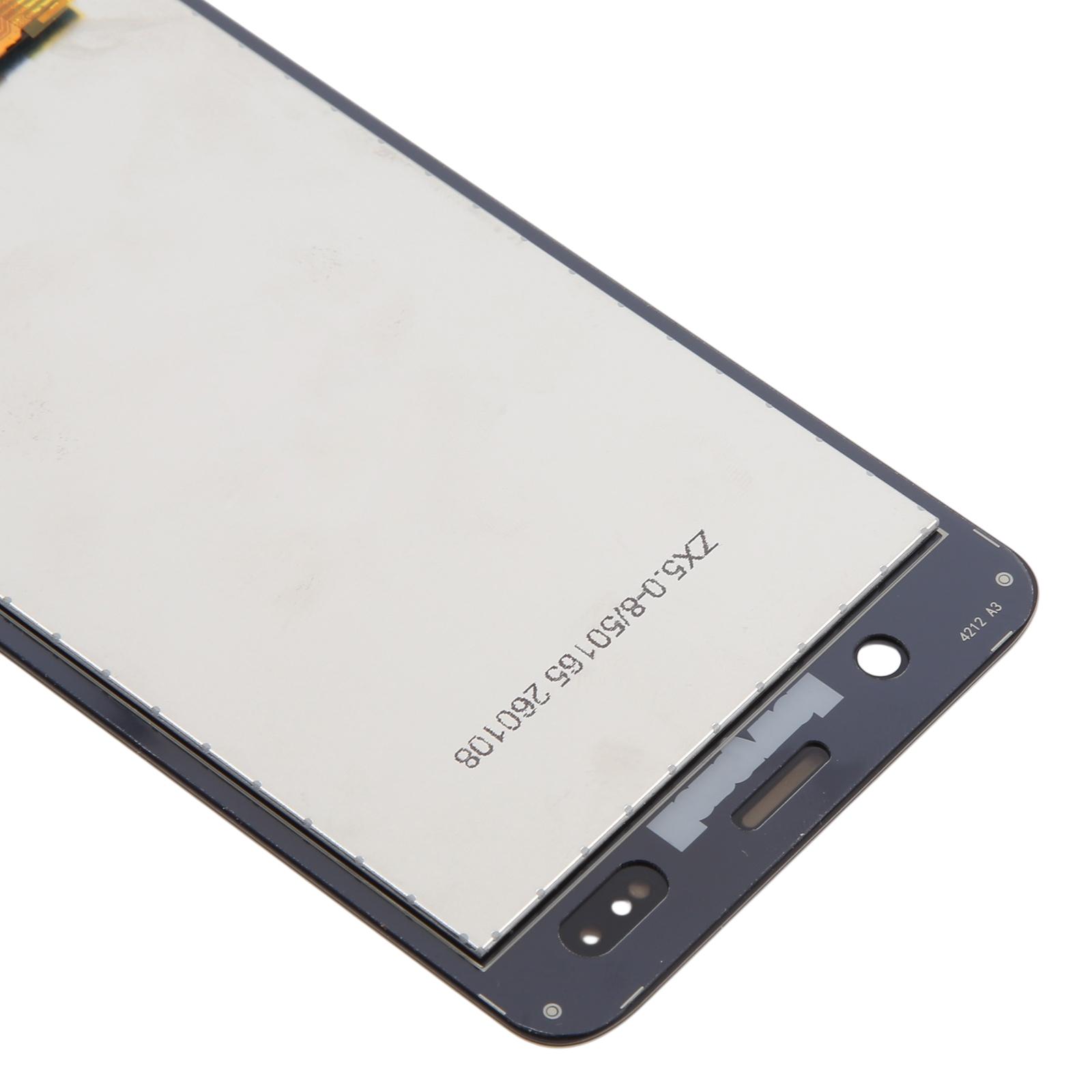
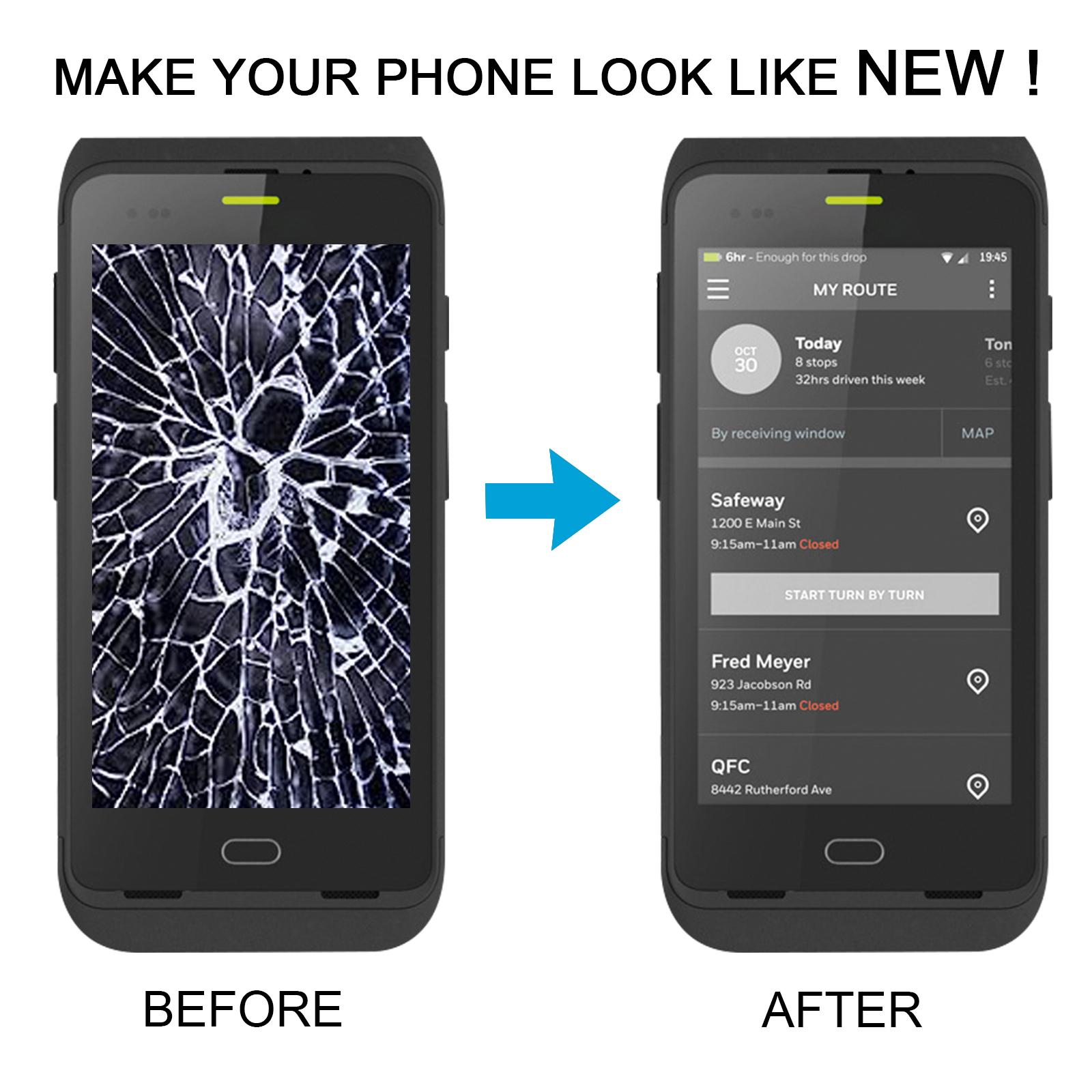


Cracked glass or a touch screen that ignores your taps can stop a scanner dead in the middle of a shift. This LCD and touch digitizer assembly gives your Honeywell CT40XP or CT45XP a fresh display that works like the original.
What You’re Getting
The package includes a complete LCD display bonded to a touch screen digitizer, so you don’t have to source the two parts separately. It’s built to replace a broken, cracked or damaged panel and restore a clear, responsive surface for scanning and data entry.
Compatibility
This assembly is made for the Honeywell CT40XP and CT45XP. Check your model number on the device label before ordering, because similar-looking handhelds use different panels and won’t line up with the connectors.
Installation Notes
Test the replacement before you commit to a full install. Connect the motherboard and new panel with an audio cable, power on, and confirm the display and touch respond. If nothing shows, get in touch with us before forcing anything into the housing. Keep the protective film and tags on until the test passes.
Ground yourself with an ESD strap before you start, since static can quietly damage the internal electronics. Wear eye protection and handle the glass carefully to avoid cuts. Route the LCD cable without bending it past 90 degrees, because a sharper bend can leave the screen black.