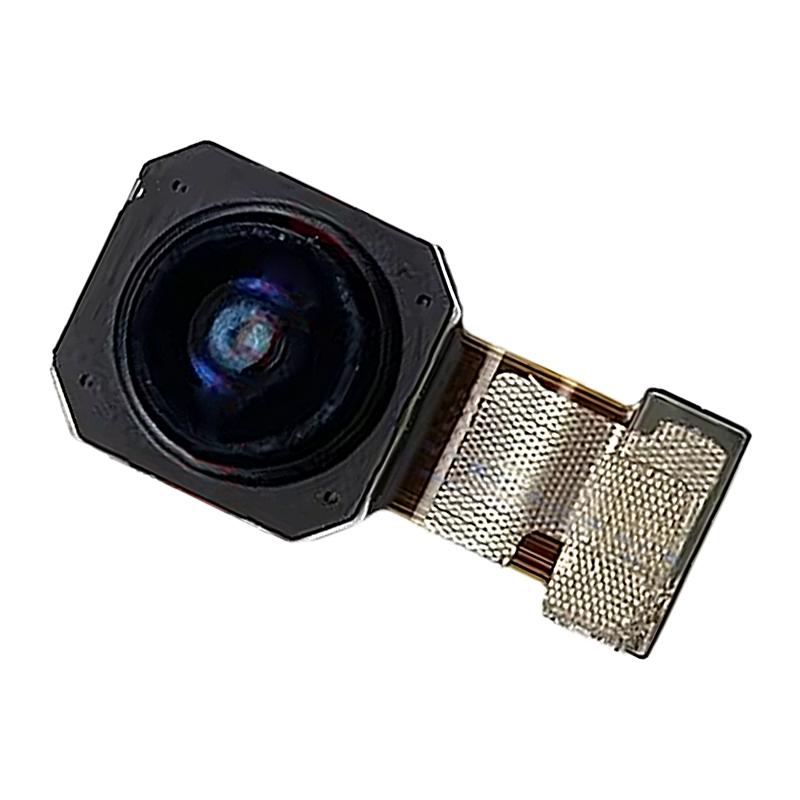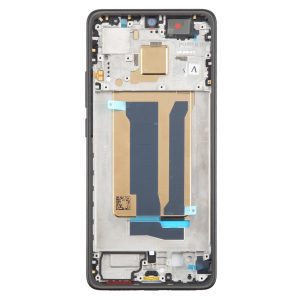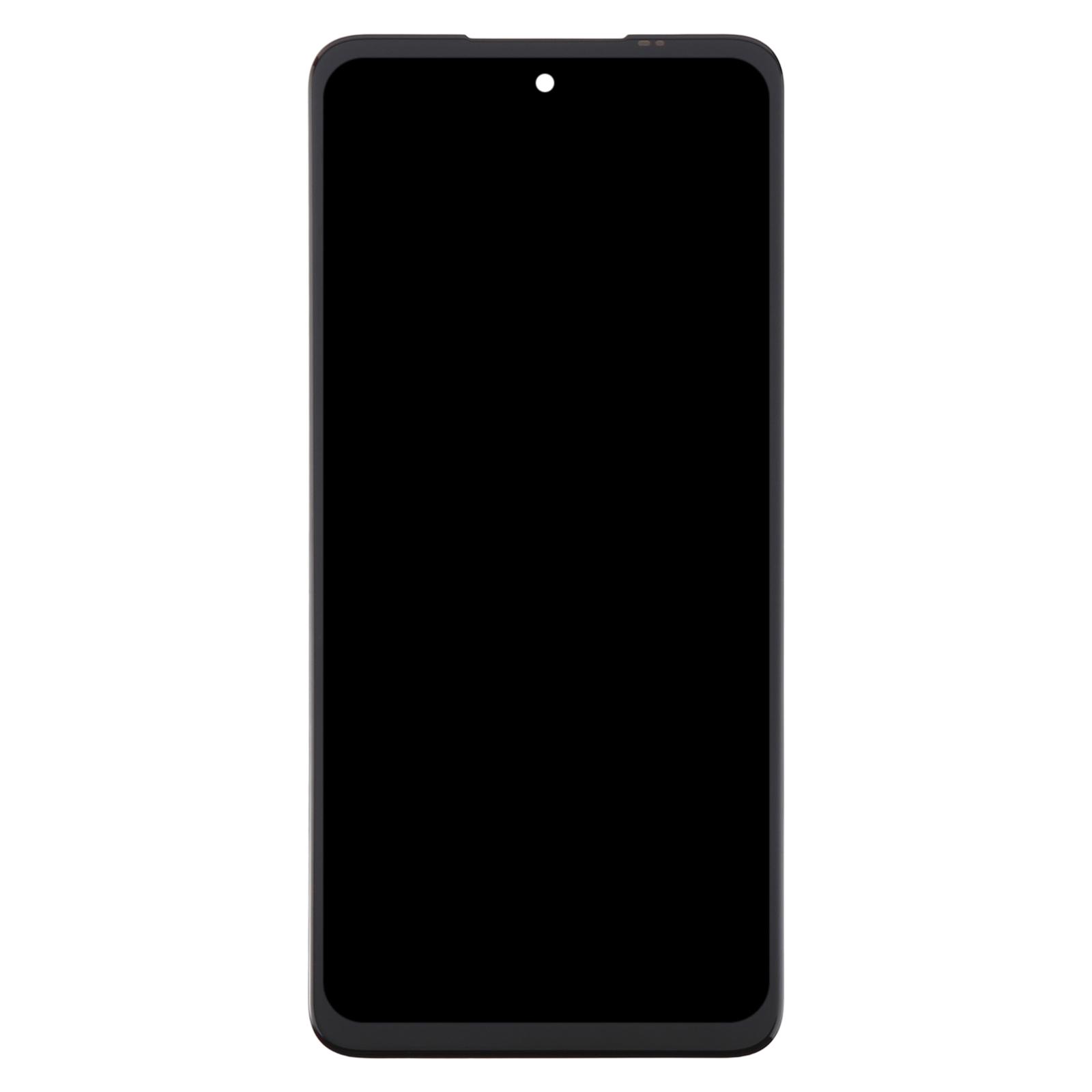
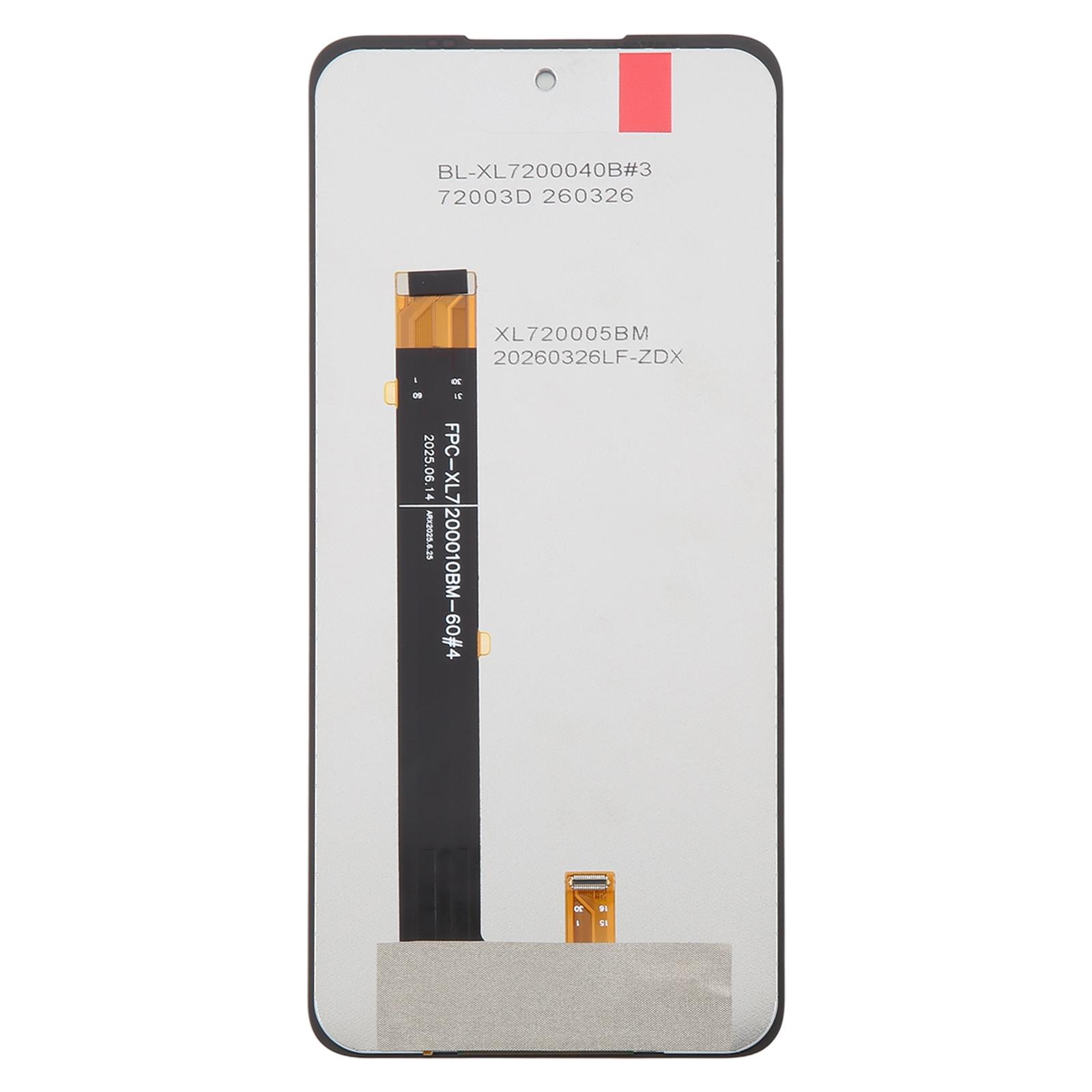
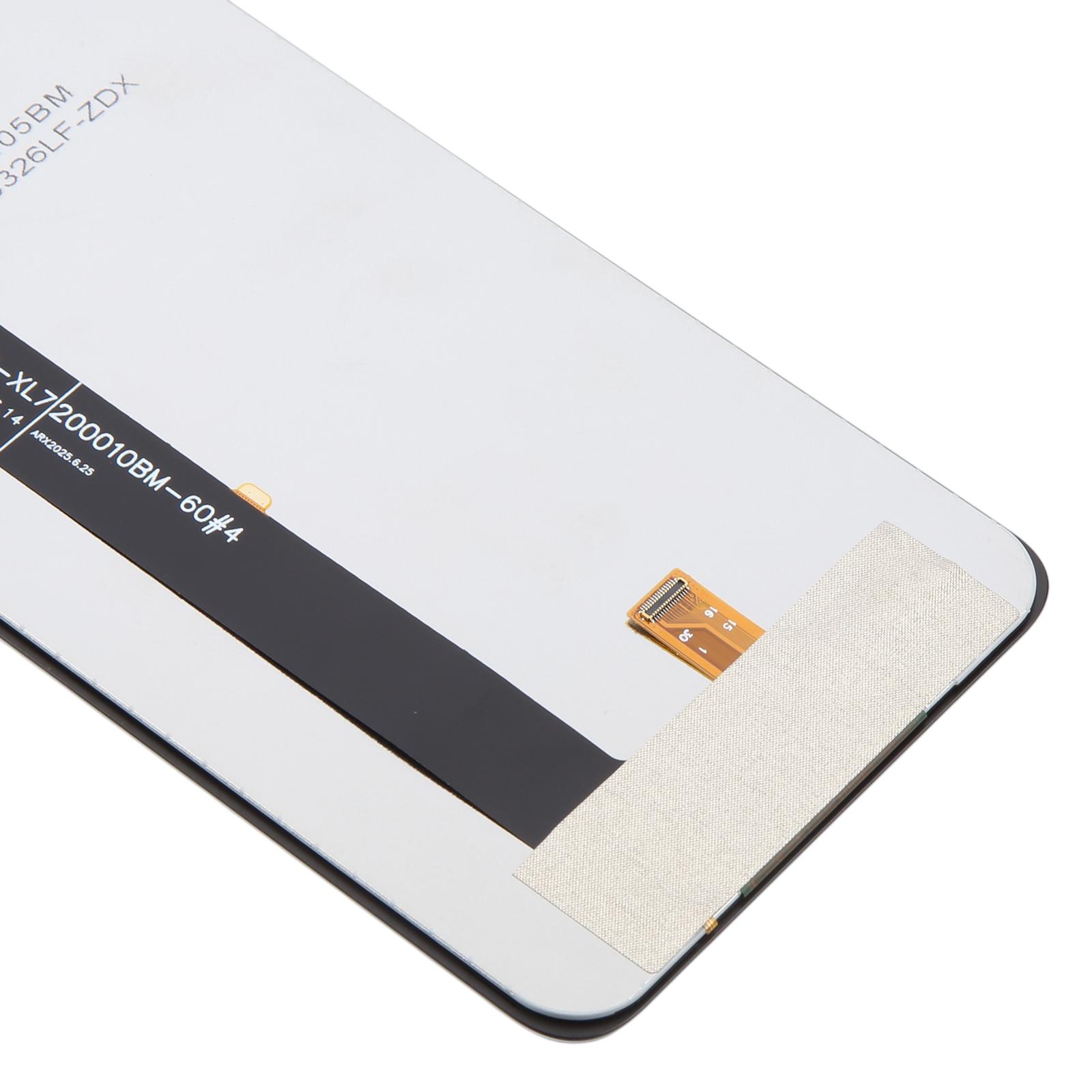
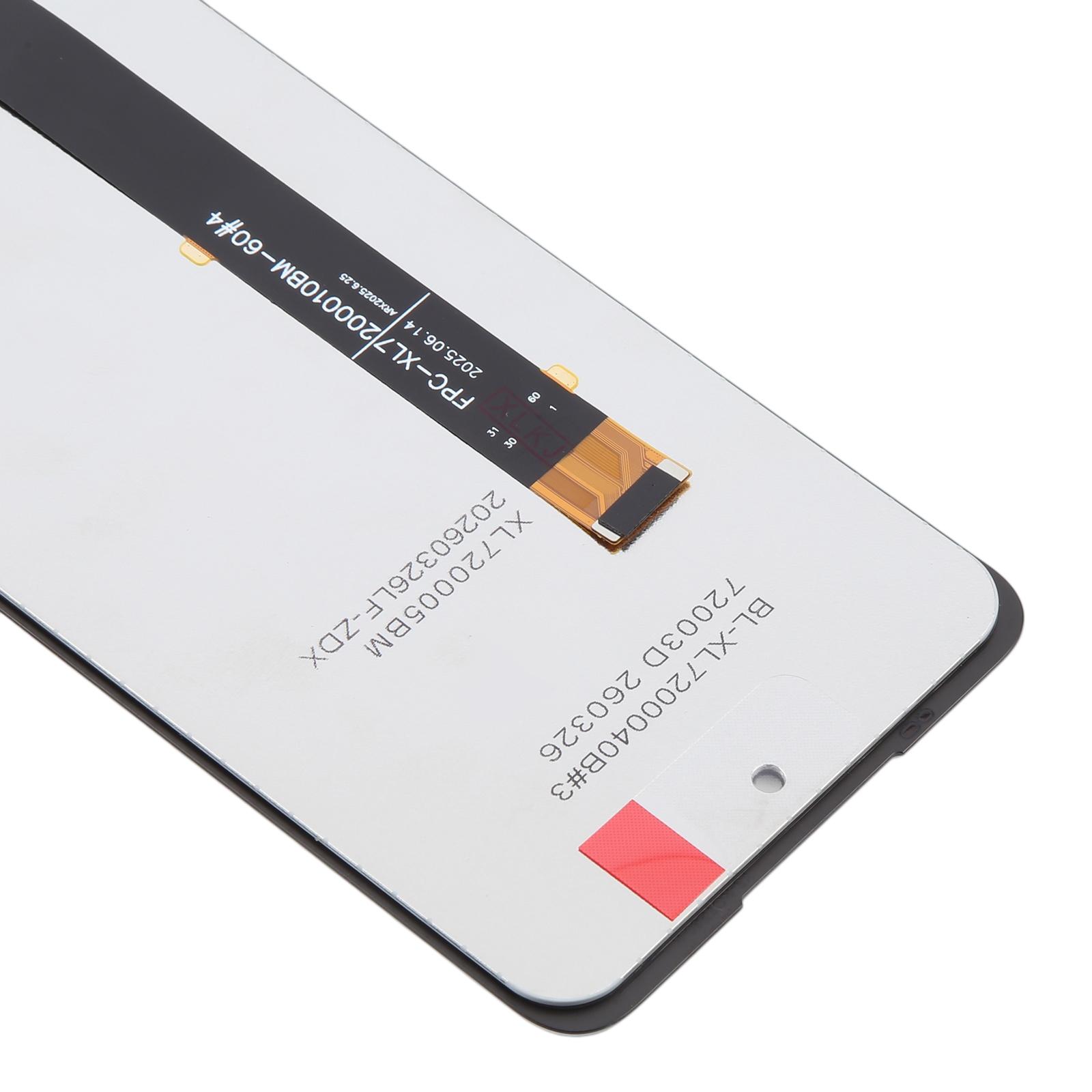
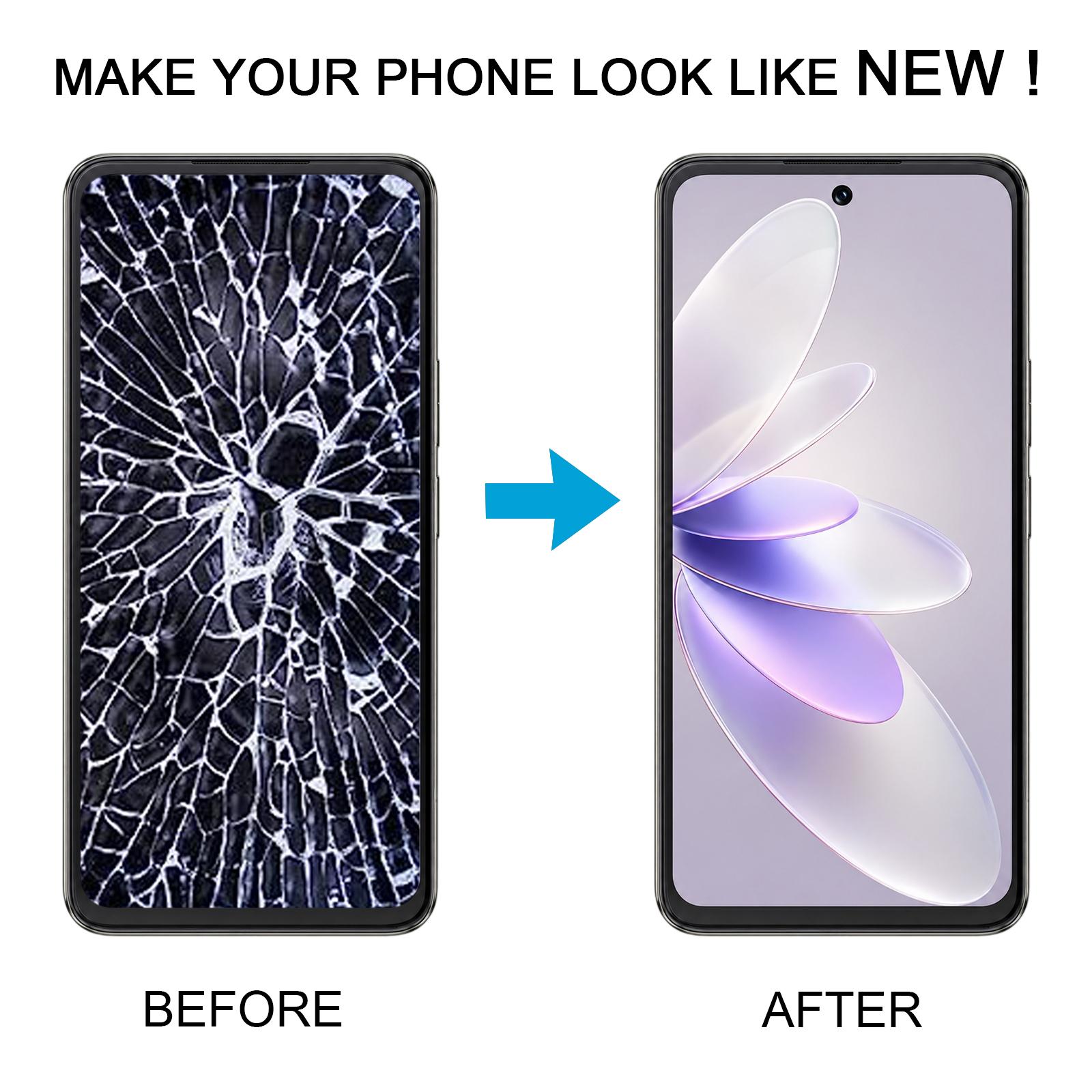


A cracked front or a screen that shows nothing is the usual sign that your Cubot Note 60 needs a new LCD and digitizer. This full assembly replaces the whole front display unit, so the picture and the touch layer come as one piece.
What the Cubot Note 60 screen assembly does
The LCD shows your apps and photos, and the digitizer reads your finger taps. Fitting a new assembly brings back both the picture and the touch response on the Cubot Note 60.
- Fits the Cubot Note 60
- Supplied as one LCD display and touch screen digitizer assembly
- Replacement for a broken or unusable front display
Because the screen is delicate, test the new unit before you fit it. Connect it to the phone with the display cable and power it on first. If the picture and touch both work, go ahead and install it. Keep the display cable from bending too sharply, since a bend past 90 degrees can leave the screen black.
Keep the protective film on the new glass until the install is complete, and wear eye protection when you open the phone to avoid glass splinters.