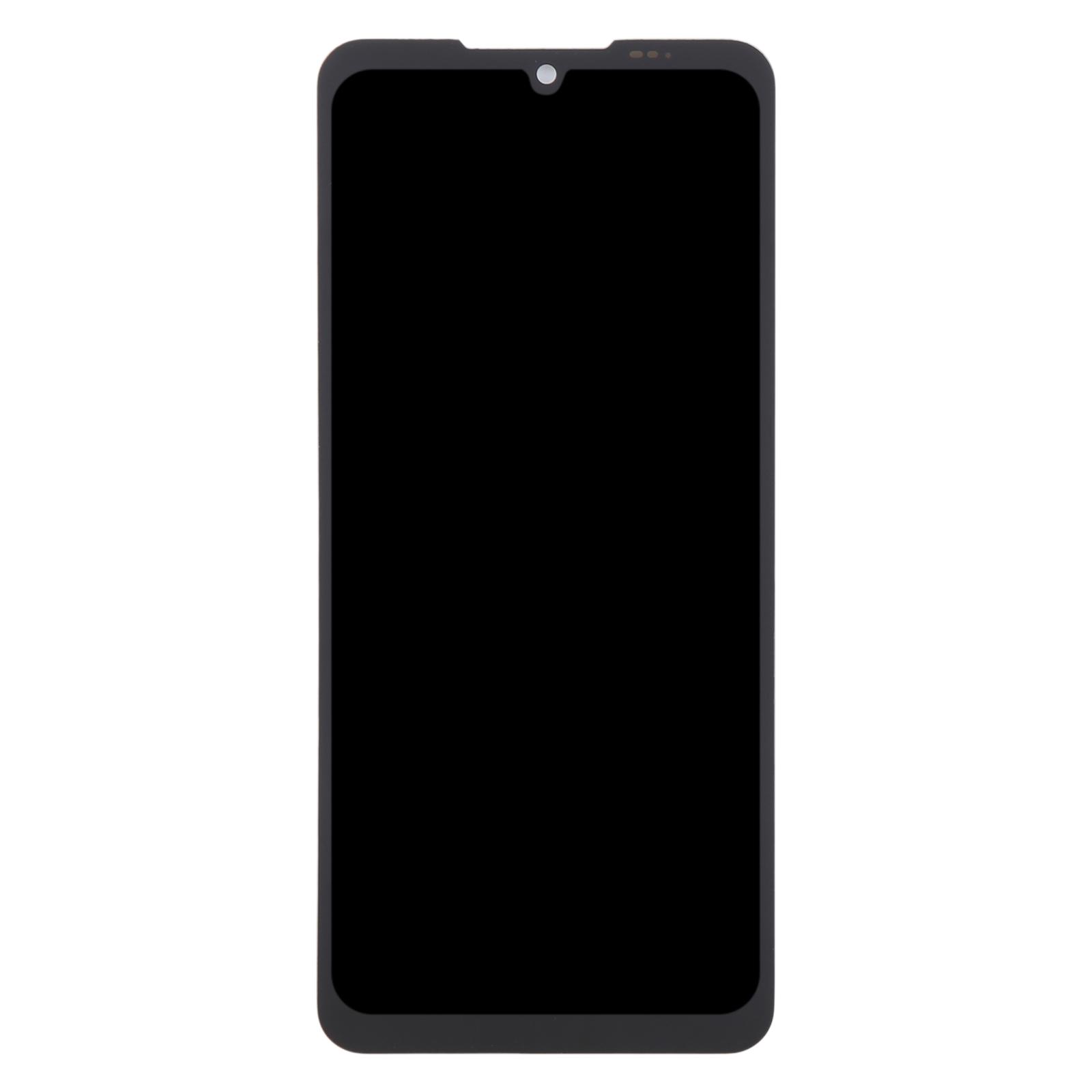
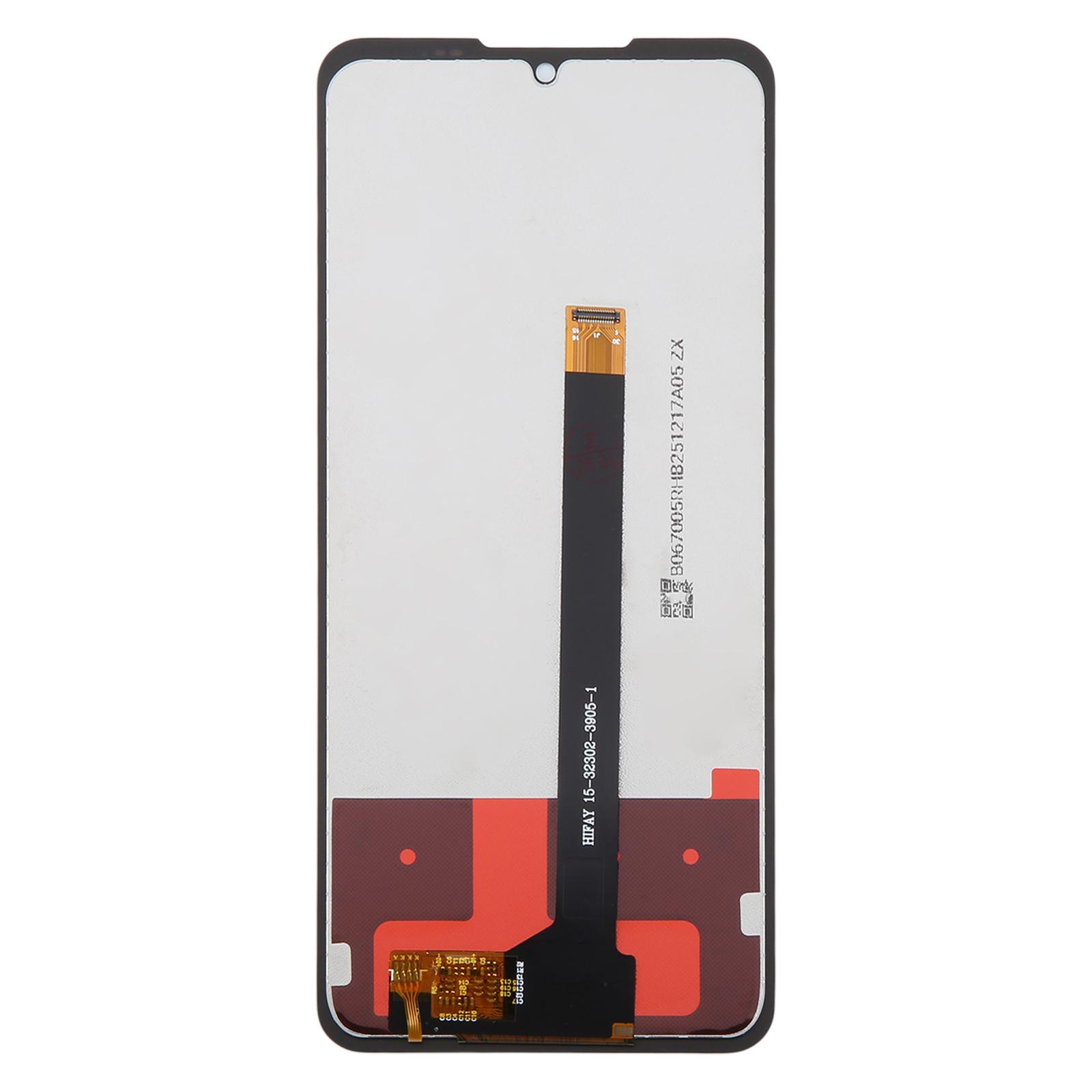
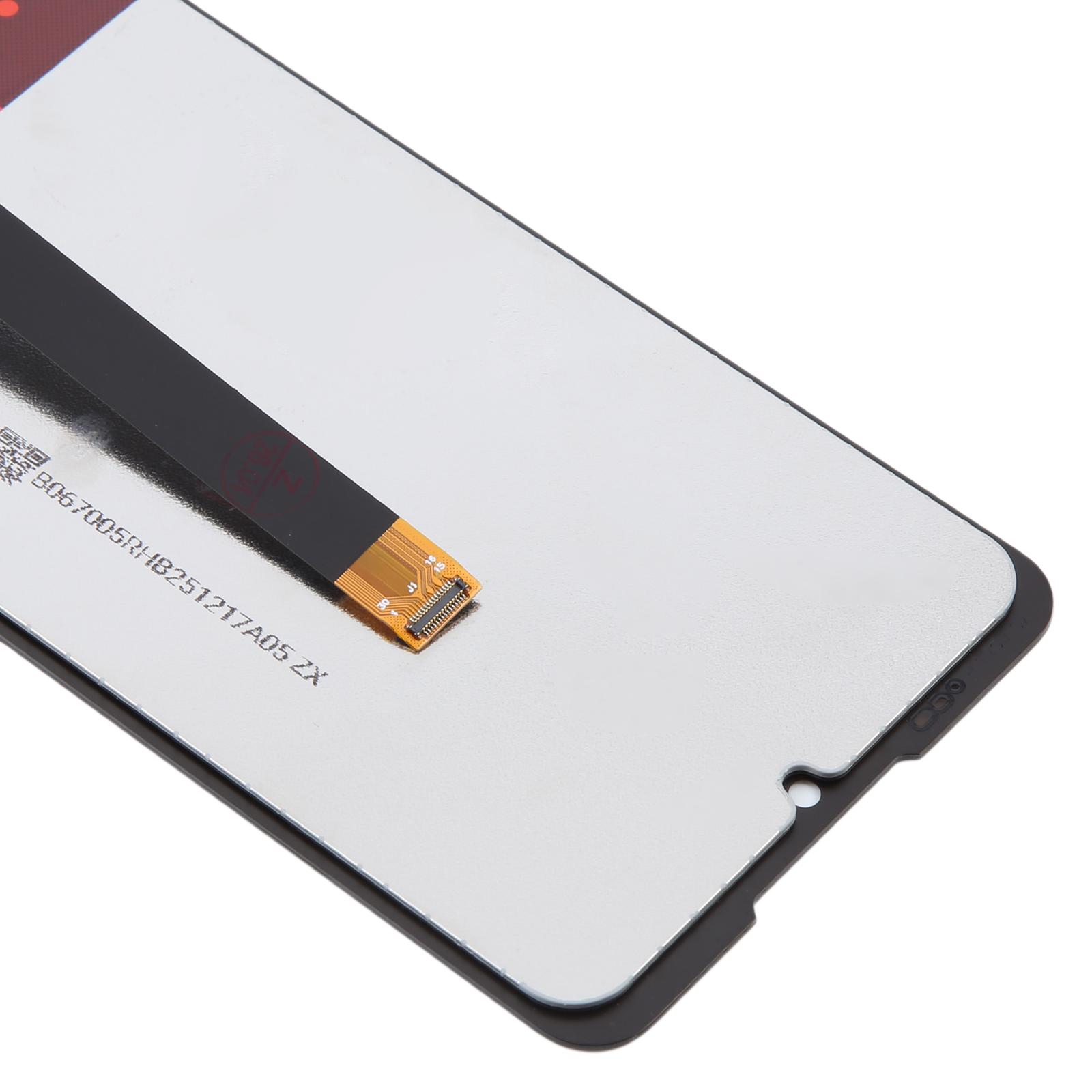
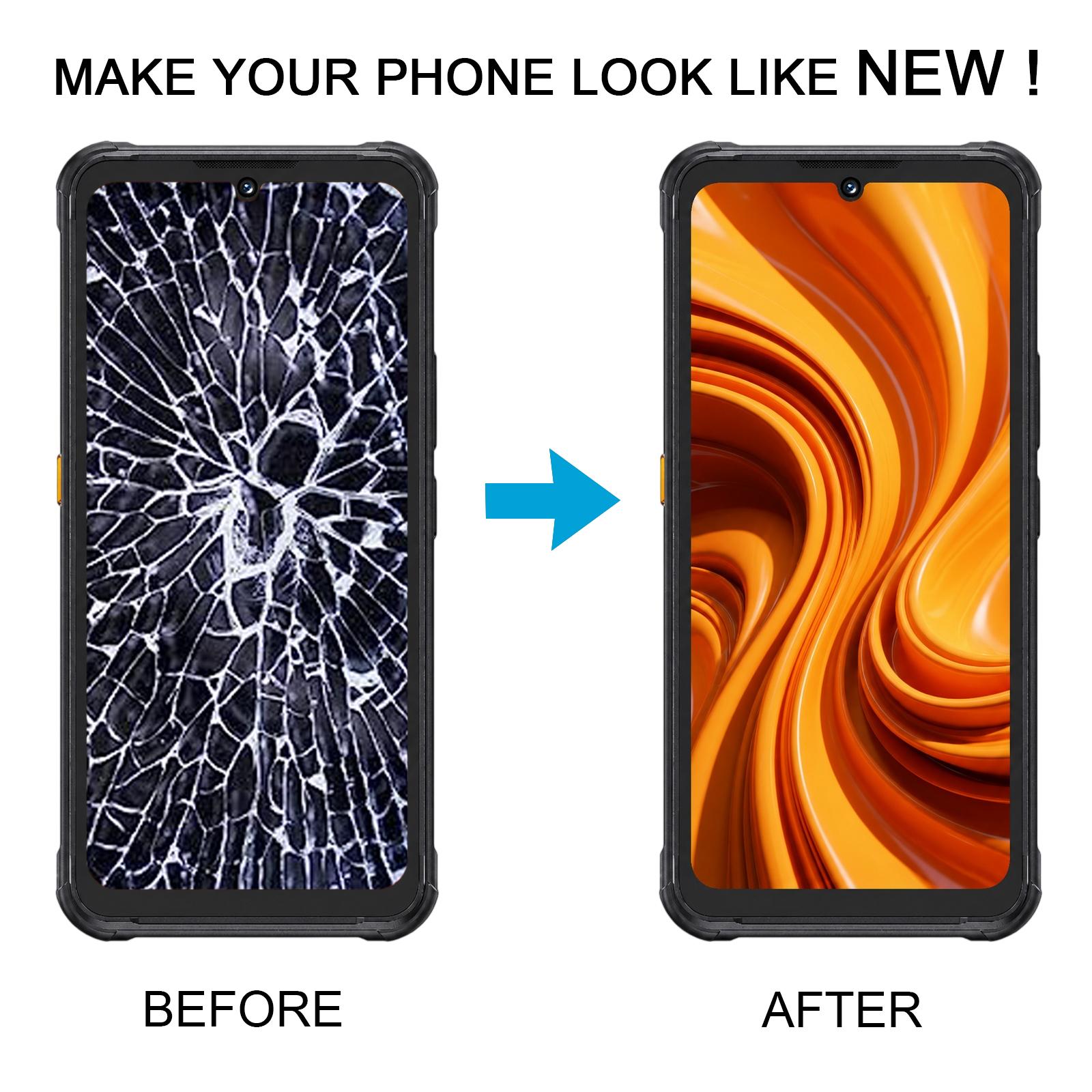


When the glass cracks or the touch stops responding, your Cubot KingKong Ace 5 becomes hard to use. This full assembly combines the LCD display and touch digitizer in one piece, so the picture and the touch layer are replaced together.
How to tell this is the right screen for your Cubot KingKong Ace 5
This assembly is made for the Cubot KingKong Ace 5 only. Check the model name on the back or in your settings before you order, so you get the matching part.
- Cubot KingKong Ace 5
- LCD display with touch screen digitizer, supplied as one full assembly
The assembly arrives as a complete unit, ready to swap in. Nothing extra is needed to get the display and touch working again once it is fitted.
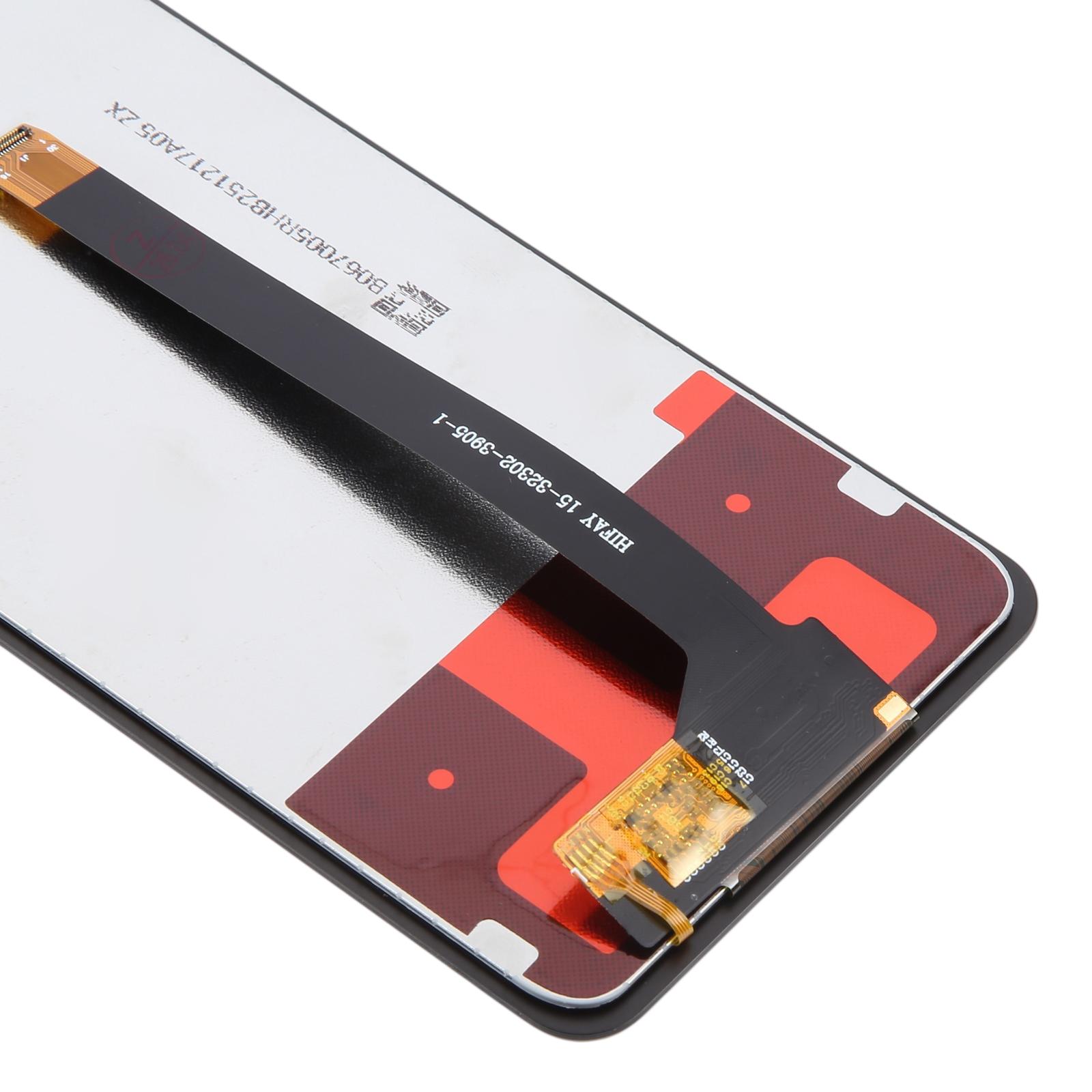
Because the screen is fragile, test the phone with the new assembly connected before you fit it. Keep the protective film and tags on until the test is done. Do not bend the display cable past 90 degrees, as this can leave the screen black.
Keep the screen cable loose and clear of the frame when you close the phone, so it does not get pinched.