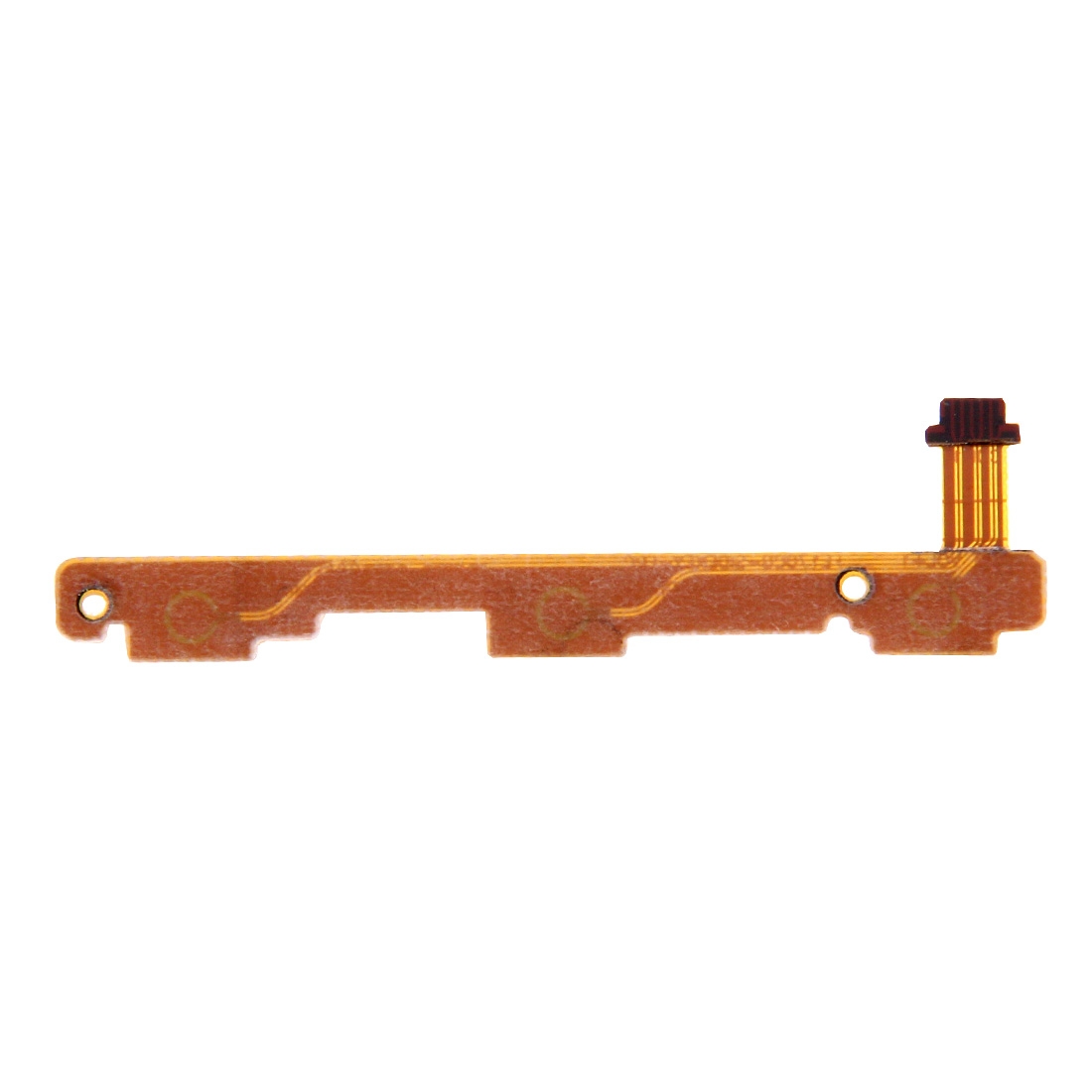
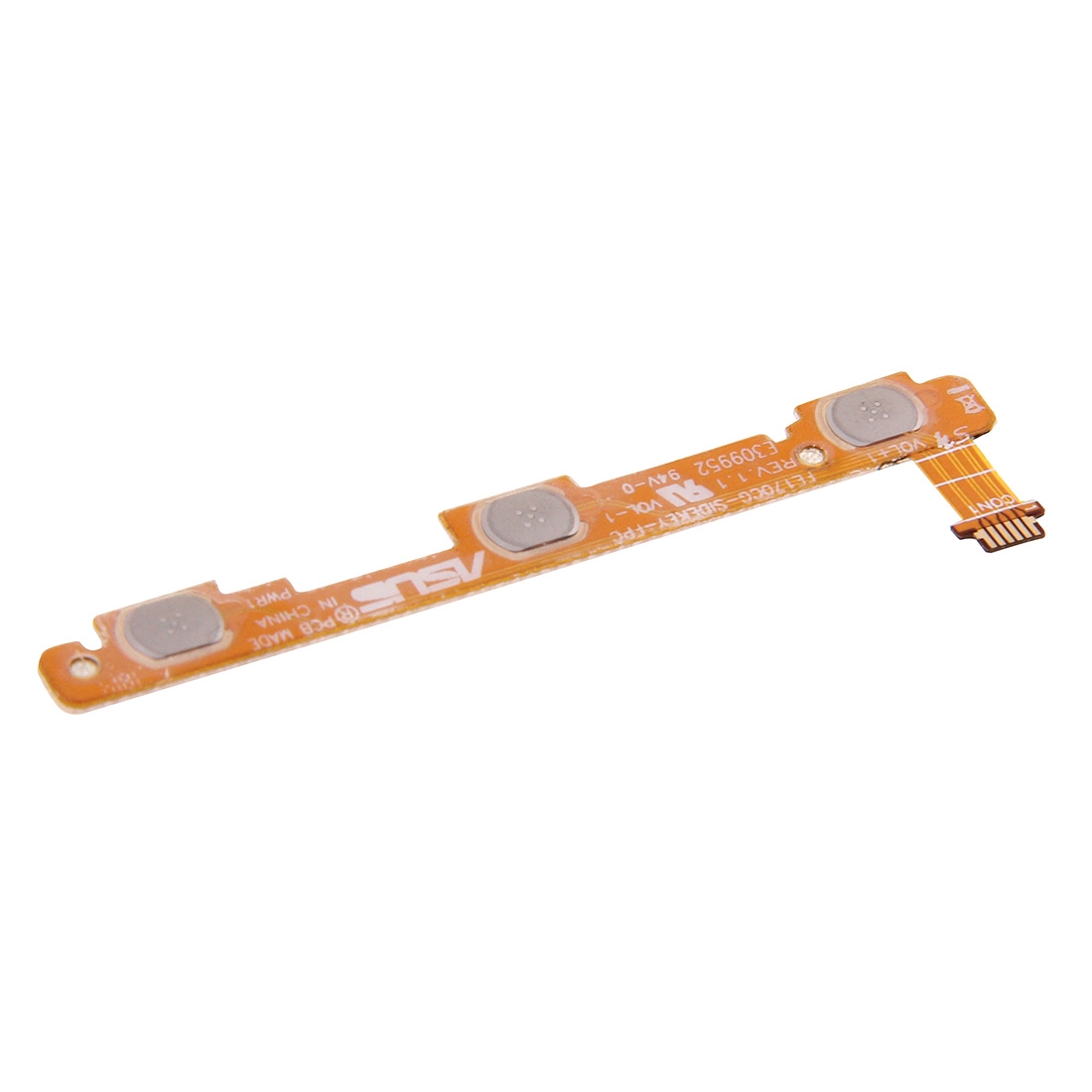


What You’re Getting
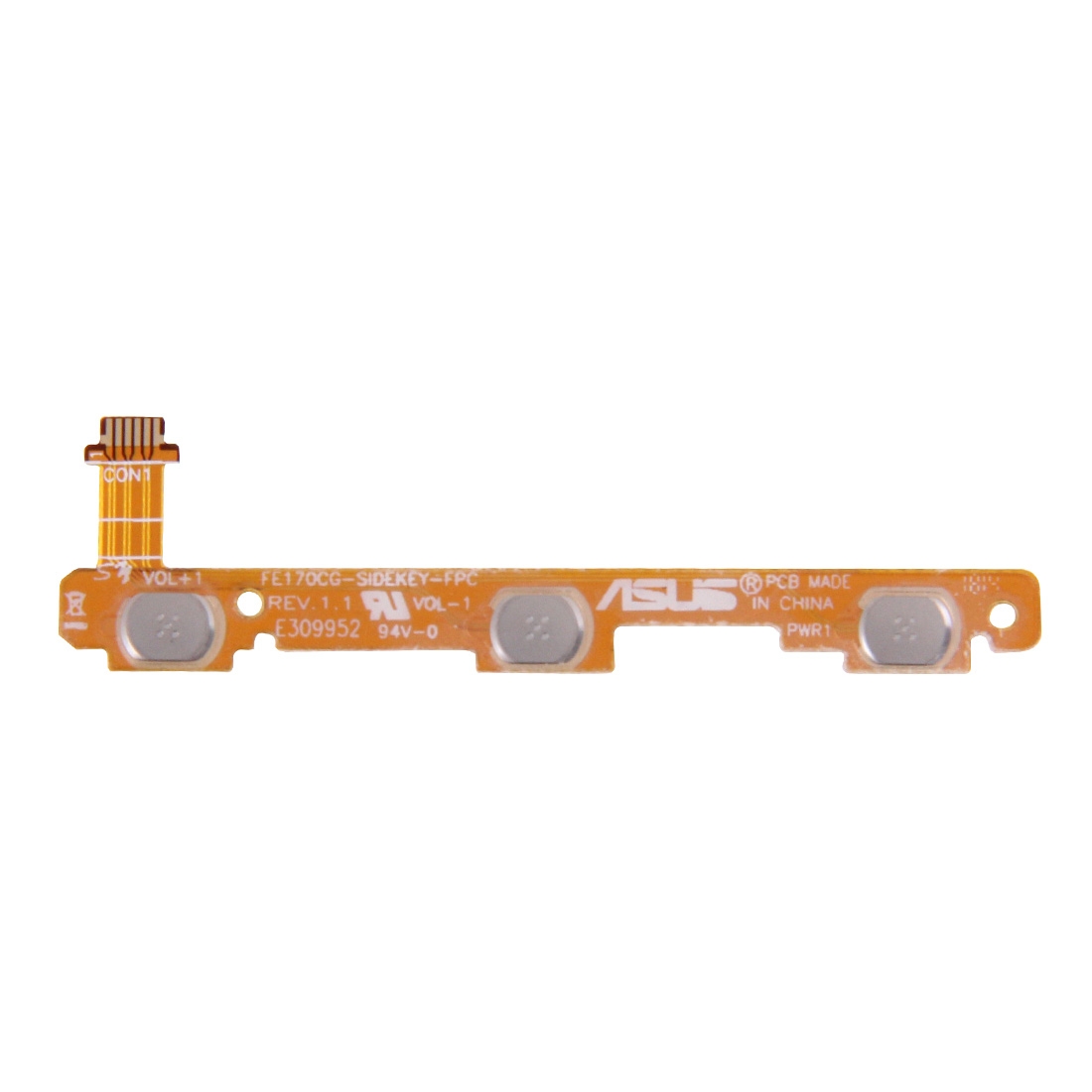
Struggling with a power button that won’t click or volume controls that have gone silent on your Asus ME176C? This is the exact flex cable that handles both functions. It’s made to match your device’s layout perfectly, so everything lines up just right when you’re putting it in.
Why This Part Works
This little ribbon brings your tablet’s buttons back to life. We’ve checked it fits the Asus ME176C (also known as the MeMO Pad 7 ME170) without any fuss. Hundreds of repair technicians across South Africa choose our components for their fix-it jobs because they work as expected.
Installation Notes
Before you slot it in, give the cable a quick test to make sure it’s functioning. Use an ESD strap to avoid static surprises, and be gentle—don’t bend the ribbon past a right angle. It’s a straightforward swap if you’re comfortable with small connectors.
Warranty & Support
You’re covered for half a year with our warranty, so if anything’s off, we’ve got your back. It ships at no extra cost anywhere in South Africa. Need a hand? Ping us at support@phoneparts.co.za or WhatsApp 063 193 2306. We’re here to help get your tablet clicking again.