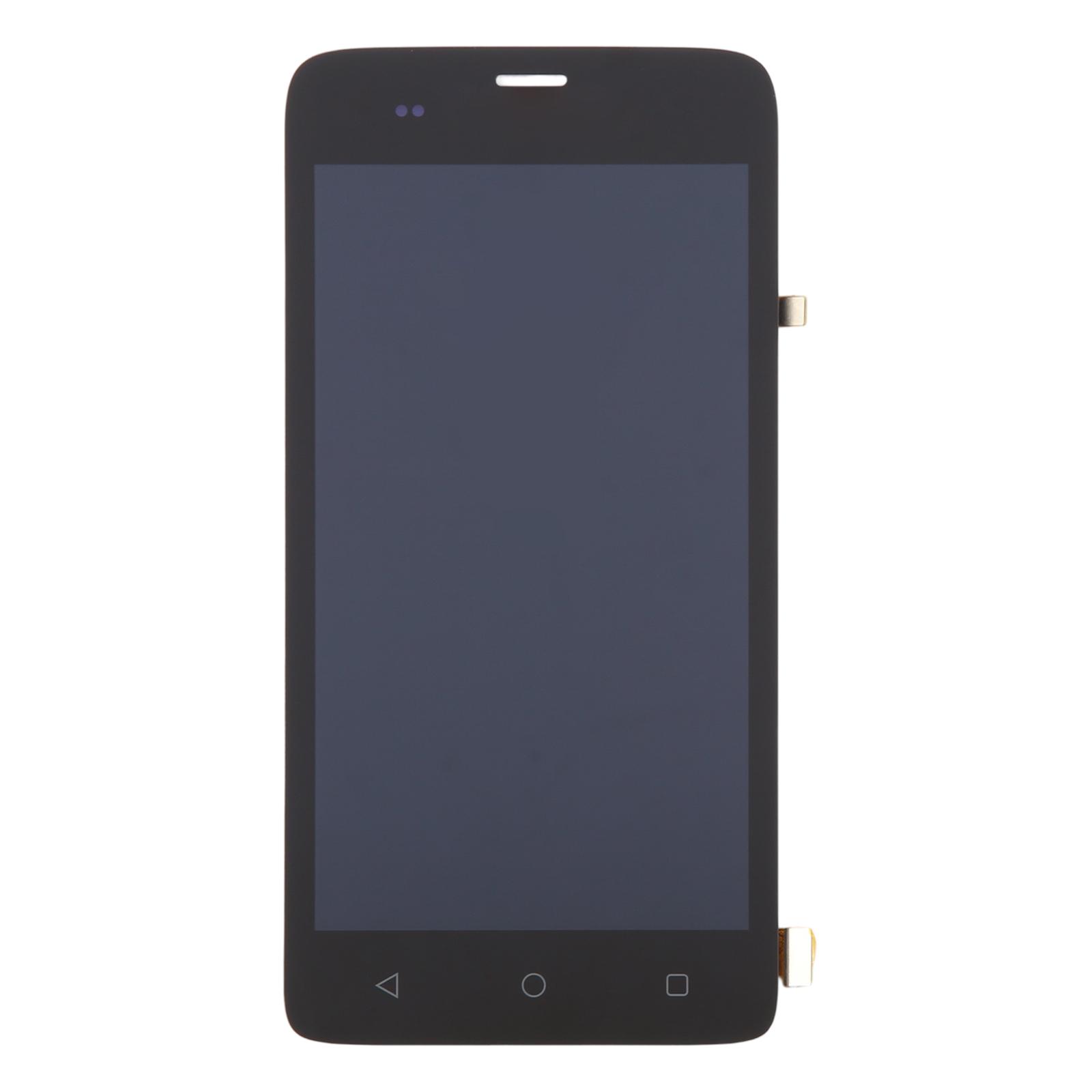
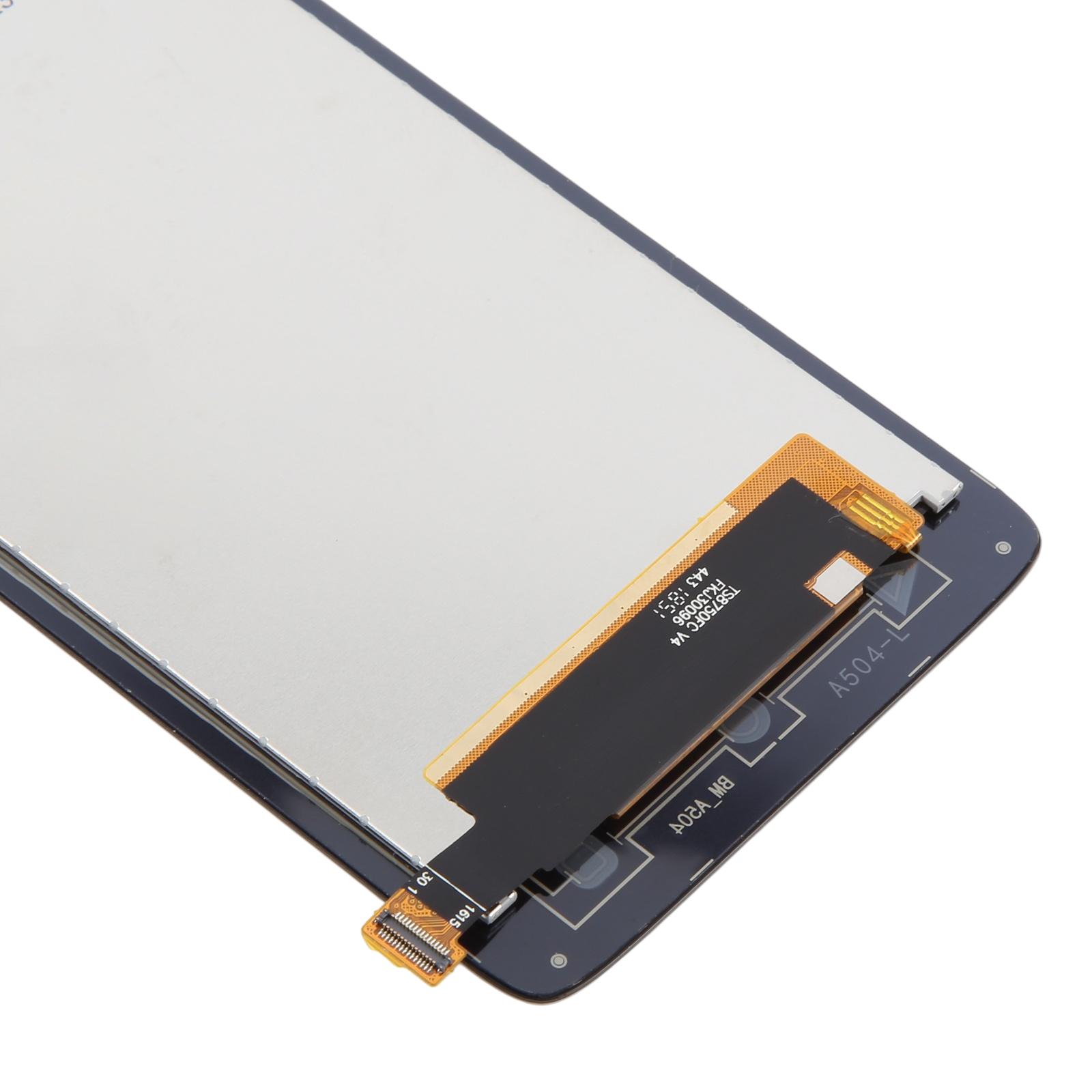
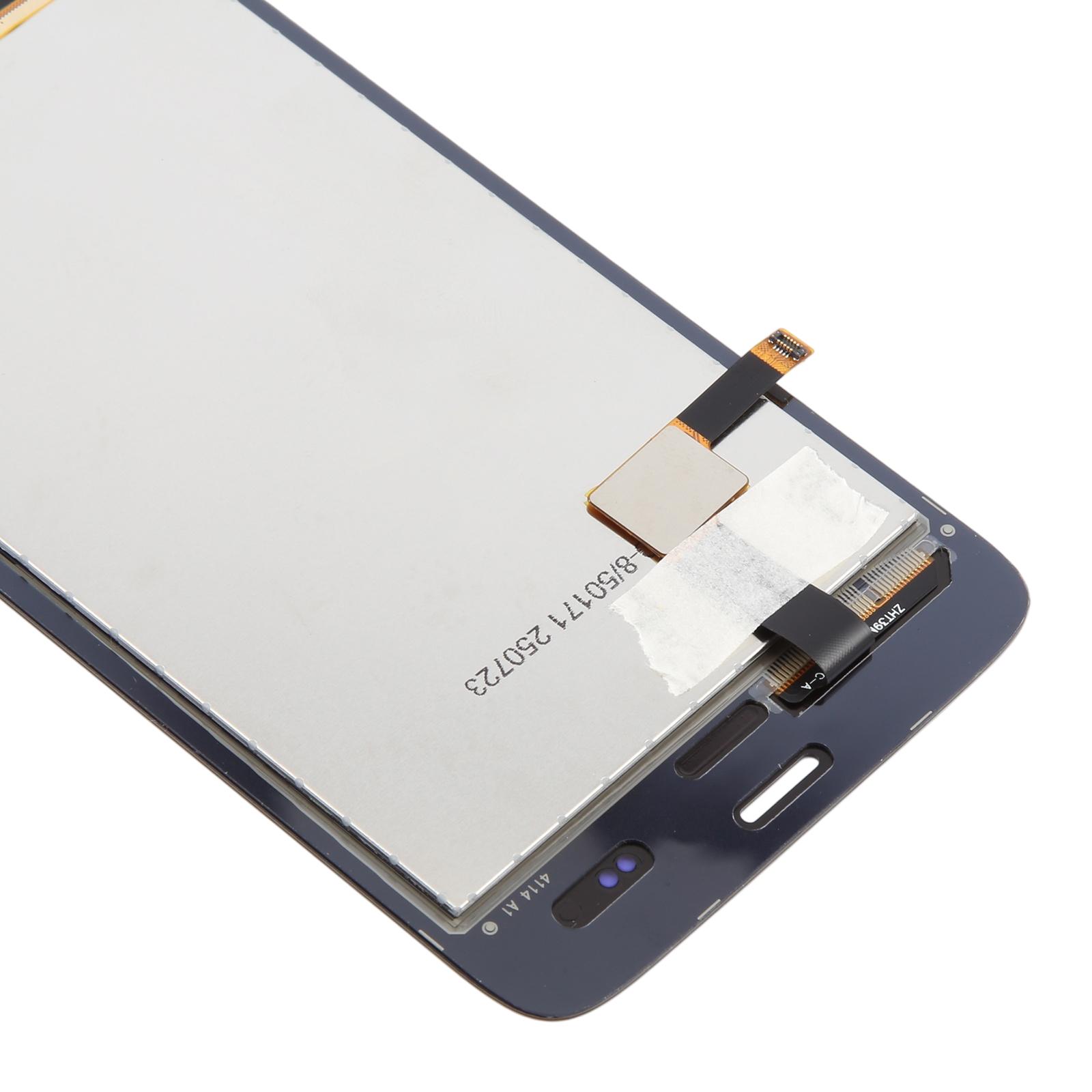
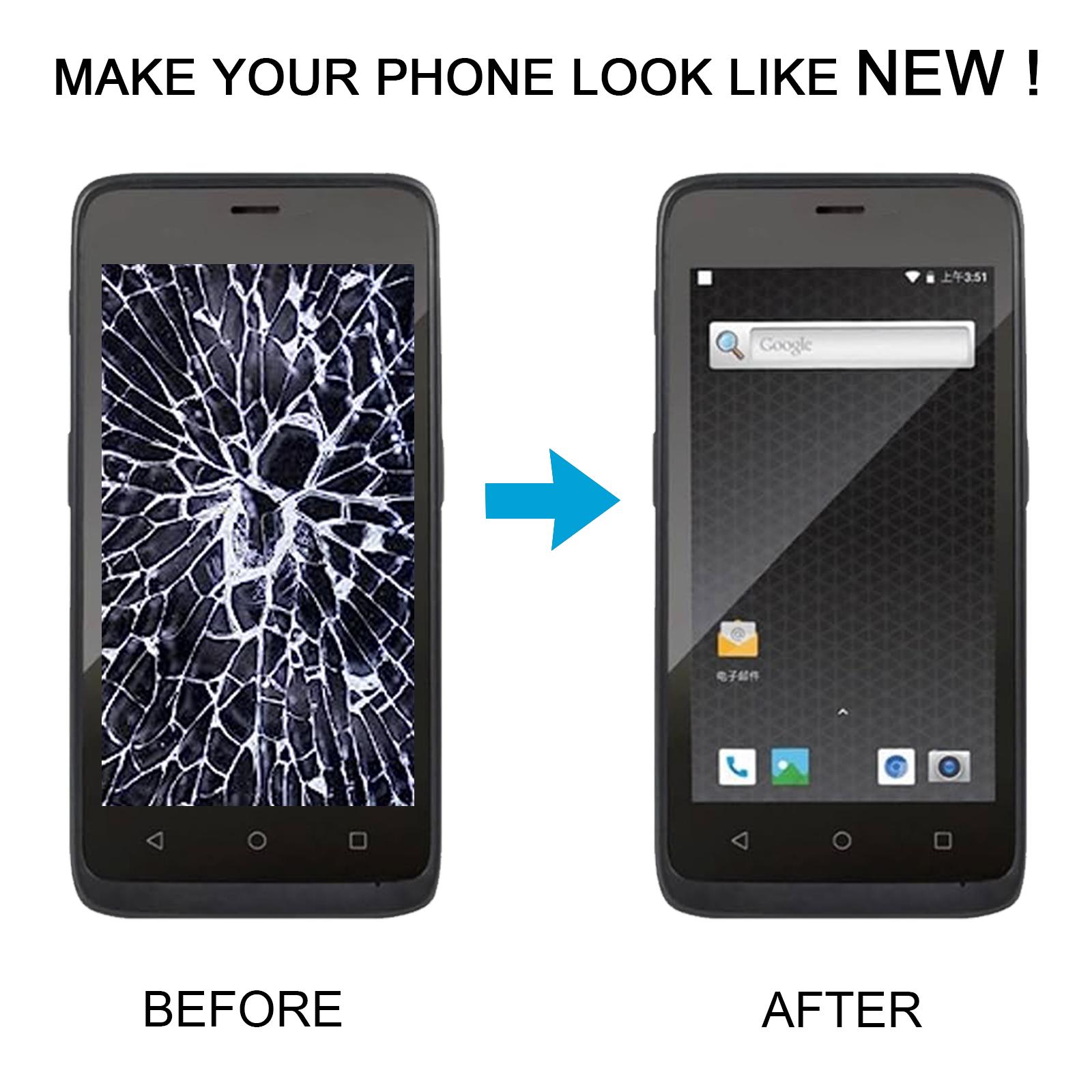


Restore your Honeywell EDA51 to a clear, responsive screen with this complete LCD and touch digitizer assembly. Cracked glass or a dead display no longer has to slow down your work.
What You’re Getting
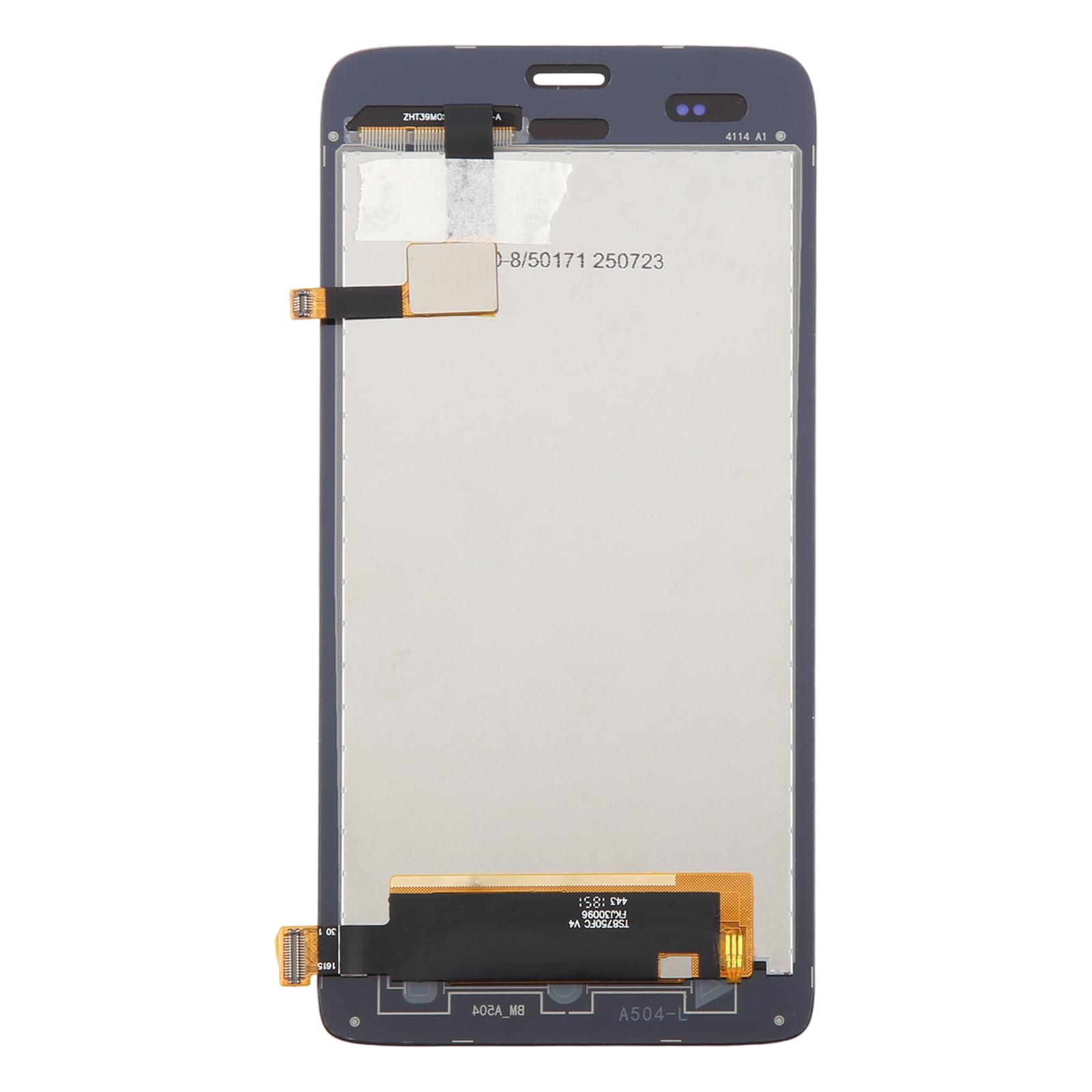
This is a full assembly, so the LCD panel and touch digitizer arrive already joined. You don’t need to separate glass from display or handle loose layers. Each unit is checked for good condition before it leaves our warehouse, so what you open should match what you ordered.
Why This Part Works
The assembly replaces both the image layer and the touch layer in one step. That means taps, swipes and on-screen text all come back together. It is built to fit the device properly, so it sits flush once seated and the screen looks fresh again.
Installation Notes
Test the replacement before you fit it. Reconnect the motherboard and display cable, power the unit on, and confirm the picture and touch respond. If nothing shows, get in touch with us straight away instead of forcing the part into the housing.
Wear an ESD strap to protect the internal circuits from static. Keep the film and tags on until testing is finished, and wear eye protection because the glass can splinter. Keep the display cable bent under 90 degrees, since a sharper bend can cause a black screen.