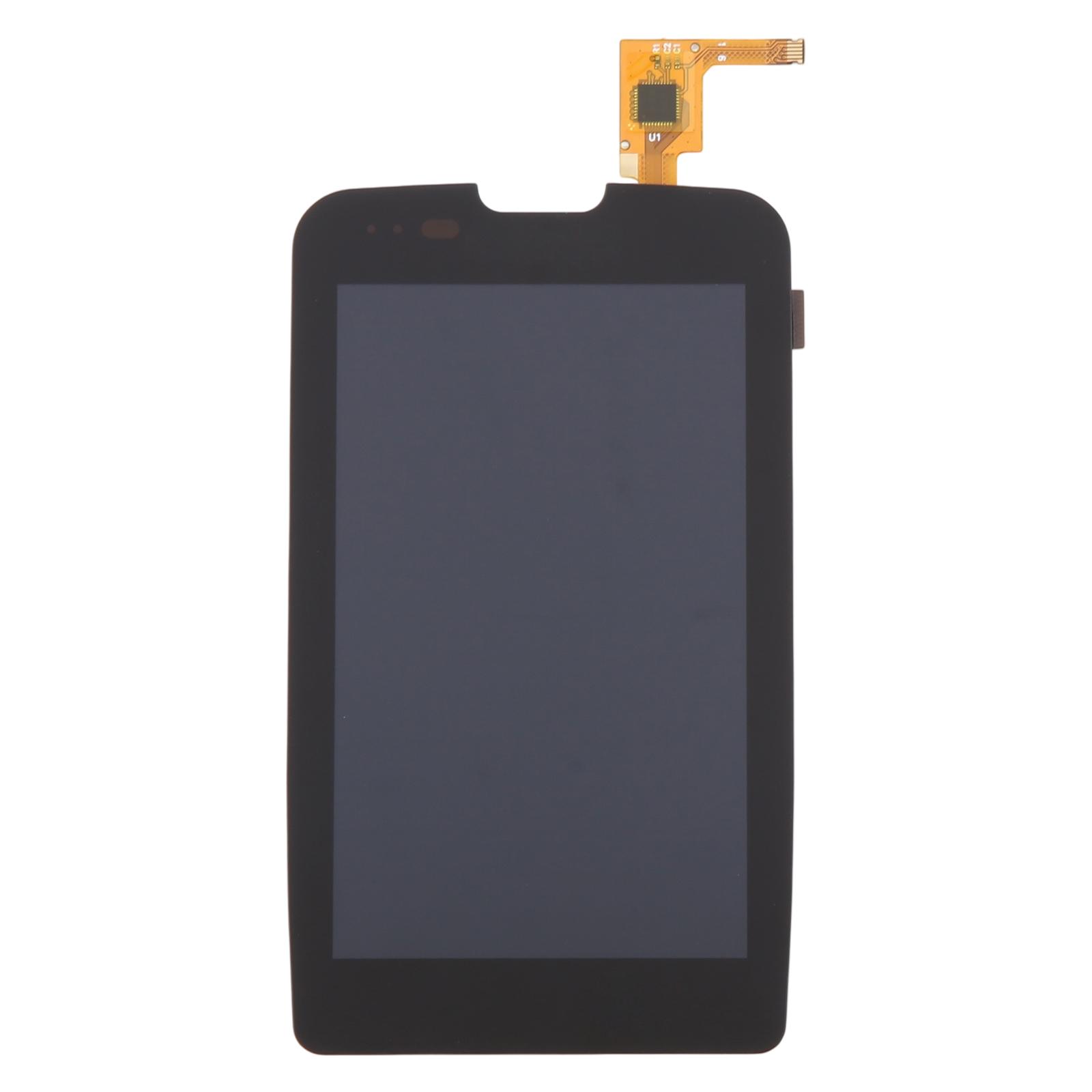
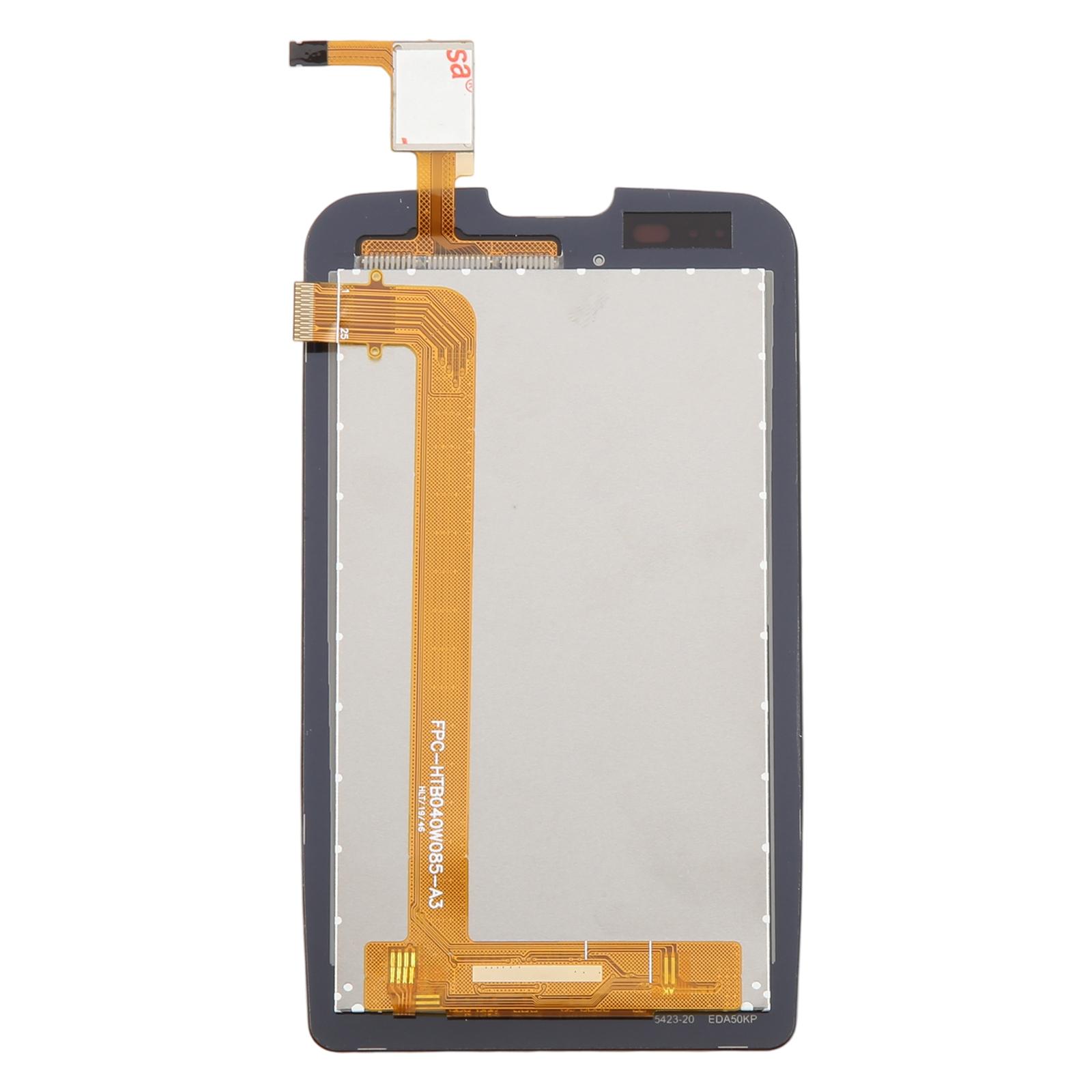
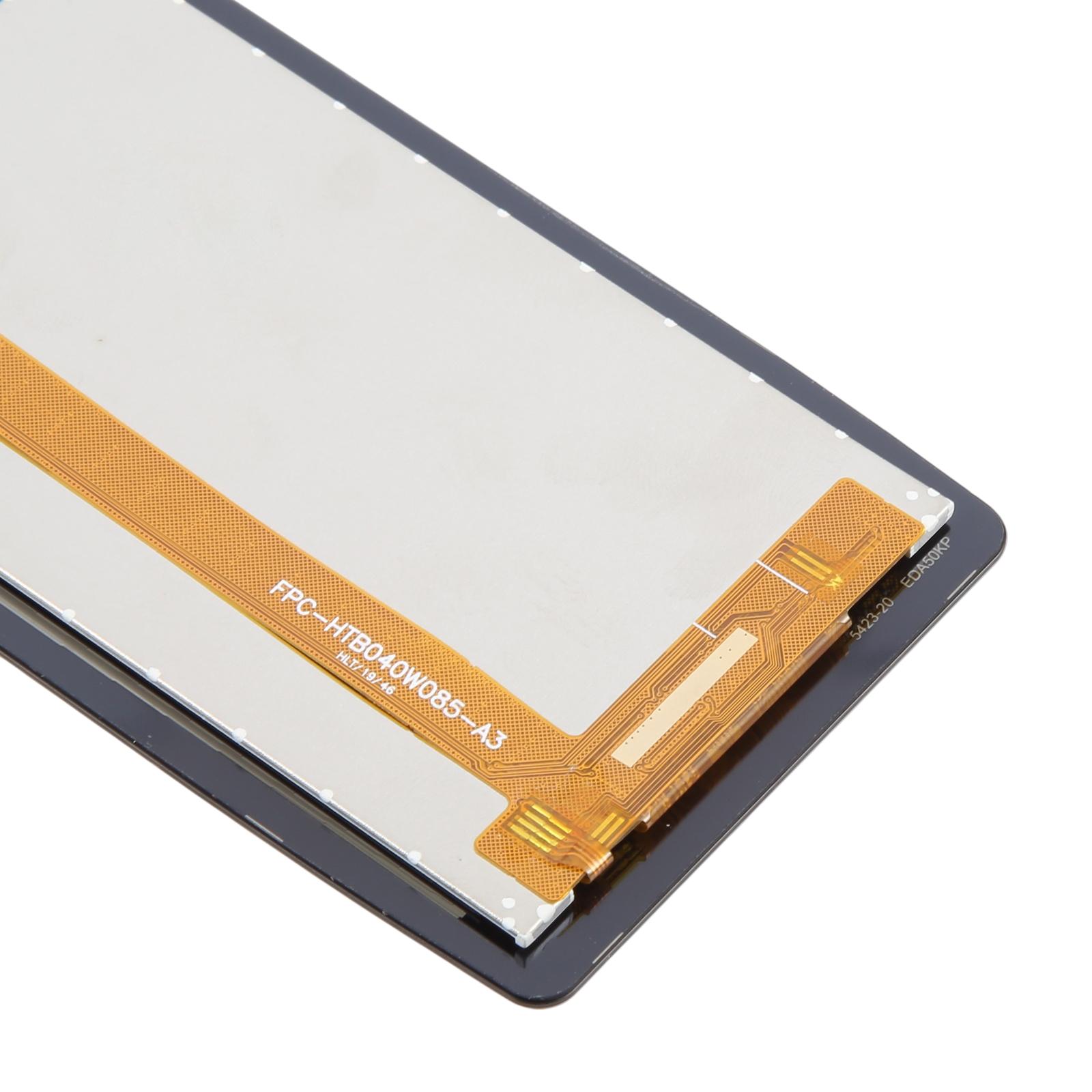
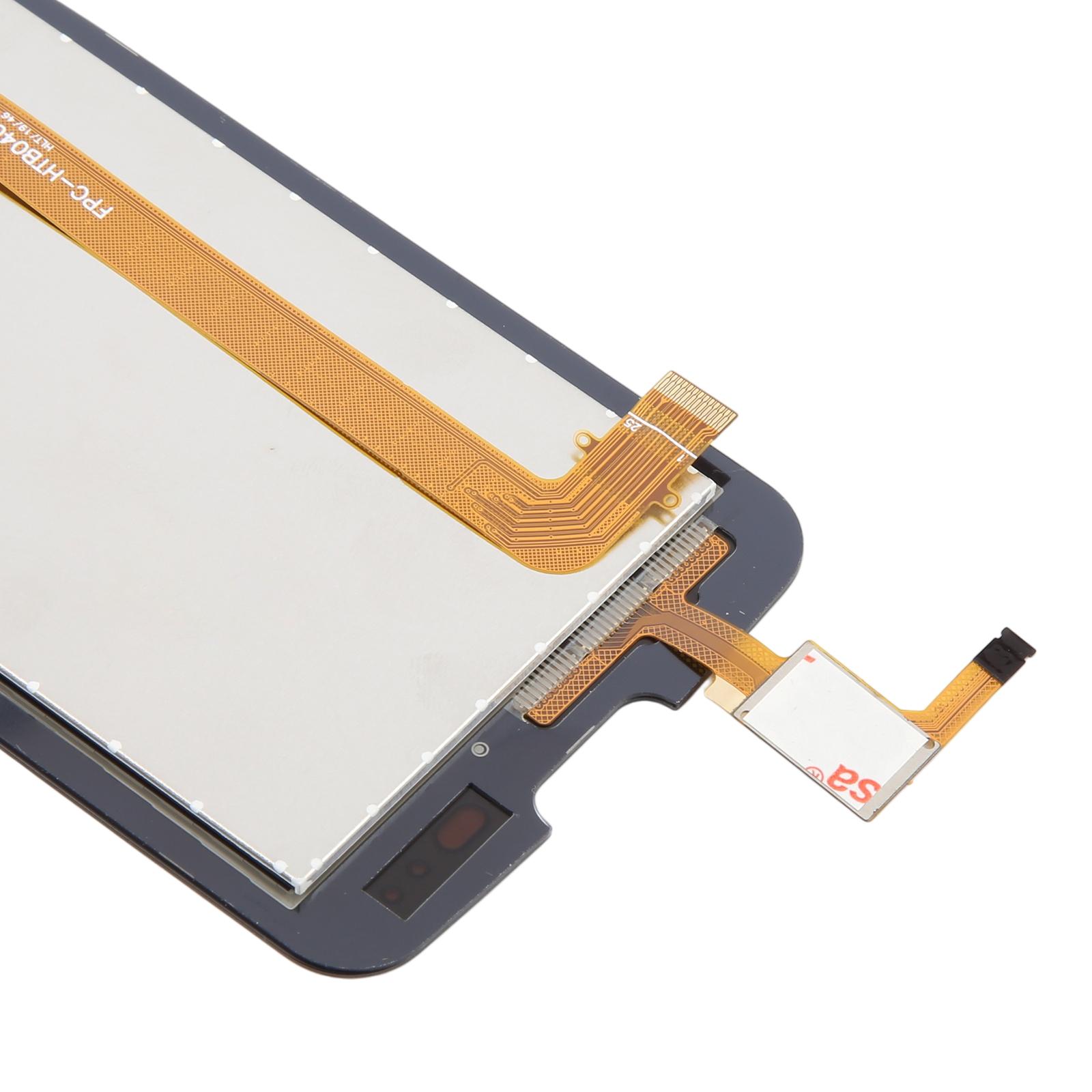
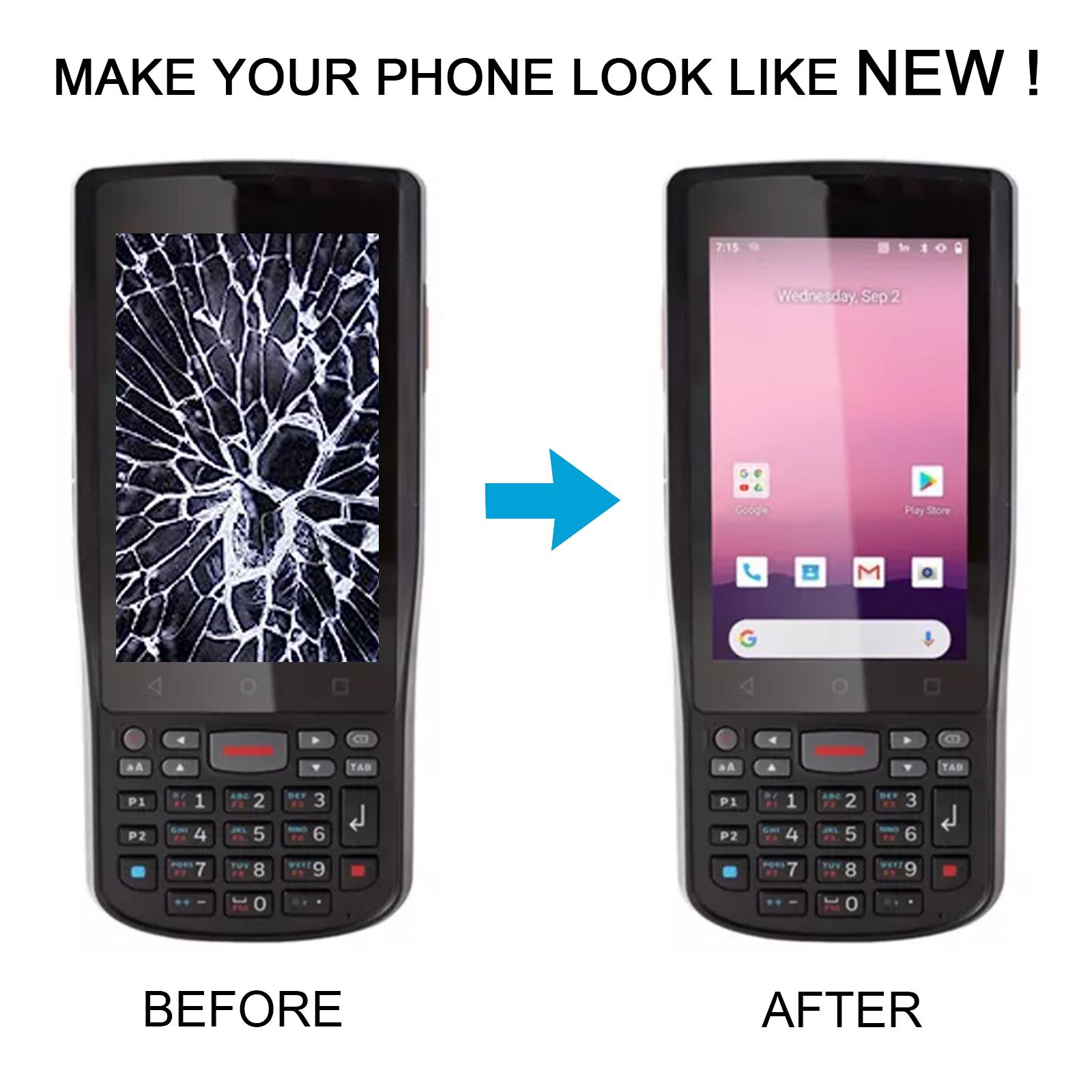


Cracked glass or a dead touch layer can stop your Honeywell EDA50KP cold. This replacement LCD and touch screen digitizer assembly gives the handheld its display and touch response back in one piece.
What You’re Getting
You get a complete assembly. The LCD panel and the touch screen digitizer come bonded together, so there is no separate glass layer to align. The supplier describes each unit as checked and in good condition before dispatch, which helps when you need the scanner back in service quickly.
Why This Part Works
Swapping the whole assembly is usually faster than sourcing loose parts. The screen is built to replace a damaged, cracked or faded original and to restore a clean, bright image. Touch input should feel the same as before once everything is seated correctly.
Installation Notes
Test the unit before you commit to a full installation. Connect the screen to the motherboard with the audio cable, power it on, and confirm the picture and touch work. Keep any protective film and tags on until testing is done. Wear an ESD strap to protect the internal electronics, and keep the LCD cable bent under 90 degrees, since sharper bends can cause a black display. Wear eye protection because broken glass can splinter.