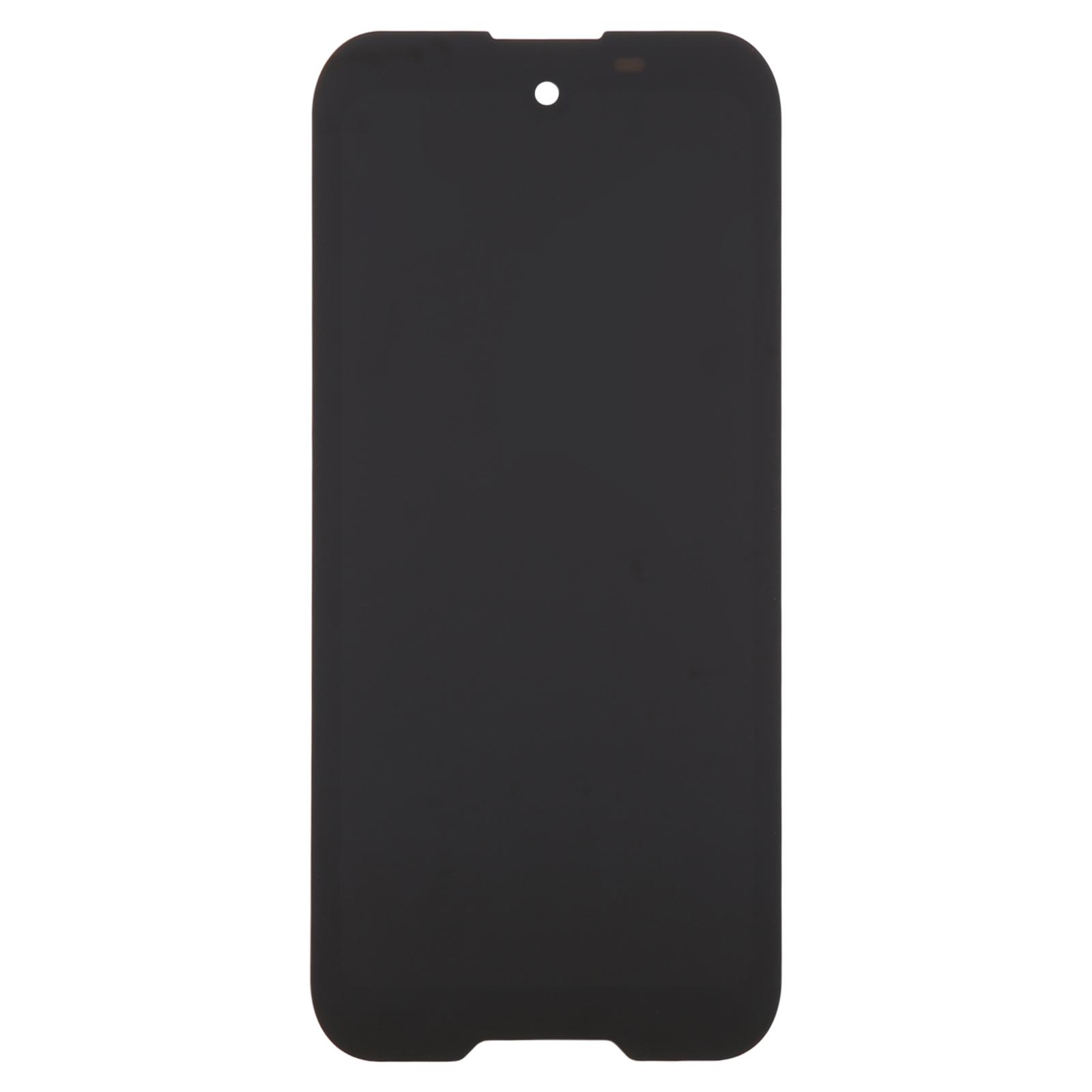
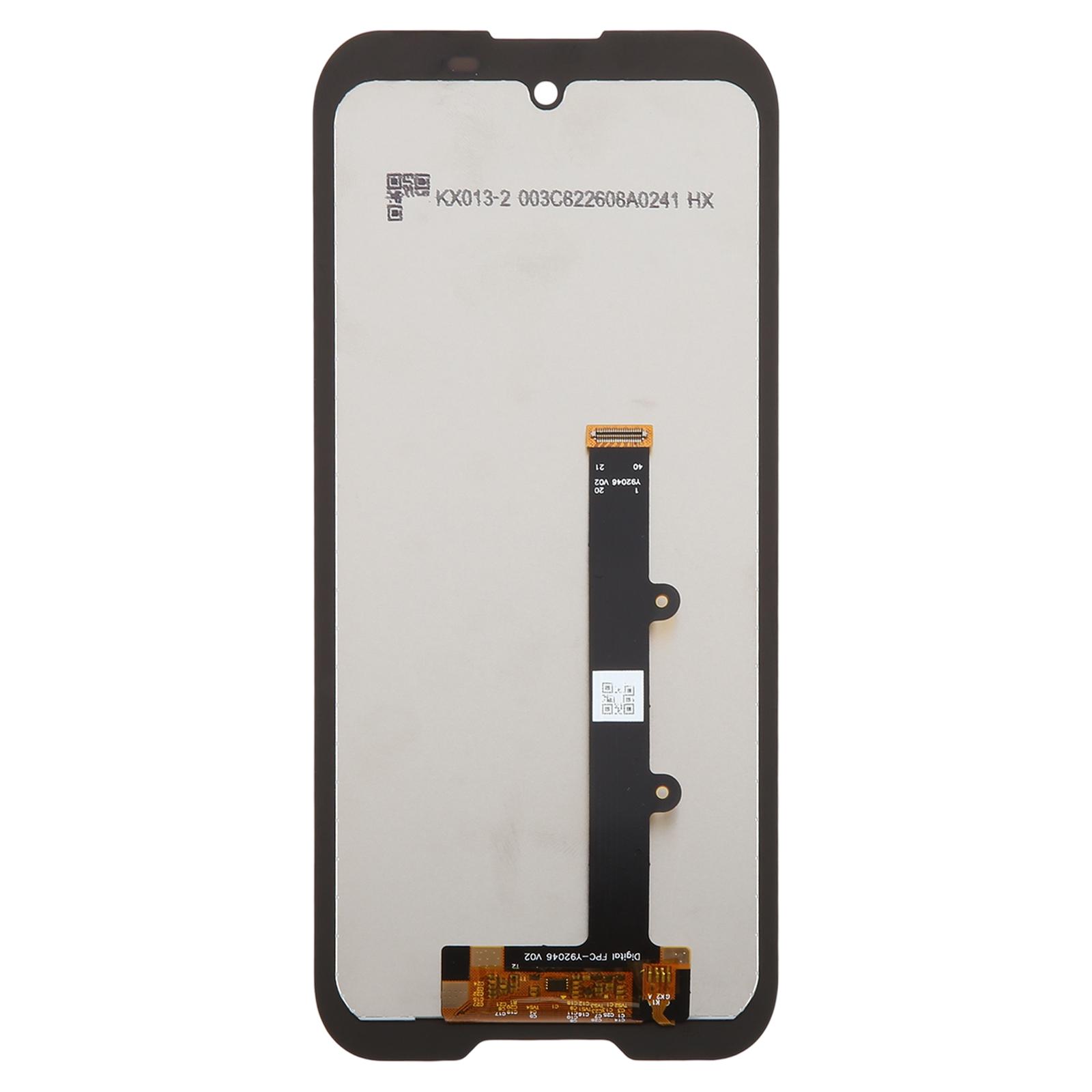
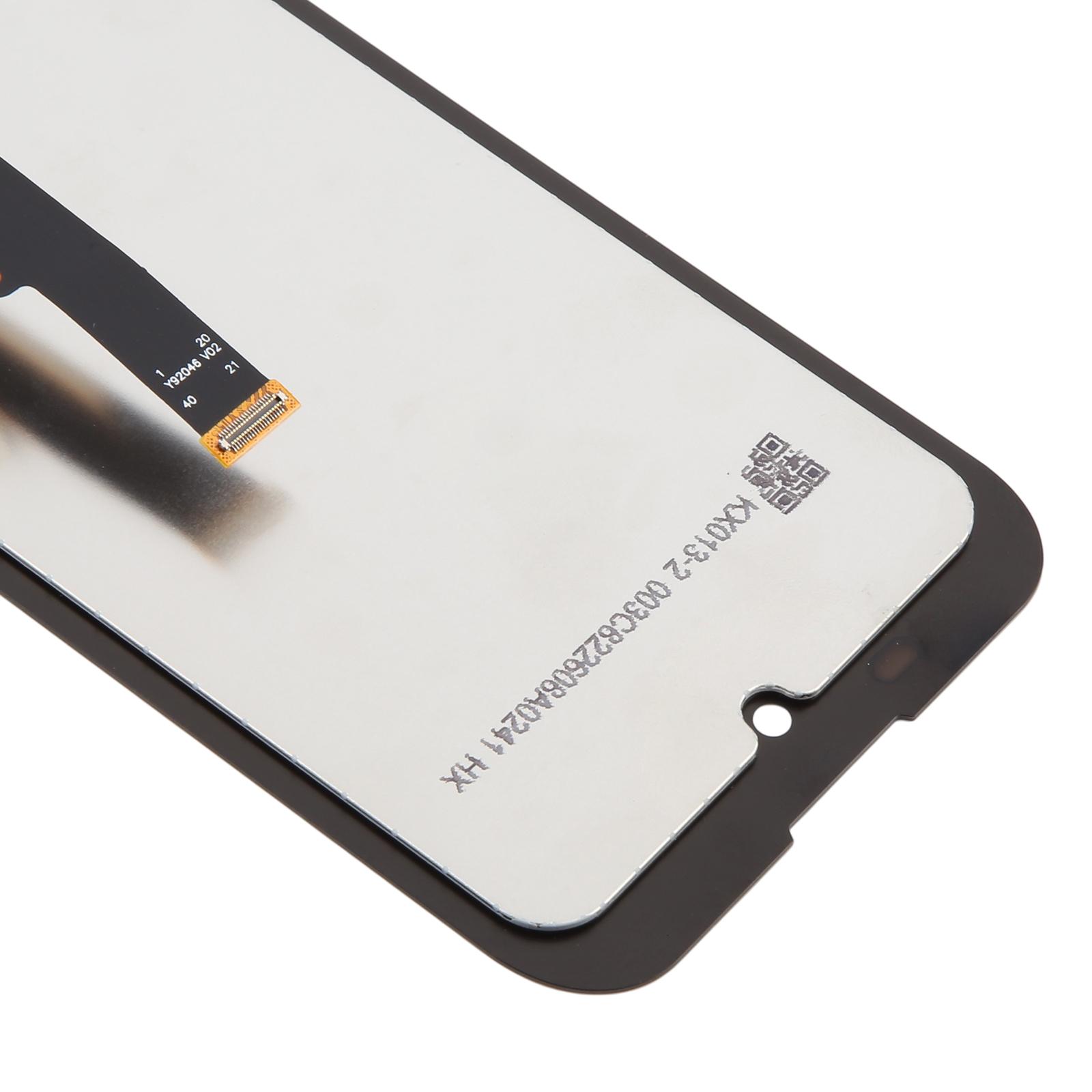
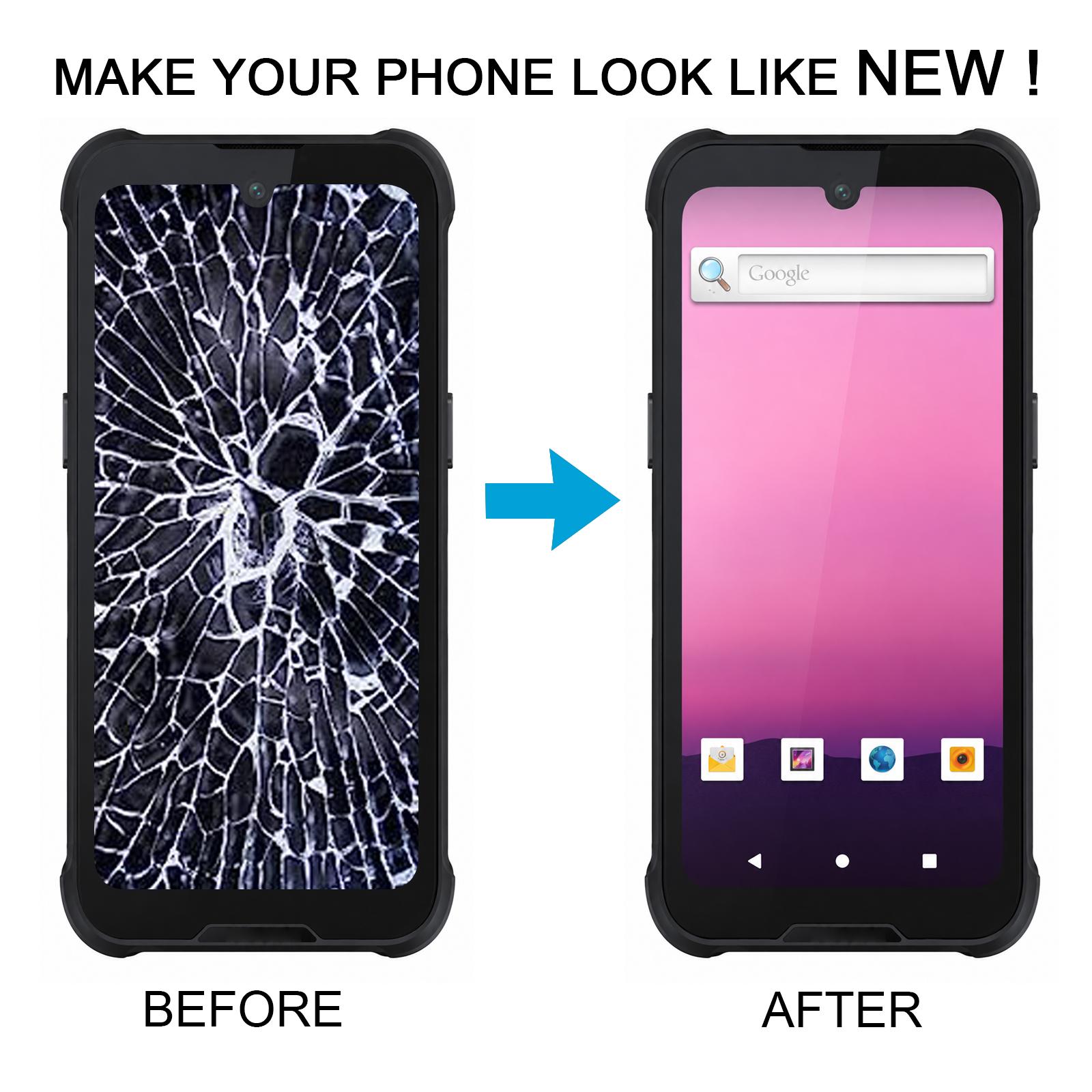


Is a cracked or unresponsive display stopping you from getting work done? This LCD and touch digitizer assembly is built to replace the damaged unit on your Honeywell EDA55 and bring the screen back to life.
What You’re Getting
You receive a complete assembly, with the LCD panel and touch digitizer already joined as one piece. There is no need to source the glass and display separately. Each unit is checked for good condition before it leaves our warehouse, so you start with a working part.
The touch layer responds to input across the full face of the screen. Typing, scanning prompts and navigating menus should feel the way they did on the original panel.
Compatibility
This assembly is made for the Honeywell EDA55 only. Check the model number on your device before ordering, since neighbouring Honeywell handhelds use different screen layouts and connectors.
Installation Notes
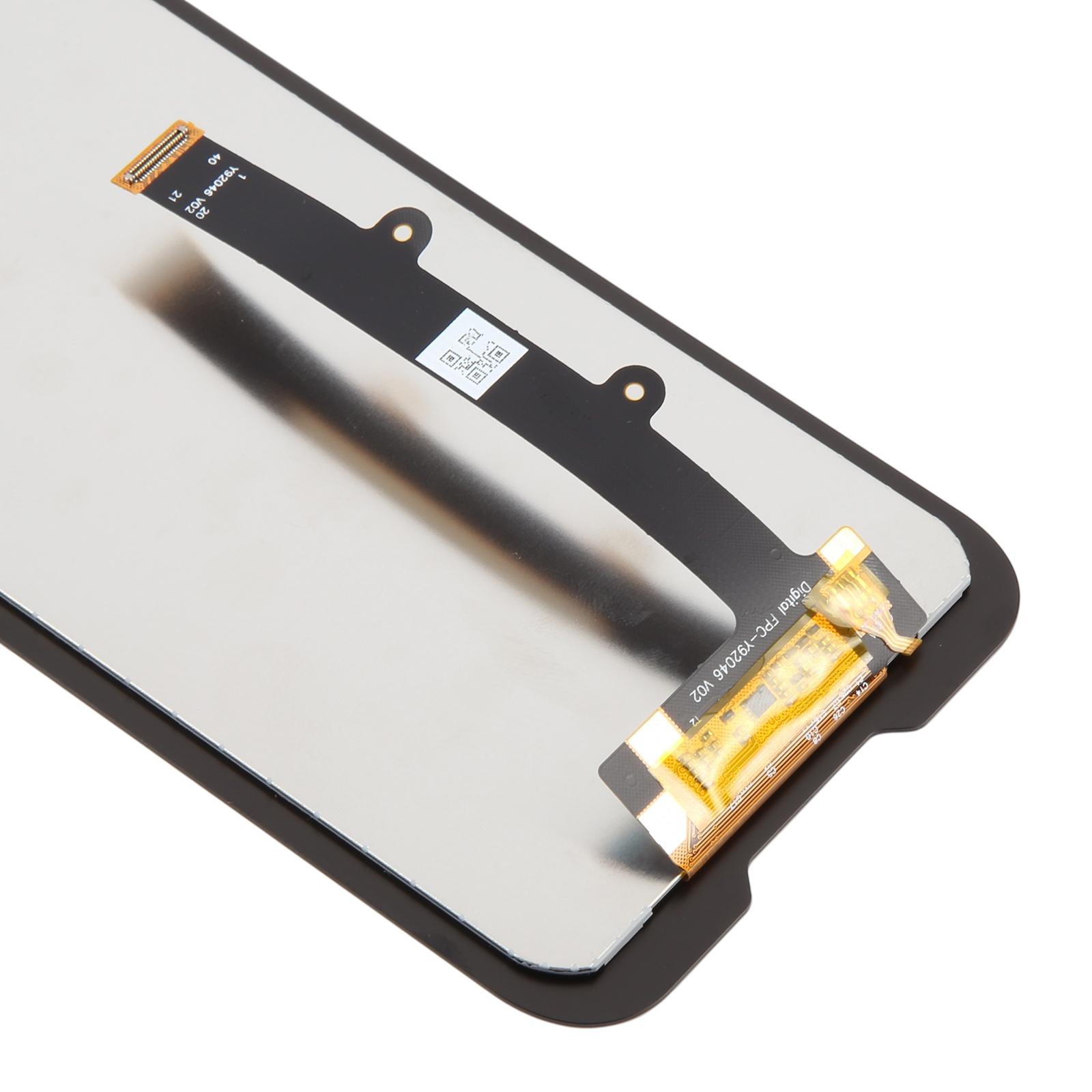
Test the new screen before you fit it. Connect the display to the motherboard outside the casing, power on and confirm the image and touch both work. If the screen stays blank, do not force it into the housing; reach out to us first. Wear an ESD strap to protect the internal electronics, and keep eye protection on because broken glass can splinter. Route the LCD ribbon carefully, since bending the cable past 90 degrees can cause a black display.