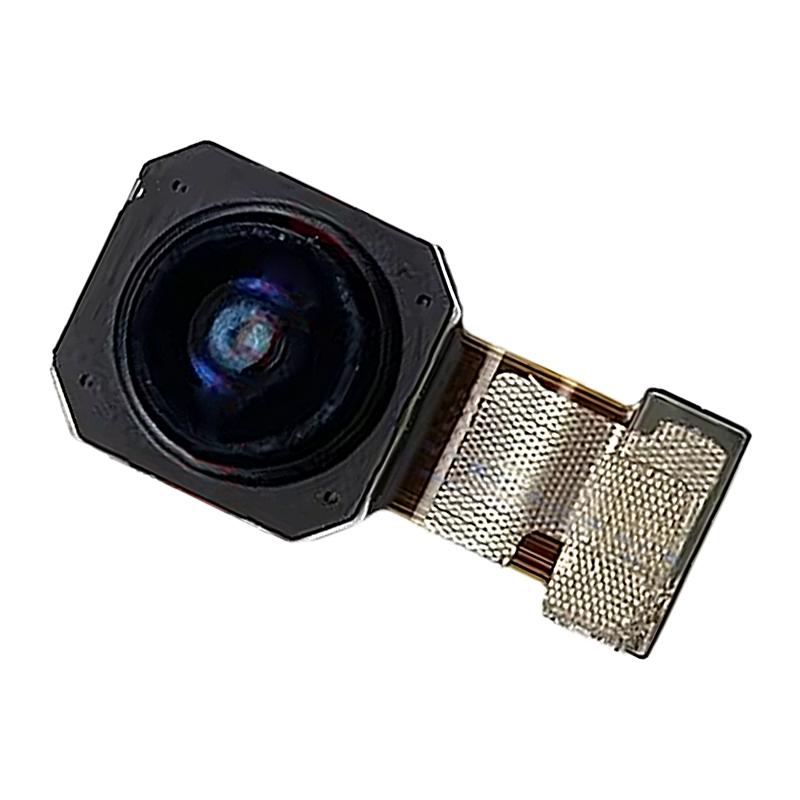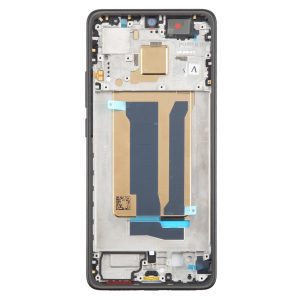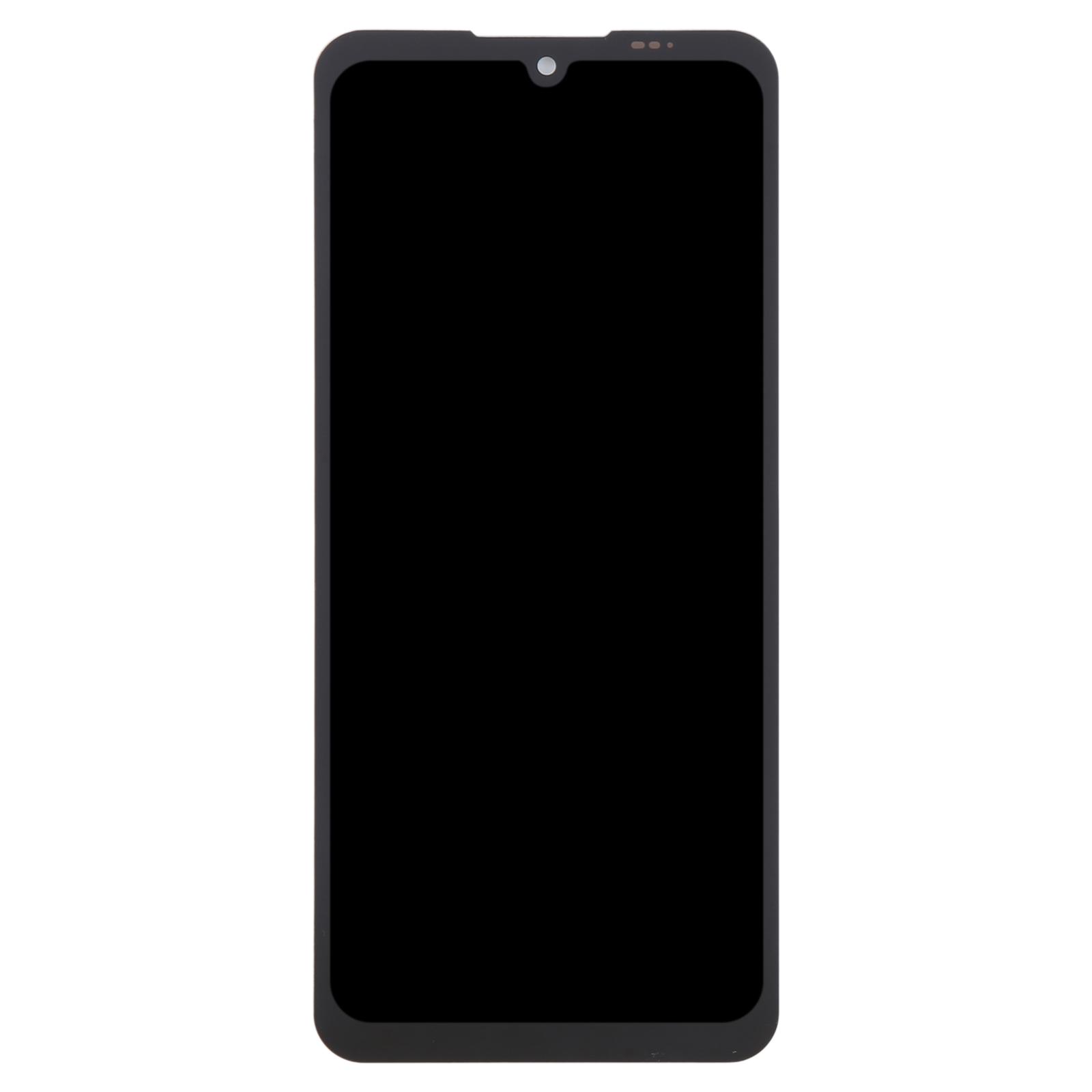
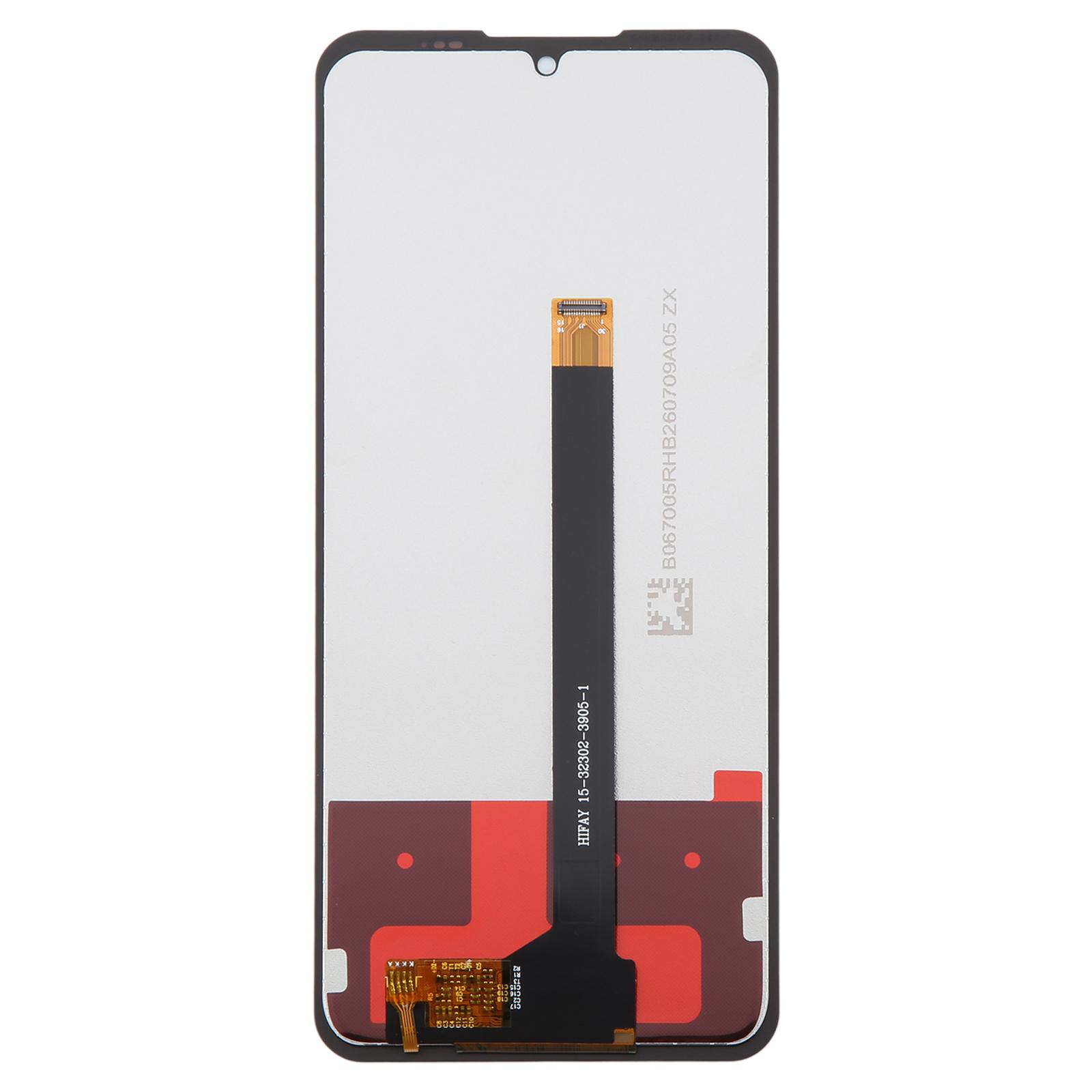
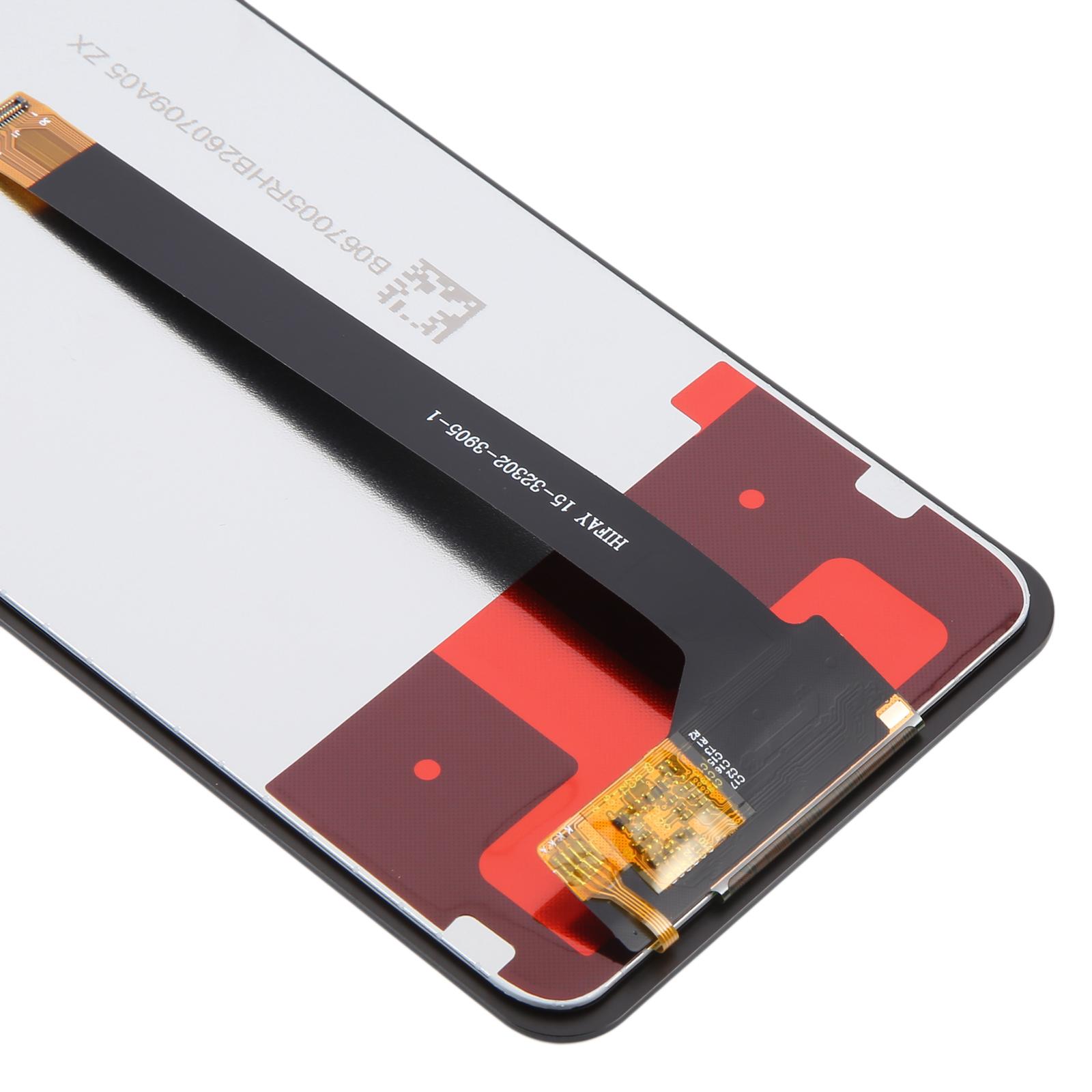
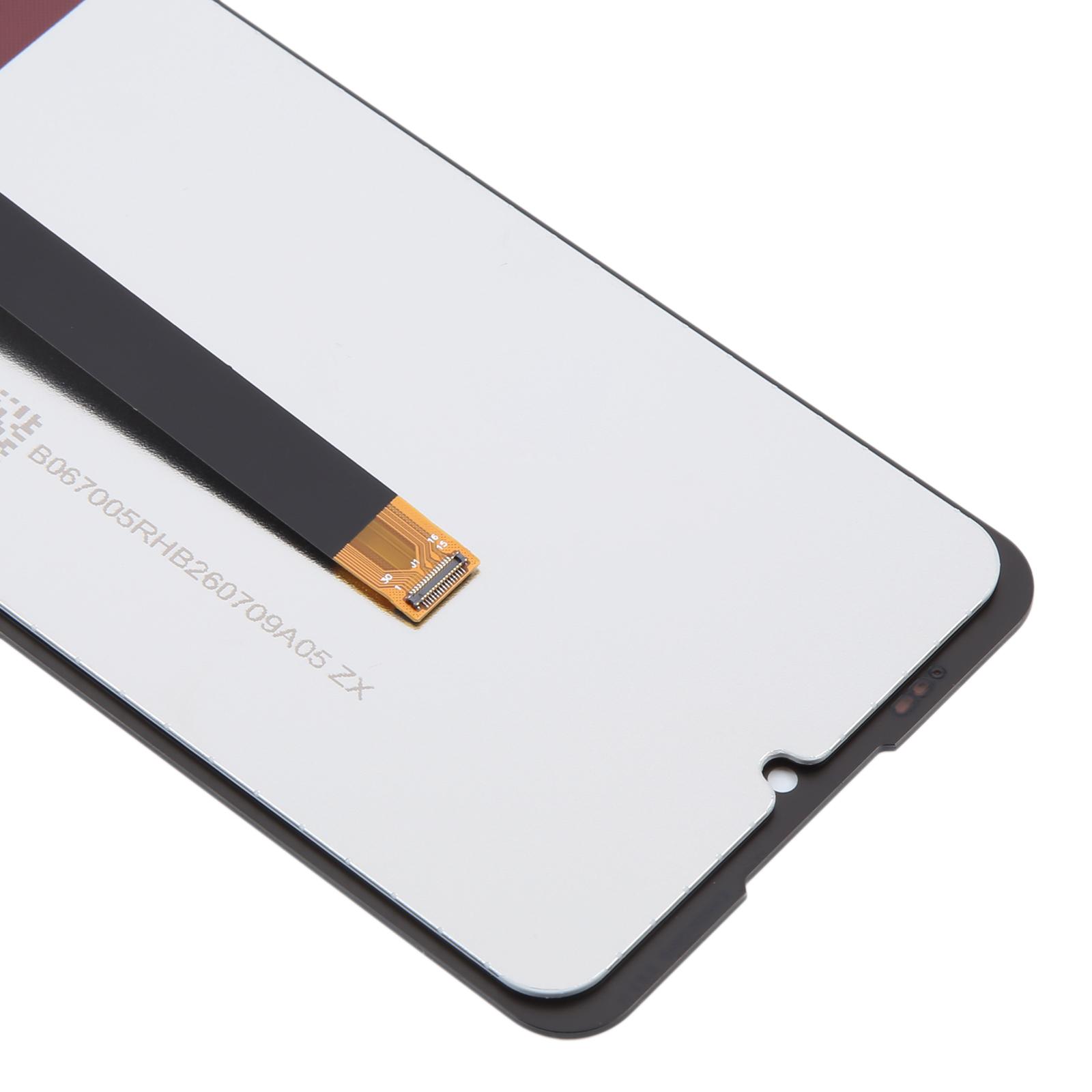


Before you order, check that your handset is a Cubot KingKong ES 3. This LCD and touch digitizer assembly is built for that model, so the screen and touch layer arrive together as one piece.
How to tell this is the right part for your Cubot KingKong ES 3
Look at the model name printed on the back of your phone or in its settings menu. If it reads KingKong ES 3, this full assembly is the match. The LCD and touch glass come fitted together, so you do not need to source them separately.
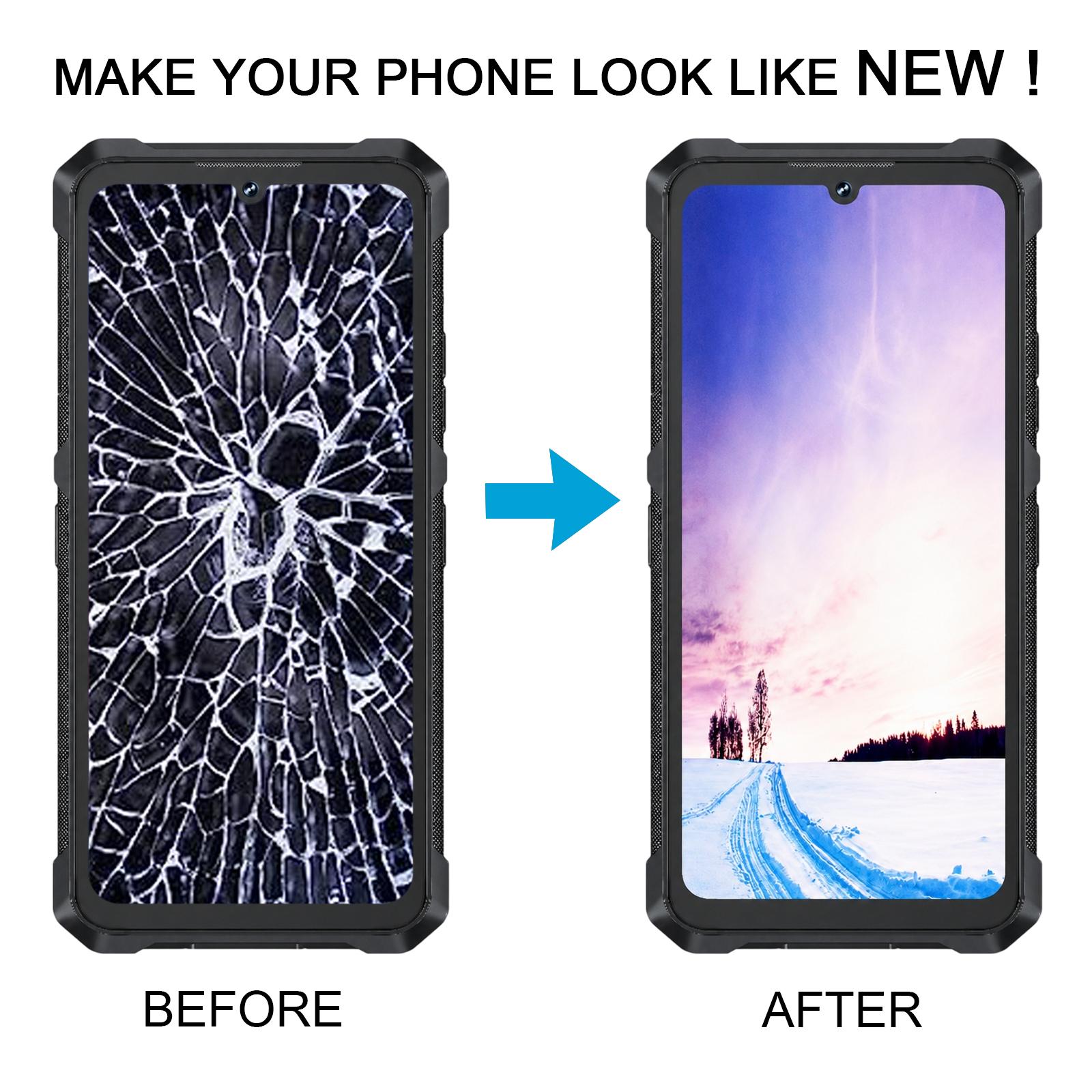
When the glass is cracked, the display is dark, or the touch layer no longer responds, this assembly replaces the whole front section. It brings back the picture and restores touch input in one swap.
- Cubot KingKong ES 3 LCD display
- Touch screen digitizer, fitted as one assembly
Because the display and digitizer are a delicate pair, the shop suggests a quick test before fitting. Connect the new screen to the phone’s board outside the case, power it on, and confirm the picture and touch both work. Keep the LCD ribbon cable from bending sharply, since a tight bend can leave the screen black.