
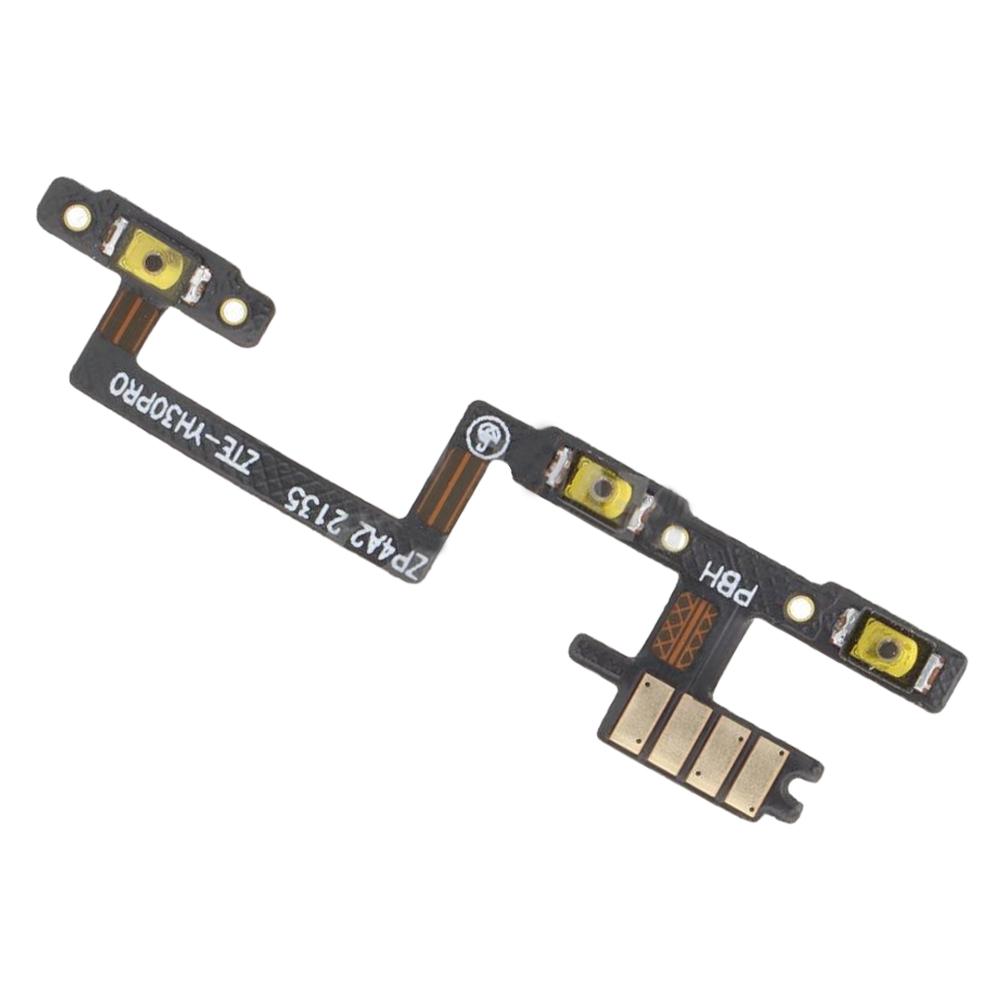
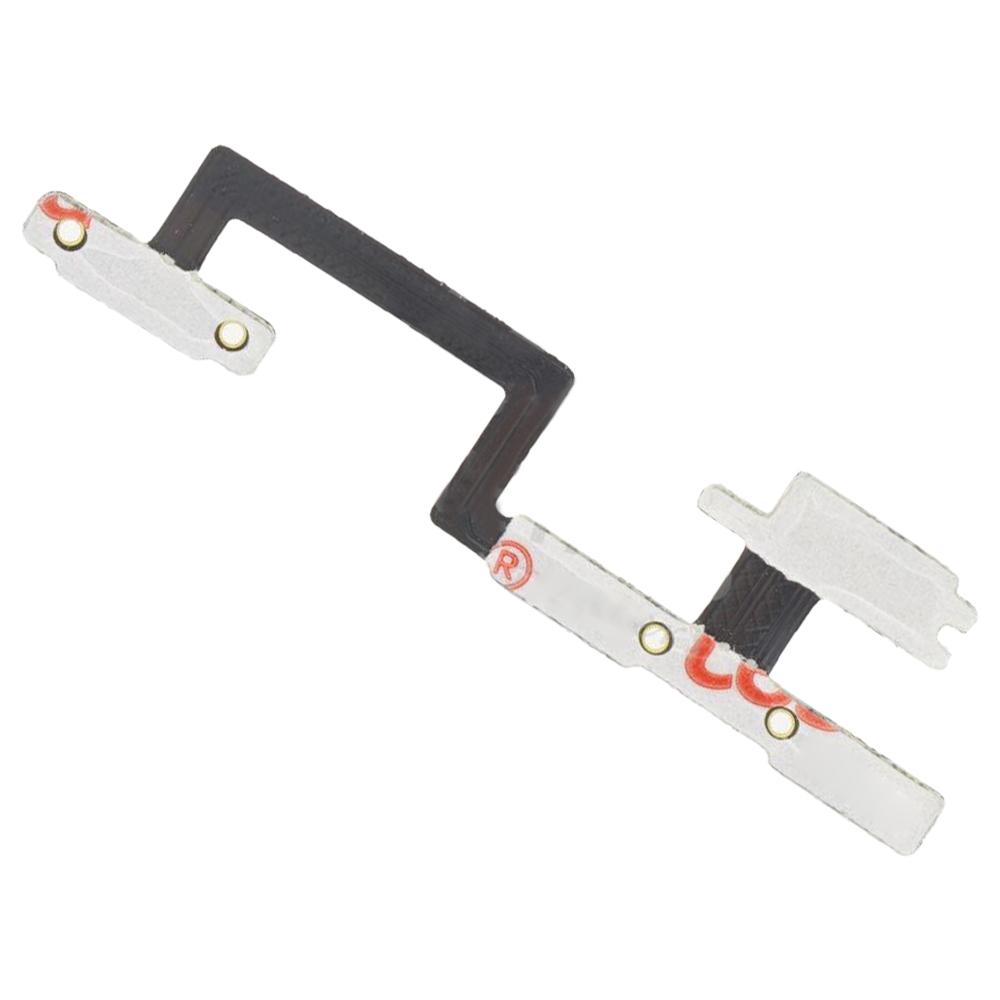


If the volume keys or power button on your ZTE Axon 40 Pro have stopped responding, the problem often sits in the flex cable that carries their signal. This replacement flex cable combines the power button and volume button on one strip, so both controls can be fixed with a single part.
Fixes Dead Power and Volume Buttons on the ZTE Axon 40 Pro
This flex cable is made for the ZTE Axon 40 Pro. It works as the link between the side keys and the motherboard. When the cable wears out or breaks, pressing the buttons does nothing, or the phone reacts to them only some of the time.
- ZTE Axon 40 Pro
- Power button and volume button flex cable (one strip)
The box contains one flex cable with both side-button connections on the same strip. Nothing else is included, so you will need your own tools to swap it out.
Check that the part number and layout match your phone before you start. The cable sits along the side of the frame, so take care to line it up with the connector on the board.


