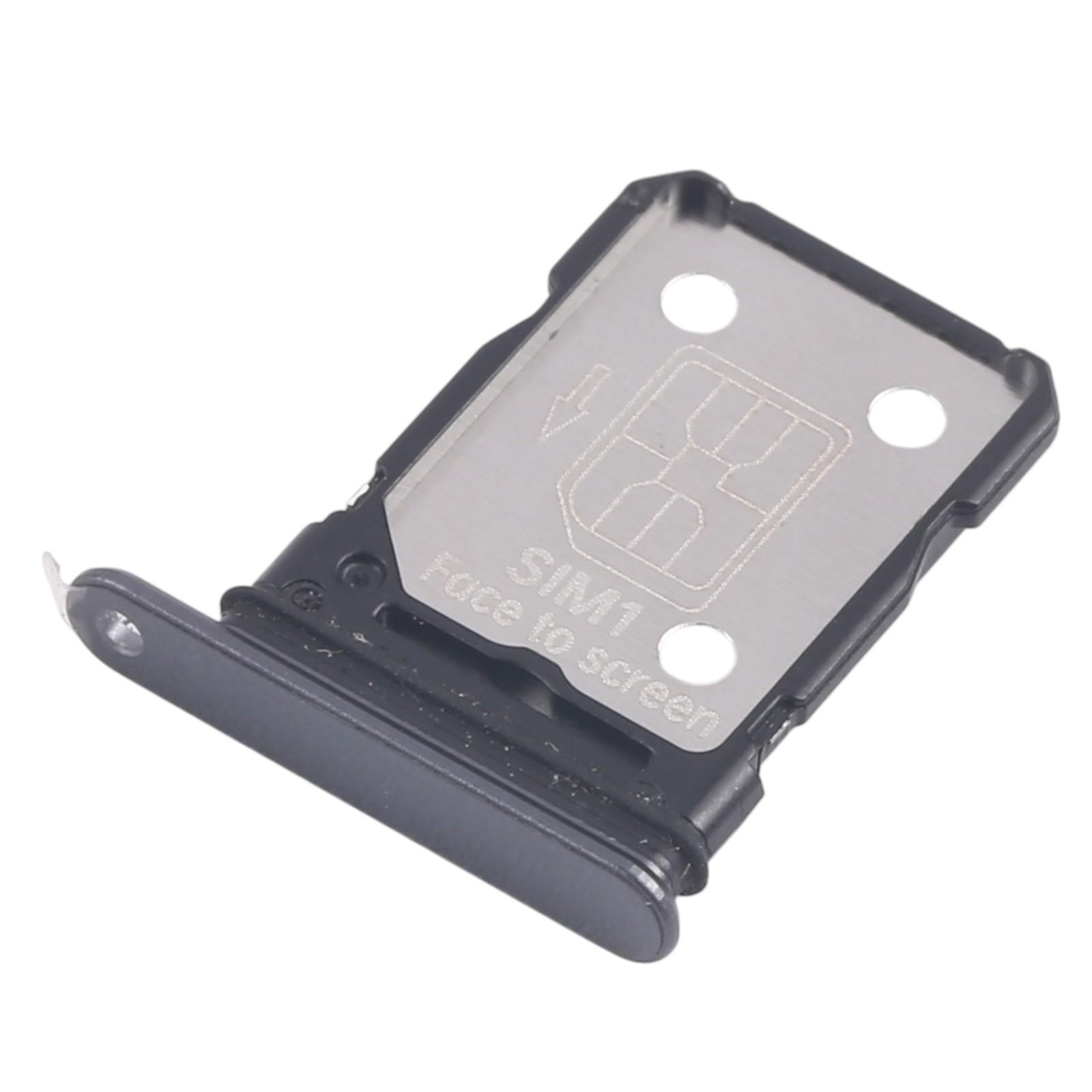
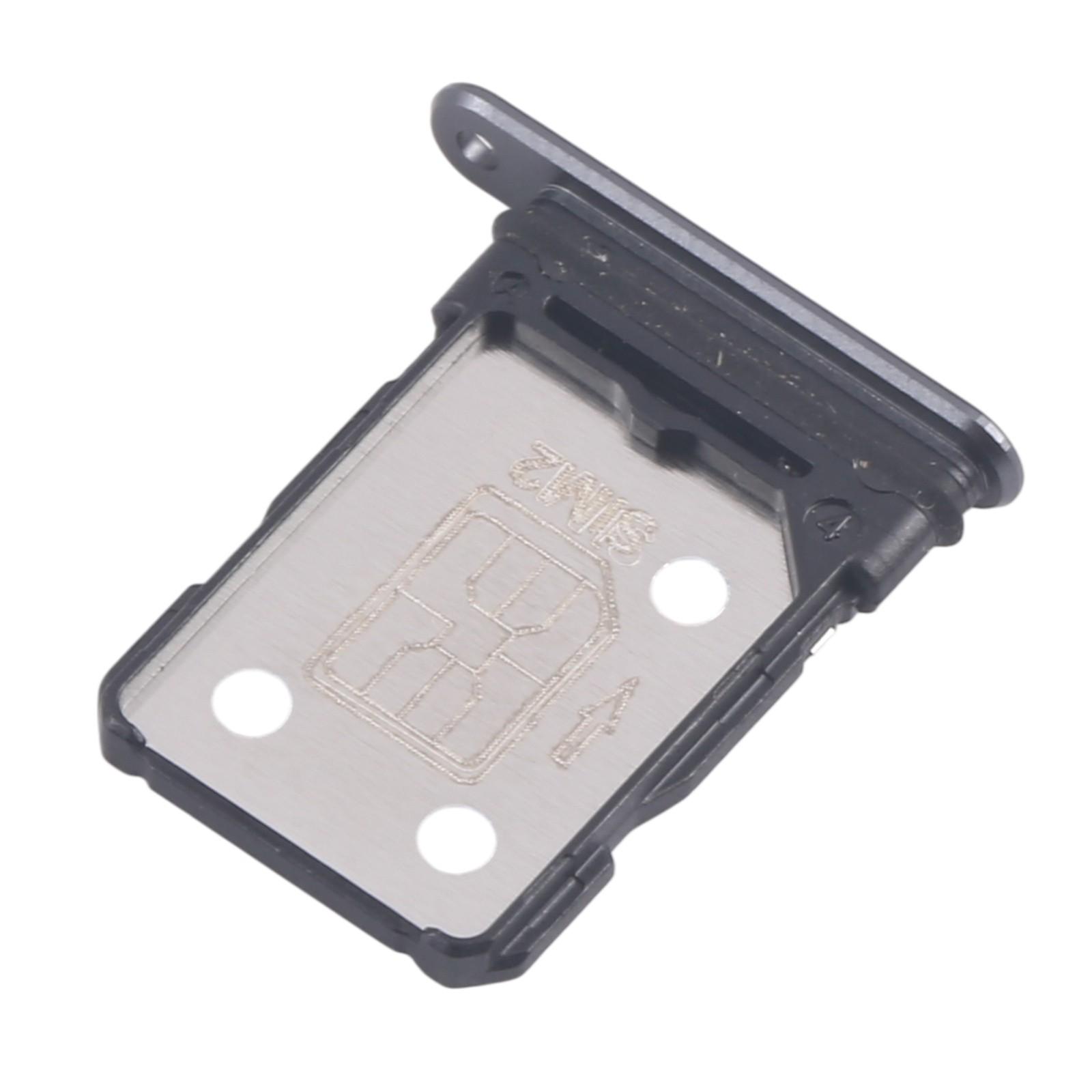
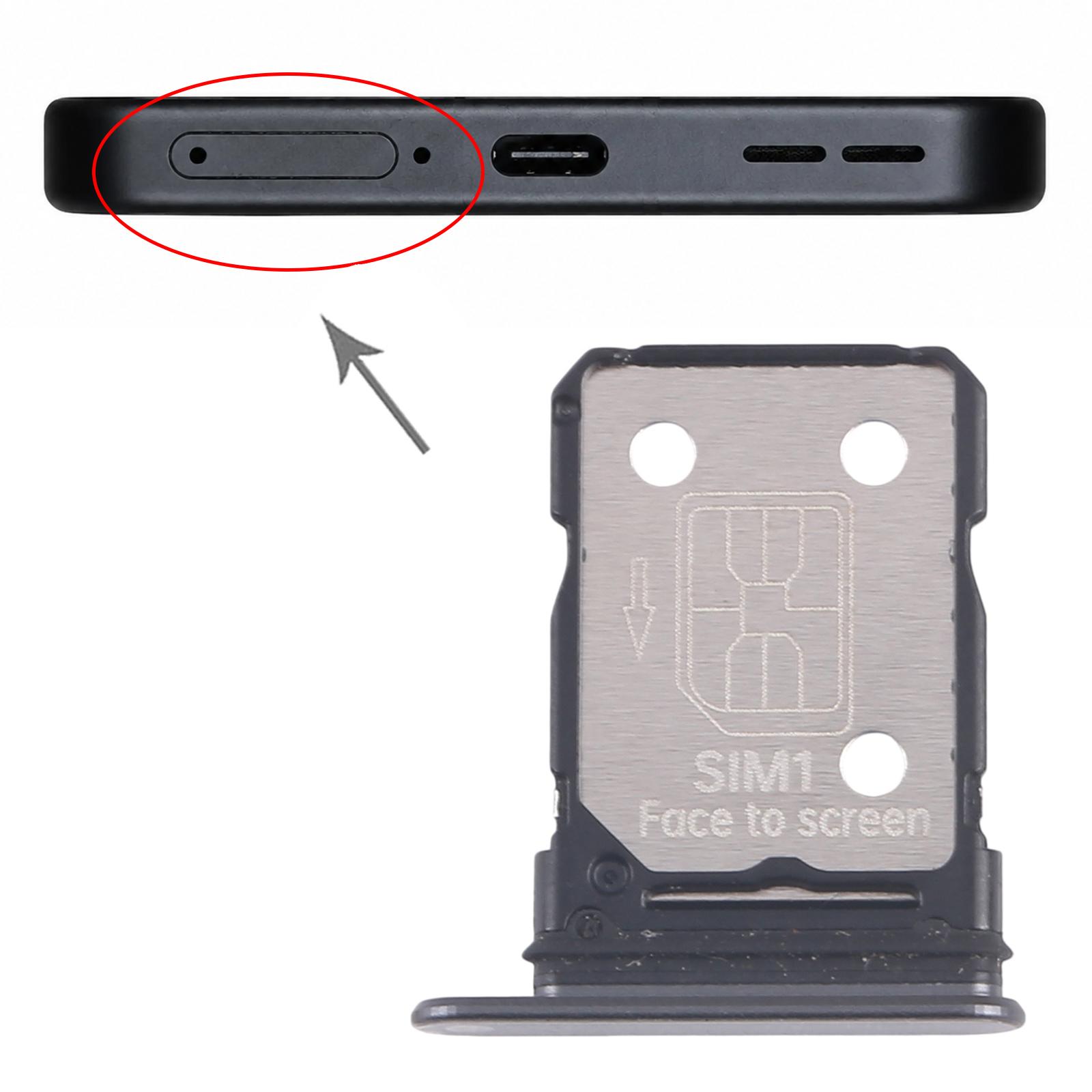


If your OnePlus Ace 5 says no SIM or keeps losing signal, the tray that holds your card may be the problem. This black SIM card tray replaces the slot that sits in the side of the phone and keeps your SIM and card lined up with the contacts.
What the SIM card tray does in your OnePlus Ace 5
The tray slides out of the phone so you can insert or remove your SIM. Once it clicks back in, the card needs to sit flat so the phone can read it. A worn or bent tray can leave the card loose, and that is when calls drop or the network icon disappears.
You get the tray for the OnePlus Ace 5 in black. It is a single tray with two SIM slots, so you get one tray per phone.
- Fits: OnePlus Ace
- Colour: Black
- Quantity: one SIM card tray with two SIM slots
Before you fit the new tray, check the old one for cracks or a bent edge. If the replacement sits flush with the phone frame, the card should lock in without any wobble.