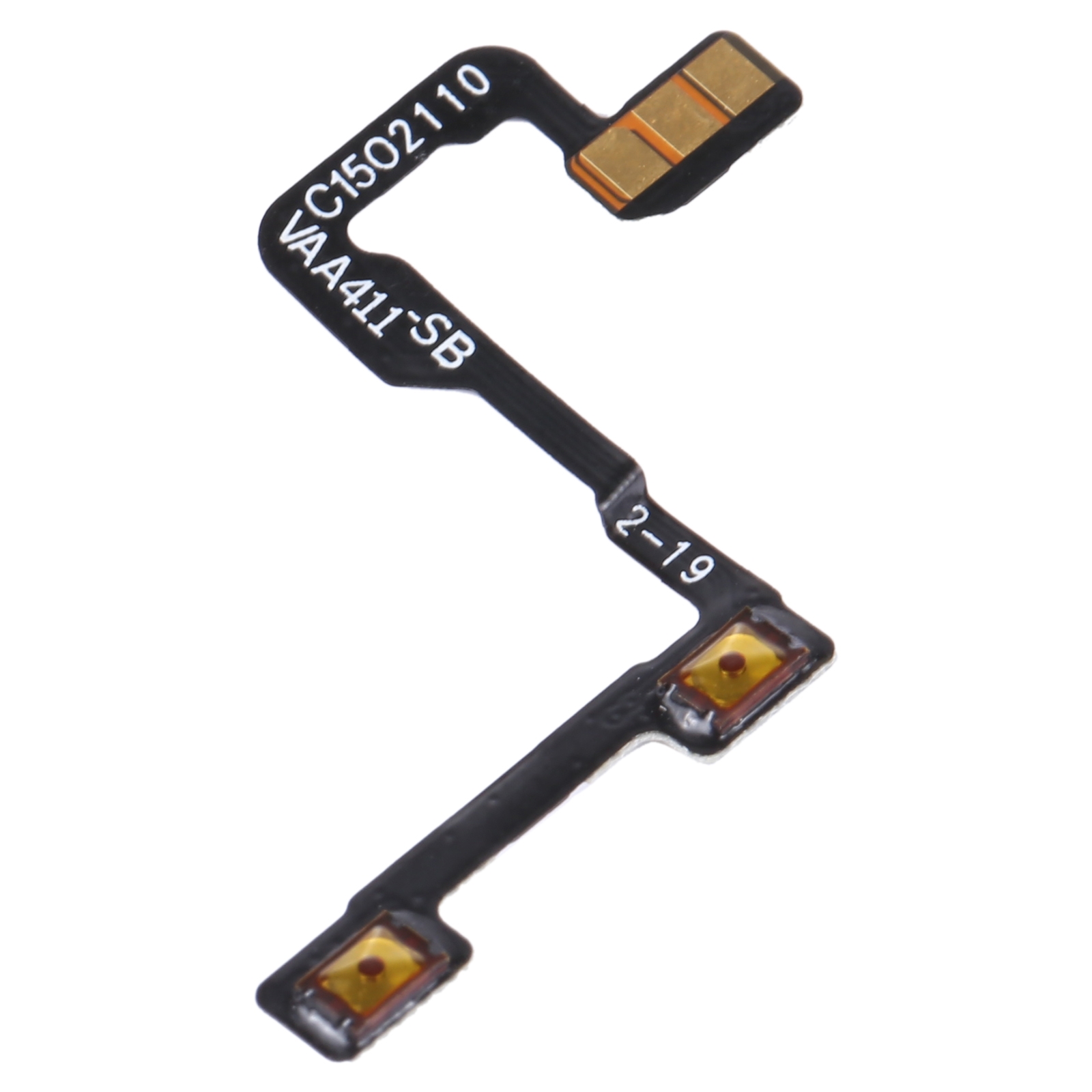
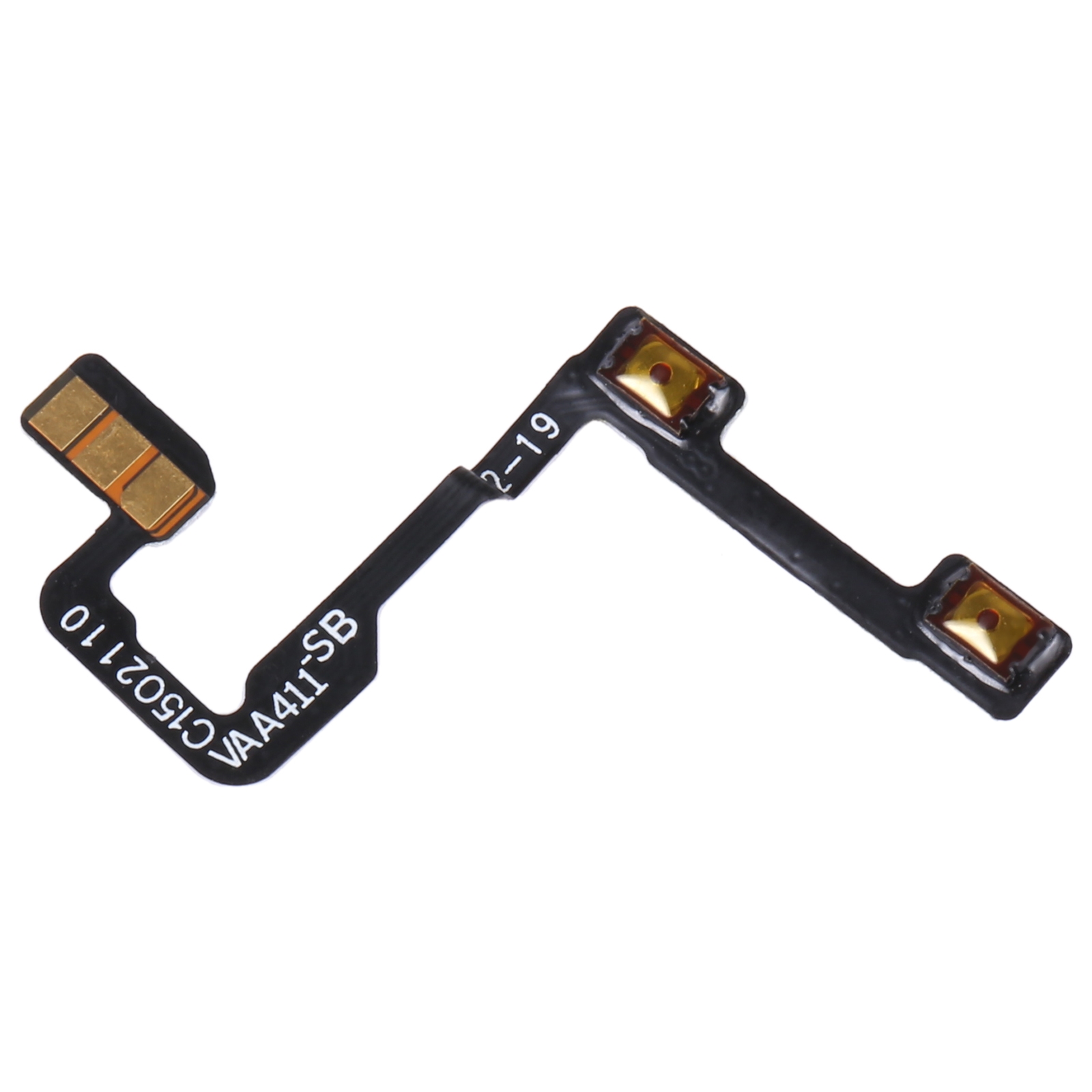
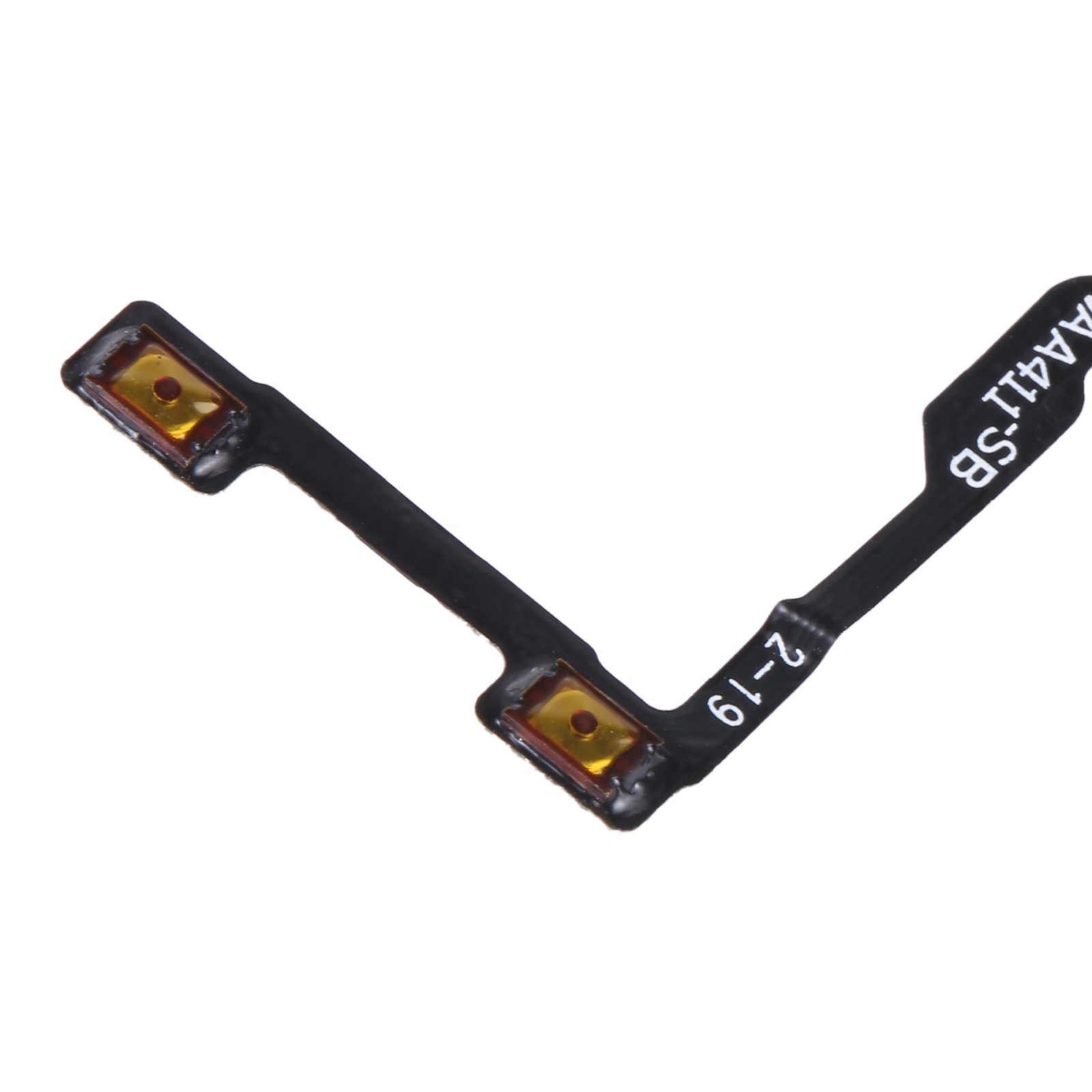


Volume keys on the OnePlus Nord 2 5G that feel dead, stick, or do nothing at all often come down to the flex cable under the button. This replacement flex cable is made for the OnePlus Nord 2 5G and sits in the same spot as the original.
What the OnePlus Nord 2 5G Volume Button Flex Cable Fixes
the part describes this part as a power button flex cable, so check that your phone’s side key matches the cable before you order. The flex carries the signal from the side button to the board, so a worn or damaged cable can stop the button from registering presses.
- Phone model: OnePlus Nord 2 5G
- Part type: Volume button flex cable
- Connector: Flex ribbon that plugs into the main board
Once the new cable is in place, the side keys should respond again. Press each one a few times after fitting to confirm the volume up and down keys work as expected.
Fitting the OnePlus Nord 2 5G Flex Cable
Side flex cables sit close to the frame and connector clips, so go slowly when you lift the old one out. Seat the new ribbon fully into its connector before you snap anything back down.