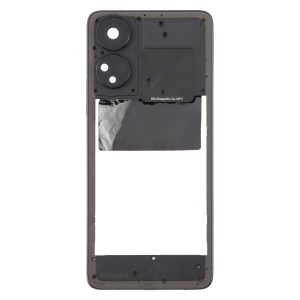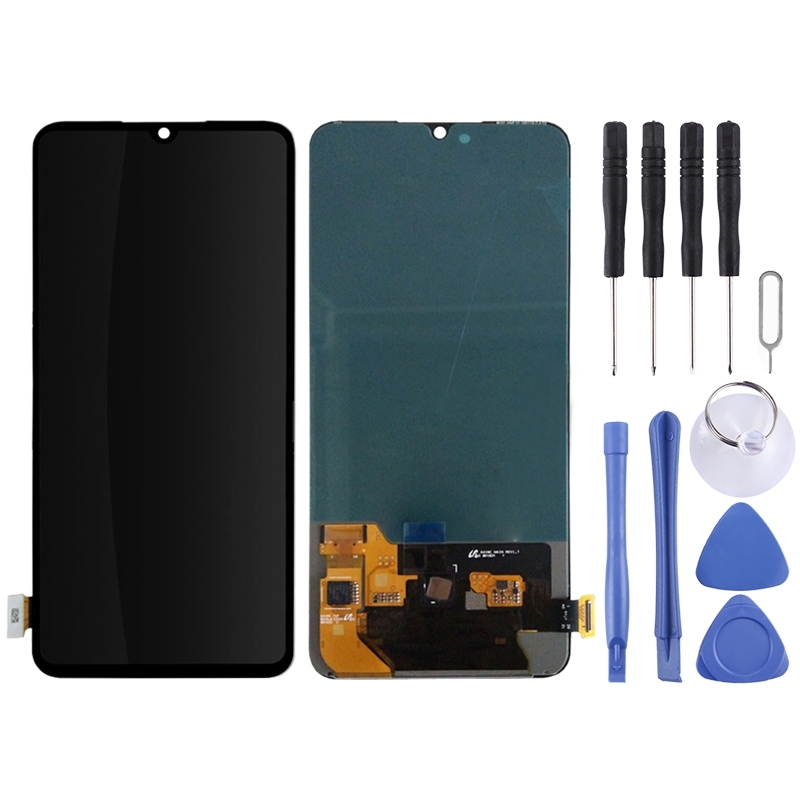
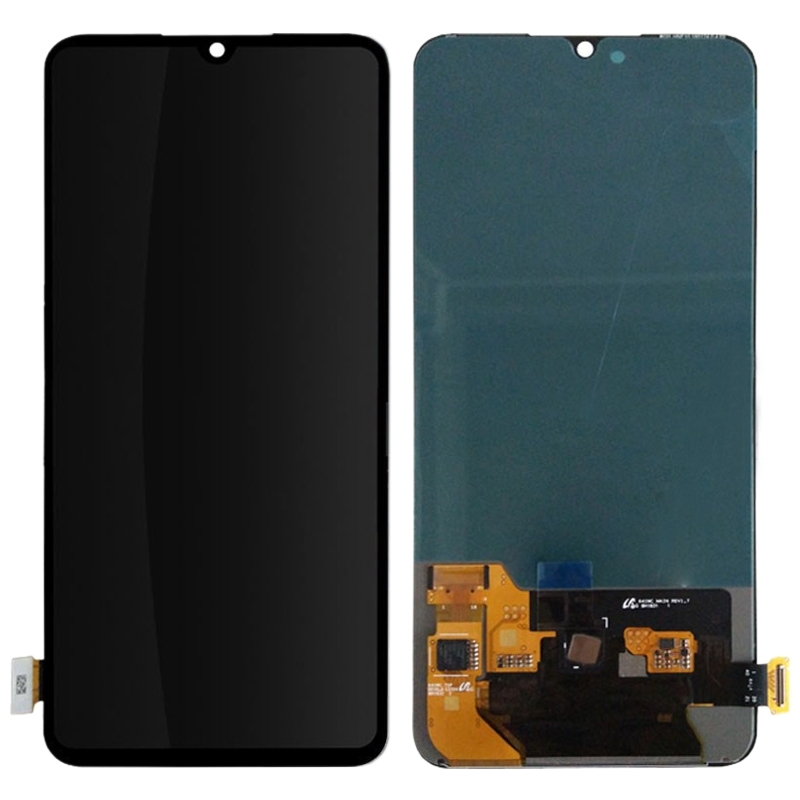


When the glass cracks or the picture stops showing, your Vivo iQOO can’t do much. This black LCD and touch digitizer assembly replaces the whole front panel, so the screen shows images again and responds to your fingers.
What’s in the Vivo iQOO black screen assembly
You get one full assembly. The LCD display and the touch digitizer come joined together, so there is no separate glass layer to line up. The colour is black.
- Vivo iQOO LCD display
- Touch screen digitizer, fitted as one piece
- Black finish
Fitting notes for the Vivo iQOO screen
Leave the protective film and tags on the new panel until you are ready to test it. Peeling them early can scratch the display before it goes in. Keep the LCD ribbon cable from bending past 90 degrees, because a sharper bend can leave the screen black after you switch the phone on.
Once the new assembly is seated, power the phone on before you close everything up. That way you can spot a display fault while the back is still open.