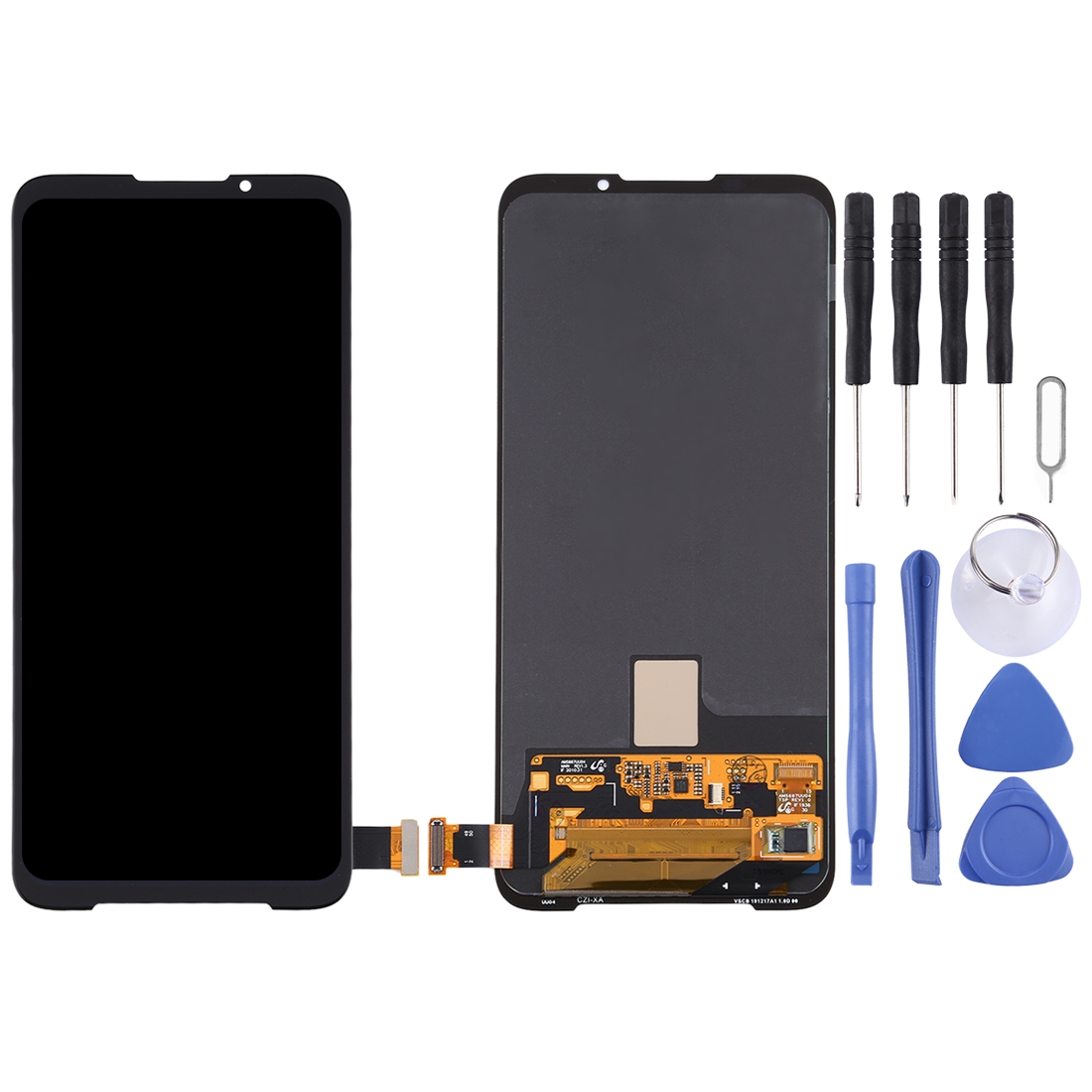
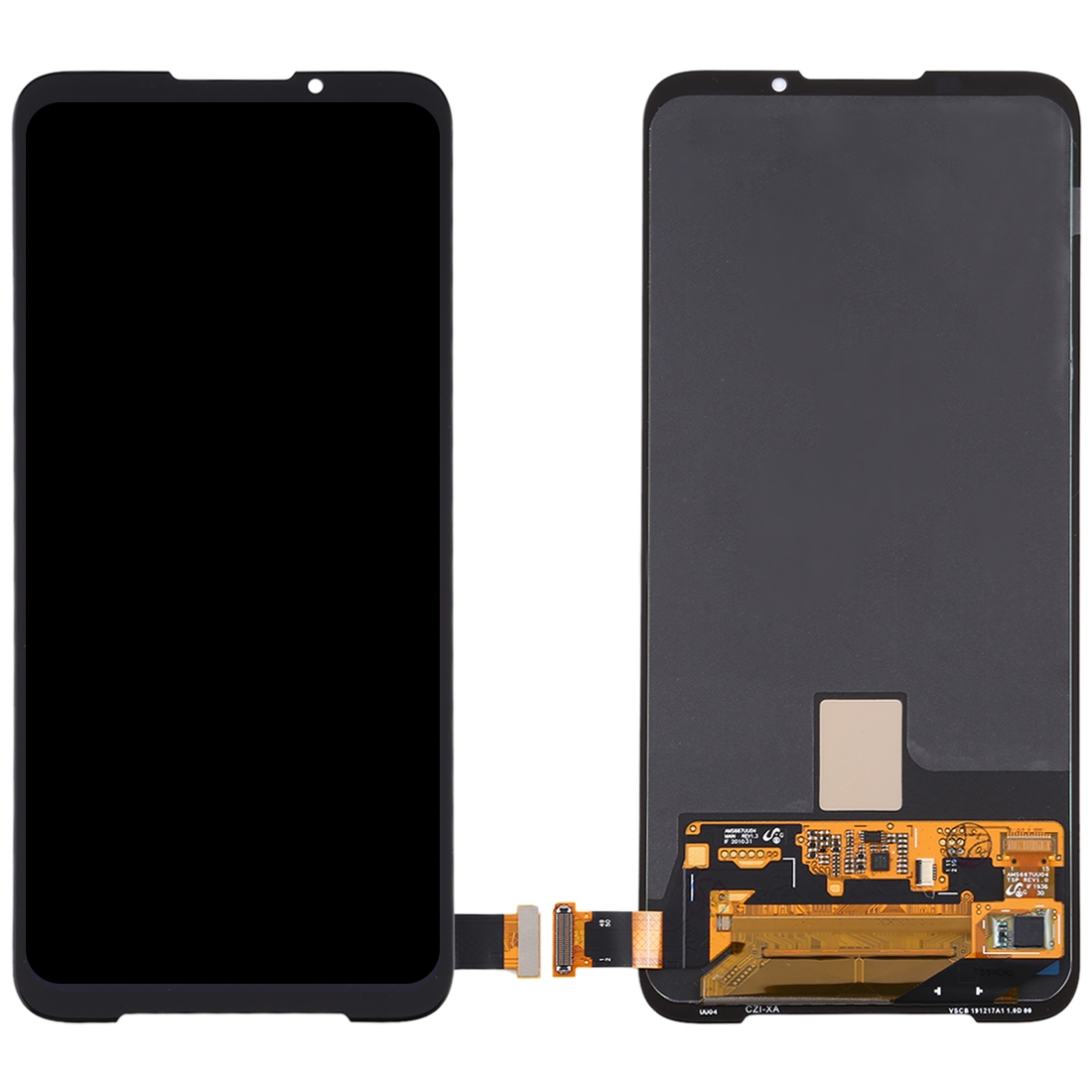
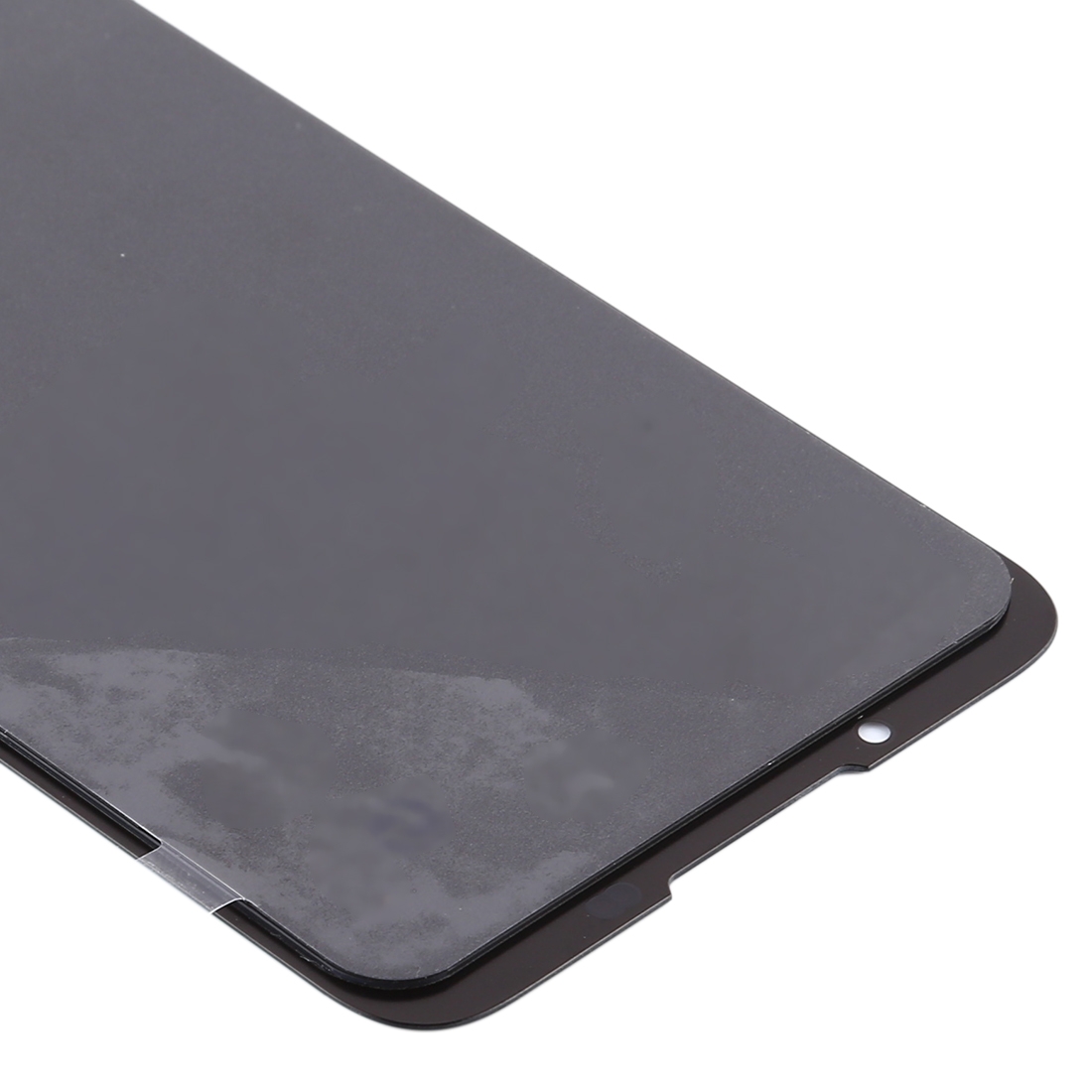


Cracked glass or a flickering display ruining your day? This full assembly swaps out the damaged panel and gives your Black Shark 3 a clean, responsive screen again.
What You’re Getting
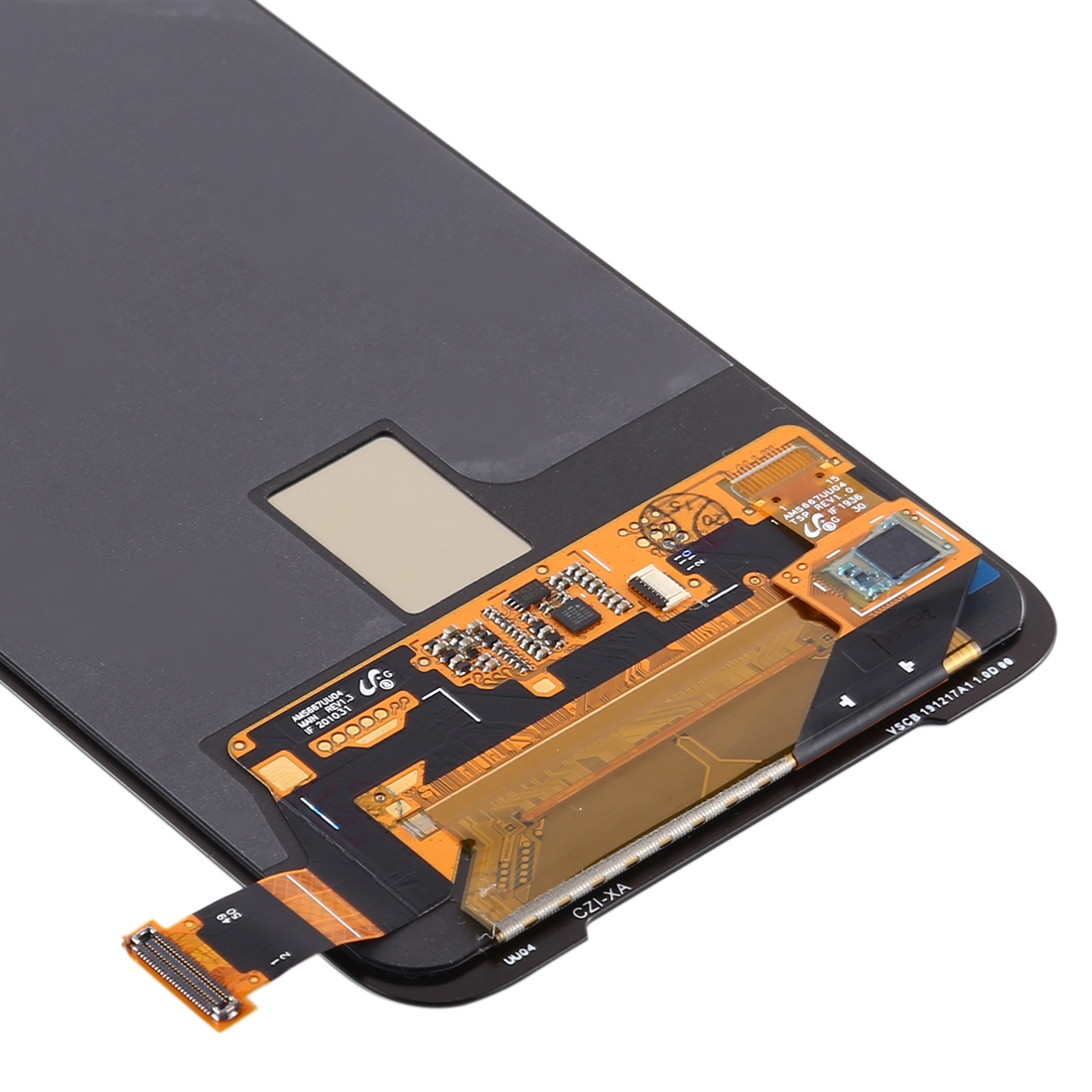
You get a complete replacement unit. The LCD panel and touch digitizer come fused together as one black assembly, so you don’t have to line up separate layers by hand. Touch input and display sit in one piece, which keeps the swap simpler.
The supplier describes it as an original-quality part with each unit checked before dispatch. It’s designed to replace a broken or unusable screen and restore the phone’s look.
Why This Part Works
Your Black Shark 3’s display drives everything you do, from gaming and video to calls and navigation. A fresh assembly brings back crisp output and accurate touch response, so the phone feels like new in your hand.
Installation Notes
Test the new screen before you fully install it. Connect the display cable to the motherboard with the phone opened up, power it on, and check that the image and touch work. Only seal it up once everything passes.
Ground yourself with an ESD strap before you touch any internal components, since static can quietly damage the electronics. Wear eye protection, because glass splinters can slice fingers. Keep the LCD cable bent to less than 90 degrees, as sharper bends can cause a black display.