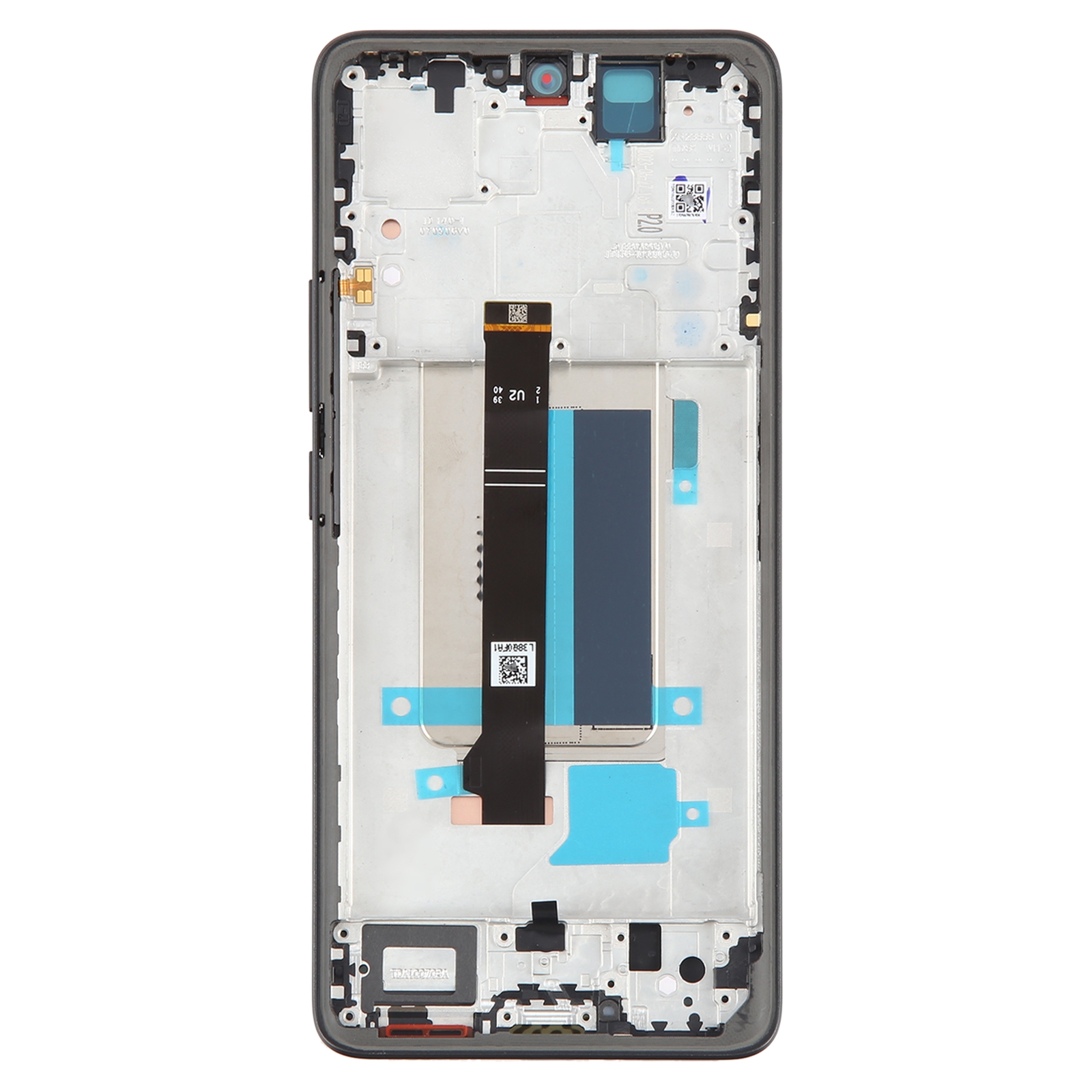
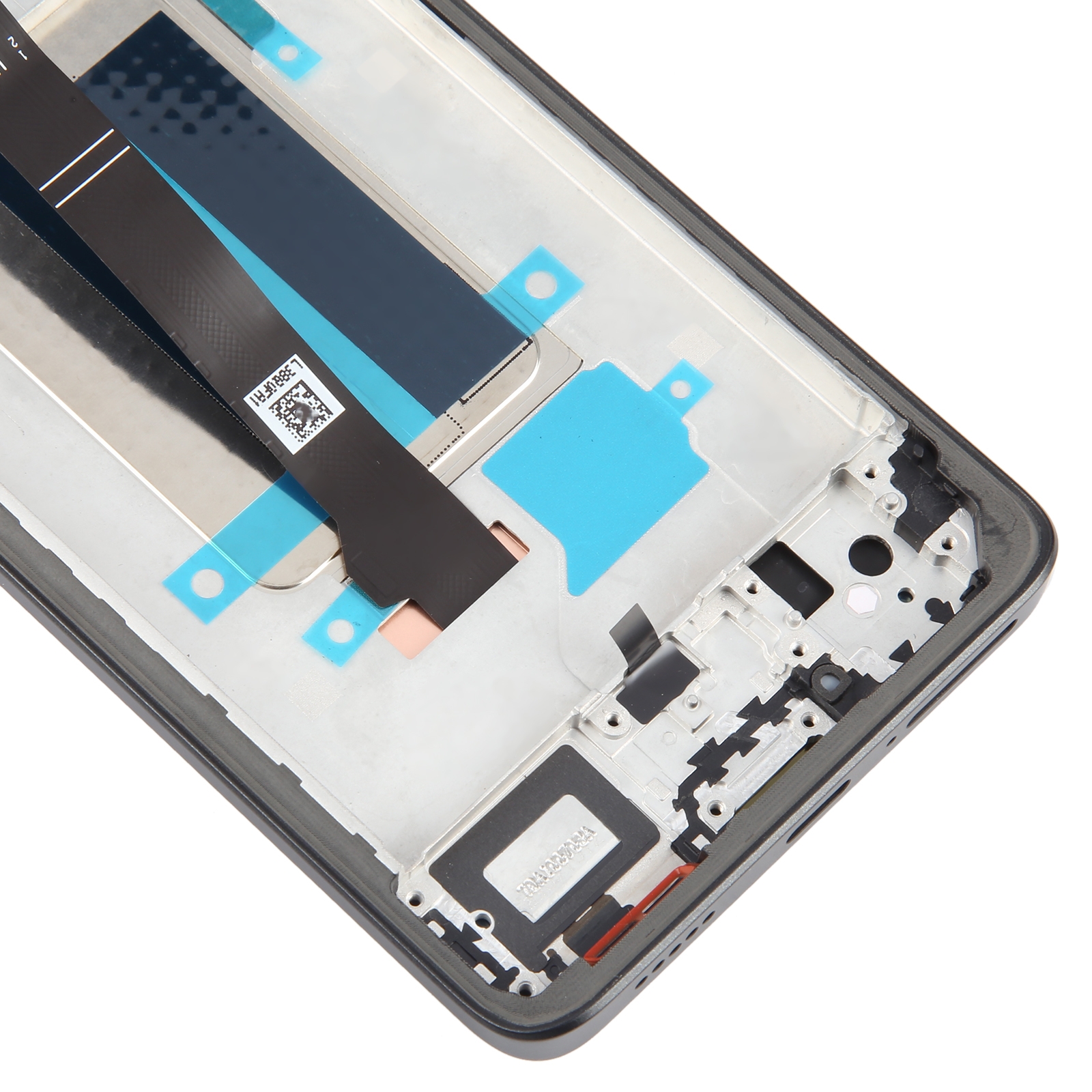
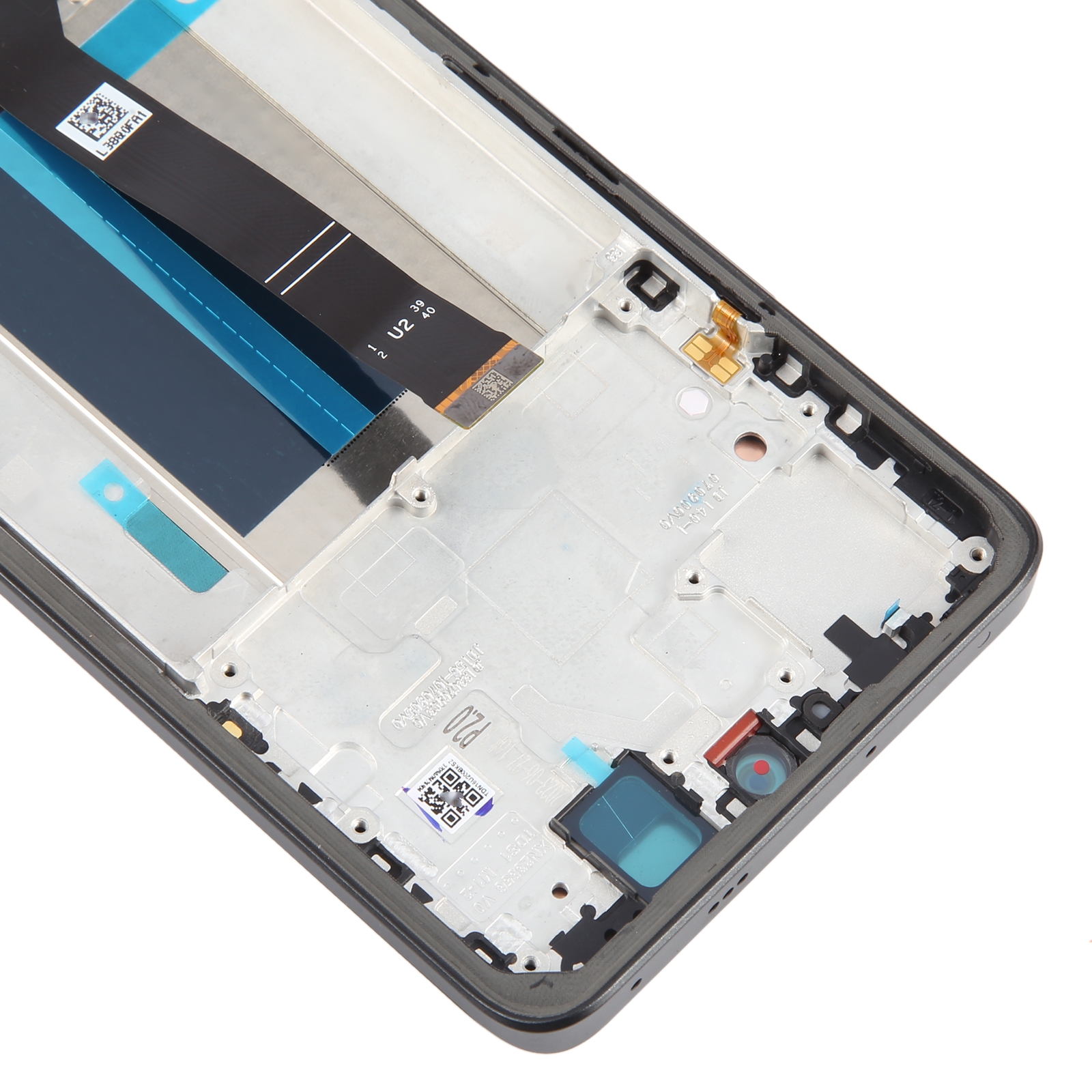


What You’re Getting
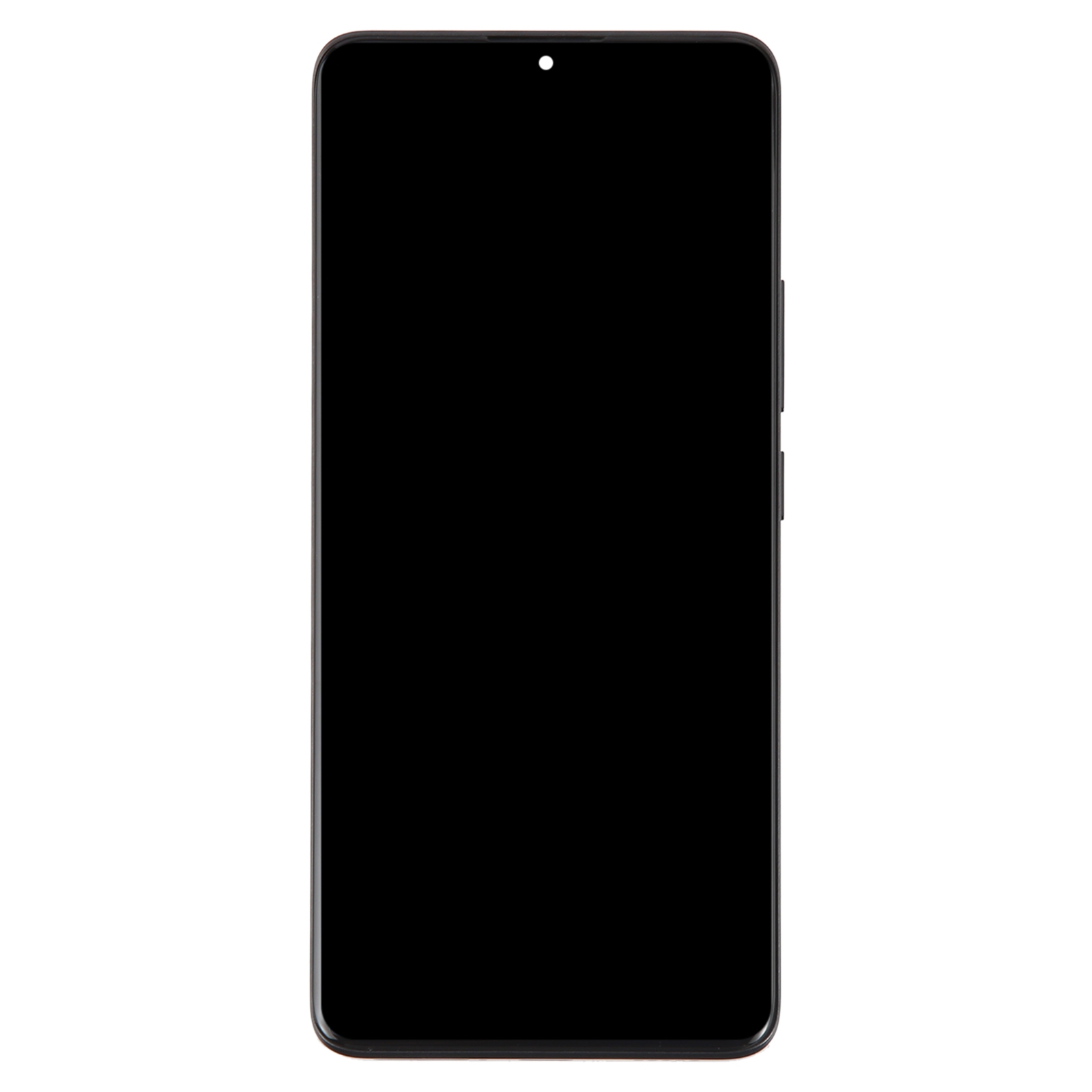
Is your Redmi Note 13 Pro+ showing cracks, dead patches, or a blank screen? This replacement gives you a complete front unit in black. The AMOLED panel comes already bonded to the touch digitizer and the frame, so there’s no separate part to line up.
Each unit is checked before it leaves our warehouse. You get the display, touch layer, and frame in one piece, ready to swap in.
Why This Part Works
AMOLED panels deliver deep blacks and bright colours, so your videos and games look the way they should. The touch digitizer responds to taps and swipes as it did on the day you bought the phone.
Because the frame comes attached, the assembly sits flush with the body. That keeps the phone looking tidy after the repair.
Installation Notes
Test the new unit before you fully install it. Reconnect the screen cable to the motherboard, power on, and check touch and display. If everything works, go ahead and fit it permanently.
Wear an ESD strap to protect the internal components from static. Protect your eyes and fingers from glass splinters. Keep the LCD cable under 90 degrees, since sharper bends can cause a black screen. Do not force the part into place.