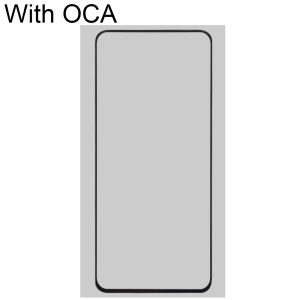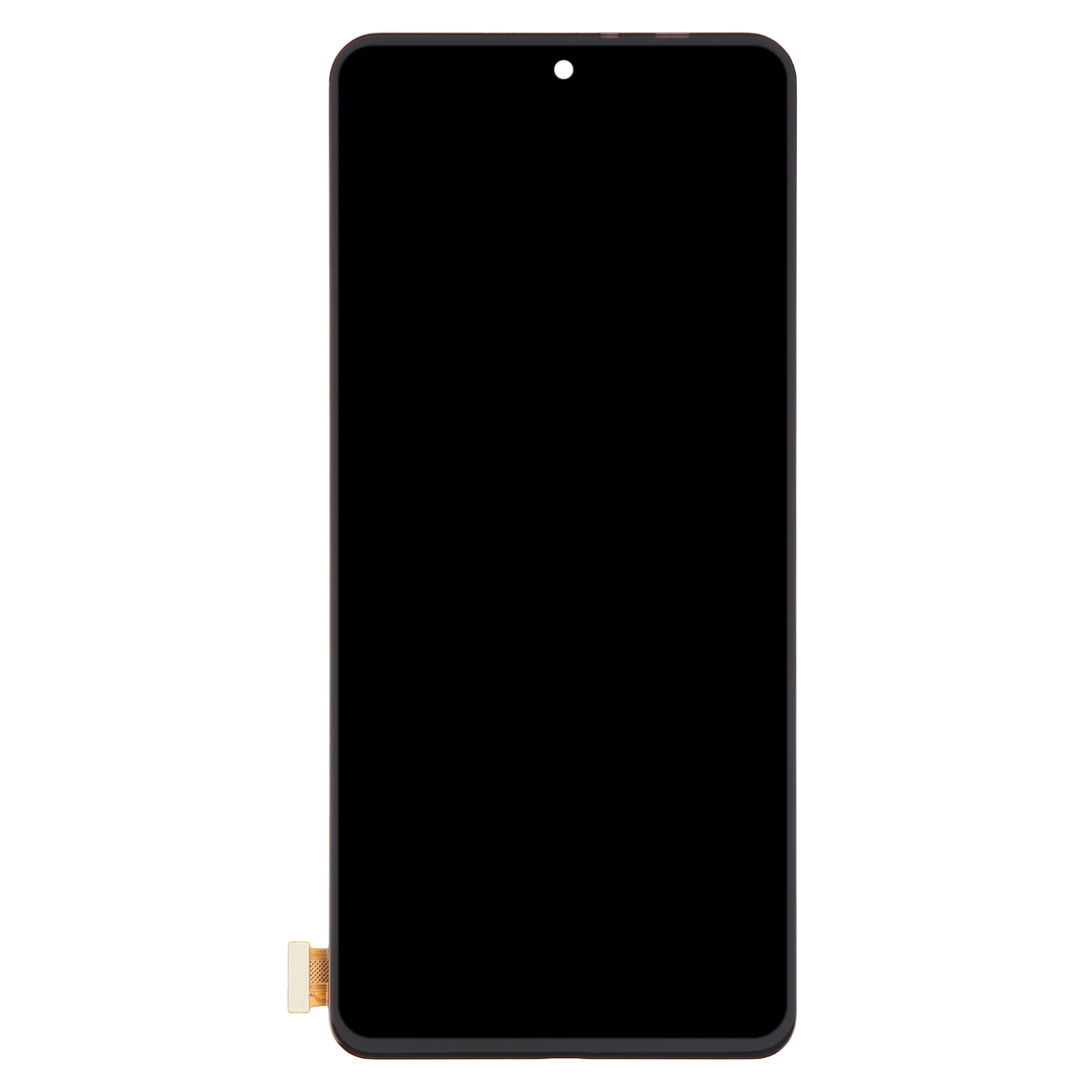
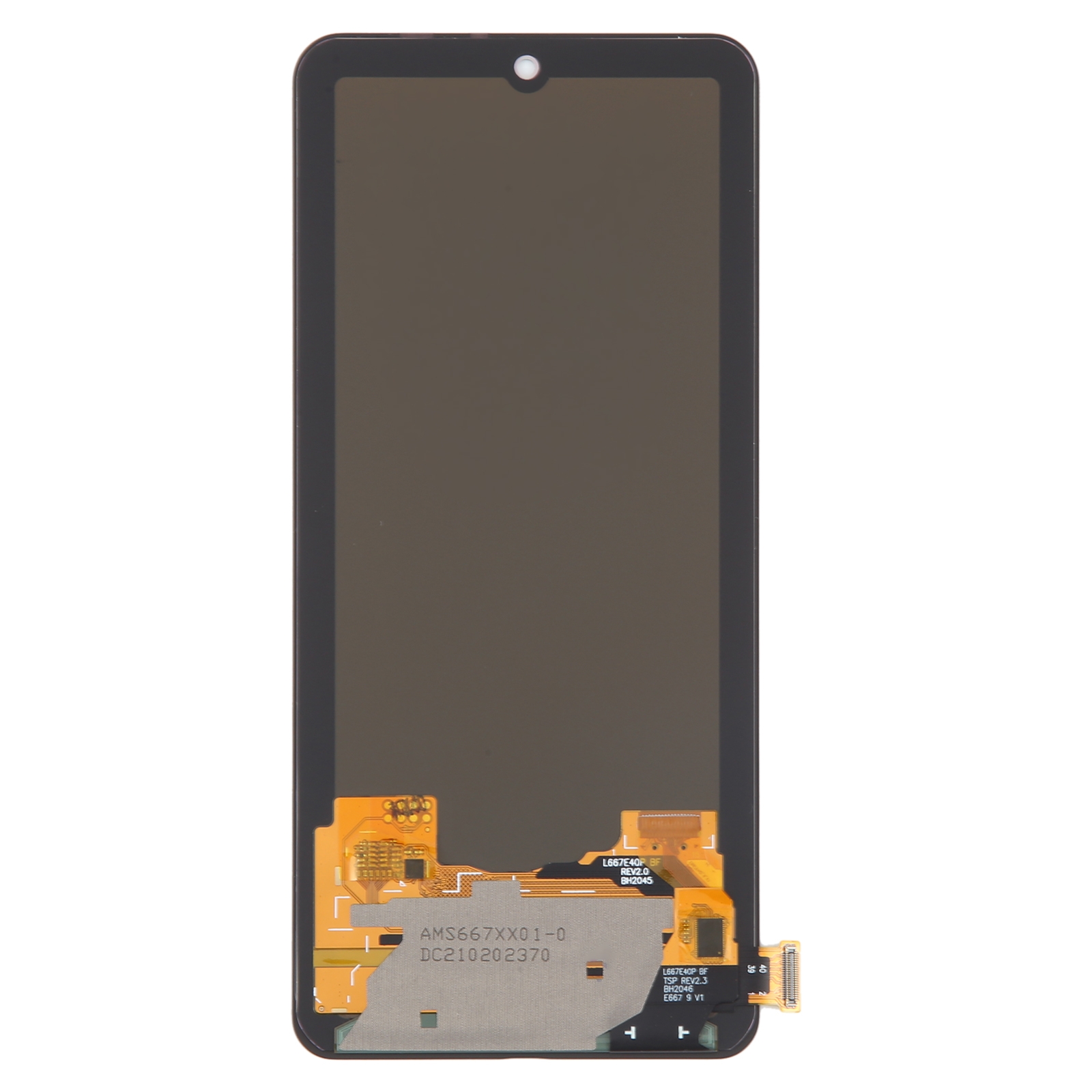

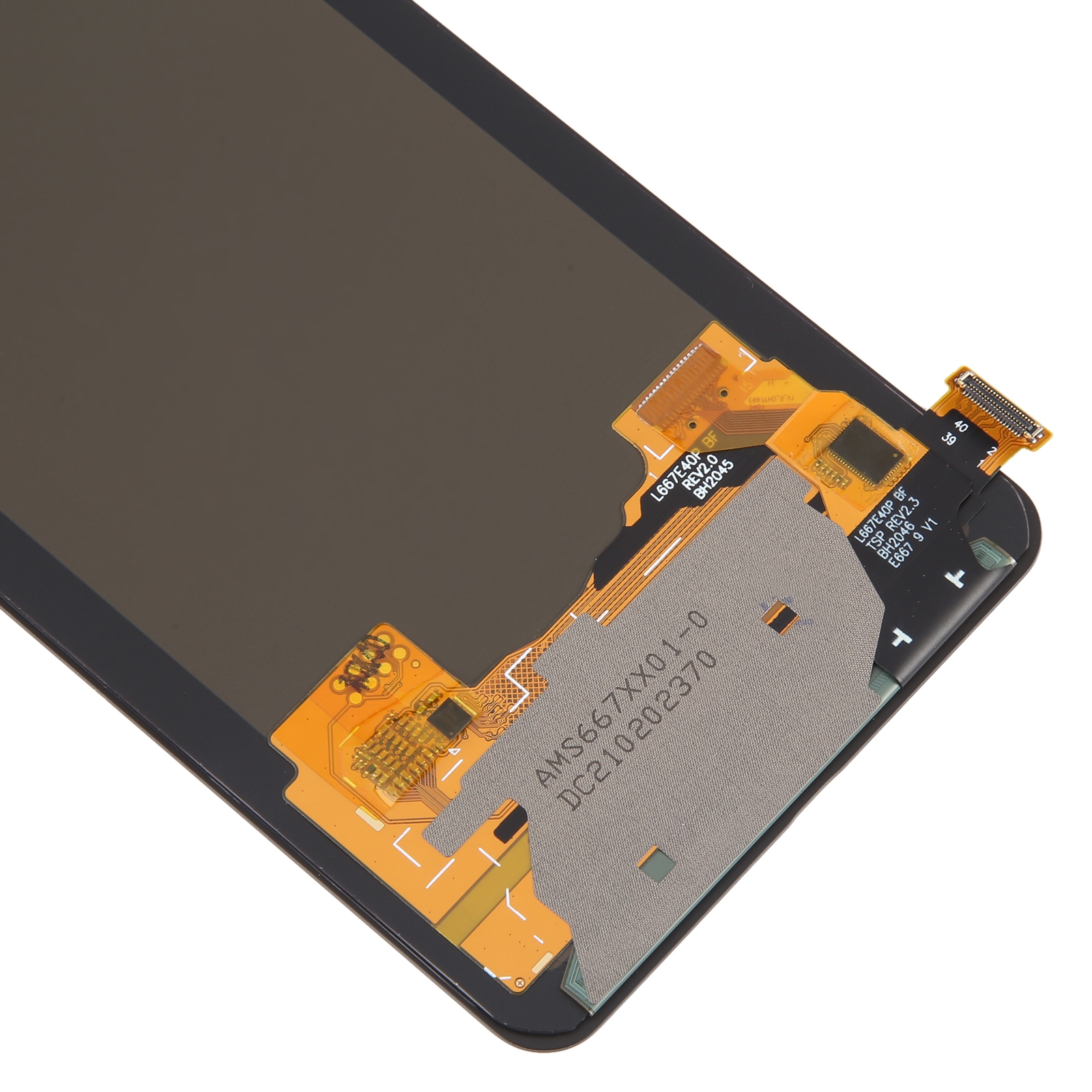
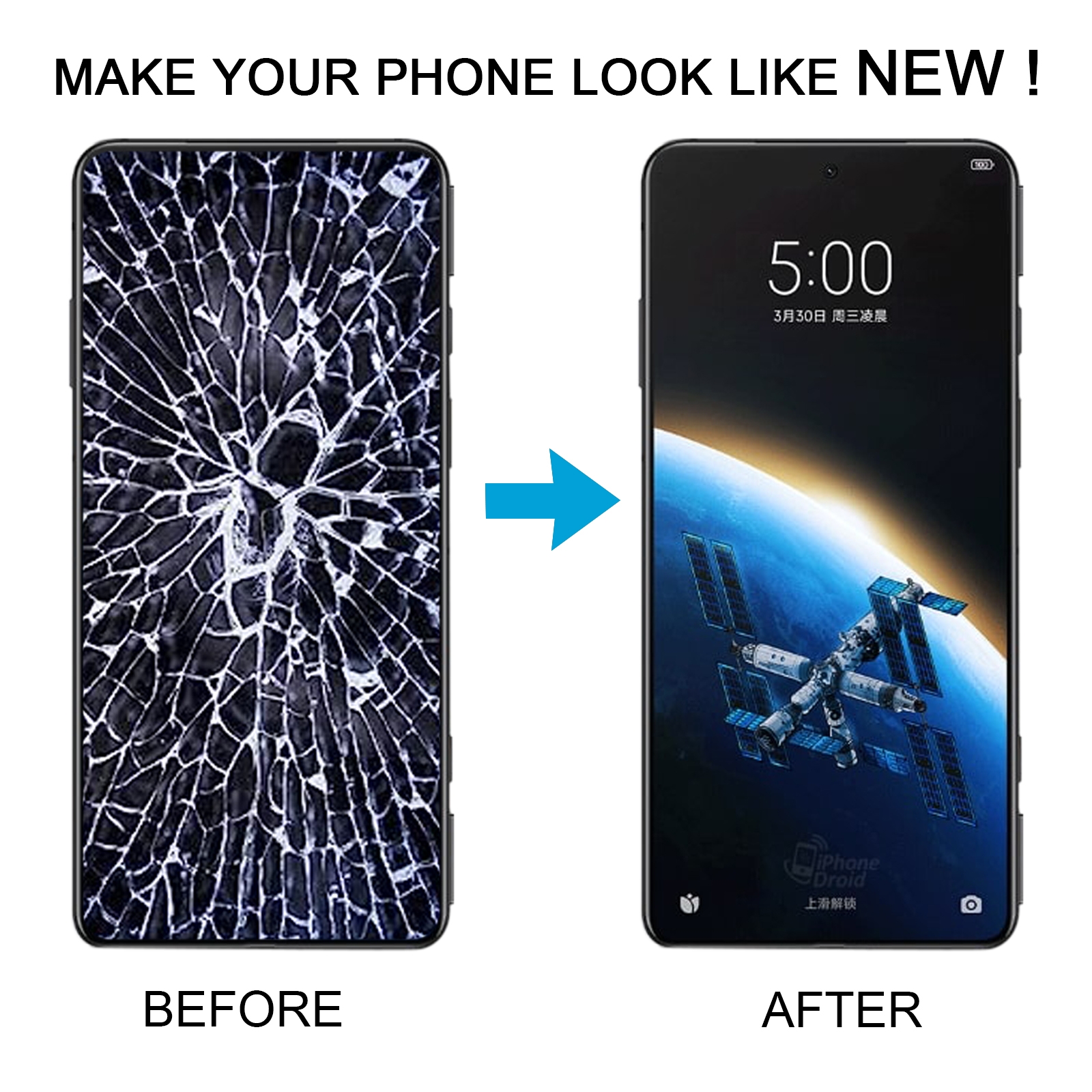


Cracked glass or a flickering display making your Black Shark 5 hard to use? A full screen swap can bring it back to life.
What You’re Getting
This assembly pairs an OLED-material LCD panel with a touch digitizer, so the screen and touch layer arrive as one unit. Colour is black. There’s no need to source the panel and glass separately, which saves time and avoids mismatched parts.
Each unit is checked before it leaves our warehouse. The item is listed as a replacement for a broken or unusable screen, so you get a fresh surface that responds to touch and shows clear colour.
Why This Part Works
OLED-material panels give deep blacks and sharp contrast, which suits a gaming phone like the Black Shark 5. Video, games and photos look cleaner once the old damage is gone.
Because the digitizer comes pre-attached, you avoid fiddly alignment of a loose touch layer. That keeps the swap simpler and reduces the chance of dead spots near the edges.
Installation Notes
Test the screen before you fit it. Connect the motherboard and new display with the audio cable, power on, and check that the image and touch respond. Only install it once everything works.
Wear an ESD strap and ground yourself before you start. Protect your eyes and watch for glass splinters. Keep the LCD cable under 90 degrees, since sharp bends can cause a black screen.