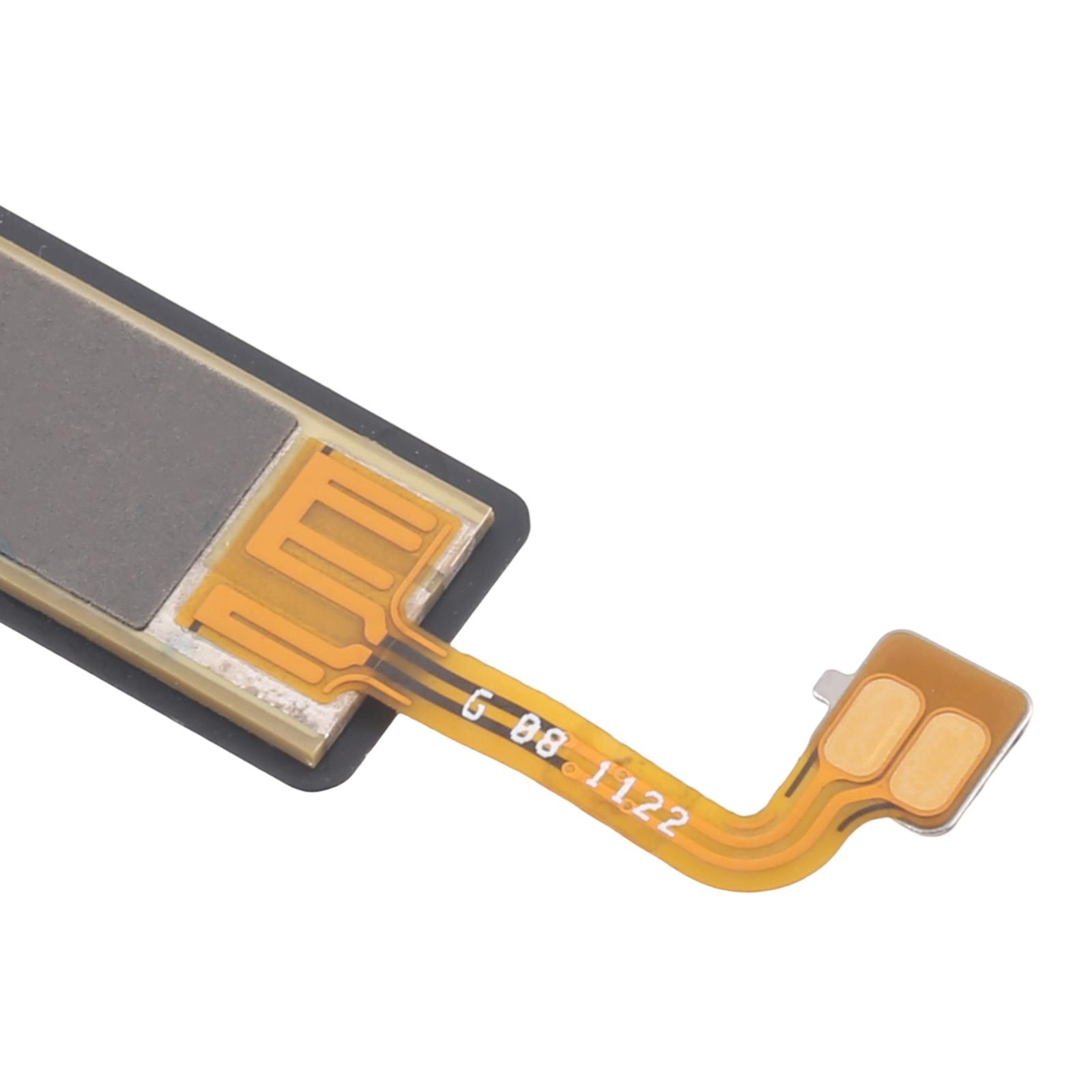


Screen stuck in portrait when you tilt the phone? Auto-rotate that won’t kick in can make everyday browsing frustrating.
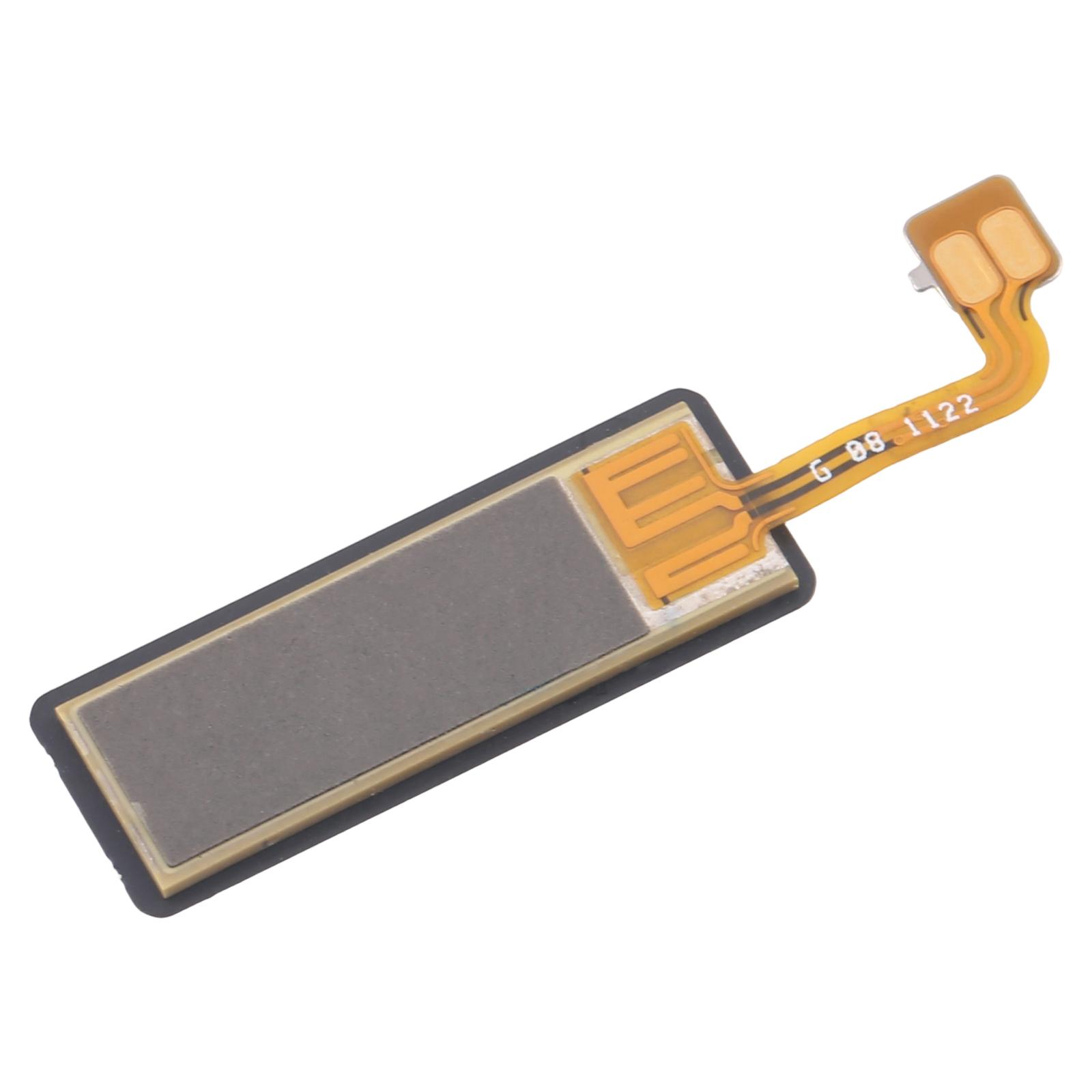
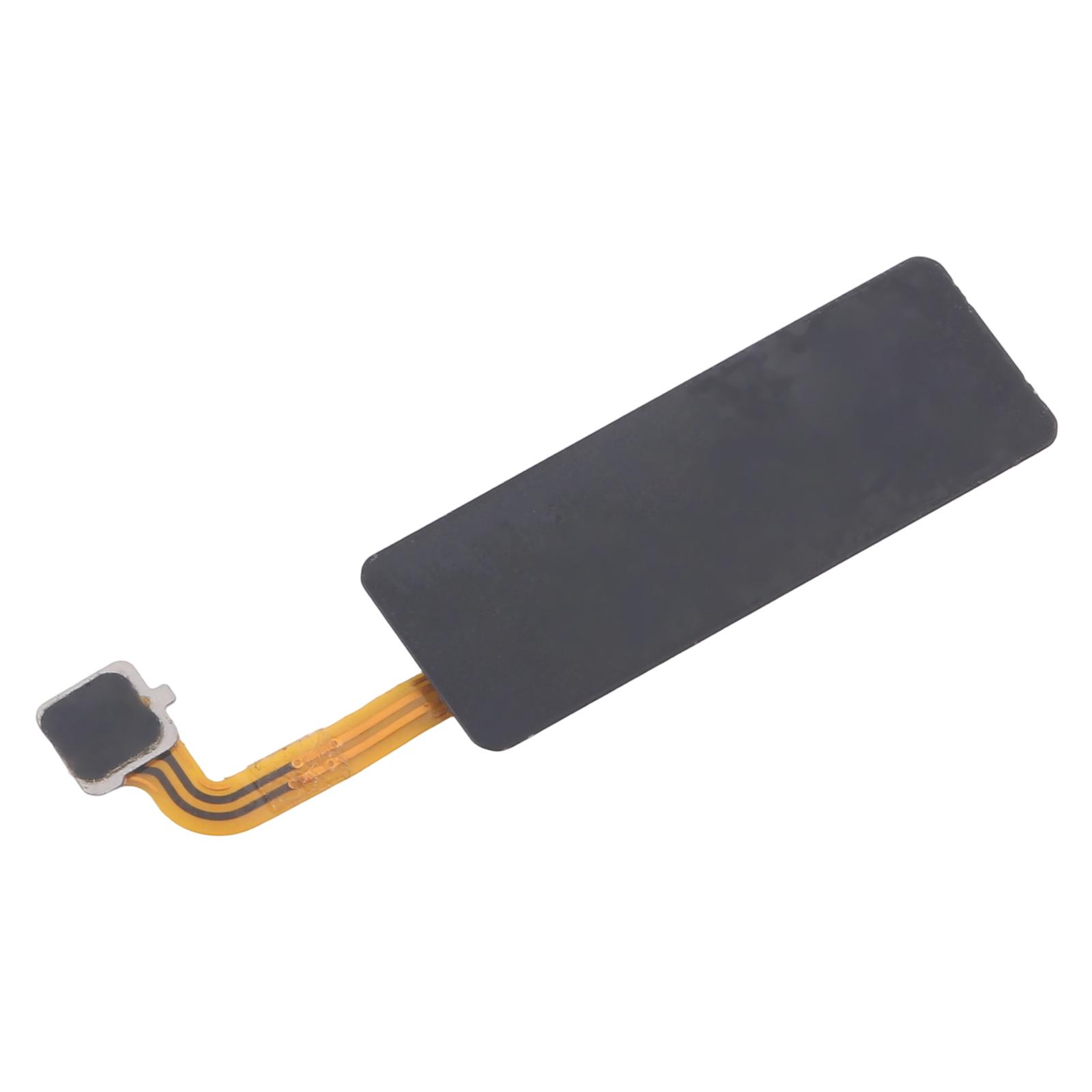
This gravity sensor flex cable is built to replace the faulty part inside your Honor Magic4 Pro. The sensor reads how you hold the phone, so a worn or damaged cable can affect screen orientation and any app that relies on motion.
What You’re Getting
You receive a single gravity sensor flex cable, ready to fit in place of the broken one. Each unit is checked for good condition before it leaves our warehouse, so you start with a working component rather than a guess.
Why This Part Works
The cable is designed as a direct replacement, which means it matches the original layout and connection points. You don’t need to modify anything or source adapters. Once fitted, the sensor should pick up orientation changes again, letting your screen rotate smoothly between portrait and landscape.
Installation Notes
Work on a clean, well-lit surface and wear an ESD strap to protect the internal electronics from static. Take your time releasing the connectors, and never bend the flex cable past 90 degrees, since fine ribbon lines crack easily. Test the phone before reassembling so you know the fix worked.
A qualified technician is the safest choice for this repair. Stick to the steps carefully if you go the DIY route.