


What You’re Getting
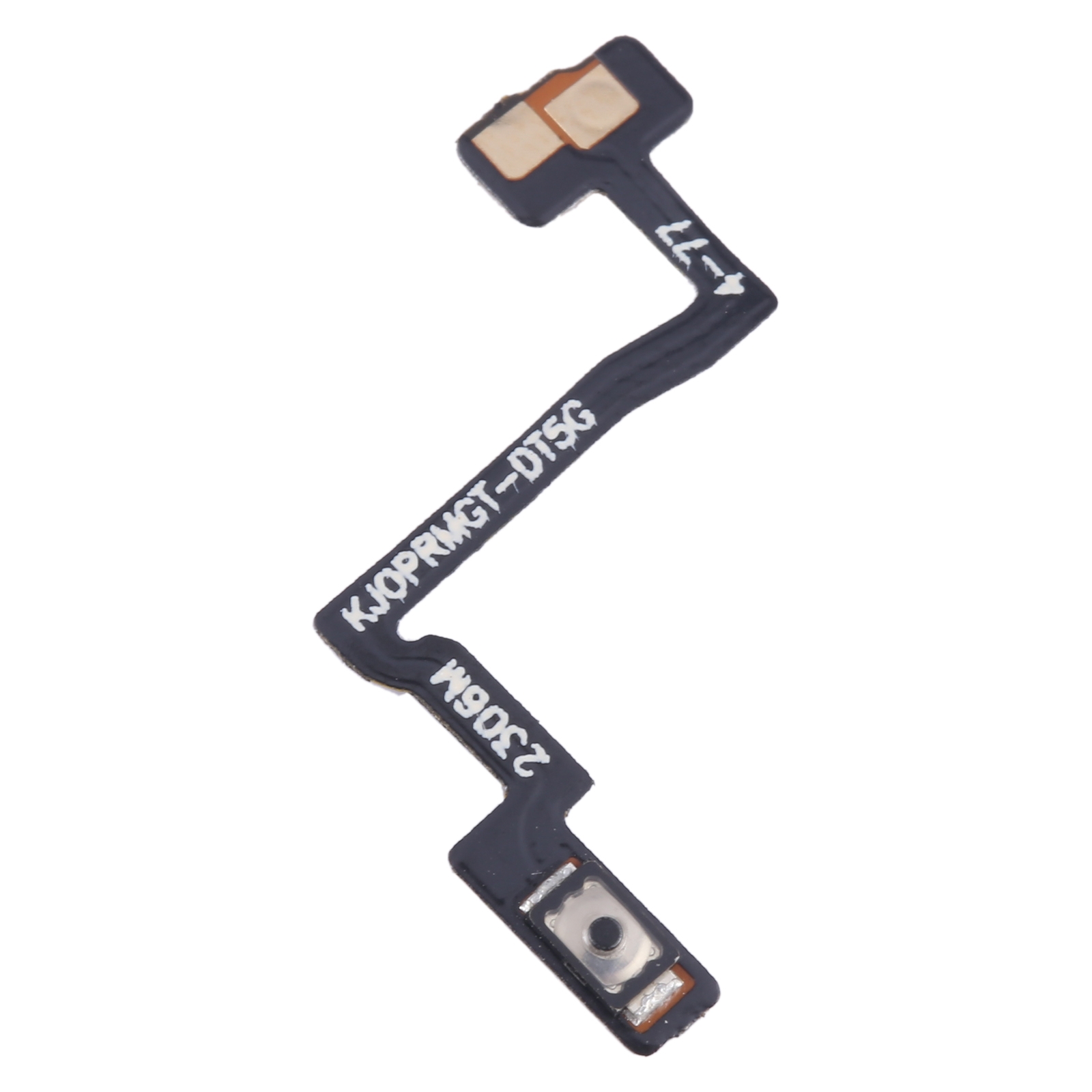
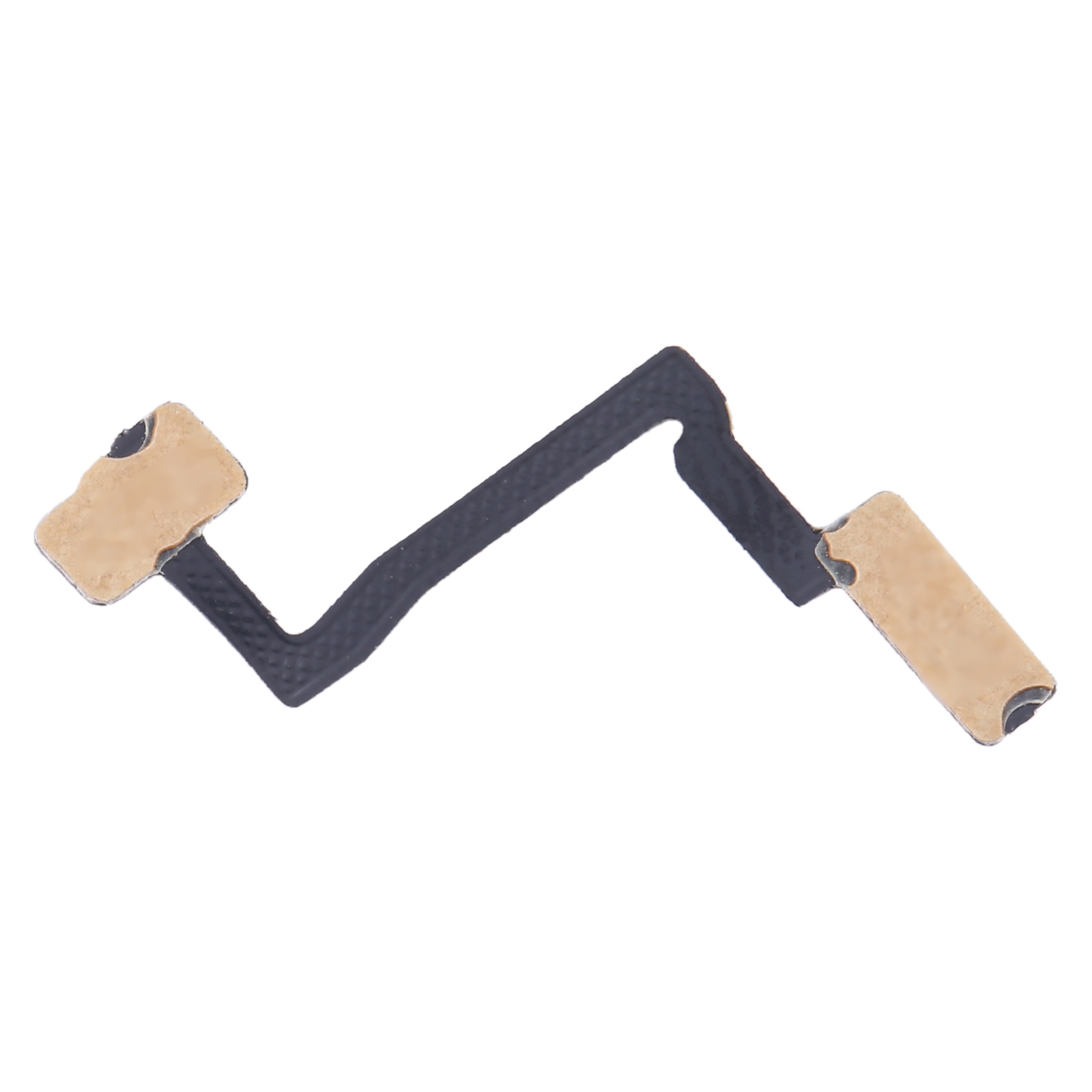
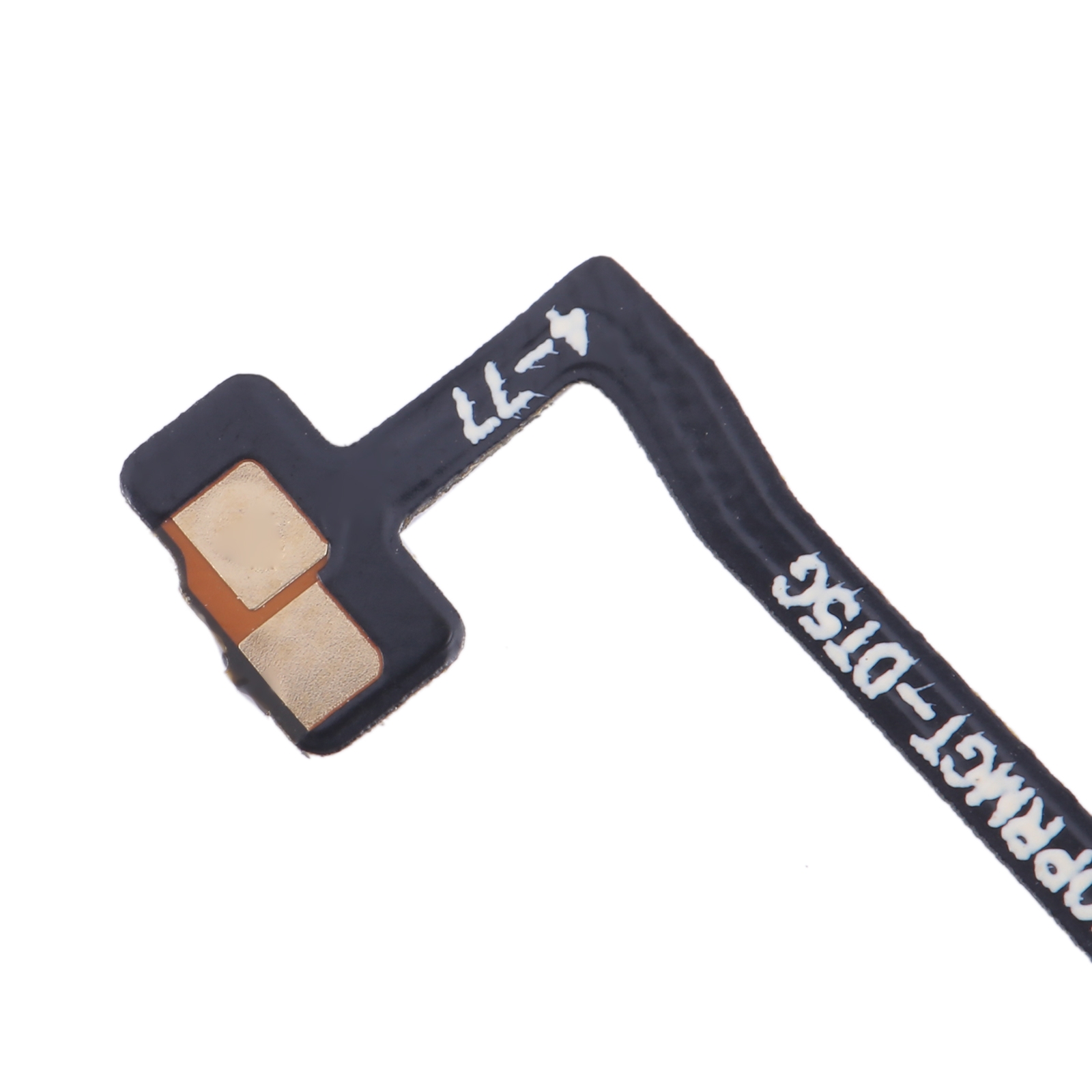
Struggling with a power button that won’t wake up your Realme GT Explorer Master? This is the exact flex cable that connects your power button to the phone’s motherboard. It’s designed specifically for the Realme GT Explorer Master, so it slots right in without any fuss.
Why This Part Works
Your phone’s power button controls everything from turning the screen on to taking screenshots. When that connection goes bad, it feels like your device is frozen. This replacement flex cable restores that critical link, letting you power up, lock, and use all the button functions again. Hundreds of repair shops across South Africa choose this part for their Realme GT Explorer Master fixes.
Installation Notes
Before you start, give the cable a quick test if possible to make sure it’s working. Use an anti-static wrist strap to protect the phone’s internals, and be gentle when handling the cable—don’t bend it too sharply. Delivery is free anywhere in South Africa, and you’re covered for half a year with our warranty.
Support Details
Need a hand? Drop us an email at support@phoneparts.co.za or WhatsApp 063 193 2306. Over six hundred technicians rely on our components for their repair jobs, so you’re in good hands. Your order ships with no delivery charge and includes six months of coverage for peace of mind.


