

What You’re Getting
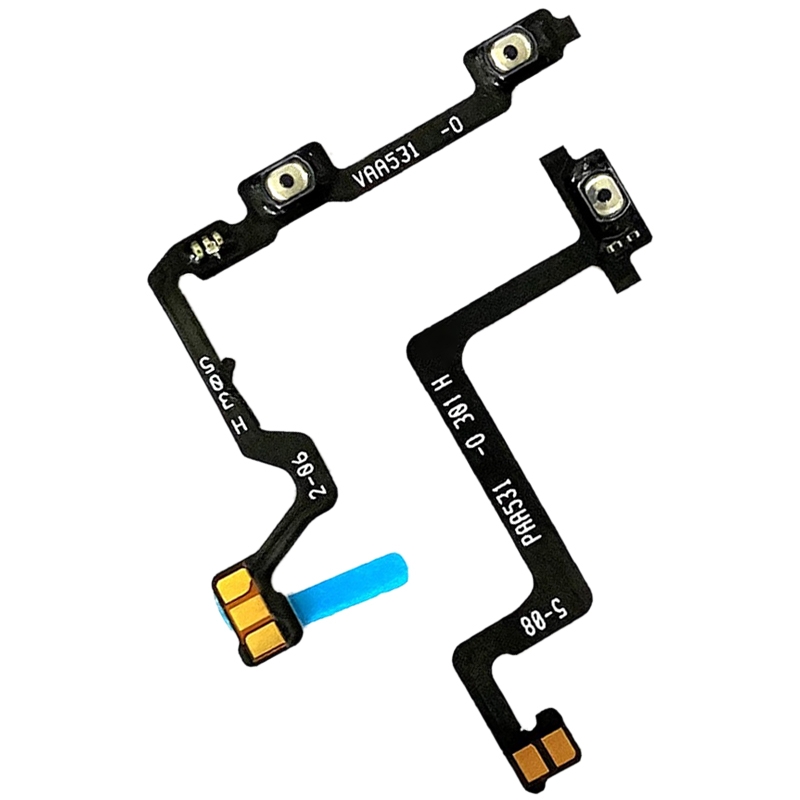
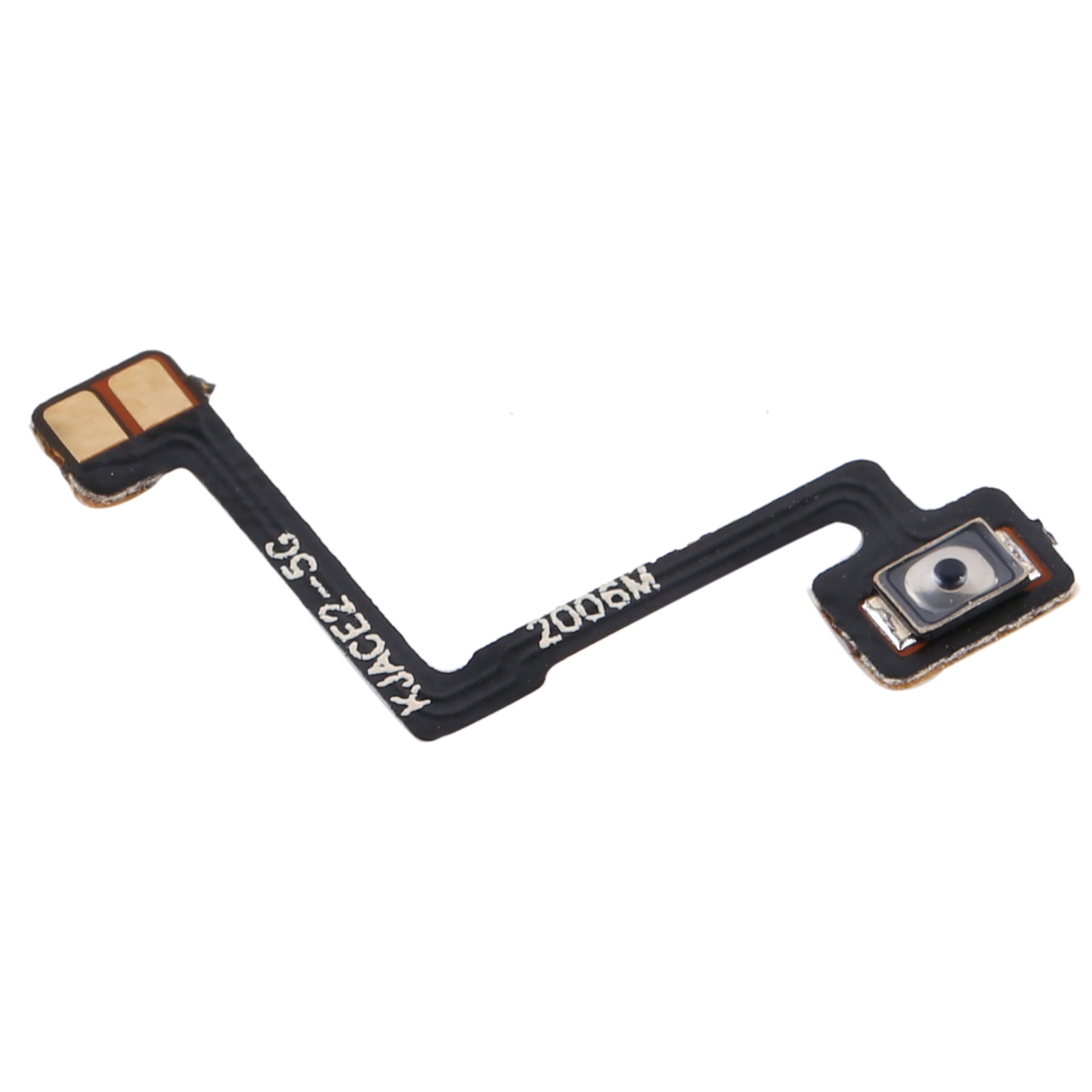
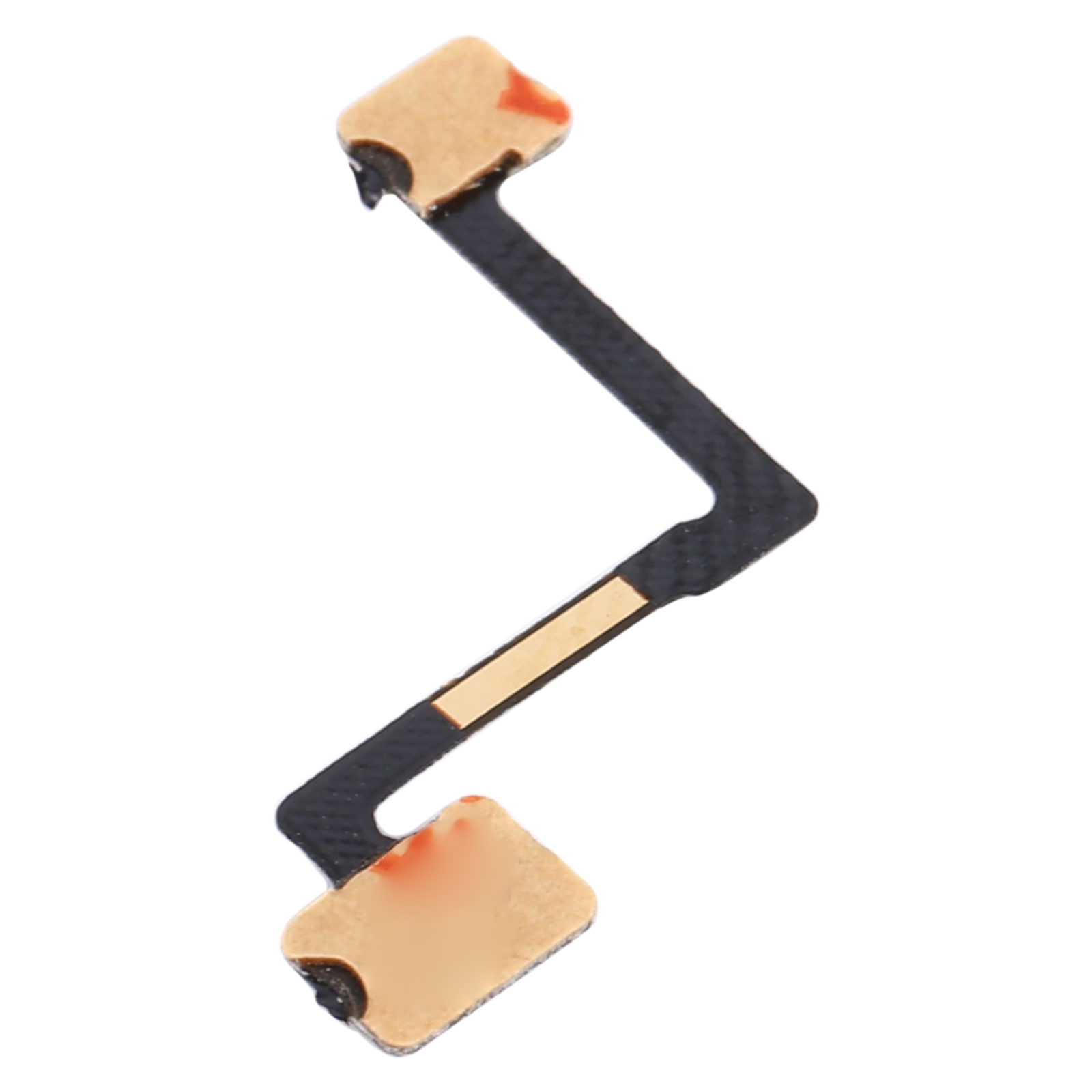
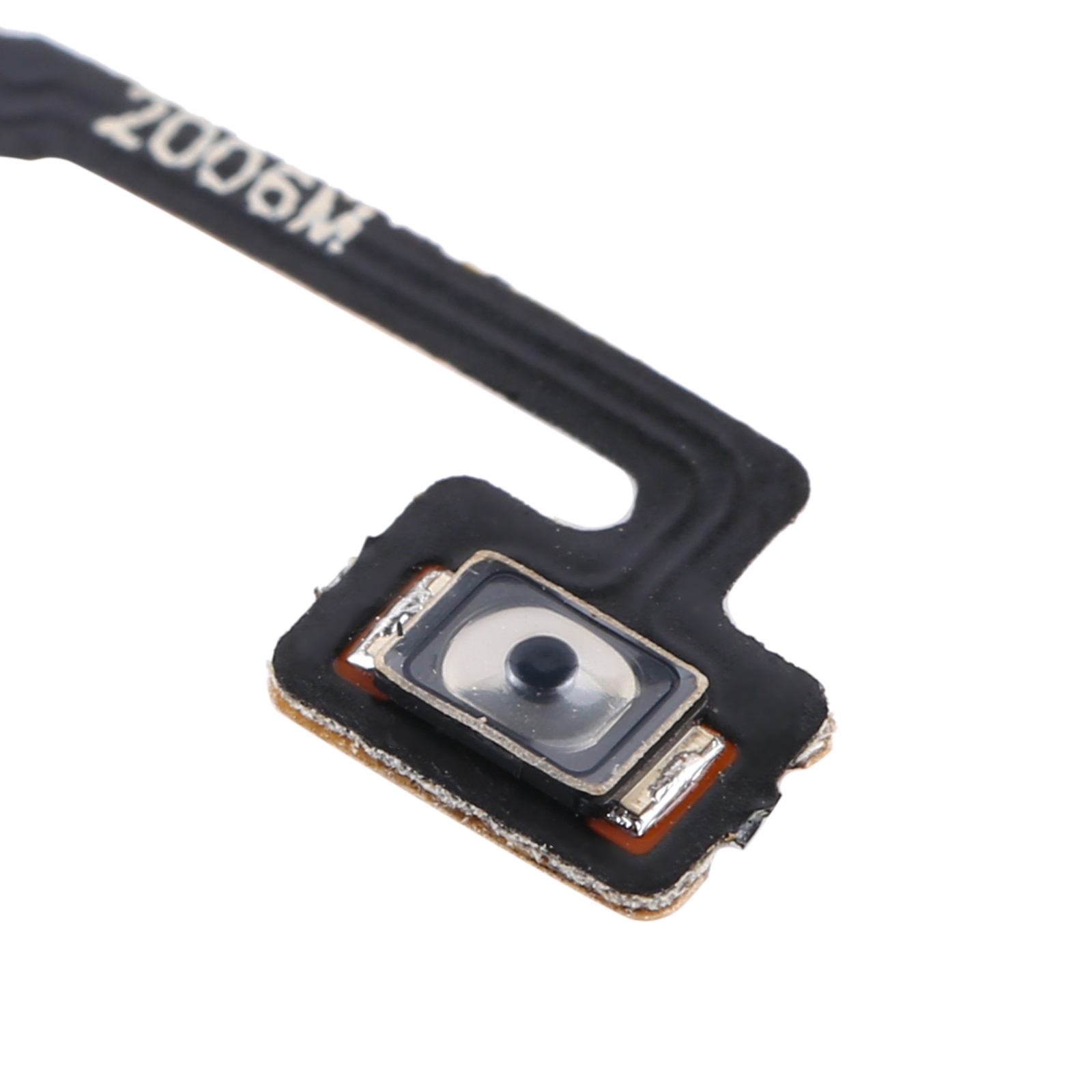
This is the exact flex cable that connects the power button on your OPPO Ace2 PDHM00. If your button feels sticky, unresponsive, or just won’t click anymore, this little ribbon is likely the culprit. It’s designed to slot right into your phone’s internal layout, so everything lines up perfectly when you’re putting it back together.
Why This Part Works
We’ve made sure this cable matches the specs of your Ace2 PDHM00, so it communicates properly with the motherboard. No more guessing if a press registered – you’ll get that satisfying tactile feedback again. Hundreds of repair pros across SA keep this part on their shelves because it just fits and functions as it should.
Installation Notes
Before you start, give the new cable a quick test if possible to make sure it’s working. When handling it, try to avoid sharp bends – keep folds gentle. If you have an anti-static wrist strap, it’s a good idea to use it to protect the delicate electronics. Take your time aligning the connector, and you’ll have your power button back in action.
Warranty & Support
You’re covered for half a year with our warranty, so if anything’s off, we’ll sort it out. We’ll send it to you with no delivery charge anywhere in South Africa. Need a hand? Drop us a line at support@phoneparts.co.za or ping us on WhatsApp at 063 193 2306. We’re here to help get your Ace2 feeling like new again.