

What You’re Getting
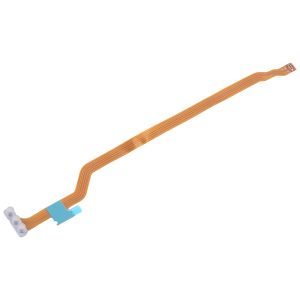
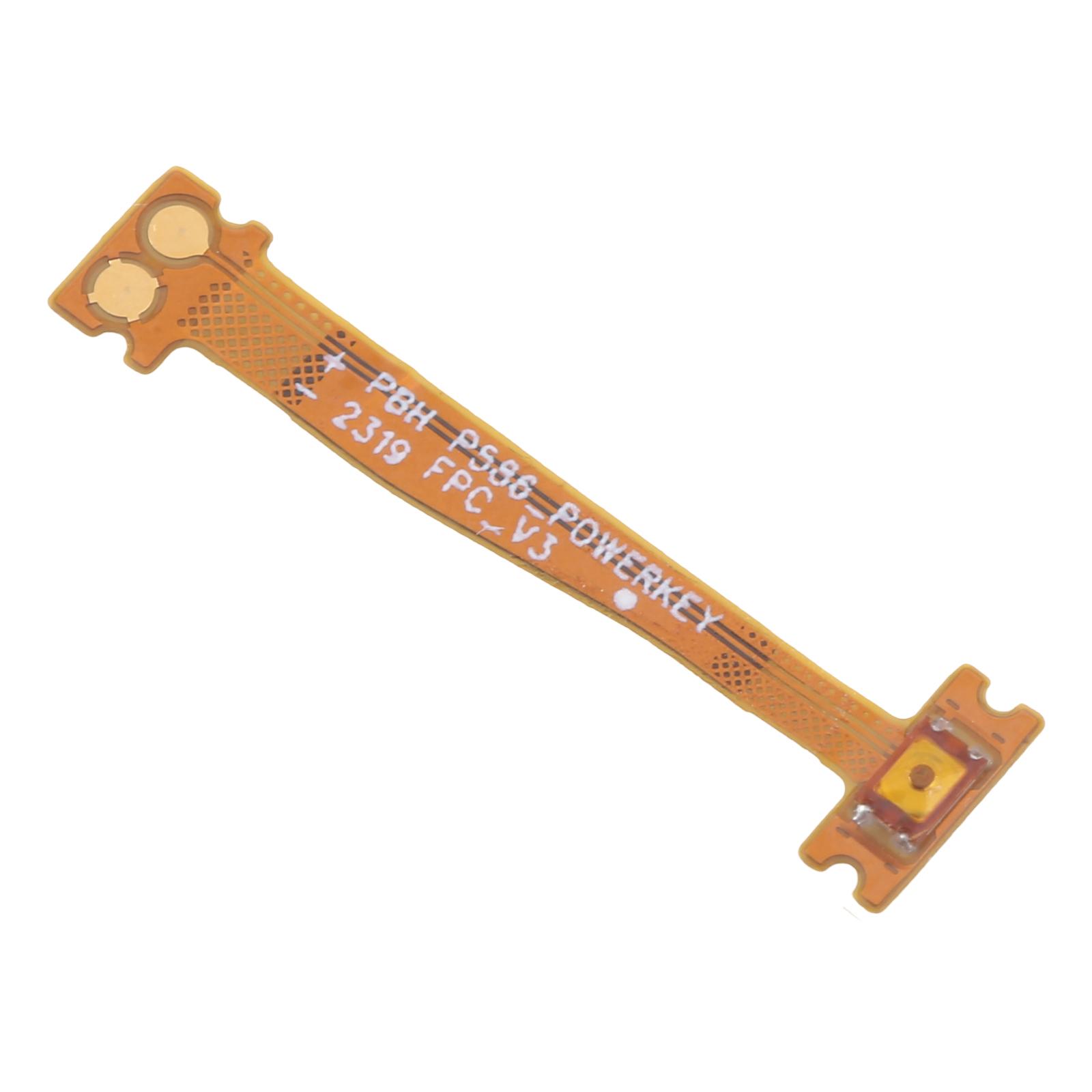
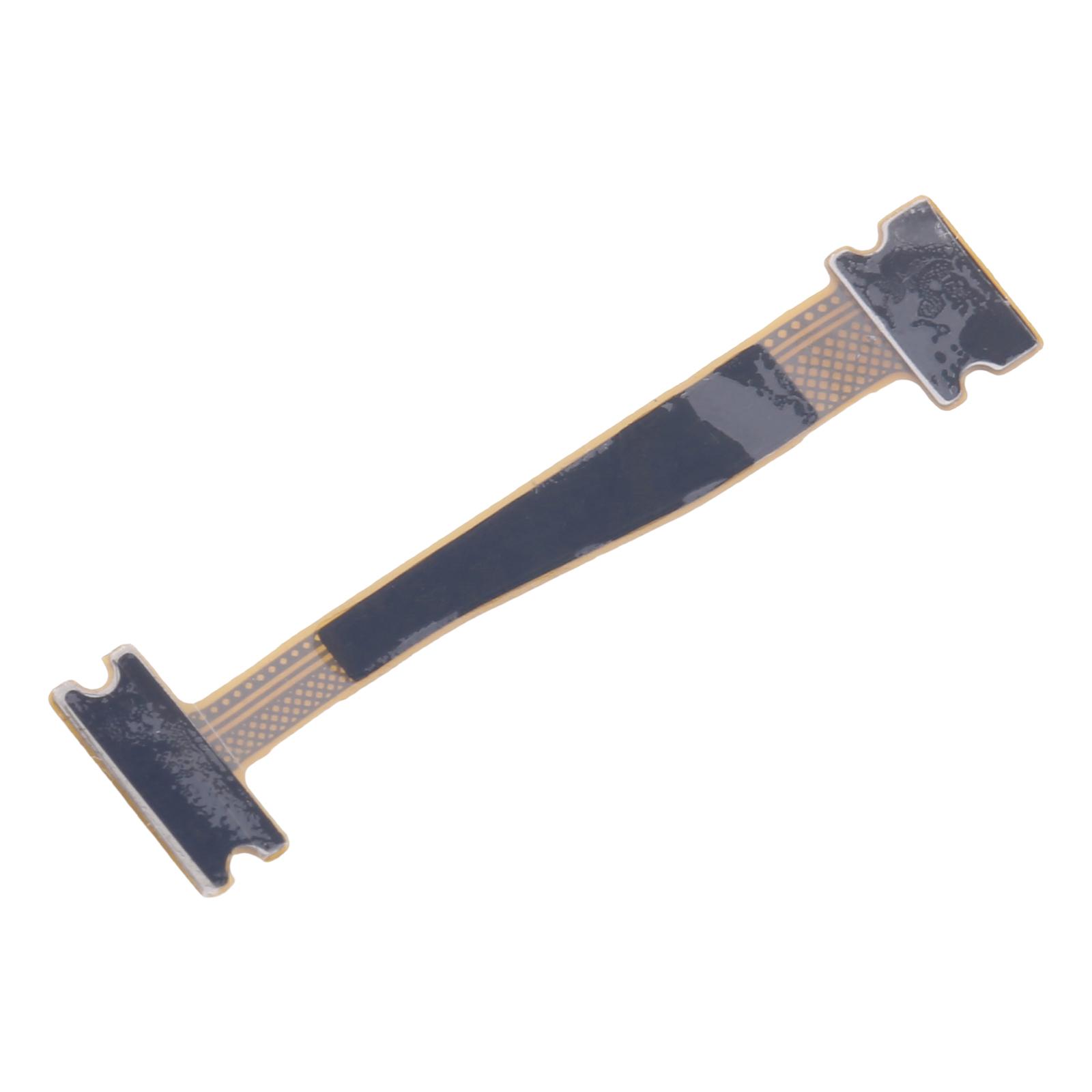
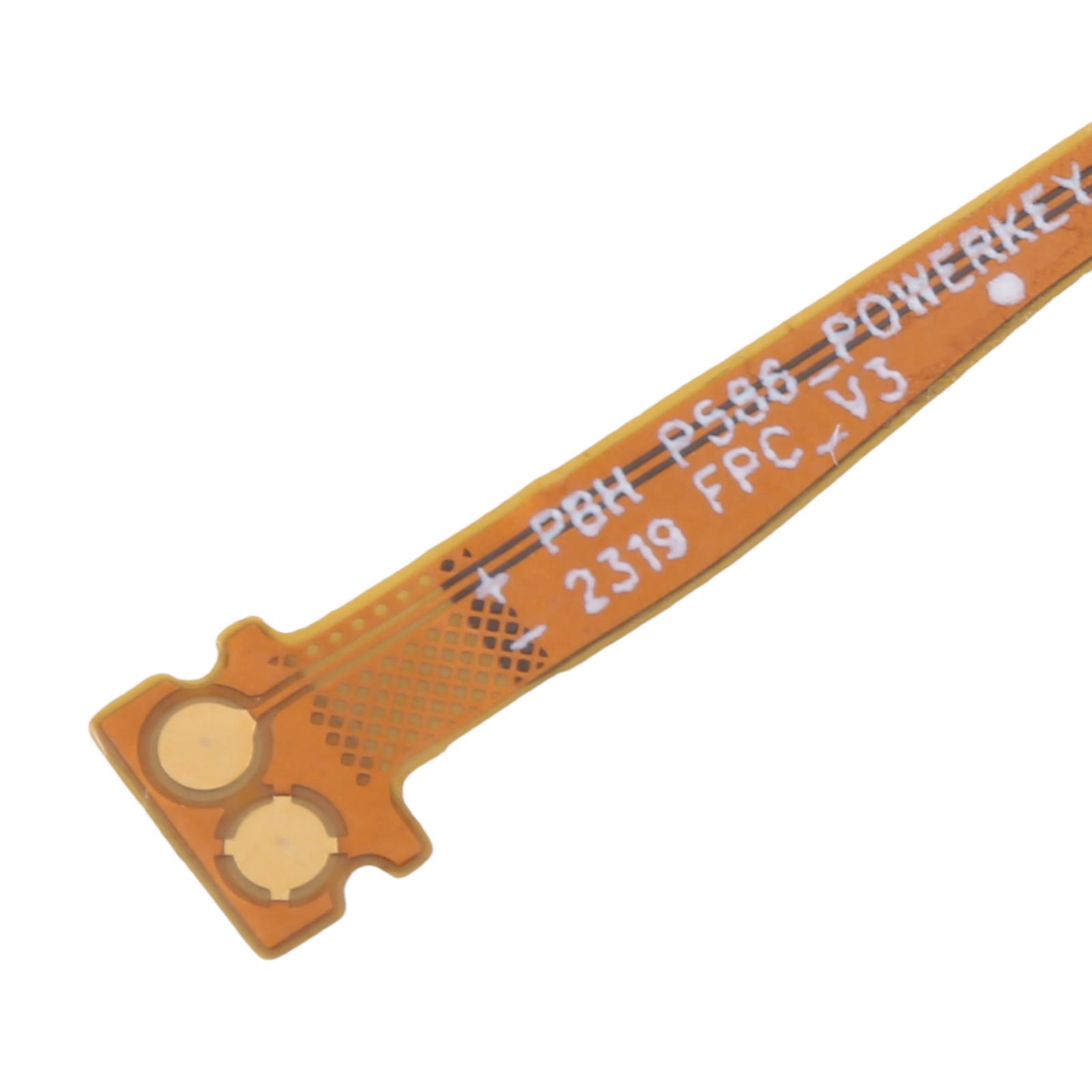
This is the exact flex cable that connects the power button to the mainboard in your Huawei MatePad 11.5 (models BTK-W09 or AL09). If your tablet’s power button feels loose, doesn’t click properly, or just stops working, this little ribbon is likely the culprit. It’s designed to slot right in and restore that satisfying press.
Why This Part Works
We made sure this cable matches the connectors and layout of your specific MatePad. No guesswork needed – it’ll line up with the existing clips and ports inside your device. Hundreds of repair technicians across South Africa choose our parts for their tablet fixes because they fit correctly every time.
Installation Notes
Before you start, give the cable a quick visual check to make sure nothing looks off. When you’re working inside your tablet, try to use an anti-static wrist strap if you have one – it helps protect those tiny circuits. Go easy when handling the ribbon; avoid sharp bends or folding it too far. If you’re not comfortable doing the repair yourself, any local repair shop can handle it in minutes.
Warranty & Support
You’re covered for half a year with our warranty – if anything’s not right, we’ll sort it out. We’ll send it to you with no delivery charge anywhere in SA. Stuck during installation? Ping us on WhatsApp at 063 193 2306 or email support@phoneparts.co.za. We’re here to help get your MatePad waking up properly again.