

What You’re Getting
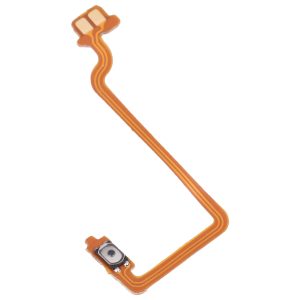
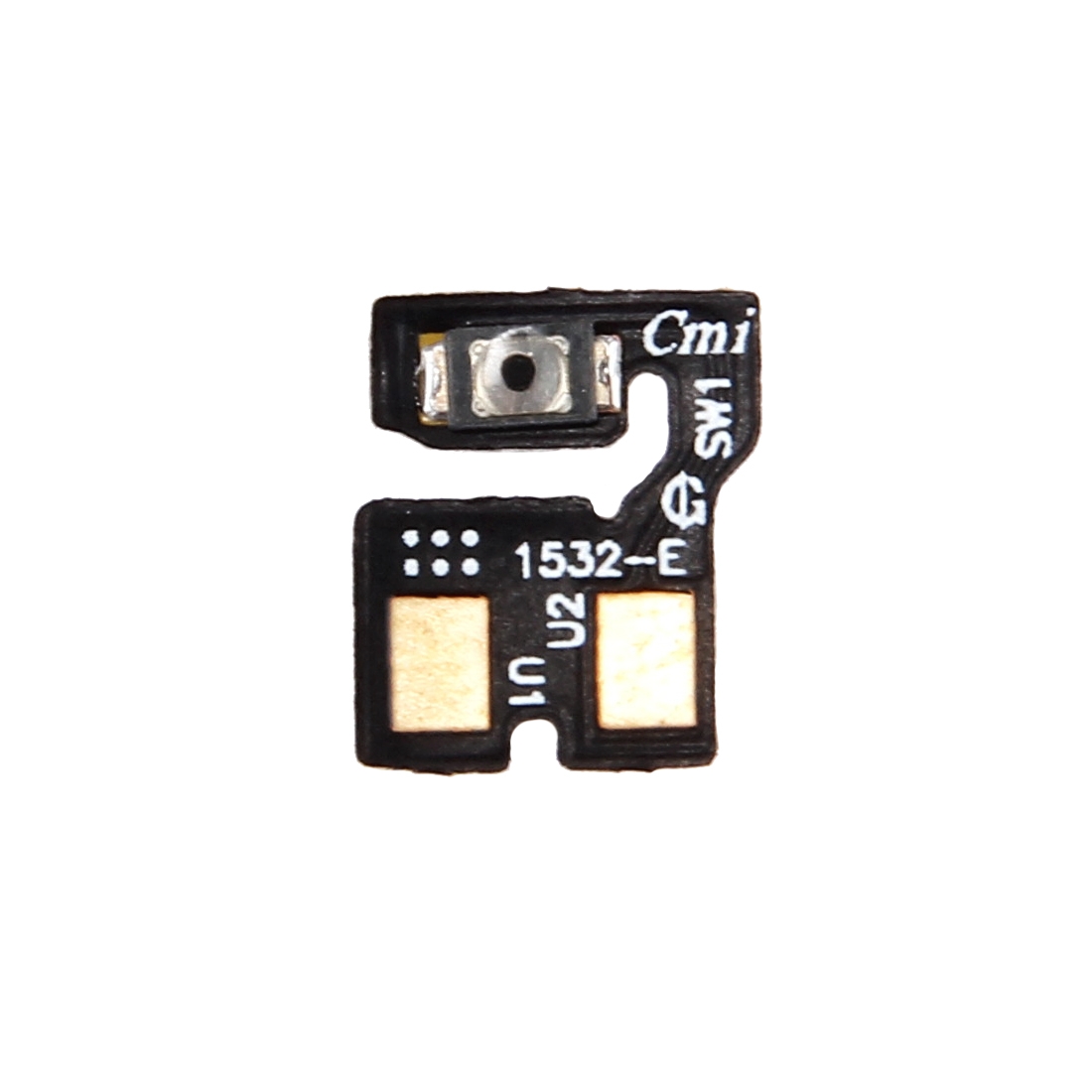
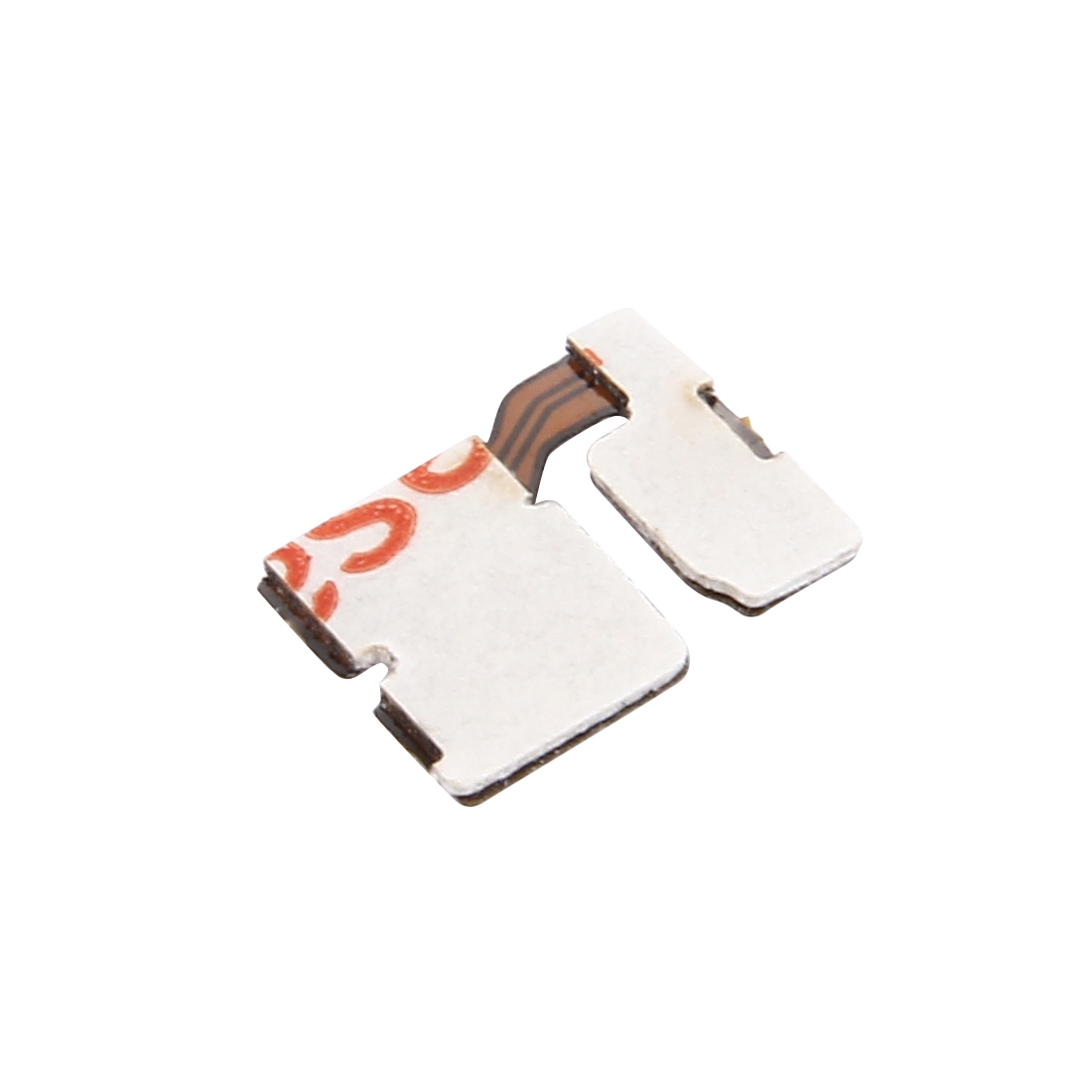
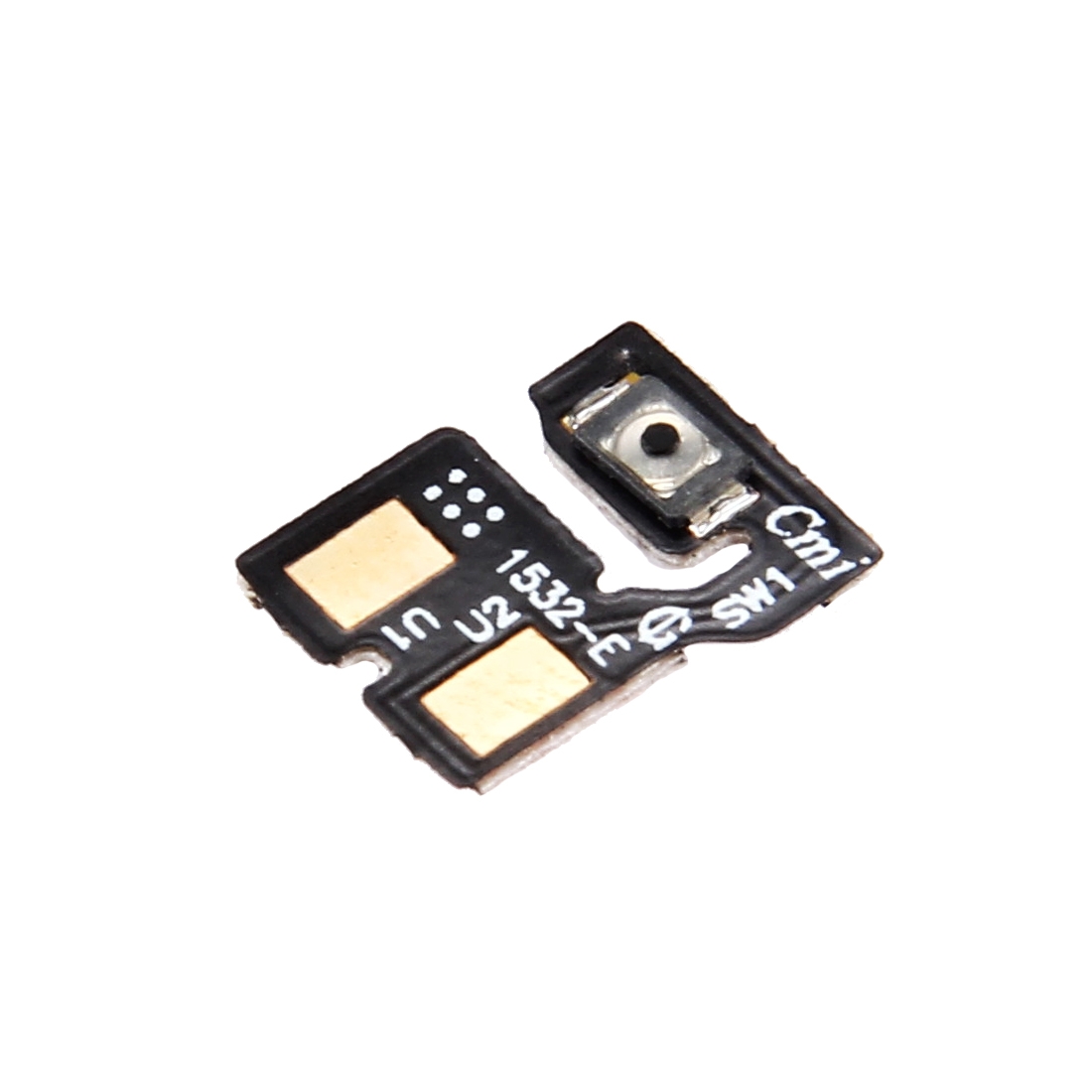
Power button acting up on your Asus ZenFone 2 Laser ZE550KL? This flex cable is exactly what you need to get things working smoothly again. It’s the specific ribbon that connects your power button to the phone’s motherboard, letting you turn your device on and off without any hassle.
Why This Part Works
Designed specifically for the ZenFone 2 Laser ZE550KL, this cable matches your phone’s internal layout perfectly. When that power button stops responding or feels loose, swapping this component usually does the trick. It’s the same part hundreds of repair technicians across South Africa rely on for fixing this exact model.
Installation Notes
Before you start, test the new cable with your phone’s battery connected but not fully installed – just enough to check if the button responds. Use an anti-static wrist strap if you have one, and handle the ribbon gently without sharp bends. The cable should flex naturally, not fold at extreme angles.
Support Details
You’re covered for half a year with our warranty on this part. If anything doesn’t work right, we’ll make it right. Need help? Message us at support@phoneparts.co.za or WhatsApp 063 193 2306. We ship free anywhere in South Africa, so you can get your ZenFone 2 Laser working without extra delivery charges.