

What You’re Getting
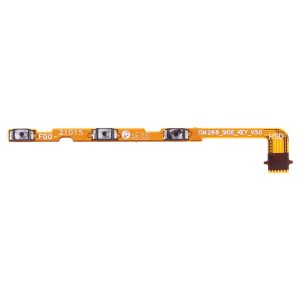
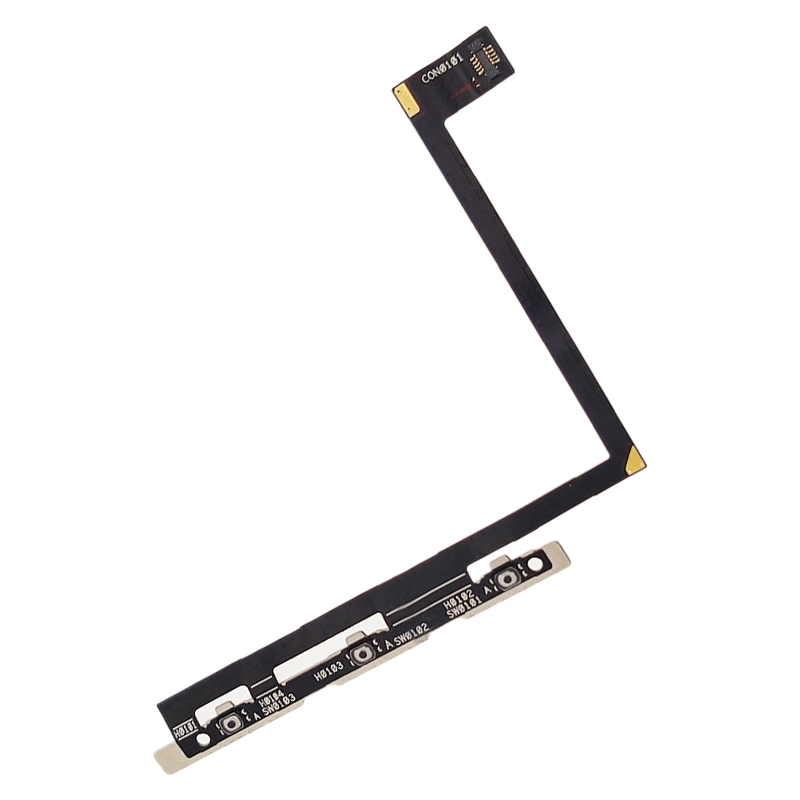
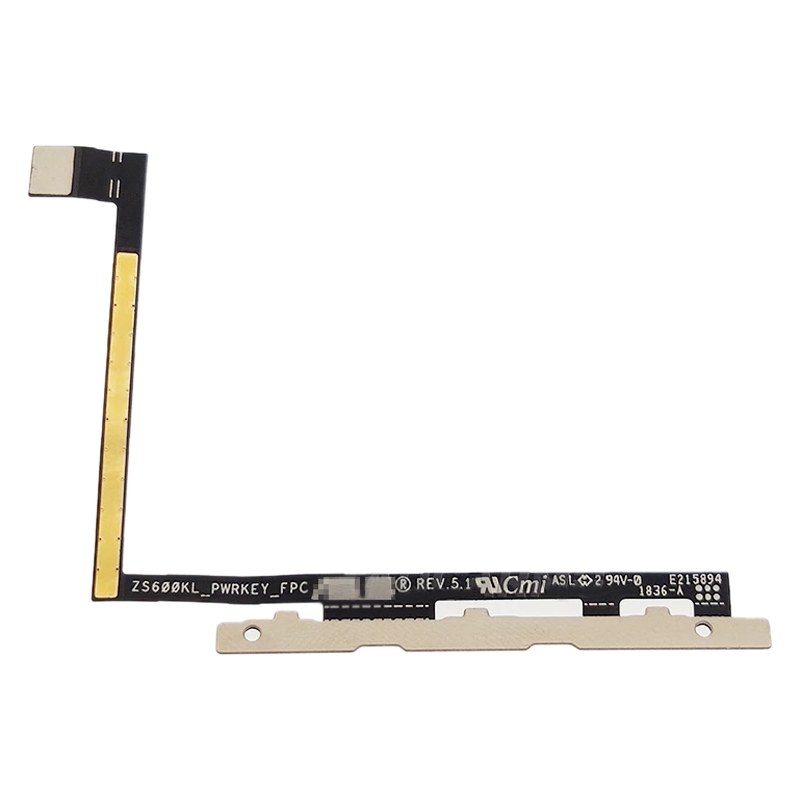
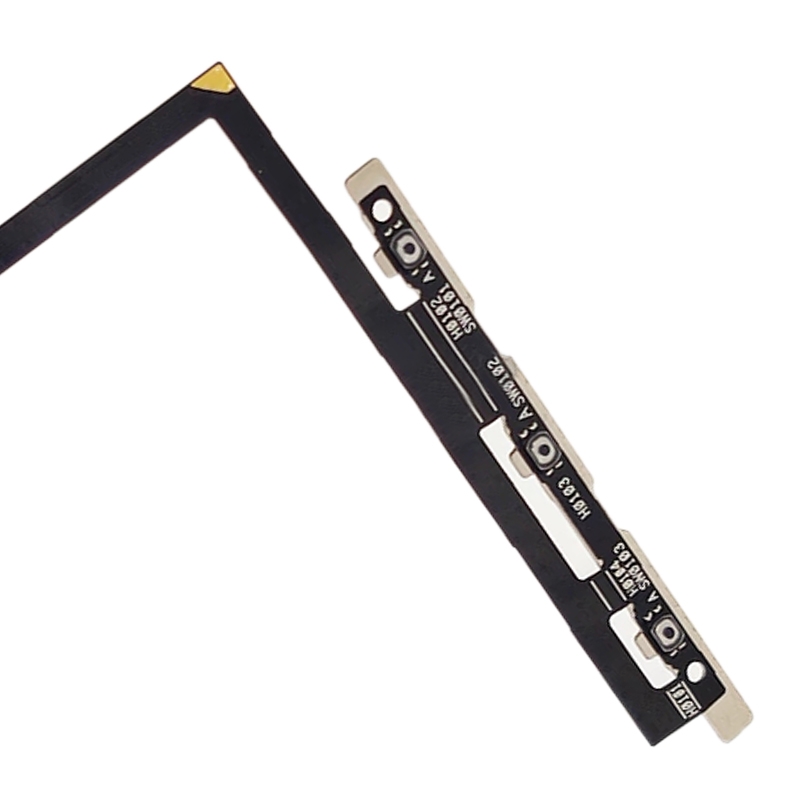
This is the exact flex cable that connects your Asus ROG Phone ZS600KL’s power and volume buttons to the motherboard. When those buttons stop responding or feel mushy, this little ribbon is usually the culprit. It’s designed to match your phone’s internal layout perfectly, so everything clicks back into place just like it should.
Why This Part Works
Your ROG Phone’s buttons rely on this specific flex cable to register presses. We’ve made sure it has the right connectors and length for your model. No more guessing if a generic part will fit – this one snaps right in where your old cable was. Over six hundred repair shops across South Africa stock our components for their repairs because they know they’ll work.
Installation Notes
Before you start, test the new cable by gently connecting it (without fully installing) to check button response. Use an ESD strap to avoid static damage, and be careful not to bend the ribbon past 90 degrees. Take your time – those tiny connectors need gentle handling. If you’re unsure, many local repair technicians can help with the installation.
Warranty Coverage
You’re covered for six months with this purchase. If anything’s not right, we’ll make it right. Your order ships free anywhere in South Africa – no hidden delivery charges. Need help? Message support@phoneparts.co.za or WhatsApp 063 193 2306. We’re here to get your ROG Phone’s buttons working smoothly again.